
Pricing and availability
We compare 600+ stores and found this item at 2 stores. Prices updated .
Store
Reviews
Price




* Product prices and availability are updated by Equipboard every 24hrs and are subject to change. Equipboard may receive compensation for purchases made at participating retailers linked on this site. This compensation does not affect what products or prices are displayed, or the order of prices listed. For more information, please refer to our affiliate disclosure.
Description
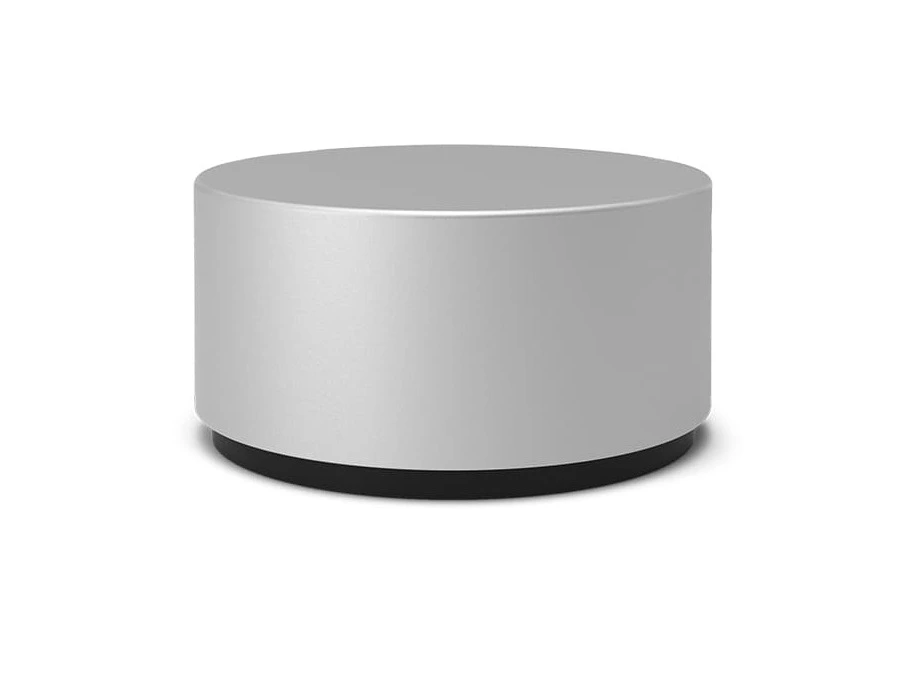
The Microsoft Surface Dial is a versatile tool designed to enhance your workflow and creativity. Whether you're a digital artist, musician, or power user, the Surface Dial offers a unique way to interact with your Surface devices. Simply pair it via Bluetooth 4.0 LE and unlock a world of functionality. With a gentle press and turn, you can adjust the volume of your favorite tracks, scroll through lengthy documents, or zoom into intricate details with ease.
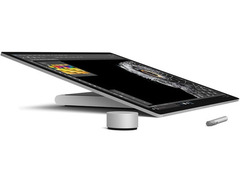
For creatives, the Surface Dial transforms into a powerful companion. Place it on the screen of your Surface Studio, and watch as context-specific tools like color pickers and rulers come to life, seamlessly integrating into your workflow. Its haptic feedback ensures you feel every adjustment, keeping you in sync with your work.
When combined with the Surface Pen, the Dial becomes even more potent, offering instant access to shortcuts, drawing tools, and controls. It's compatible with a wide range of apps, from creative software like Sketchable and StaffPad to everyday applications such as Microsoft Word and Excel. The Surface Dial isn't just a tool; it's an intuitive extension of your creative process, simplifying actions and enhancing productivity.
Key Features:
- Seamless Bluetooth 4.0 LE connectivity
- Interactive radial menu for quick access to tools
- On-screen integration with Surface Studio for additional functionality
- Haptic feedback for tactile interaction
- Compatible with a wide range of apps including creative and productivity software
Videos

DetroitBORG
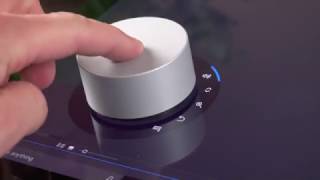
Microsoft Surface Dial: Unboxing & Review
Microsoft Surface Dial: Unboxing & Review
DetroitBORG
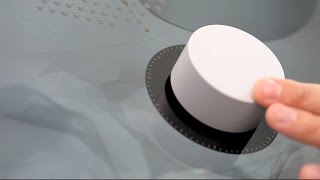
Microsoft's Surface Dial hands on

TechCrunch
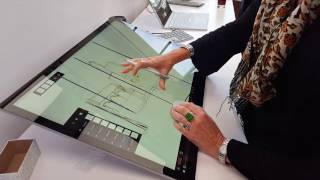
Hands on with Microsoft Surface Dial on the Surface Studio

GeekWire
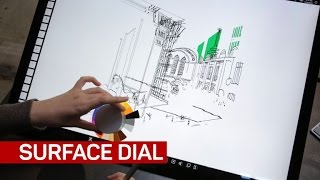
Everything you can do with the Surface Dial right now

CNET
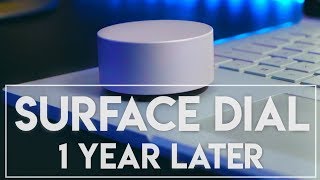
Microsoft Surface Dial Review 2019 - Must Have Or Gimmick?

Ditterz

Surface Dial, hands-on: haptic wheel works with Surface computers.
CNET
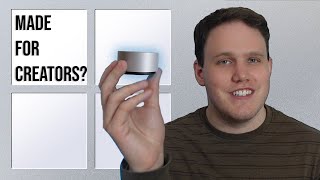
Does Anyone Remember This? Microsoft Surface Dial Lookback

innoiso
Microsoft Surface dial

Living a good life
Reviews
PROS
-
Seamless Bluetooth connection with non-Surface Windows PCs
-
Responsive tactile feedback enhances user interaction
-
Customizable commands per application
-
Recognizes active applications and adjusts settings accordingly
-
Compact design makes it portable and unobtrusive
-
Versatile use from volume control to advanced functions like canvas rotation
CONS
-
Limited command customization, no Windows key or mouse action emulation
-
Inconsistent performance with some software, especially music production apps
-
Requires waking up after inactivity, which might disrupt workflow
-
Lack of custom drivers limits potential functionality expansion
Owner Insights
We analyzed real musician discussions from forums and Reddit to find what players love, question, and tweak about Microsoft Surface Dial.
Features and functionality
-
The Surface Dial's haptic feedback and large size facilitate precision when used alongside a Surface Pen, particularly on larger screens like the Surface Studio.
Source -
The Surface Dial functions well as a programmable shortcut tool in studio mode on the Surface Laptop Studio, replacing covered buttons.
Source -
The Dial can be effectively used for scrubbing in video and audio projects, providing a tangible jog dial experience for those who prefer physical controls.
Source
Software and compatibility
-
Latest versions of Photoshop may no longer support the Surface Dial, especially on Windows 11, suggesting potential compatibility issues with newer software.
Source -
The Surface Dial is incompatible with on-screen dialing on models like the Surface Laptop Studio and Surface Book 3, limiting its intended functionality.
Source -
Customizing the Dial in applications like Lightroom, Premiere, and PhpStorm can enhance functionality, particularly when paired with scripts or mapping shortcuts.
Source
Use cases and applications
-
Some users find the Dial effective for simple tasks like volume control or scrolling through web pages, but it may not justify its retail price unless obtained cheaply.
Source -
It is effectively used in non-art applications like CDisplay EX for switching pages or quickly navigating through video content.
Source -
An AutoHotKey script allows the Dial to function like up+down keys, facilitating parameter adjustments in Ableton with customizable scroll speeds.
Source
User experience
-
The inability to configure the sleep timer leads to inconvenience, as users often inadvertently change functions while trying to wake the device.
Source
Value and pricing
-
Owners report finding the Surface Dial for as low as $15 used, making it a more attractive purchase for non-critical uses compared to its original price.
Source
Setup and maintenance
-
Users experience issues with editing wheel settings on Windows 11, recommending setting all shortcuts initially, as they cannot be added later.
Source
Comparisons
-
The Elgato Stream Deck+ is mentioned as a more versatile alternative to the Surface Dial, offering more features despite a higher price.
Source -
Alternatives like the Griffin PowerMate and Contour ShuttleXpress offer programmable dial interfaces, often at a lower price point than the Surface Dial.
Source
Critic Reviews
Based on 0 Reviews and 0 Ratings
Popular Music Gear


Artist usage


Community setups


Similar


Most Popular Brands
-
Added to Equipboard on by
Mm105_recordsGear IQ 59
-



