Sander Van Doorn
Sander Van Doorn's Software Plugins and VSTs


at 2:07 at clearly can be seen on his screen.
Find it on:

"I'm still doing a lot with the Sylenth because it has such a wide range of possibilities to tweak a sound."
Find it on:


In the video "Sander van Doorn Studio Sessions 2.0 - Episode 1: Kick & Bass Line" Sander Van Doorn discusses how he puts together his kick drums and bass lines. Around 6:50 into the video, he says his favorite plugin to use for bass is Spectrasonics Trilian. He chooses a bass from the category "Synth Bass." For demonstration purposes he switches off Trilian's built-in effects to achieve a dry bass sound. He later changes the preset to one called Attitude MS-20 Square. Sander says:
"The sounds that are in this plugin are really tight. The volume, the recording of these different plugins are absolutely phenomenal. This is a really cool synth to use when you're not using hardware like a Moog Voyager."
Find it on:





"I use the Nexus 2 quite a lot. It's possible to a lot with just software."
Find it on:

In an article on Musicradar titled "In pictures: Sander Van Doorn's synth-loaded studio," Sander Van Doorn highlights the Spectrasonics Omnisphere 2.8 as particularly effective for creating thick and warm trance pads.
Find it on:


In an article from Musicradar, Sander Van Doorn highlights the Rob Papen Predator as a "great synth, especially for percussive type sounds," showcasing its role in his synth-loaded studio.
Find it on:


"I use [Native Instruments] Massive a bit."
Find it on:


In the YouTube tutorial by Spinnin' Records, Sander Van Doorn demonstrates the use of the FabFilter Simplon Filter Plugin while producing his track "Oh, Amazing Bass."
Find it on:

In this video he used channel EQ plug-in in his track'oh amazing bass'.
Find it on:

In the Spinnin' Records tutorial video "How to produce Sander van Doorn - Oh, Amazing Bass," Sander van Doorn uses the Waves SoundShifter Pitch-Shifting Software Plugin in his track "Oh, Amazing Bass."
Find it on:

At 16:00 in the video, Sander van Doorn can be seen using the Apple Space Designer Reverb.
Find it on:
This is a community-built gear list for Sander Van Doorn.
- Find relevant music gear like Studio Equipment, Software Plugins and VSTs, Headphones, and other instruments and add it to Sander Van Doorn.
- The best places to look for gear usage are typically on the artist's social media, YouTube, live performance images, and interviews.
- To receive email updates when Sander Van Doorn is seen with new gear, follow the artist.
Discography
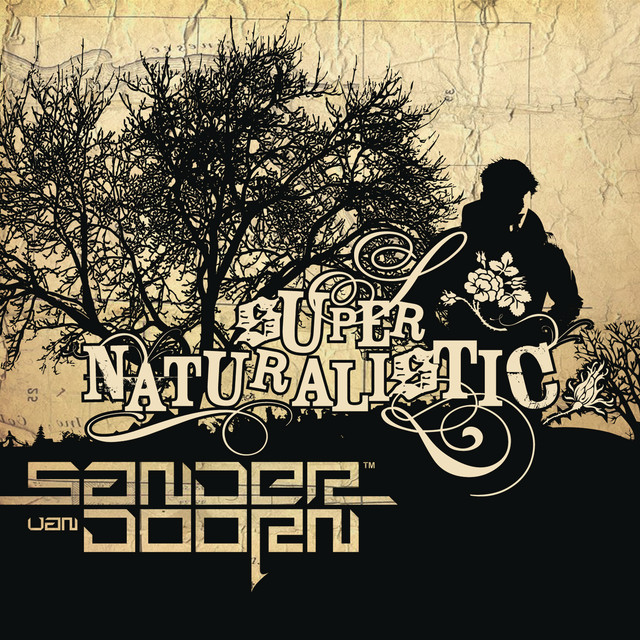
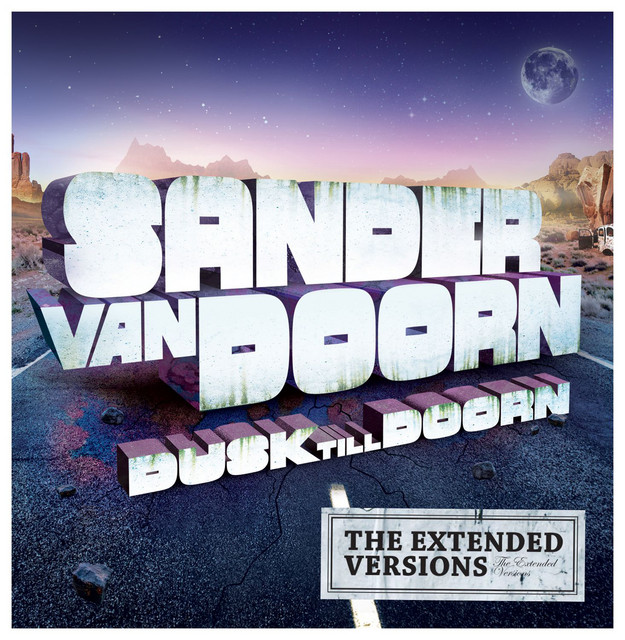
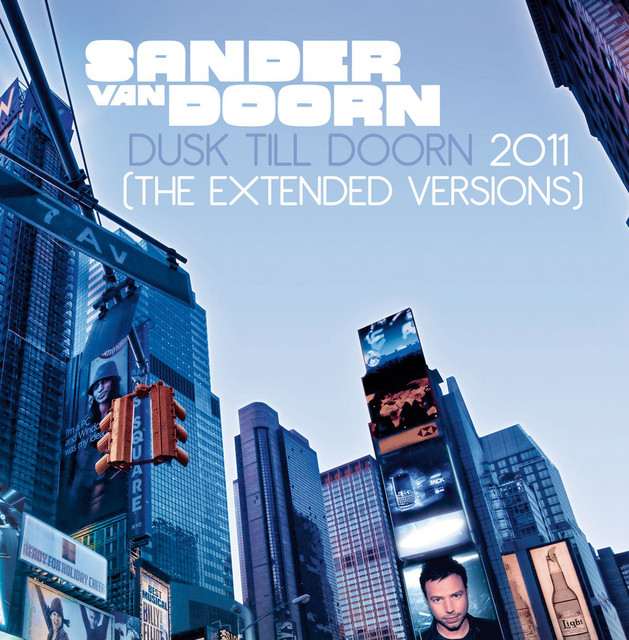
Album Credits
-
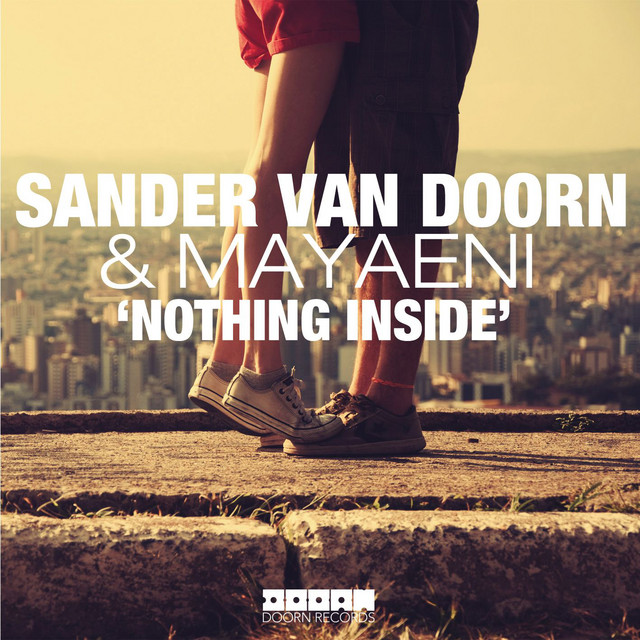
Sander Van Doorn · 2012
Producer -
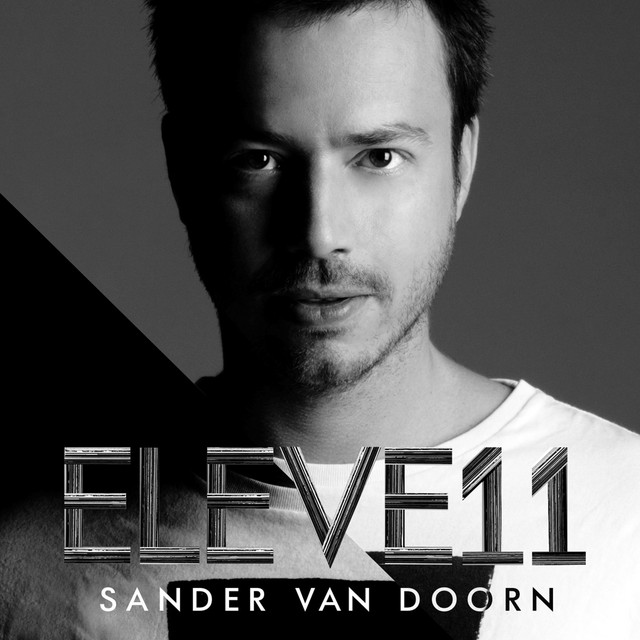
Sander Van Doorn · 2011
Producer