DubVision
Role
Genre
Group
Credits
Role
Genre
Group
Credits
DubVision's Gear


In this DubVision Instagram photo captioned, "Remixing at the airport! #workhardplayhard," they can be seen using Ableton Live DAW to remix a track. Photo is from July 2014.
Find it on:


At 0:48 sylenth1 can be seen on DubVision's MacBook Pro.
Find it on:

At 10.12 you can see that they use Avenger and they say that they use this plugin very often!
Find it on:

A fan asks DubVision on Twitter: "can you tell how you make the typical Dubvision bass? Massive, Sylenth?"
They reply, "its usually a couple of layers; always sylenth as sub and different plugins for mid & high.. usually Ace, Massive or Sylenth"
Ace refers to u-he's ACE Software Synth Plugin (tweet is from Oct 2013).
Find it on:





In this photo DubVision can be seen using MacBook Pros for a master class session.
Find it on:


In this Instagram photo of DubVision's studio gear setup, their MIDI keyboard controller can be seen, which is the M-Audio Axiom 49-Key (it can be distinguished from the 61-key version by where the keys line up relative to the buttons and knobs on the controller).
Find it on:

Dubvision comments on using ANA for a Sub in their tutorial of their song "Turn it Around" at 21:18 into the video.
Find it on:

Dubvision uses Ozone 5 at 43:30 of their Tutorial for "Turn it Around". They commented saying - "This is often used for mastering.We use it for these things, for chords and separate sounds that are important for the mix and really need to stand out...".
Find it on:


This photo posted by DubVision to Instagram shows their computer screen with a few of the plugins they use to produce their tracks. On the left of the screen, the Sugar Bytes WOW Filter Plugin can be seen. The photo is captioned, "New remix. Its gonna be Fucking hard!"
Find it on:

During the entire DJ set, both Steve and Victor (of DubVision) can be seen using the Pioneer HDJ-2000 Headphones.
Find it on:

In this Instagram photo of DubVision making edits to a track or set in Ableton while on the plane, the plugin that's visible on the screen of the MacBook is the FabFilter Pro-L Limiter.
Find it on:

At 1:43 in this live set a SLAM!FM, one of the brothers is spotted wearing a V-MODA Crossfade M100 in the Shadow color, complete with a custom DubVision logo on the shield.
Find it on:

The MacBook Air can be spotted in this Instagram photo.
Find it on:

The Iphone 5 can be seen in this photo.
Find it on:


In this tutorial of their track "Turn it Around", Dubvision can be seen using the Transient Shaper @ 10:57 into the video. "This gives just a bit more click".
Find it on:

At 29:02 of their Tutorial for "Turn it Around", Dubvision opens up Fab Filter Pro Q. "There's an EQ, We always use Pro-Q".
Find it on:


At 36:01 of the video, Dubvision displays the layers for a synth sound they created and commented - "This is all audio, Sylenth and Nexus".
Find it on:

Vanguard can be seen at 41:57 of their tutorial for "Turn it Around", on the bottom left, as one of the plugins featured in their chain.
Find it on:

Tube-Tech Compressor can be seen at 43:08 of their tutorial for "Turn it Around".
Find it on:

Dada Life Sausage Fattener can be seen at 1:00:10 of Dubvision's tutorial of their track "Turn it Around". They commented by saying "Its the last plugin we use in our master, not always, but for this project we do".
Find it on:

Dubvision can be seen using PSP Vintage Warmer at 59:36 of their tutorial for their track "Turn it Around".
Find it on:


In a photo posted on DubVision's official Facebook page, the Pioneer CDJ-2000 Nexus is visible, indicating its use in their DJ setup.
Find it on:

Dubvision performing in the 808 Performer BT Headphone
Find it on:

This is a community-built gear list for DubVision.
- Find relevant music gear like Studio Equipment, Software Plugins and VSTs, Headphones, and other instruments and add it to DubVision.
- The best places to look for gear usage are typically on the artist's social media, YouTube, live performance images, and interviews.
- To receive email updates when DubVision is seen with new gear, follow the artist.
-
Added to Equipboard on by
.jpg?v=1785238054) gchiaren
gchiarenGearIQ 37855
-
Updated
Discography
Album Credits
-
Martin Garrix · 2022
Producer -
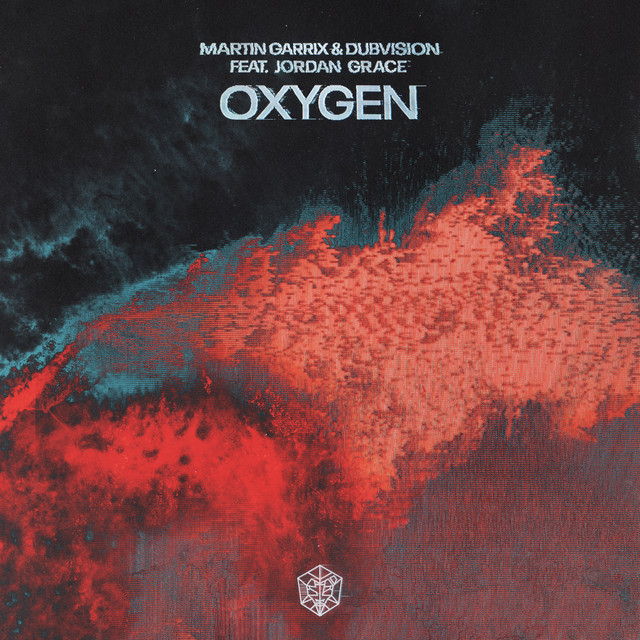
Martin Garrix & DubVision · 2022
Producer -
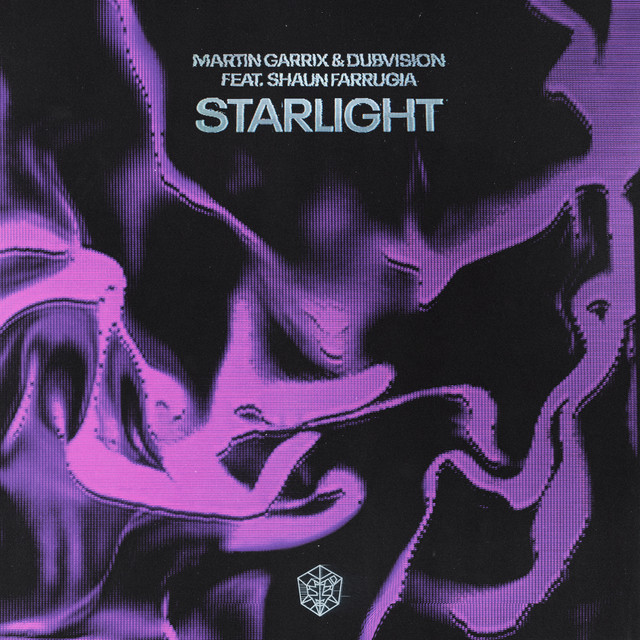
Martin Garrix & DubVision · 2022
Producer