Tom Hades
Belgian techno DJ & producer
Tom Hades' Gear


At 44:57 in the YouTube video titled "Create a full techno track from scratch with Tom Hades – FROM THE ARCHIVE", Tom Hades demonstrates the use of the Melda MBassador plugin from MeldaProduction.
Find it on:






In the video titled "Create a full techno track from scratch with Tom Hades – FROM THE ARCHIVE" by MusicRadar Tech on YouTube, at timestamp 48:47, Tom Hades demonstrates the use of the Soundspot KickBox plugin.
Find it on:


-m.webp?v=1783173639)
In the video titled "Create a full techno track from scratch with Tom Hades – FROM THE ARCHIVE", Tom Hades is observed using the Waves CLA-76 Compressor/Limiter plugin at the 51:47 mark.
Find it on:

At 1:09:42 in the YouTube video titled "Create a full techno track from scratch with Tom Hades – FROM THE ARCHIVE", Tom Hades is seen using the FabFilter Simplon Filter Plugin.
Find it on:

In the video titled "Create a full techno track from scratch with Tom Hades – FROM THE ARCHIVE," Tom Hades demonstrates the use of the Acustica Audio Diamond Color EQ Plugin at the timestamp 1:13:58. This provides clear evidence of his utilization of this specific music gear.
Find it on:

In the video titled "Create a full techno track from scratch with Tom Hades – FROM THE ARCHIVE", Tom Hades demonstrates using the FabFilter Pro-C 2 plugin within StudioOne at the 1:24:14 mark.
Find it on:

In the video titled "Create a full techno track from scratch with Tom Hades – FROM THE ARCHIVE,", Tom Hades is observed using the Voxengo SPAN plugin within StudioOne at the timestamp 1:29:06.
Find it on:

In the video titled "Create a full techno track from scratch with Tom Hades – FROM THE ARCHIVE", Tom Hades is seen using the iZotope Ozone 8 plugin in StudioOne at the 1:29:18 mark.
Find it on:


In the video titled "Create a full techno track from scratch with Tom Hades – FROM THE ARCHIVE" by MusicRadar Tech, Tom Hades is seen demonstrating the MeldaProduction MAutoDynamicEQ plugin in StudioOne at the timestamp 1:30:56.
Find it on:

At 1:31:37 in this video, Tom Hades shows the SPL Stereo Vitalizer Mk2-T plugin in StudioOne.
Find it on:

In the video titled "Create a full techno track from scratch with Tom Hades – FROM THE ARCHIVE", at 1:33:04, Tom Hades demonstrates the use of the iZotope Alloy 2 Plugin in creating a track in StudioOne.
Find it on:

In the video "Create a full techno track from scratch with Tom Hades – FROM THE ARCHIVE," at 1:36:01, Tom Hades demonstrates the use of the Sonimus Satson plugin while working in StudioOne.
Find it on:

In the video titled "Create a full techno track from scratch with Tom Hades – FROM THE ARCHIVE" on YouTube, at 2:51, Tom Hades explicitly mentions his use of the Ableton Convolution Reverb plugin in his track. This video is provided by MusicRadar Tech and was part of the content accompanying Computer Music magazine issue 255 in 2018.
Find it on:

In the YouTube video titled "Create a full techno track from scratch with Tom Hades – FROM THE ARCHIVE" by MusicRadar Tech, at the timestamp 8:03, Tom Hades is visibly using the Arturia DX7 V synth plugin.
Find it on:


-m.webp?v=1782900043)
In the video titled "Create a full techno track from scratch with Tom Hades – FROM THE ARCHIVE" by MusicRadar Tech, Tom Hades is seen discussing the PreSonus Studio One mixing software at 1:21:14, confirming his use of this DAW software.
Find it on:

At 1:34:57 in the video "Create a full techno track from scratch with Tom Hades – FROM THE ARCHIVE" by MusicRadar Tech on YouTube, Tom Hades is seen using the Brainworx bx_digital V2 plugin.
Find it on:

At the 1:40:18 mark in the YouTube video titled "Create a full techno track from scratch with Tom Hades – FROM THE ARCHIVE," Tom Hades is shown using the Tokyo Dawn Labs TDR Limiter 6 GE plugin within Studio One.
Find it on:
This is a community-built gear list for Tom Hades.
- Find relevant music gear like Studio Equipment, Software Plugins and VSTs, Headphones, DJ Setup, and other instruments and add it to Tom Hades.
- The best places to look for gear usage are typically on the artist's social media, YouTube, live performance images, and interviews.
- To receive email updates when Tom Hades is seen with new gear, follow the artist.
-
Added to Equipboard on by
 hannahcowelluk
Gear IQ 1738
-
Updated
Discography
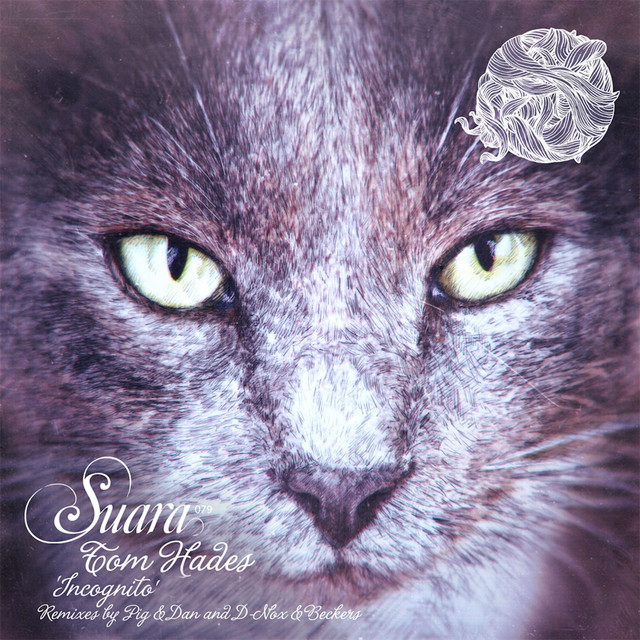
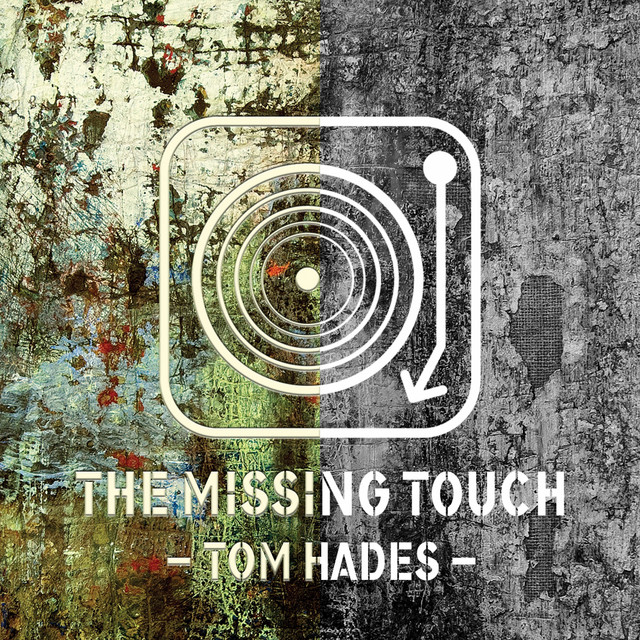
Album Credits
-
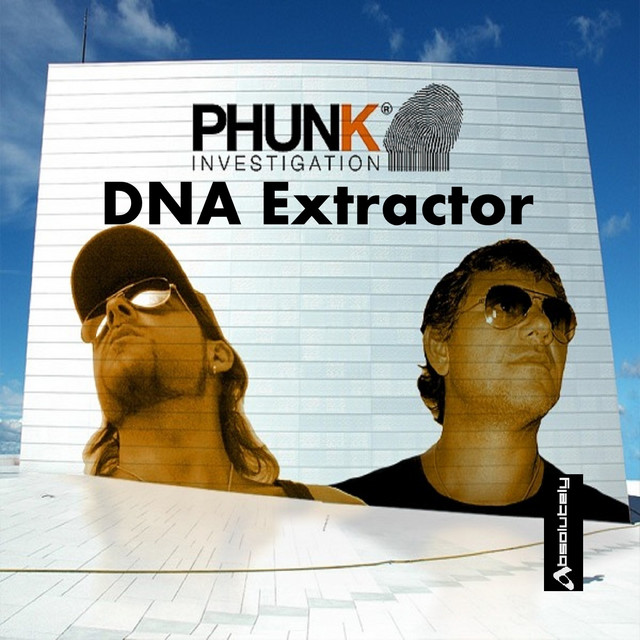
Phunk Investigation · 2012
Producer