This page about HP Z820 Workstation is a stub. You can help improve it:

Pricing and availability




* Product prices and availability are updated by Equipboard every 24hrs and are subject to change. Equipboard may receive compensation for purchases made at participating retailers linked on this site. This compensation does not affect what products or prices are displayed, or the order of prices listed. For more information, please refer to our affiliate disclosure.
Description
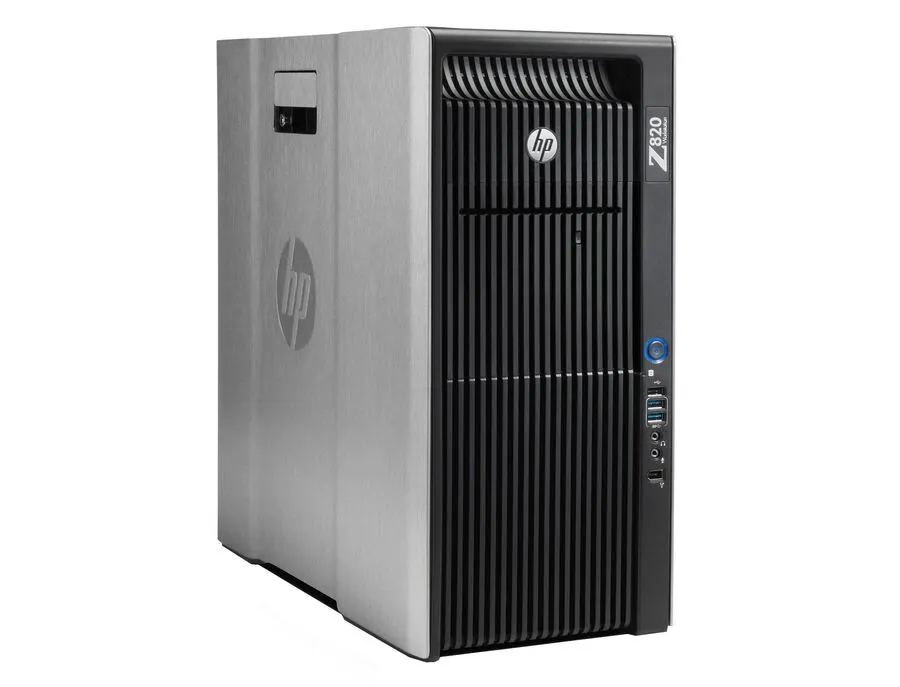
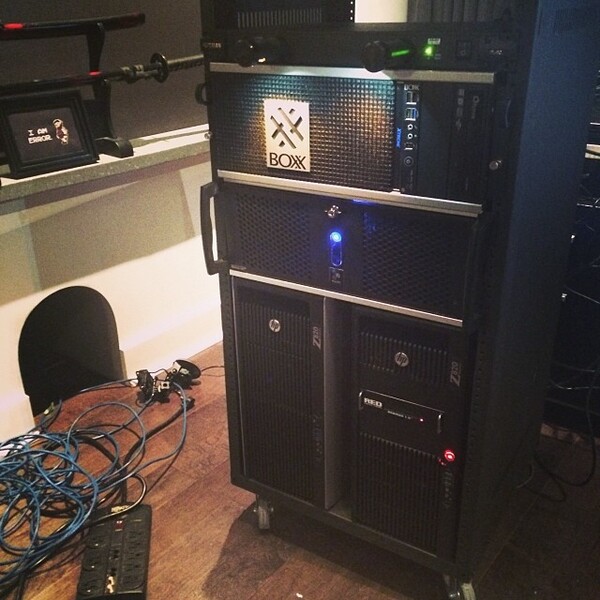
The HP Z820 Workstation is a powerhouse designed to cater to the demanding needs of music producers and audio engineers. This robust computing solution is part of our Computers & Peripherals category, offering impeccable performance that turns your studio sessions into seamless creative processes. Built with dual Intel Xeon processors, the Z820 ensures that even the most complex audio tracks and plug-ins run smoothly, making it an ideal choice for those working with high-resolution sound files and multiple software applications.
Equipped with up to 512GB of RAM and a range of NVIDIA Quadro and Tesla GPU options, this workstation is engineered to handle intensive audio processing tasks without breaking a sweat. The inclusion of multiple expansion slots and drive bays allows for customization and future upgrades, ensuring that your workstation evolves as your needs grow. Furthermore, the tool-less chassis design simplifies internal access, making upgrades and maintenance straightforward and stress-free.
The HP Z820 also excels in connectivity, featuring a wide array of ports including USB 3.0 and Thunderbolt, facilitating fast data transfer and easy connection with your audio interfaces and other peripherals. With its robust build quality and professional-grade performance, the HP Z820 Workstation stands as a reliable partner for any musician or audio professional seeking a machine that can keep up with their creative vision.
Key Features:
- Dual Intel Xeon processors
- Supports up to 512GB of RAM
- Multiple NVIDIA Quadro and Tesla GPU options
- Tool-less chassis design for easy upgrades
- Extensive connectivity options including USB 3.0 and Thunderbolt
- Multiple expansion slots and drive bays for customization
Videos

CNET
Cracking Open - The HP Z820 Workstation
Cracking Open - The HP Z820 Workstation
CNET
HP Z820 | HOW TO ASSEMBLE AND DISASSEMBLE

BenoniTech
HP Z820 Gaming Computer + FPS Testing + Some Benchmarks

GreenPCGamers.com
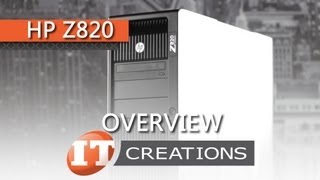
HP Z820 Workstation Overview ( IT Creations, Inc )

IT Creations, Inc.
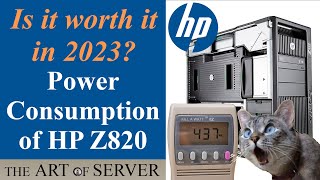
Power consumption of the HP Z820 | Is it worth it in 2023?

Art of Server
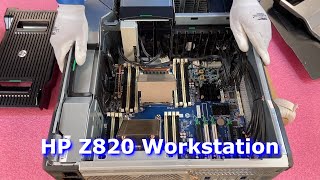
HP Z820 Workstation Review & Overview | Memory Install Tips | How to Configure HPE System | Gaming

Cloud Ninjas

Under the Hood of HP Z820 Workstation

Videoguys
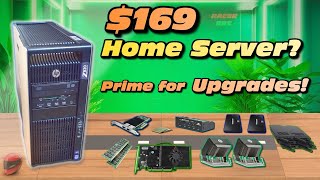
Powerful Home Server On a Budget. HP Z820 Workstation Overview. Bank Balance Friendly Hardware #Z820

RACERRRZ
Reviews
Owner Insights
We analyzed real musician discussions from forums and Reddit to find what players love, question, and tweak about HP Z820 Workstation.
User experience
Other
-
Firmware for personal use workstations like the Z820 is typically accessible without needing a service contract, unlike some server support packs.
Source
Setup and maintenance
-
Updating BIOS before CPU swapping is essential, preferably using a DOS boot USB created with tools like RUFUS for smoother updates.
Source -
Users highlight potential height issues for GPUs, but confirm that most cards fit, providing flexibility in GPU selection.
Source -
CPU installation took 20 minutes but may require troubleshooting if memory issues arise, such as bent pins during installation.
Source
Software and compatibility
Comparisons
Use cases and applications
Features and functionality
-
The Z820 can support up to 512GB of RAM due to its 16 DDR3 DIMM slots, offering extensive memory capacity for intensive applications.
Source -
The Z820 supports a variety of GPUs, with specific mention of fitting a 4-slot wide Gigabyte 3070 Ti, indicating ample internal space for larger cards.
Source -
The HP Z820 supports NVME PCI adapters and 2.5Gb network cards, expanding its functionality beyond standard use.
Source
Mods and upgrades
4.5 out of 5
Based on 0 Reviews and 2 Ratings
Artist usage
Add artist
Genre Usage
Based on how artists on Equipboard use this gear, it is most commonly found in the following genres.
More HP Computers & Peripherals


$4,499.00 - $7,979.00


Community setups


Similar


Gear Guides






.jpg)
Most Popular Computers & Peripherals
Most Popular Brands
-
Added to Equipboard on by
IitisleeannGearIQ 1371
-


