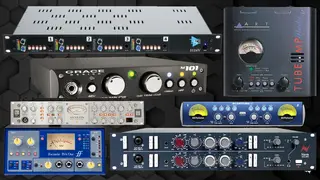
T-Pain's Software Plugins and VSTs


Used on T-Pain's vocals for "Low", as stated by mixer Fabian Marasciullo.
"There were lots of vocals and I chose not to bounce them down, because I prefer to process every individual bit separately. It uses more DSP on the computer, but you have more flexibility in the way you can treat sections, and hence more depth in the overall vocal sounds this way. The 'Lead' and 'Dbl' tracks are the main verse vocals by Flo Rida, he's doubling himself like many vocalists will do. Flo has a keen melodic sense when he's rapping. The A, B and C auxes separate the three different parts of the verse. The 'Whine 1, 2, 3' backing vocals only occur in the third verse. Underneath 'Aux 4' are T–Pain's backing vocals. 'Main Hk1,2,3,4' are all T–Pain doing a unison of one note.
"As is usual for me, I began the mix with the vocals, set against the rough music bed. You can see the latter in the left pane track window in the Edit Window, where it's called 'T_Pain_5 LO'. Of course I later muted that track. After having cleaned up and EQ'd the vocals I worked on the drums, and then the synths. I then brought the vocals back in to get their levels in relation to the music and do some automation.
"In addition, I used the Waves De–esser and Renaissance Vox on both Flo's and T–Pain's vocals. With the De–esser on Flo I cut around 5424Hz and T–Pain around 4500Hz. Some people put a de–esser on an aux, but I find that this doesn't really grab the frequency enough. So I de–ess twice. I will first grab a mid–frequency with a plug–in directly on the channel, and I will then put a de–esser on an aux. You will see my second de–esser on the Mix Window, on the 'Verse' auxiliary track.
"The RVox got rid of extreme peaks on both Flo and T–Pain's vocals. I used it to just clean things up if there were big level differences. But it's not hitting the vocals heavy, it only works when the vocals hit the threshold. It also has a great gating feature, and so it cleans up little blips here and there. The settings on all plug–ins were very similar for both Flo and T–Pain, because they have very similar voices. I had the McDSP Analog Channel only on T–Pain, though, basically to take off some edge. I use that plug–in when vocals are a little too brittle or bright. It really simulates hitting a tape recorder, and it also provides a little bit of analogue tape compression. It's a pretty good plug–in and you can select different tape recorders, like Tascam, Ampeg, Studer and so on. For this record I used the Studer preset.
An image of the settings for "Hk 1" can be found here.
Find it on:

Used on T-Pain's vocals for "Low", as stated by mixer Fabian Marasciullo.
"In addition, I used the Waves De–esser and Renaissance Vox on both Flo's and T–Pain's vocals. With the De–esser on Flo I cut around 5424Hz and T–Pain around 4500Hz. Some people put a de–esser on an aux, but I find that this doesn't really grab the frequency enough. So I de–ess twice. I will first grab a mid–frequency with a plug–in directly on the channel, and I will then put a de–esser on an aux. You will see my second de–esser on the Mix Window, on the 'Verse' auxiliary track.
"The RVox got rid of extreme peaks on both Flo and T–Pain's vocals. I used it to just clean things up if there were big level differences. But it's not hitting the vocals heavy, it only works when the vocals hit the threshold. It also has a great gating feature, and so it cleans up little blips here and there. The settings on all plug–ins were very similar for both Flo and T–Pain, because they have very similar voices. I had the McDSP Analog Channel only on T–Pain, though, basically to take off some edge. I use that plug–in when vocals are a little too brittle or bright. It really simulates hitting a tape recorder, and it also provides a little bit of analogue tape compression. It's a pretty good plug–in and you can select different tape recorders, like Tascam, Ampeg, Studer and so on. For this record I used the Studer preset.
Find it on:



Used on T-Pain's vocals for "Low", as stated by mixer Fabian Marasciullo. An image of the settings can be found here.
"The RVox got rid of extreme peaks on both Flo and T–Pain's vocals. I used it to just clean things up if there were big level differences. But it's not hitting the vocals heavy, it only works when the vocals hit the threshold. It also has a great gating feature, and so it cleans up little blips here and there. The settings on all plug–ins were very similar for both Flo and T–Pain, because they have very similar voices. I had the McDSP Analog Channel only on T–Pain, though, basically to take off some edge. I use that plug–in when vocals are a little too brittle or bright. It really simulates hitting a tape recorder, and it also provides a little bit of analogue tape compression. It's a pretty good plug–in and you can select different tape recorders, like Tascam, Ampeg, Studer and so on. For this record I used the Studer preset.
Find it on:


Developed in collaboration with T-Pain.
Find it on:


Used on Flo Rida and T-Pain's vocals for "Low", as stated by mixer Fabian Marasciullo in this Sound on Sound interview.
"There were lots of vocals and I chose not to bounce them down, because I prefer to process every individual bit separately. It uses more DSP on the computer, but you have more flexibility in the way you can treat sections, and hence more depth in the overall vocal sounds this way. The 'Lead' and 'Dbl' tracks are the main verse vocals by Flo Rida, he's doubling himself like many vocalists will do. Flo has a keen melodic sense when he's rapping. The A, B and C auxes separate the three different parts of the verse. The 'Whine 1, 2, 3' backing vocals only occur in the third verse. Underneath 'Aux 4' are T–Pain's backing vocals. 'Main Hk1,2,3,4' are all T–Pain doing a unison of one note.
"As is usual for me, I began the mix with the vocals, set against the rough music bed. You can see the latter in the left pane track window in the Edit Window, where it's called 'T_Pain_5 LO'. Of course I later muted that track. After having cleaned up and EQ'd the vocals I worked on the drums, and then the synths. I then brought the vocals back in to get their levels in relation to the music and do some automation.
"I used the Waves Renaissance Channel on the A, B and C auxes. I use the RChannel on all my vocals. It's basically a combination of the RCompressor, the REQ, and the RVox, all in one, and it's great. For this record I used a pretty cool preset called 'CloseWarmVox', and I tweaked from there. You can see that it rolls off at the bottom and it has a little touch at the top. I almost used it as a filter on this particular song to get clarity in the bottom, add some high and have a bit of compression. I also used it on T–Pain's vocals.
Find it on:


Used on Flo Rida and T-Pain's vocals for "Low", as stated by mixer Fabian Marasciullo in this Sound on Sound interview.
"There were lots of vocals and I chose not to bounce them down, because I prefer to process every individual bit separately. It uses more DSP on the computer, but you have more flexibility in the way you can treat sections, and hence more depth in the overall vocal sounds this way. The 'Lead' and 'Dbl' tracks are the main verse vocals by Flo Rida, he's doubling himself like many vocalists will do. Flo has a keen melodic sense when he's rapping. The A, B and C auxes separate the three different parts of the verse. The 'Whine 1, 2, 3' backing vocals only occur in the third verse. Underneath 'Aux 4' are T–Pain's backing vocals. 'Main Hk1,2,3,4' are all T–Pain doing a unison of one note.
"As is usual for me, I began the mix with the vocals, set against the rough music bed. You can see the latter in the left pane track window in the Edit Window, where it's called 'T_Pain_5 LO'. Of course I later muted that track. After having cleaned up and EQ'd the vocals I worked on the drums, and then the synths. I then brought the vocals back in to get their levels in relation to the music and do some automation.
"I used the Waves Renaissance Channel on the A, B and C auxes. I use the RChannel on all my vocals. It's basically a combination of the RCompressor, the REQ, and the RVox, all in one, and it's great. For this record I used a pretty cool preset called 'CloseWarmVox', and I tweaked from there. You can see that it rolls off at the bottom and it has a little touch at the top. I almost used it as a filter on this particular song to get clarity in the bottom, add some high and have a bit of compression. I also used it on T–Pain's vocals.
Find it on:

Used on Flo Rida and T-Pain's vocals for "Low", as stated by mixer Fabian Marasciullo in this Sound on Sound interview.
"There were lots of vocals and I chose not to bounce them down, because I prefer to process every individual bit separately. It uses more DSP on the computer, but you have more flexibility in the way you can treat sections, and hence more depth in the overall vocal sounds this way. The 'Lead' and 'Dbl' tracks are the main verse vocals by Flo Rida, he's doubling himself like many vocalists will do. Flo has a keen melodic sense when he's rapping. The A, B and C auxes separate the three different parts of the verse. The 'Whine 1, 2, 3' backing vocals only occur in the third verse. Underneath 'Aux 4' are T–Pain's backing vocals. 'Main Hk1,2,3,4' are all T–Pain doing a unison of one note.
"As is usual for me, I began the mix with the vocals, set against the rough music bed. You can see the latter in the left pane track window in the Edit Window, where it's called 'T_Pain_5 LO'. Of course I later muted that track. After having cleaned up and EQ'd the vocals I worked on the drums, and then the synths. I then brought the vocals back in to get their levels in relation to the music and do some automation.
"I used the Waves Renaissance Channel on the A, B and C auxes. I use the RChannel on all my vocals. It's basically a combination of the RCompressor, the REQ, and the RVox, all in one, and it's great. For this record I used a pretty cool preset called 'CloseWarmVox', and I tweaked from there. You can see that it rolls off at the bottom and it has a little touch at the top. I almost used it as a filter on this particular song to get clarity in the bottom, add some high and have a bit of compression. I also used it on T–Pain's vocals.
Find it on:

Used on Flo Rida and T-Pain's vocals for "Low", as stated by mixer Fabian Marasciullo in this Sound on Sound interview.
"For space around the vocals I used the Digidesign Revibe, and the Echo Farm delay and Waves S1 Imager on the Aux tracks called '1/4', '1/8', 'Tape1/4' and 'Tape 1/8'. Oh, and there was a Metaflanger spread on the 'Spread' aux track, affecting the hook. The '1/4' denotes quarter–note delay and '1/8' eighth–note delay, using the Echo Farm. I use that a lot. It's cool because it simulates tape delay and it gives this kind of old Beatle–esque delay. Basically, '1/4' and '1/8' are the clean–sounding delays, and 'Tape 1/4' and 'Tape 1/8' are dirty–sounding delays. I put the S1 Stereo Imager straight after the Echo Farm, to get the delay just a little bit out of phase, so you're feeling it more than hearing it. I do this pretty much on every record that I do.
Find it on:

Used on Flo Rida and T-Pain's vocals for "Low", as stated by mixer Fabian Marasciullo in this Sound on Sound interview.
"For space around the vocals I used the Digidesign Revibe, and the Echo Farm delay and Waves S1 Imager on the Aux tracks called '1/4', '1/8', 'Tape1/4' and 'Tape 1/8'. Oh, and there was a Metaflanger spread on the 'Spread' aux track, affecting the hook. The '1/4' denotes quarter–note delay and '1/8' eighth–note delay, using the Echo Farm. I use that a lot. It's cool because it simulates tape delay and it gives this kind of old Beatle–esque delay. Basically, '1/4' and '1/8' are the clean–sounding delays, and 'Tape 1/4' and 'Tape 1/8' are dirty–sounding delays. I put the S1 Stereo Imager straight after the Echo Farm, to get the delay just a little bit out of phase, so you're feeling it more than hearing it. I do this pretty much on every record that I do.
Find it on:

Used on Flo Rida and T-Pain's vocals for "Low", as stated by mixer Fabian Marasciullo in this Sound on Sound interview.
"For space around the vocals I used the Digidesign Revibe, and the Echo Farm delay and Waves S1 Imager on the Aux tracks called '1/4', '1/8', 'Tape1/4' and 'Tape 1/8'. Oh, and there was a Metaflanger spread on the 'Spread' aux track, affecting the hook. The '1/4' denotes quarter–note delay and '1/8' eighth–note delay, using the Echo Farm. I use that a lot. It's cool because it simulates tape delay and it gives this kind of old Beatle–esque delay. Basically, '1/4' and '1/8' are the clean–sounding delays, and 'Tape 1/4' and 'Tape 1/8' are dirty–sounding delays. I put the S1 Stereo Imager straight after the Echo Farm, to get the delay just a little bit out of phase, so you're feeling it more than hearing it. I do this pretty much on every record that I do.
Find it on:
This is a community-built gear list for T-Pain.
- Find relevant music gear like Microphones, Headphones, Studio Gear, and other instruments and add it to T-Pain.
- The best places to look for gear usage are typically on the artist's social media, YouTube, live performance images, and interviews.
- To receive email updates when T-Pain is seen with new gear, follow the artist.
-
Added to Equipboard on by
 eyeseeofficial
Gear IQ 161522
-
Updated
Discography
Rappa Ternt Sanga (Expanded Edition)
2005
Epiphany (Expanded Edition)
2007
![Three Ringz (Thr33 Ringz) [Expanded Edition] album cover](https://images.equipboard.com/uploads/album/image/678584/three-ringz-thr33-ringz-expanded-edition.jpg)
Three Ringz (Thr33 Ringz) [Expanded Edition]
2008
![Three Ringz (Thr33 Ringz) [Edited Version] album cover](https://images.equipboard.com/uploads/album/image/678561/three-ringz-thr33-ringz-edited-version.jpg)
Three Ringz (Thr33 Ringz) [Edited Version]
2008
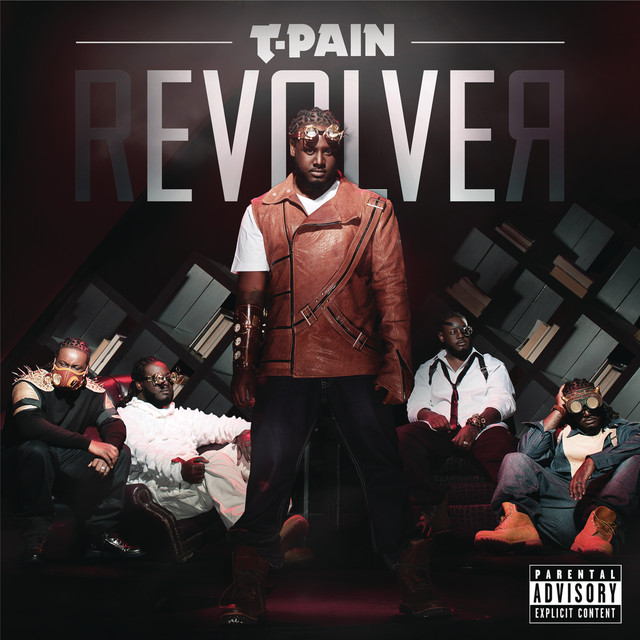
Revolver (Expanded Edition)
2011
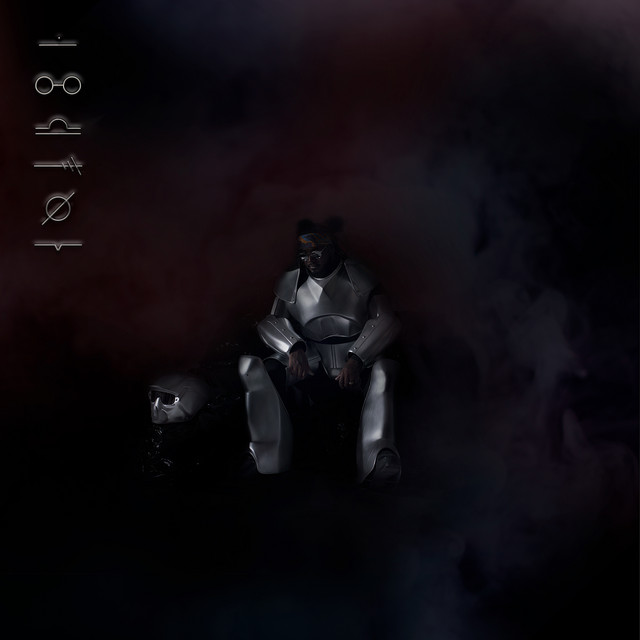
Oblivion (Expanded Edition)
2017
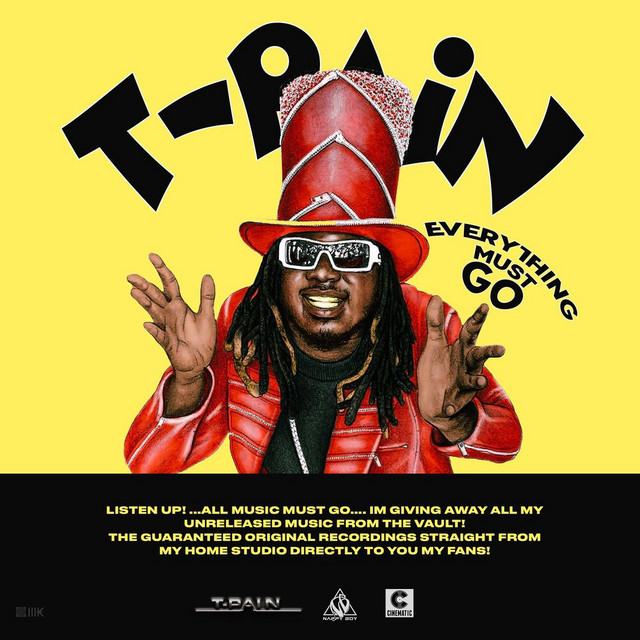
Everything Must Go, Vol. 1
2018

Everything Must Go, Vol. 2
2018

1UP
2019

The Lost Remixes
2020

On Top of The Covers
2023

On Top of The Covers (Live from The Sun Rose)
2023