
Zedd
Russian‐German producer
Role
Genre
Group
Credits
Role
Genre
Group
Credits
Zedd's Gear


At 0:12, it can be seen that Zedd is using Cubase 6.
He also mentions version 7 in this Tweet:
@steve_duda dudaaaa. LFO tool is crashing with the new cubase 7 and I'm crying over here :'(
In this screenshot from Snapchat, Zedd can be seen using Cubase Pro.
Cubase can also be seen on his computer screen in this video, In the Studio Pt. 2 ft Zedd | One Strange Rock.
Find it on:


Zedd claims Sylenth is one of his favorite plugins. "I ... mainly use Sylenth1. I love this plugin above everything else and can work extremely well with it." He goes on to say "I mostly use Sylenth1 – even for some percussion. I am its greatest fan!" via Beatport News
Find it on:

In one of his livestreams on Twitch, Zedd, in addition to play Valorant and give his feedback on fans songs, mentioned his favorite plugins, among them, Serum.
You can see a compilation of the highlights of his livestream in "Sol State" YouTube channel, in the video named "ZEDD: MUSIC PRODUCTION FEEDBACK & TIPS(& Why You Shouldn't be Avicii) [Twitch]". Serum is mentioned at 10:35 in the video: https://youtu.be/fqHvrBY-UiU
In Zedd's words (said during the livestream that can be found during the video of "Sol State" YouTube channel):
"Serum, you can get any sound down with Serum" "Serum is an incredible plugin if you want a VST that literally can get you any sound possible, you can even make drums with Serum"
Find it on:


Another one of the software synths Zedd speaks about using occasionally.
Find it on:


One of the synths occasionally used by Zedd, second to his all time favorite, Sylenth.
Find it on:

Zedd has classical training and plays the piano, so it's important to him to use a very solid, reliable, and high-end keyboard. In photos of Zedd in the studio he can be spotted working with an M-Audio Axiom 61 keyboard controller.
Find it on:


Photo of a Zedd Interscope Studio session where he can clearly be seen working on a MacBook Pro. Sourced from Rukes, Zedd @ Interscope Studio - August 23-24, 2011.
Find it on:

While Zedd seems to be having some fun with his chair, we spotted the awesome Apogee Duet 2 USB Audio Interface in his studio setup.
Find it on:

Zedd can be seen wearing these headphones at 0:27
Find it on:



Mentioned by Zedd in this November 2017 Sound on Sound interview. The accompanying interface can be seen in this photo from the same interview.
“I don’t even have a vocal booth in my studio, because if I want to record vocals, I tend to go to Westlake Studios, which is just 10 minutes away from me, and that works well. I don’t do the engineering myself, which allows me to focus on producing a vocal, and arranging it and making sure the singer sings well. If I want to record some demo or backing vocals at my studio I use the Slate Digital Virtual Microphone System. But you know, it all works. The same with the soundcard. It’s not one of those things where I go around telling people one thing is a million times better than another. Just find a soundcard that works and that does not have a lot of latency, which is the main thing. For a long time I simply used the internal soundcard of my laptop!”
Find it on:

Zedd can be spotted using these Beats By Dre headphones in photos during a studio session.
Find it on:

"Synthmaster gives me instant inspiration and creativity. The sound engine behind the synth is brilliant and the presets offer me excellent options to start my productions. The modulation and sound design capabilities are endless and I can easily shape any sound into something that works perfectly."
Find it on:



One of Zedd's essential pieces of travel gear is his iPad, as stated in this May 29, 2012 Magnetic Magazine interview.
WHAT ITEMS DO YOU ALWAYS TAKE WITH YOU ON THE ROAD?
iPad, laptops, PS Vita, 3 pairs of headphones, LOTS of clothes (because I'm lazy and don't do laundry a lot), my NI S4 (DJ equipment) and Nike fuel band!
YOU’RE ON THE ROAD A LOT, ANY TALES OF EXTREME EXCITEMENT OR EXTREME BOREDOM YOU’D LIKE TO SHARE?
I either watch Entourage (and this will not last forever unfortunately), play games on my iPad or PS Vita or sleep! At least in the planes there's not much more I can do. I've stepped up my road-set up a little bit so now I need power to produce music which means that I mostly can't work in planes.
Find it on:

Zedd is listed as an artist who uses the Sausage Fattener on Dada Life's website.
Find it on:

" I also love Tone2’s Gladiator, Lennar Digital’s Sylenth, and Native Instruments’ Damage, the latter for more cinematic sounds."
Find it on:

Zedd's live setup consists of the S4 DJ along with his MacBook Pro.
Find it on:


Zedd says in a tweet reply to Morgan Page, Steve Angello, Dirty South and Skrillex that he owns the Focal SM9 monitors.
Find it on:

“I always have a few plug-ins on my mastering bus in Cubase,” says Zedd, “one of them being LVC-Audio’s ClipShifter. I feel that limiters cut your transients far too much, and especially in my music it’s not necessary to limit too much. So I use ClipShifter, which handles transients that go over zero better than your DAW. It can handle anything from 6-12 dB over zero. The signal then goes into the iZotope’s Ozone, in which I use a preset that gives me all the highs I need, with stereo widening. It also adds a bit of compression and maximising. At the very end I’ll then add a limiter, like the AOM Invisible Limiter or the FabFilter Pro-L, just for a little more volume."
Find it on:
![M-Audio Axiom 61 Advanced Semi-Weighted USB MIDI Controller [1st Gen]](https://images.equipboard.com/uploads/item/image/2297/m-audio-axiom-61-advanced-semi-weighted-usb-midi-controller-1st-gen-m.webp?v=1782313181)
This MIDI controller is seen behind Zedd in this picture from Rukes at Interscope Studios. http://photo.rukes.com/zeddstudio/slides/zeddstudio%20011.html It is also mentioned in a Tweet, given as the source here.
Find it on:

In the user-uploaded photo, Zedd is shown using Traktor DJ software, highlighting his preference for Traktor products.
Find it on:

"Zen Tour's preamps are extremely clean and transparent which is great for any source." - Zedd
Find it on:

Pause around 1:34 and you can see zedd's screen and it says kontakt in the working sample.
Find it on:

He says: "I love Mixed In Key for its simplicity and functionality. I always use it before I add a new song to my set to make sure I know which key it is in".
Find it on:

Zedd is the creator of the DOUBLE ZERO headphones, which he just launched as of 4/21/2017
Find it on:

“I always have a few plug-ins on my mastering bus in Cubase,” says Zedd, “one of them being LVC-Audio’s ClipShifter. I feel that limiters cut your transients far too much, and especially in my music it’s not necessary to limit too much. So I use ClipShifter, which handles transients that go over zero better than your DAW. It can handle anything from 6-12 dB over zero. The signal then goes into the iZotope’s Ozone, in which I use a preset that gives me all the highs I need, with stereo widening. It also adds a bit of compression and maximising. At the very end I’ll then add a limiter, like the AOM Invisible Limiter or the FabFilter Pro-L, just for a little more volume."
Find it on:


Visible in this August 23-24, 2011 photo of Zedd's laptop in Interscope Studios for the song "All Because of You". The source can be found here.
Find it on:

Mentioned in this November 2017 Sound on Sound interview.
“I always have a few plug-ins on my mastering bus in Cubase,” says Zedd, “one of them being LVC-Audio’s ClipShifter. I feel that limiters cut your transients far too much, and especially in my music it’s not necessary to limit too much. So I use ClipShifter, which handles transients that go over zero better than your DAW. It can handle anything from 6-12 dB over zero. The signal then goes into the iZotope’s Ozone, in which I use a preset that gives me all the highs I need, with stereo widening. It also adds a bit of compression and maximising. At the very end I’ll then add a limiter, like the AOM Invisible Limiter or the FabFilter Pro-L, just for a little more volume."
Find it on:

Zed tweets "My dawgs from @PioneerDJ just sent me these babies!!! Ahhh amazing!!" - lucky guy!
Find it on:

Zedd tweeted a photo of what looks like the case of these very nice Beats headphones.
Find it on:
This is a community-built gear list for Zedd.
- Find relevant music gear like Studio Equipment, Software Plugins and VSTs, Headphones, and other instruments and add it to Zedd.
- The best places to look for gear usage are typically on the artist's social media, YouTube, live performance images, and interviews.
- To receive email updates when Zedd is seen with new gear, follow the artist.
Discography
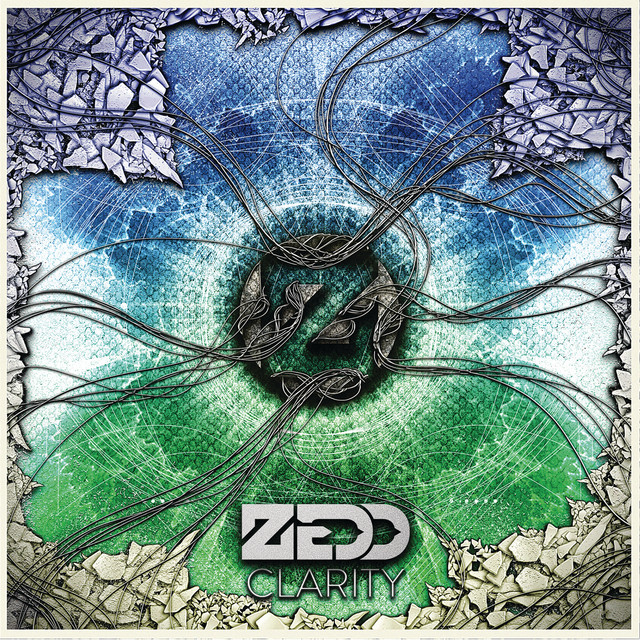
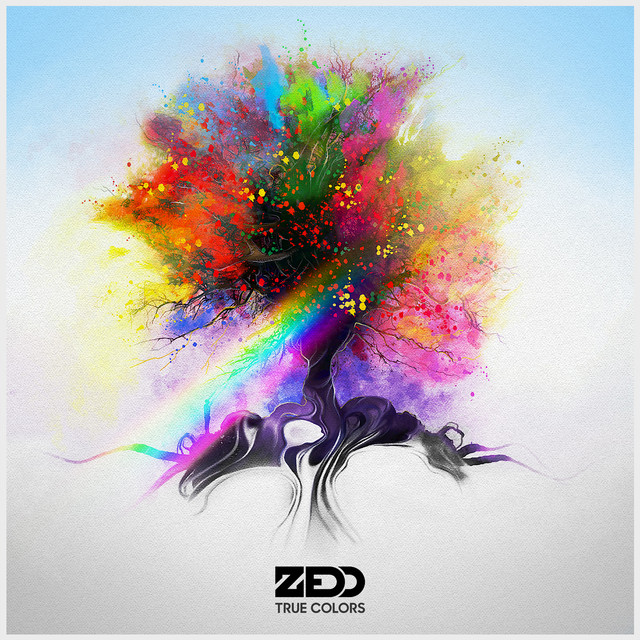
Album Credits
-
Zedd · 2024
Mixing Engineer Producer -
Zedd & Jeff Buckley · 2024
Mixing Engineer Producer -
Zedd & Martin Garrix · 2022
Producer -
Martin Garrix · 2022
Producer -

Katy Perry · 2020
Mixing Engineer Producer Programmer -
Katy Perry · 2019
Mixing Engineer Producer Programmer -
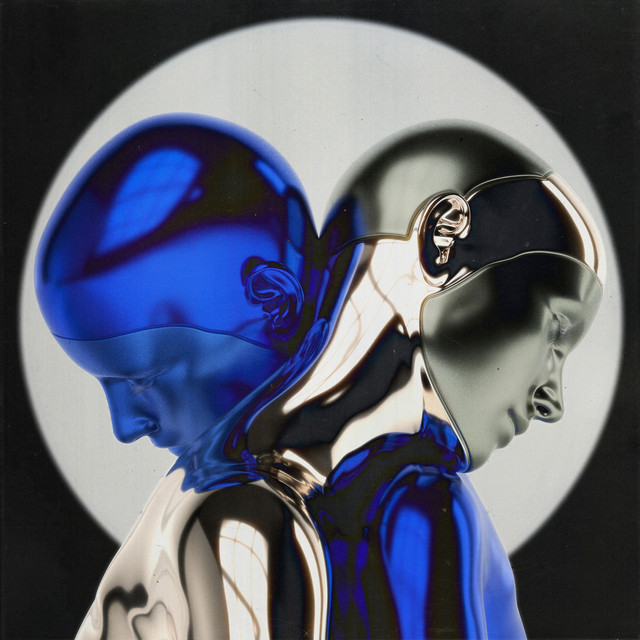
Zedd & Katy Perry · 2019
Mixing Engineer Producer -
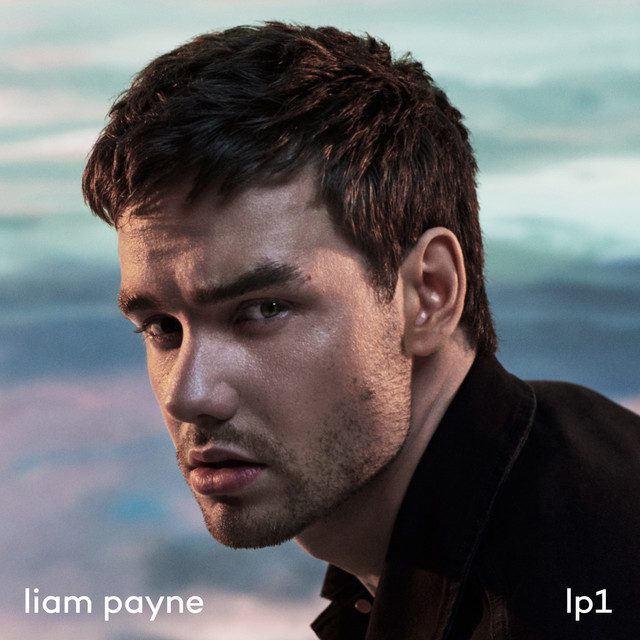
Liam Payne · 2019
Producer -
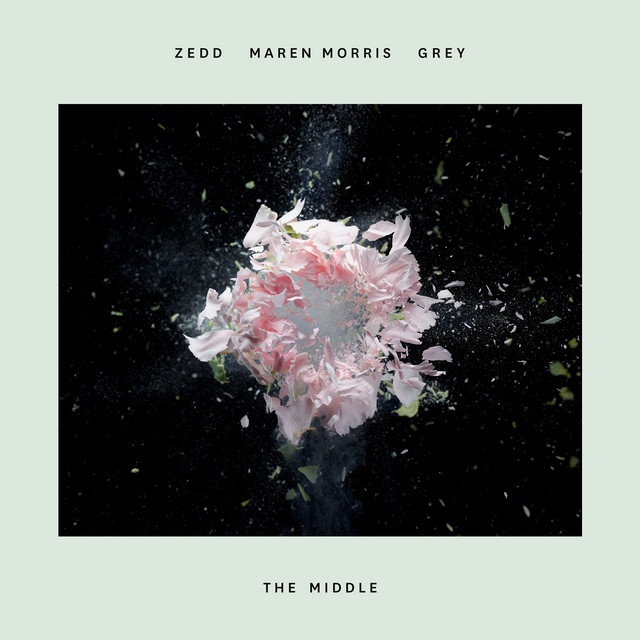
Zedd & Grey & Maren Morris · 2018
Mixing Engineer Producer -
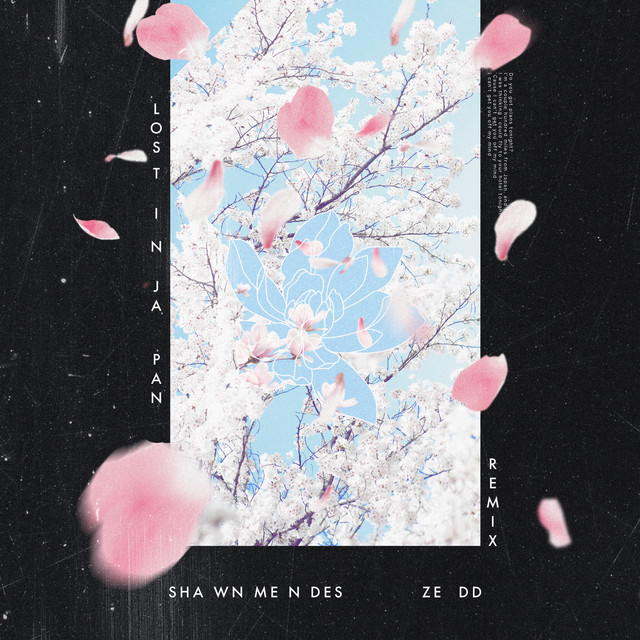
Zedd & Shawn Mendes · 2018
Producer -
Thirty Seconds to Mars · 2018
Mixing Engineer Producer -
Zedd & Alessia Cara · 2017
Mixing Engineer Producer Programmer









