Table of Contents

Equipboard
Equipboard is the world's largest community of artists and their gear. Read our review process.
We are reader-supported. When you buy through links on our site, we may earn an affiliate commission. Learn more.
Our Picks





Your microphone chain sounds expensive. The preamp is clean, the compression is tight, and your room treatment actually works. But when you hit "Go Live" or export that music video, the image quality immediately betrays the production value you've built everywhere else.
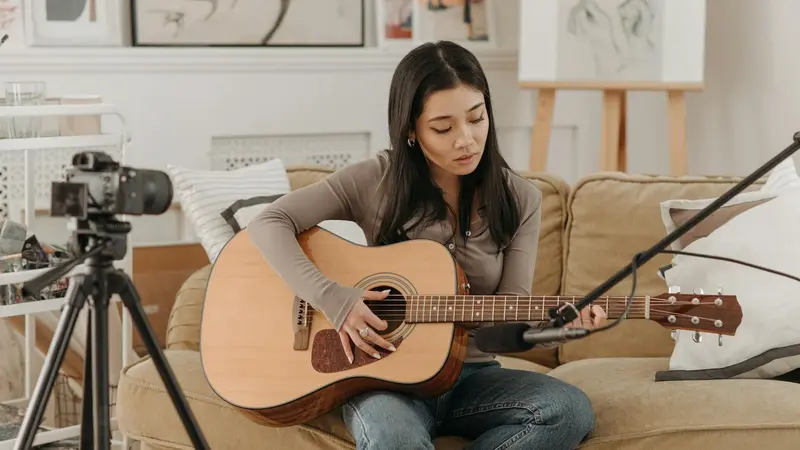
This isn't about vanity. Visual quality now sits at the same table as audio quality when audiences decide whether to stick around. Streaming performances, teaching remote lessons, filming gear demos, and shooting music videos have become core skills for working musicians. The camera you choose matters as much as the interface you run your signal through.
Equipboard has always helped you track down the gear that shapes great tone. Now we're extending that same approach to the visual side of your signal path. This guide walks you through the entire AV ecosystem, from sensor sizes to lighting rigs, with the same practical focus you'd expect when researching a new amp or pedal chain.
Understanding the Visual Fundamentals
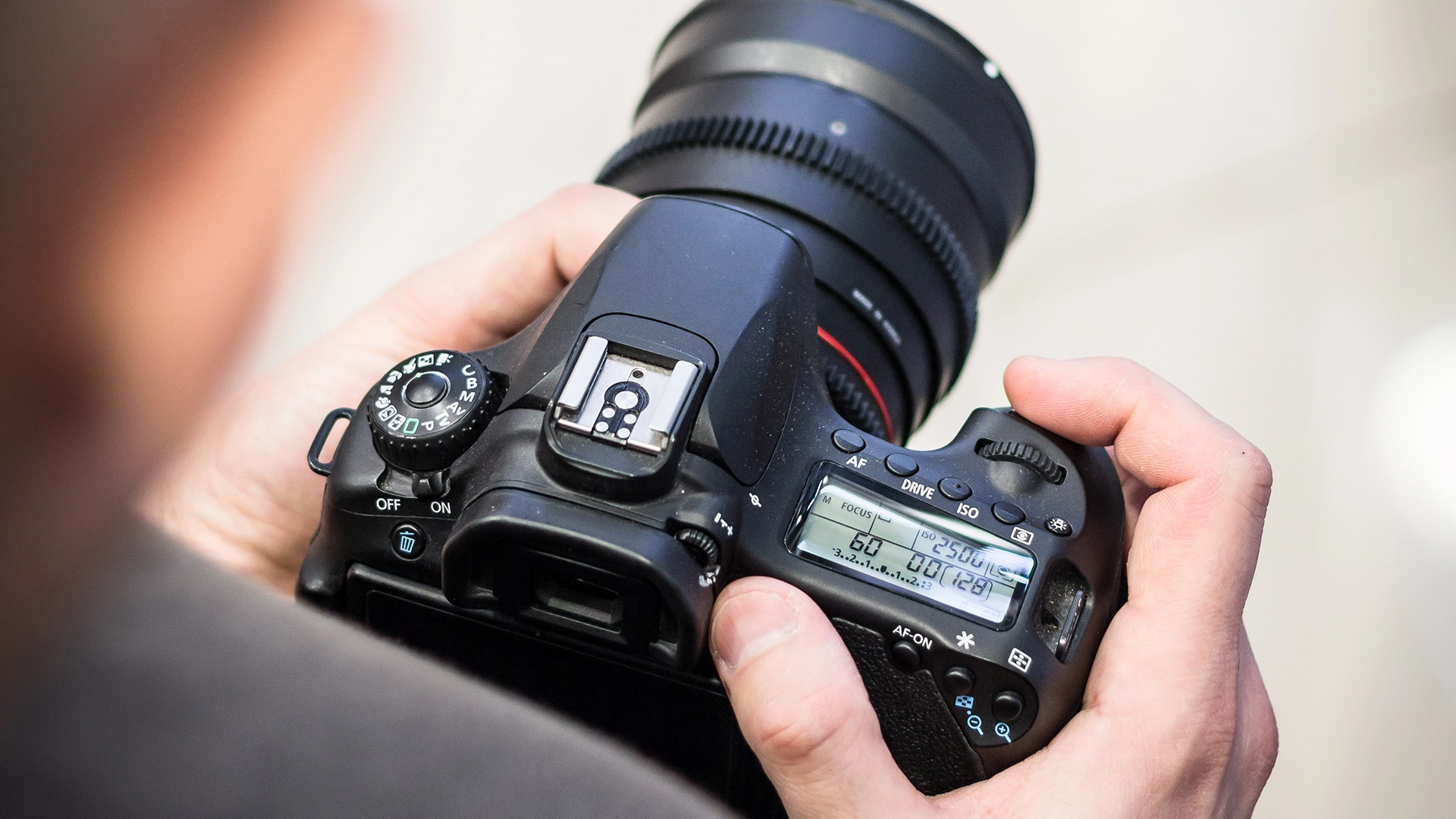
Before diving into specific cameras and lenses, you need to understand the handful of concepts that actually determine how your image looks. These aren't abstract technical specs, they're the visual equivalent of gain staging and frequency response. Get these right and everything else falls into place.
Sensor Size and What It Really Does
Camera sensors come in different physical sizes, and this directly affects two things creators care about: how much light the camera can gather and how much background blur you can achieve. Full-frame sensors match the size of traditional 35mm film and offer the best low-light performance with the most dramatic depth of field. APS-C sensors are smaller, which means they're more affordable and work great in well-lit spaces but struggle more in dim studios.
Think of sensor size like headroom in your mix. A full-frame sensor gives you more room to work before noise creeps in, just like a high-quality preamp gives you more gain before things get ugly. For musicians shooting in home studios with inconsistent lighting, this matters more than the spec sheet suggests.
Micro Four Thirds sensors are even smaller and tend to show up in compact, affordable bodies. They work fine outdoors or in bright spaces but require more intentional lighting for that professional look indoors.
Aperture and the Cinematic Look
Aperture controls how much light hits the sensor and determines how much of your image stays in focus. Lower f-stop numbers like f/1.4 or f/1.8 let in more light and create that smooth background blur that separates you from your environment. Higher numbers like f/8 or f/11 keep everything sharp but need much more light to work with.
For creators working in tight home studios, fast apertures solve two problems at once. They let you shoot in darker spaces without cranking ISO into noisy territory, and they give you that professional separation where the viewer's eye stays locked on you instead of scanning the clutter in the background.
Frame Rates and Resolution
Most viewers will end up seeing your content at 1080p because of device and bandwidth limits, so in practice frame rate often matters more than pushing 4K. For talking-head content and live streams, 1080p at 60fps looks smoother and more engaging than 4K at 30fps. The higher frame rate captures motion better and gives your content that modern, fluid feel.
Save 4K for music videos and b-roll where you might want to crop in post or deliver truly cinematic shots. For daily streaming and lessons, 1080p60 hits the sweet spot between quality and file size.
Clean HDMI Output
This one's non-negotiable if you're streaming. Clean HDMI means the camera outputs pure video without on-screen displays, focus boxes, battery indicators, or recording icons. When you pipe that signal through a capture card into OBS or your streaming software, you get a professional feed with nothing cluttering the frame.
Not every camera includes clean HDMI, especially in the budget category. Always verify this feature before buying if streaming is part of your workflow. Without it, you're stuck with those amateur overlays permanently burned into your stream.
Mirrorless vs DSLR for Creators
The industry has shifted hard toward mirrorless, and for good reason. Mirrorless cameras use electronic viewfinders and lose the mirror mechanism entirely, which makes them lighter, quieter, and better suited for video work. They offer features like real-time exposure preview, better autofocus systems, and less overheating during long recording sessions.
DSLRs still work fine, especially if you're buying used lenses on the cheap or inheriting gear from someone else's kit. But if you're building from scratch in 2025, mirrorless gives you more future-proofing and better video specs across the board. The used market for DSLR glass makes them attractive for budget builds, but the bodies themselves are being phased out by manufacturers.
Choosing Your Camera Body
Finding the right camera starts with understanding what you're actually trying to capture. A solo streamer teaching piano lessons needs different specs than someone shooting narrative music videos with multiple setups. The scenarios below break down what matters for each use case and which bodies deliver without making you overpay for features you won't touch.
Solo Streaming and Educational Content
If your primary focus is lessons, solo performances, or YouTube tutorials, you need reliable autofocus, solid color science, and enough resolution to look sharp without overwhelming your computer's encoding power. Budget cameras in this category have gotten surprisingly capable, and the gap between entry-level and mid-range has narrowed significantly for straightforward streaming work.
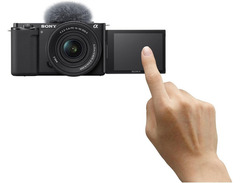
The Sony ZV-E10 was designed specifically for creators and includes features like automatic background defocus and excellent face-tracking autofocus. The APS-C sensor handles most lighting situations well, and the flip-out screen makes framing yourself simple. It records clean 4K30 or 1080p60, both of which work perfectly for streaming and edited content.
Canon's R50 and R10 occupy similar territory with Canon's typically pleasing color profiles and equally strong autofocus. The R10 adds weather sealing and a slightly larger grip if you're also shooting handheld b-roll. Both bodies overheat faster than the Sony during extended recording, but for streaming through a capture card this rarely becomes an issue since you're not actually recording to the internal card.
The key advantage in this category is simplicity. These cameras work well in auto modes when you're focused on performance rather than manual exposure tweaking, and they all play nicely with affordable prime lenses that dramatically improve your image quality over kit zooms.
Hybrid Creators: Streaming Plus Music Videos
Stepping up to the hybrid category means you're shooting both live content and produced videos that need cinematic looks. This requires better codecs for color grading, in-body image stabilization for handheld shots, and thermal management that won't shut down mid-stream.
The Panasonic S5 II stands out here for its full-frame sensor, unlimited recording time, and active cooling that keeps it running through marathon streams. The IBIS system works exceptionally well for handheld music video work, and the 10-bit color depth gives you real flexibility in post-production. Panasonic's color science leans slightly cooler than Canon or Sony, but it grades beautifully and holds up under aggressive correction.
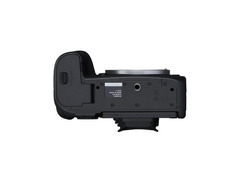
Canon's R6 Mark II offers similar specs with Canon's warmer color profiles and Dual Pixel autofocus that tracks faces and eyes more reliably than most competitors. The full-frame sensor excels in low light, which matters when you're shooting in dim rehearsal spaces or late-night studio sessions. It runs hotter than the Panasonic during long takes but handles streaming workloads without issue.
Both cameras support external recording if you want to bypass internal recording limits entirely, and both work seamlessly with affordable prime lenses that punch well above their price point. The jump to full-frame and professional codecs means your footage holds together better when you're matching cuts between different lighting conditions or pushing colors in the grade.
Cinematic Production and High-End Content
If you're shooting music videos, documentaries, or high-end commercial content, you need cameras that deliver professional codecs, excellent low-light performance, and the dynamic range to survive harsh lighting conditions. This category assumes you're working with dedicated lighting, external monitoring, and post-production workflows that demand maximum image quality.
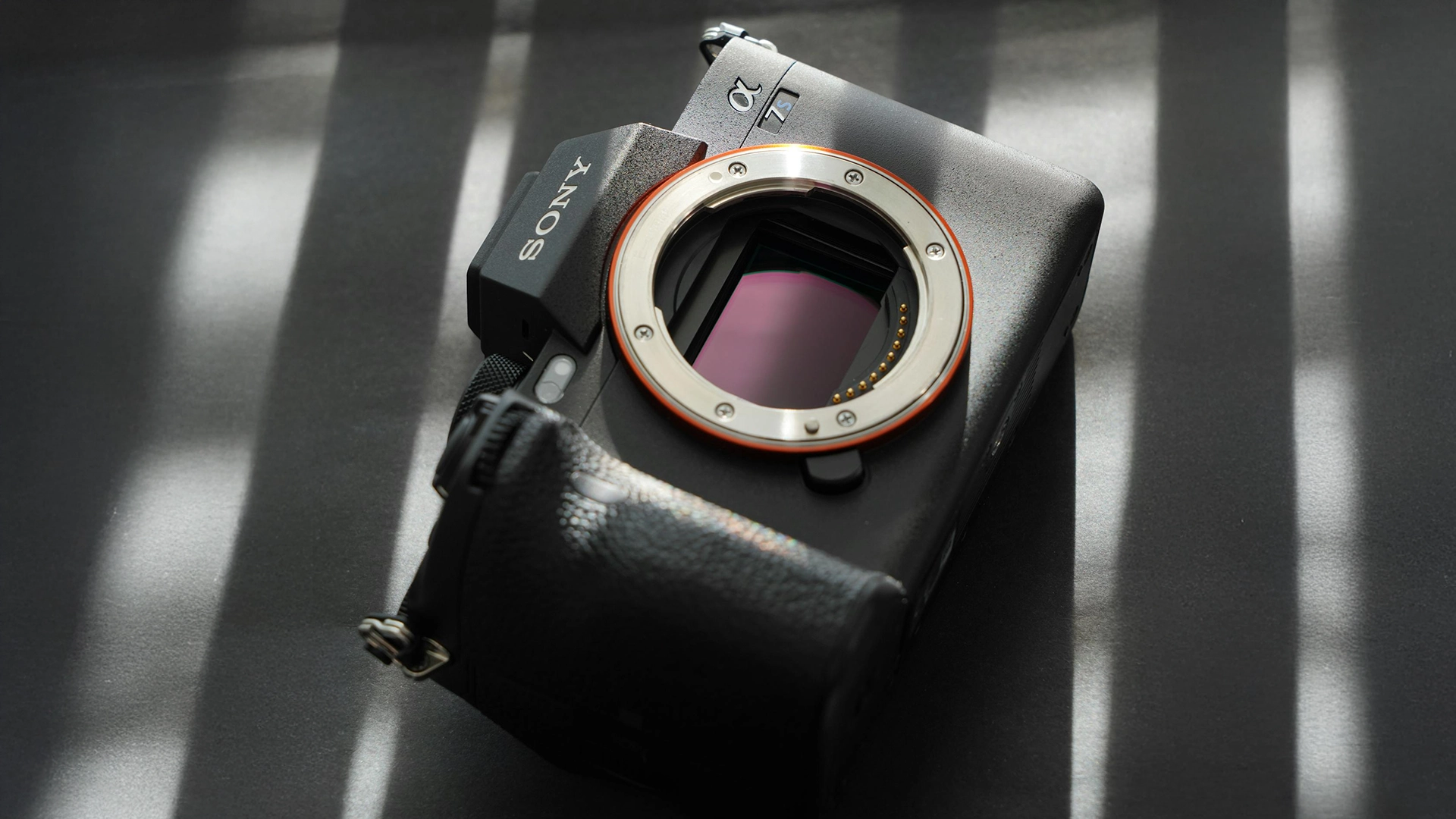
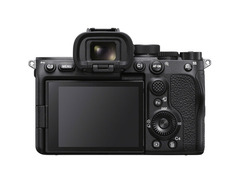
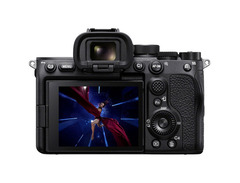
The Sony A7S III dominates low-light scenarios with its 12-megapixel full-frame sensor optimized for video. It shoots 4K120fps for beautiful slow motion and includes professional features like dual card slots, timecode sync, and 10-bit 4:2:2 internal recording. The image stays clean at ISO 12800, which sounds absurd but holds true in practice. This camera works in lighting conditions that would turn other sensors into grainy messes.
Sony's FX3 takes the same sensor and repackages it in a cinema-focused body with better cooling, an included XLR handle for pro audio, and a form factor designed for all-day handheld or gimbal use. It's designed for all-day shoots and integrates smoothly with professional cinema lenses and rigging. The color science matches Sony's cinema line, which means your footage cuts seamlessly with higher-end productions.
The Nikon Z8 offers 8K recording, stellar autofocus, and Nikon's signature color science that many cinematographers prefer for skin tones. It handles mixed lighting better than most competitors and includes professional features like waveform monitoring and focus peaking built into the body. The high-resolution sensor gives you incredible flexibility for cropping and reframing in post without losing quality.
These cameras assume you're comfortable with manual exposure, color grading, and professional workflows. They don't try to make decisions for you, which means they reward skill and punish sloppiness. If you're building a serious production setup, these bodies deliver the image quality that stands up next to anything you'll see on streaming platforms or in theaters.
Overheating and Recording Limits
Recording limits used to plague cameras that weren't designed for extended video work. Many bodies would shut down after 30 minutes or overheat during long streams. Modern cameras have largely solved this, especially when used with external power and capture cards that bypass internal recording entirely.
That said, some bodies still run hotter than others. Canon's R series tends to generate more heat during 4K60 recording than Panasonic or Sony equivalents. If you're planning marathon streams or all-day shoots, prioritize cameras with active cooling systems or external recording capabilities. Simple solutions like small cooling fans or dummy batteries with AC power make most overheating concerns disappear entirely.
Lenses: Where the Real Look Comes From
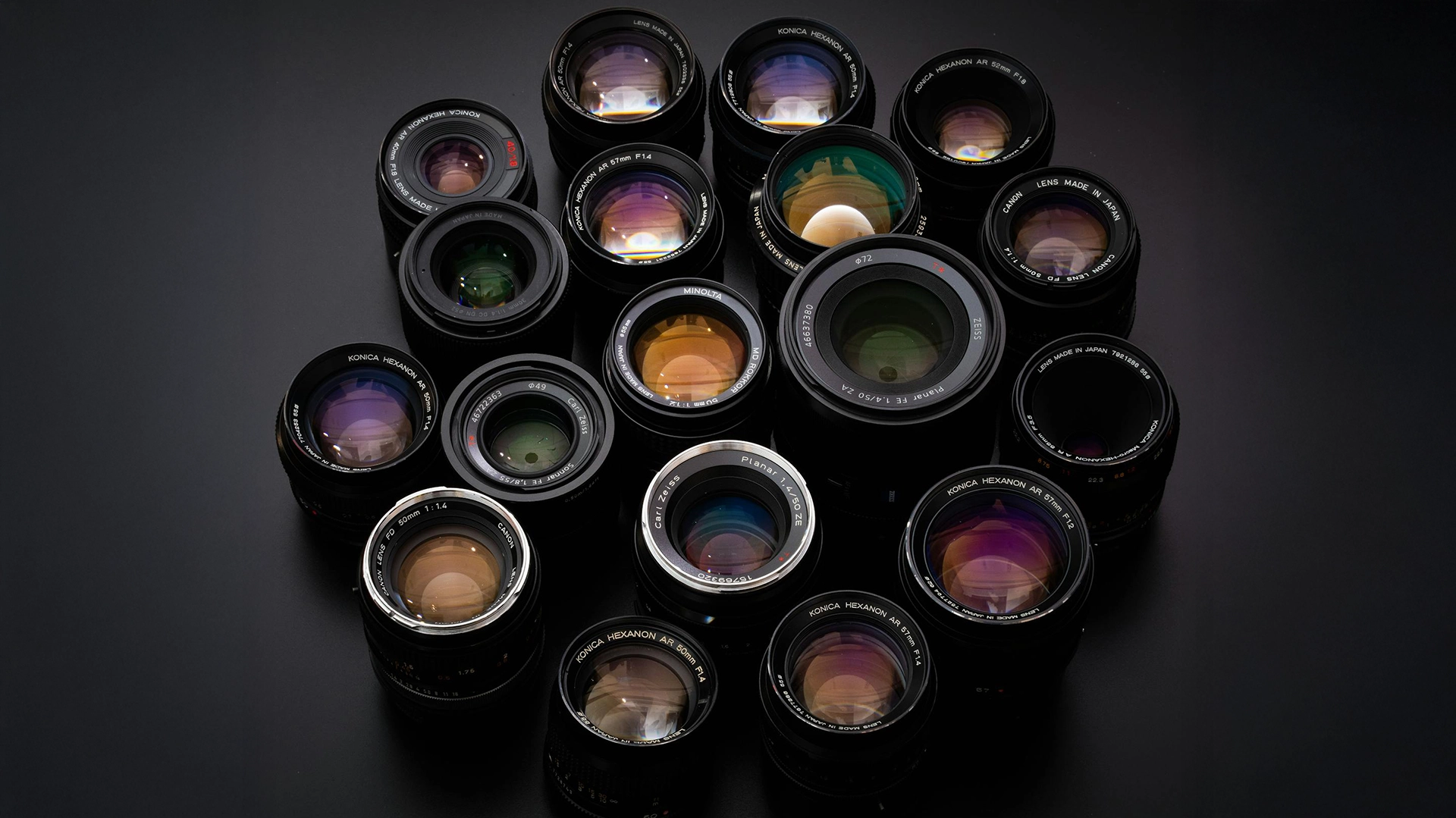
The camera body captures the image, but the lens determines what that image actually looks like. Sensor size, resolution, and dynamic range all matter, but the glass in front of the sensor controls depth of field, sharpness, and the overall character of your footage. This is where the real style upgrade happens.
Prime vs Zoom Lenses
Prime lenses have fixed focal lengths, which means no zooming. Zoom lenses cover a range of focal lengths in one package. For creators, this tradeoff comes down to image quality versus convenience.
Primes generally offer faster maximum apertures, which means better low-light performance and more background blur at lower prices. A 50mm f/1.8 prime costs a fraction of what a 24-70mm f/2.8 zoom costs, yet it delivers superior image quality in that focal length. The downside is you need to physically move to reframe your shot, which doesn't matter much for fixed streaming setups but becomes tedious when shooting dynamic content.
Zooms give you flexibility to quickly reframe without swapping glass. For music videos with multiple shot types or situations where you need to adapt fast, this convenience matters. The tradeoff is higher cost and slower maximum apertures, which means you'll need more light to achieve the same look.
Most creators end up with a hybrid approach: a workhorse zoom for versatility and a few fast primes for that professional look when it counts. Think of it like having both a Swiss Army knife and a few specialized tools. The zoom handles general work, the primes deliver when image quality becomes the priority.
Essential Focal Lengths for Creators
Focal length determines your field of view and the perspective distortion in your image. Shorter focal lengths capture more of the scene but can make faces look wider. Longer focal lengths compress space and create flattering portraits but require more distance between you and the camera.
Wide angles from 16mm to 24mm work perfectly in tight creator spaces where you can't back the camera up far enough to get a comfortable frame with longer lenses. They keep more of your environment in focus, which works great for gear demos or workspace tours where context matters. The perspective distortion becomes noticeable if you get too close to the lens, so these work best mounted a few feet back.
The 35mm focal length offers natural perspective that matches how human vision perceives space. It's wide enough for comfortable framing in smaller rooms but not so wide that it distorts faces. Many creators use 35mm as their default lens for talking-head content and casual streams. It feels honest and approachable without calling attention to itself.
50mm lenses deliver classic portrait perspective with beautiful background separation. They require more distance between you and the camera but create that cinematic look where the subject pops against a creamy blurred background. A fast 50mm f/1.8 costs almost nothing used and transforms your image quality more than any camera upgrade possibly could.
Longer focal lengths like 85mm or 100mm create stunning portraits but need significant space. Unless you're shooting in a large room or want extremely compressed, cinematic shots, these work better for music videos and b-roll than daily streaming.
Matching Lenses to Your Mount
Camera manufacturers use different lens mounts, and not all lenses work with all bodies. Canon RF, Sony E, Nikon Z, and Micro Four Thirds all require specific lenses or adapters to function. The used market offers incredible deals on older DSLR lenses, which can be adapted to modern mirrorless bodies with simple adapters that cost $20 to $50.
Canon’s EF and EF-S glass adapts seamlessly to Canon’s RF mount and often delivers excellent performance at much lower used prices than native RF lenses. Sony's E-mount accepts adapters for nearly every lens system ever made, which makes it incredibly flexible for building a kit from used glass.
Third-party manufacturers like Sigma and Tamron make excellent lenses that often outperform first-party options at lower prices. Their contemporary and Art series lenses deliver professional results without the brand tax. Just verify the specific mount version matches your camera body.
Lens Choice as Creative Decision
Choosing a lens compares directly to picking an amp or cab for your guitar tone. The camera body is your interface, the lens is your signal shaping. A cheap camera body with great glass will always outperform an expensive body with mediocre glass.
Fast primes with wide apertures give you that professional separation and low-light capability that screams production value. Slower zooms keep things practical but sacrifice that cinematic look. Neither approach is wrong, they serve different priorities. Understanding this relationship helps you invest your budget where it actually changes your image.
Building Your Complete AV Ecosystem
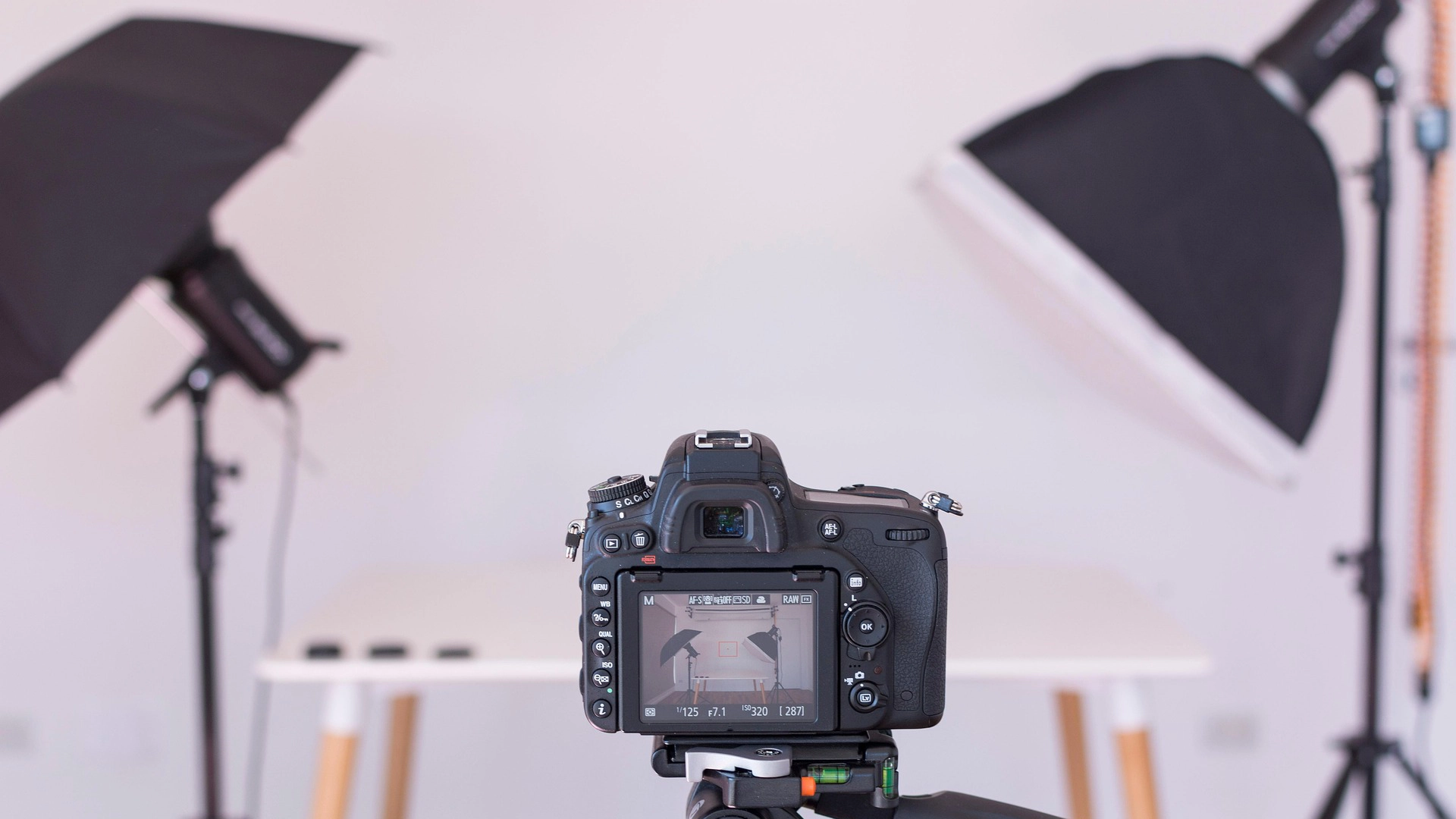
A great camera means nothing if you can't get the signal into your computer reliably, power it for extended sessions, or light yourself properly. The ecosystem around your camera determines whether you're actually ready to create or just own some expensive gear. These components work together to create a stable, professional setup.
Capture Cards: Getting Video Into Your System
Capture cards convert your camera's HDMI or SDI output into a signal your computer recognizes. Internal PCIe cards offer the most stable performance with lower latency and no USB bandwidth competition. They require an available PCIe slot in your desktop and some basic comfort with opening your case, but they eliminate most streaming headaches.
External USB capture devices like Elgato's Cam Link line work with laptops and simpler setups. They're plug-and-play, require no installation beyond drivers, and make swapping cameras between setups trivial. The tradeoff is USB bandwidth limitations and occasional compatibility quirks with certain camera models or cable lengths.
For most creators, external USB capture works perfectly fine. If you're running multiple camera angles, high-resolution streams, or notice dropped frames during demanding broadcasts, internal cards solve those problems. Both approaches work, the choice comes down to your specific workflow and whether stability or flexibility matters more.
Continuous Power Solutions
Camera batteries die during important moments. Dummy batteries paired with AC adapters eliminate this entirely. These plastic battery shells connect to wall power and sit in your camera's battery compartment, providing unlimited runtime for streaming and extended recording sessions.
They cost $20 to $40 depending on your camera model and pay for themselves the first time you stream for more than an hour without anxiety. Make sure you get the right dummy battery for your specific camera model, as they're not universal.
Lighting: The Most Impactful Upgrade
Nothing changes your image quality more dramatically than proper lighting. A $500 camera with $100 in lights will destroy a $3000 camera with no lighting plan. The difference isn't subtle, it's the gap between amateur and professional.
Three-point lighting remains the standard approach: a key light as your main source, a fill light to soften shadows, and a backlight to separate you from the background. This setup works whether you're spending $150 or $1500. The principle stays consistent.
LED panels from companies like Aputure, Godox, and Nanlite offer adjustable color temperature and brightness in compact packages. The Aputure AL-MC is a tiny RGB light that fits in your palm but outputs enough light for accent and backlight work. Godox's SL-60 series delivers powerful key lighting at accessible prices with excellent color accuracy.
Softboxes and diffusion panels turn harsh LED panels into flattering light sources. Direct LED panels create hard shadows and unflattering skin tones. Softened through diffusion, the same panel creates professional-looking light that makes everything look better.
RGB lights add creative color options for music content where visual style matters. They let you dial in specific moods, match stage lighting aesthetics, or separate yourself visually from generic creator content. But get your key and fill lights right first. Creative lighting enhances good fundamentals, it doesn't replace them.
Audio Integration Without Sync Drift
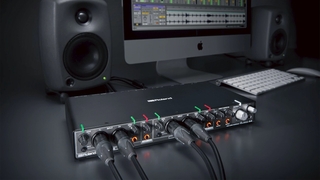
You already have an audio interface and microphones. Getting that audio into your stream or video file without sync problems requires a clear signal path. The most reliable approach sends your interface output directly into OBS or your streaming software as a discrete audio source.
Most interfaces show up as selectable input devices in OBS, letting you monitor levels and route channels independently. This keeps your audio and video in the same software environment, which prevents the sync drift that happens when recording audio and video separately.
If you're recording rather than streaming, monitoring your audio interface while the camera records its own audio track gives you a backup. You can sync the tracks in post using waveform alignment or a simple clap at the start of each take. This redundancy saves projects when technical issues corrupt one source.
Some cameras accept audio input through 3.5mm jacks or, in professional bodies, XLR connections. This embeds audio directly in the video file but usually requires you to monitor levels on the camera's screen, which becomes awkward during performance. For most creators, keeping audio in your computer through your interface makes more sense than trying to route everything through the camera.
Complete Creator Rigs You Can Build Today
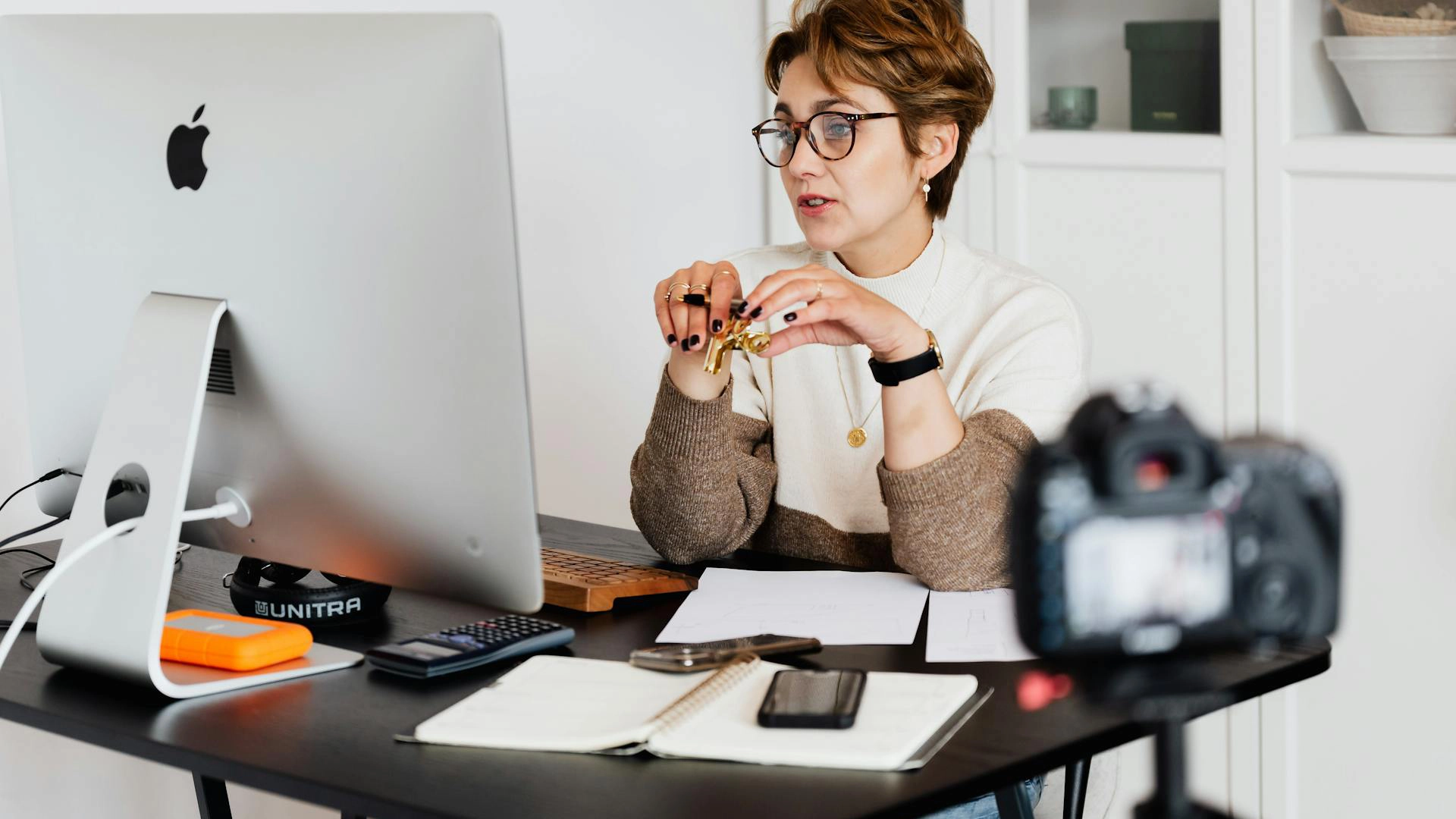
Rather than piece together components and hope they work well together, these complete templates give you tested combinations that solve specific creator scenarios. Each rig represents a coherent approach to a common use case, from budget-conscious streaming to high-end production work.
The Starter Streamer Setup
This rig prioritizes affordable access to genuinely good image quality without complex workflows or expensive accessories. It works for musicians just getting started with streaming lessons, performances, or casual content.
Start with a Sony ZV-E10 body paired with a Sigma 16mm f/1.4 prime lens. This combination handles tight spaces well, delivers beautiful background separation at f/1.4, and costs less than many webcams that call themselves "4K." The Sigma lens is sharper and faster than Sony's kit zooms while staying affordable.
Add an external USB capture device to pipe the clean HDMI signal into your computer. A simple ring light or small LED panel gives you even, flattering light without complicated setups. Plug your existing audio interface into your computer and you're streaming with production value that matches your audio quality.
This setup scales well. You can add a second lens, upgrade your lighting, or switch to an internal capture card later without replacing the foundational pieces. It gets you creating immediately while leaving room to grow.
The Professional Hybrid Rig
This configuration serves creators who stream regularly but also produce edited content like music videos, gear reviews, or tutorial series that need cinematic quality. It balances streaming reliability with production flexibility.
Build around a Panasonic S5 II body with the 24-60mm kit zoom. The full-frame sensor excels in varied lighting, and the zoom gives you flexibility to reframe quickly during creative shoots. Add a fast 50mm f/1.8 prime for portrait shots and low-light work where image quality matters most.
Use an internal PCIe capture card for rock-solid streaming performance without USB bandwidth concerns. Power the camera with a dummy battery to eliminate runtime anxiety during long sessions.
Light yourself with two LED panels: a larger key light with softbox for your main source and a smaller panel for fill or accent work. This gives you control over mood and style without requiring a lighting team. Add an RGB tube light for background color when you want that extra production polish.
This rig handles daily streaming, music video production, and everything in between without forcing compromises. The tools scale to match your ambition, and the image quality holds up in professional contexts.
The Low-Light Cinematic System
For creators working in dim rehearsal spaces, late-night studios, or stylized narrative content, this rig prioritizes clean high-ISO performance and cinematic image quality above all else.
Center everything around a Canon R6 Mark II with a 50mm f/1.8 prime. The full-frame sensor stays clean at ISO 6400, which means you can shoot in lighting that would destroy lesser cameras. The 50mm lens wide open at f/1.8 gathers maximum light while creating that compressed, cinematic perspective.
Skip the capture card and use a dummy battery with external cooling if heat becomes an issue during long takes. Invest your budget in lighting instead: a powerful key light, an RGB backlight for separation, and a practical light in-frame as a motivated source.
This setup creates images that match what audiences expect from music videos and narrative content. The camera disappears and the story becomes the focus. For musicians creating content that needs to look expensive, this is where image quality starts competing with professional productions.
| Rig Name | Camera Body | Lens | Capture Solution | Lighting | Best For |
|---|---|---|---|---|---|
| Starter Streamer | Sony ZV-E10 | Sigma 16mm f/1.4 | External USB capture device | Ring light or small LED panel | Affordable streaming, lessons, casual content |
| Professional Hybrid | Panasonic S5 II + 24-60mm | 50mm f/1.8 prime (additional) | Internal PCIe capture card + dummy battery | Two LED panels (key + fill) + RGB tube light | Streaming, music videos, tutorials, edited content |
| Low-Light Cinematic | Canon R6 Mark II | 50mm f/1.8 prime | Dummy battery + external cooling (optional capture card) | Powerful key light + RGB backlight + practical light | Dim spaces, music videos, cinematic narrative content |
Real-World Creator Examples
Seeing complete rigs in action helps translate specs into practical understanding. These examples show how working creators have built their setups around specific needs and workflows.
Home Studio Streaming Setup
Pomplamoose runs their elaborate home studio production through a clean video workflow that keeps the technical side simple. They rely on mirrorless bodies with continuous power and multiple camera angles fed through capture cards. The focus stays on performance and arrangement rather than fiddling with camera settings mid-stream.
Their approach demonstrates how solid fundamentals, consistent lighting, and reliable signal paths matter more than chasing the newest camera bodies. The technical quality serves the music rather than distracting from it.
Mobile Creator Flexibility
Andrew Huang builds content across multiple locations and contexts, which demands flexible gear that adapts to different shooting scenarios. His setup prioritizes lightweight mirrorless bodies, fast primes that work in varied lighting, and a streamlined workflow that doesn't require extensive setup time.
The lesson here centers on versatility. The best camera rig is the one you'll actually use consistently, not the most capable system sitting in a case because it's too complex to deploy quickly.
Frequently Asked Questions
Do I really need a dedicated camera if my phone shoots 4K?
Modern phones shoot impressive video, but they struggle with sustained streaming, lack clean HDMI output for capture cards, and can't match the depth of field and low-light performance of larger sensors with fast lenses. Phones work great for casual content but hit hard limitations for professional streaming workflows.
Can I use my DSLR for streaming?
Yes, if it has clean HDMI output. Older DSLRs often lack this feature or overheat during extended recording. Check your specific model's specs before investing in capture cards and accessories. Mirrorless cameras generally handle video work better.
How much difference does lighting really make?
The difference is staggering. A cheap camera with proper lighting will always outperform an expensive camera in poor light. Lighting determines how the sensor interprets the scene, and no amount of post-processing fixes fundamentally underlit footage.
Should I buy new or used camera gear?
Used camera bodies and lenses offer incredible value. Cameras from two or three generations ago still produce excellent images at fraction of original prices. The used market rewards patience and research. Just verify the camera includes clean HDMI if streaming matters to you.
What's the minimum I need to spend for professional-looking streams?
Around $800 to $1000 gets you a solid mirrorless body, one fast prime lens, a basic capture solution, and minimal lighting. This delivers genuinely professional results that match your audio quality. You can spend less with used gear or more for additional flexibility.
Do I need 4K for YouTube and streaming?
Not necessarily. Well-lit 1080p60 looks better than poorly lit 4K30 in most cases. If your computer struggles with 4K encoding or your upload bandwidth is limited, 1080p at higher frame rates delivers smoother, more engaging content.
Matching Your Visual Quality to Your Sound
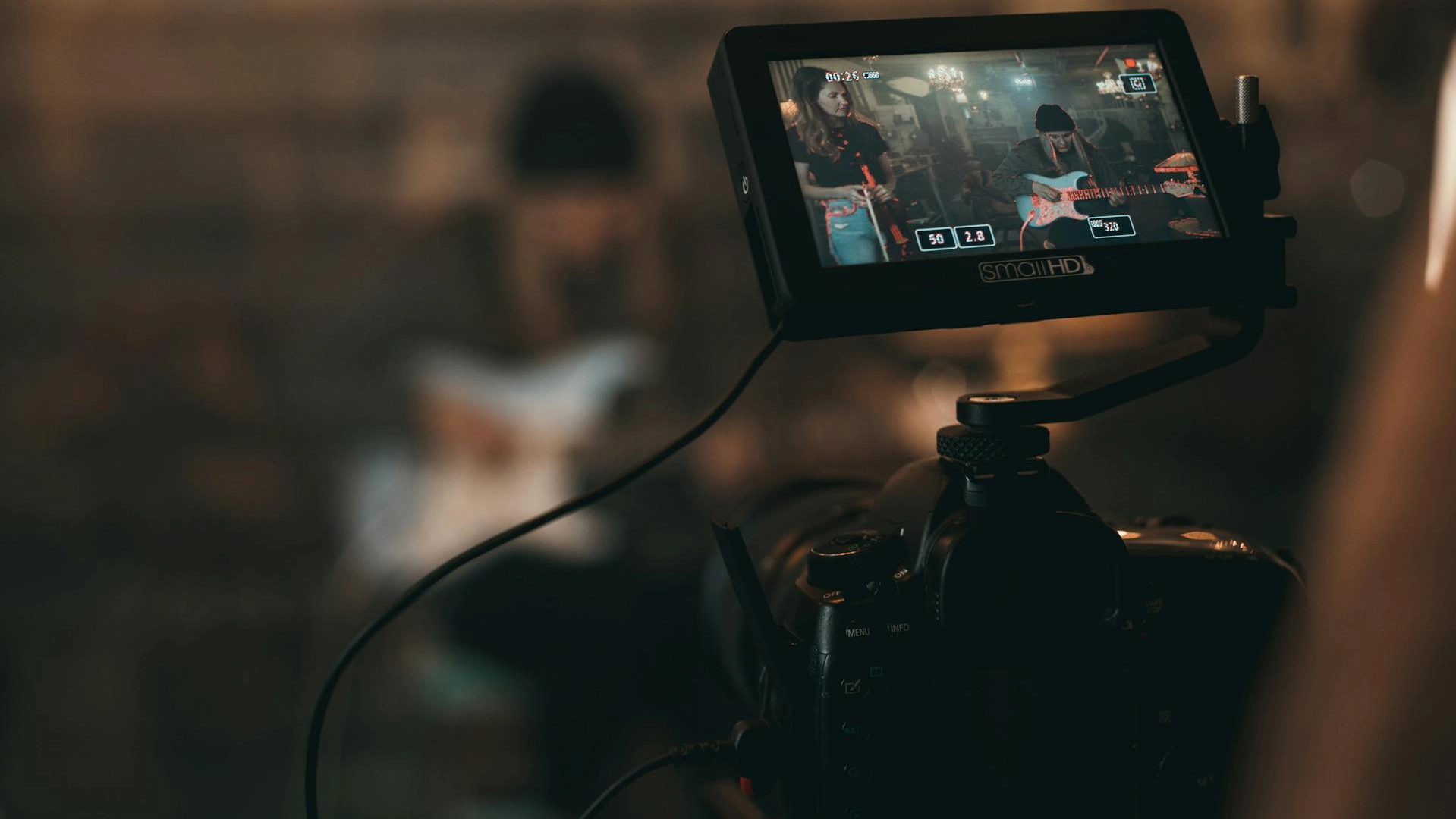
You've invested in microphones, interfaces, acoustic treatment, and the signal chain that captures your tone accurately. Your audio sounds professional because you understand what matters and where to invest. The visual side works the same way.
The cameras and gear covered in this guide, from the budget-friendly Sony ZV-E10 to the low-light powerhouse Sony A7S III, all deliver image quality that holds up next to professional audio. The Panasonic S5 II offers unlimited recording and excellent color science for hybrid creators. The Canon R6 Mark II excels in dim lighting with its full-frame sensor and reliable autofocus. Whether you're streaming lessons, shooting music videos, or building a complete content production workflow, these systems scale to match your needs.
Lenses matter more than bodies. Lighting transforms acceptable footage into professional content. Reliable signal paths and continuous power solutions prevent technical disasters. The ecosystem around your camera determines whether you're actually creating or just troubleshooting.
The goal isn't to become a camera expert. The goal is to build a visual signal path that matches the quality you've already achieved with audio, then get back to making music and content that matters. These tools disappear when chosen correctly, leaving only the work itself.
Equipboard helps you understand what gear working creators actually use and why they chose it. Browse our camera pages, explore complete creator rigs, and join the conversation about what works in real studios with real deadlines. Your audio already sounds professional. Now your video can match.
Sony Alpha ZV-E10 Mirrorless Vlog Camera with 16-50mm Lens Kit

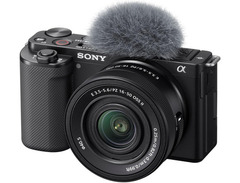
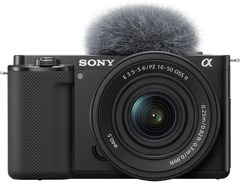







- Impressive 4K video quality and crisp photos.
- Excellent autofocus, especially for moving subjects.
- Lightweight and portable, ideal for vlogging.
- Flip-out screen enhances shooting versatility.
- See 6 more
- Rolling shutter effect is highly noticeable.
- Lacks in-body image stabilization (IBIS).
- Overheats quickly, limiting recording duration.
- LCD screen is small and obstructed by cables.
- See 6 more
Canon EOS R10 Mirrorless Camera

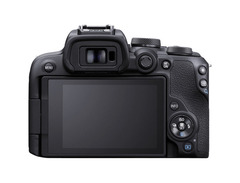
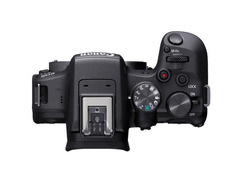
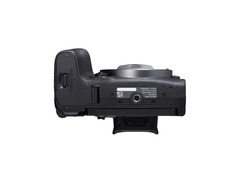
- Advanced autofocus tracks people, animals, and vehicles with impressive accuracy
- Lightweight and compact, making it ideal for travel and street photography
- Quiet shutter operation with an utterly silent electronic shutter option
- Built-in flash offers convenience for quick, casual shots
- See 6 more
- Limited video features, lacking output in video raw formats
- No headphone jack for monitoring audio levels during video recording
- Small body design can be uncomfortable with larger lenses
- Built-in flash can create shadows with larger lenses
- See 5 more

Canon EOS R50 Mirrorless Camera

Panasonic Lumix S5II Full-frame Mirrorless Camera with 24-60mm f/2.8 Lens

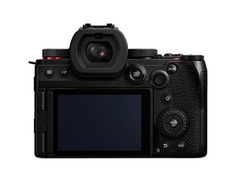
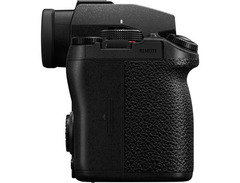
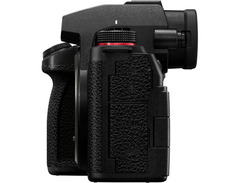
- Excellent low-light performance with high ISO and long exposures
- Great dynamic range in full-frame mode
- Phase detect autofocus rivals Canon and Sony
- Allows simultaneous internal and external recording for backup
- See 6 more
- Rolling shutter issues during fast panning
- APS-C crop in 4k60 limits full-frame capabilities
- Delayed shutter response with flash in Continuous AF mode
- Lens release button placement is inconvenient
Canon EOS R6 Mark II

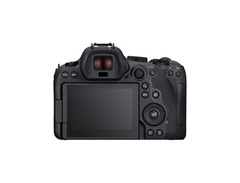
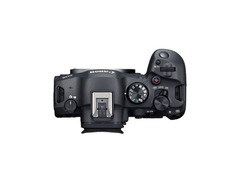
- Excellent autofocus capabilities, surpassing many competitors
- Strong low-light performance ideal for dim environments
- Fast drive speed for capturing rapid sequences
- Impressive video features and capabilities
- See 1 more
- Frequent camera lockups requiring battery removal
- Incompatibility with several third-party lenses
- Custom settings do not consistently save
- Slow and inconsistent startup time
- See 3 more

Sony Alpha A7s iii Mirrorless Digital Camera Body

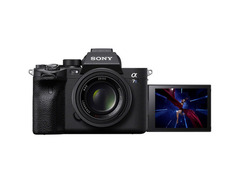
- Exceptional low-light performance, especially at high ISO settings
- Autofocus is responsive and reliable with customization options
- Active stabilization is gimbal-like with GM lenses
- Outstanding color science offers vibrant and accurate color reproduction
- See 6 more
- Screen design hinders usability when cables are connected
- Noticeable image processing artifacts, such as internal sharpening
- Lack of S-Cinetone and 4K DCI is limiting for some users
- Dual ISO settings are spaced too far apart for practical use
- See 6 more
See how artists use this







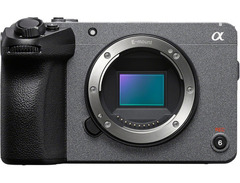
Sony Cinema Line FX30 Super 35 Digital Camera - Body Only

See how artists use this


Sony Alpha FX3A Cinema Line Full-frame Camera with XLR Handle Unit

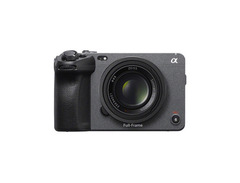
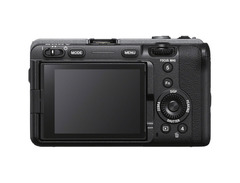
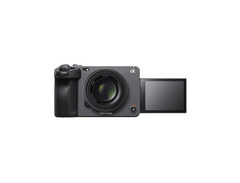
- Exceptional low-light performance ideal for demanding environments
- Dual ISO settings of 800 & 12,800 offer unmatched versatility
- Full-frame sensor with clean 16:9 output using full sensor width
- Compact design with built-in fan enhances usability during extended shoots
- See 6 more
- Autofocus issues with certain third-party lenses noted
- Lacks built-in ND filters, requiring external accessories
- Limited to 16:9 4K recording, lacks open gate options
- High price point compared to newer alternatives with more features
- See 1 more
Nikon Z8

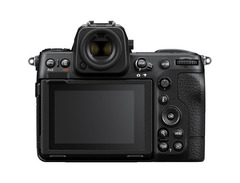
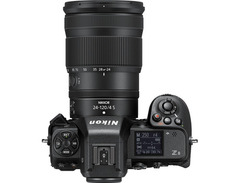
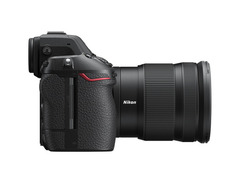
- Compact and lightweight compared to the Z9, ideal for smaller hands
- Almost identical features to Z9 at a significantly lower price
- Excellent autofocus and subject recognition, especially for fast-moving subjects
- High frame rate of 20 frames per second with no blackout
- See 6 more
- Battery life is relatively short, requiring extra batteries for extended use
- Rear screen doesn't fold into the body, increasing potential for damage
- Viewfinder activation delay can be bothersome for quick shooting
- Eye cup design allows unwanted light leakage and lacks cushioning
- See 3 more


Top Ranked Cameras on Equipboard


About the authors

S. Jino is an accomplished multi-instrumentalist and music producer based in Kolkata, India, distinguished by his self-taught mastery and unique blend of technical acumen and musical performance. His extensive experience was forged through hands-on dedication, starting with the full restoration of a broken guitar. Jino's capabilities span keyboards, pedals, and advanced digital production, reflecting a comprehensive skill set developed independently. As a significant contributor to the music scene, Jino regularly performs with worship bands and college ensembles. He has also established himself as a reliable and authoritative professional in freelance mixing, mastering, and original music creation. Inspired by the innovative sounds of Brian May and David Gilmour, and influenced by Kolkata's vibrant metal community, Jino is committed to the intricate art of vintage gear restoration and the continuous exploration of music and technology fusion. His current professional setup, featuring a meticulously restored nameless guitar, a Fender Player Strat, and a Boss Katana 50. Read more




.webp)