
Pricing and availability


* Product prices and availability are updated by Equipboard every 24hrs and are subject to change. Equipboard may receive compensation for purchases made at participating retailers linked on this site. This compensation does not affect what products or prices are displayed, or the order of prices listed. For more information, please refer to our affiliate disclosure.
Description
Apple GarageBand is a versatile DAW software designed to bring out the musician in you, whether you're a beginner or an experienced producer. Available exclusively for macOS and iOS, this software transforms your Apple device into a fully equipped music studio, right at your fingertips. With its intuitive interface, GarageBand makes it easy to create professional-quality music tracks, offering a comprehensive suite of tools and virtual instruments.
GarageBand provides a wide array of recording options, from live instrument input to MIDI. It features a rich library of 100+ software instruments and thousands of loops, allowing you to explore and mix various styles and genres seamlessly. Additionally, its built-in lessons and tutorials help you master instruments like guitar and piano, making it a great learning companion.
One of the standout features of GarageBand is its Live Loops functionality, enabling you to build music in real-time with a grid-based sequencer. This allows for dynamic and spontaneous composition, ideal for electronic music producers and live performers. GarageBand also offers seamless integration with Logic Pro, allowing you to expand your capabilities as your projects grow.
Key Features:
- Available for macOS and iOS with seamless integration
- Intuitive interface with a comprehensive suite of tools
- 100+ software instruments and thousands of loops
- Live Loops for real-time music creation
- Built-in lessons for guitar and piano
- Compatible with Logic Pro for expanded production capabilities
- Supports multiple recording options, including MIDI and live input
Videos

Charles Cleyn
Garageband Tutorial - Learn Under 10 Minutes
Garageband Tutorial - Learn Under 10 Minutes
Charles Cleyn
![Video thumbnail for GarageBand Tutorial - Complete Course - [Everything You Need To Know For The SUPER Beginner] by Charles Cleyn](https://img.youtube.com/vi/RpOfou3K-L8/mqdefault.jpg)
GarageBand Tutorial - Complete Course - [Everything You Need To Know For The SUPER Beginner]
Charles Cleyn
How to Use GarageBand - Tutorial for Beginners

Howfinity
GarageBand iPad/iPhone Tutorial For Brand New Beginners! // How To Make A Song In GarageBand iOS

Dean Davis
GarageBand iPad/iPhone Tutorial for Beginners

The GarageBand Guide
Apple GarageBand (Das Große Tutorial) Einfach Musik spielen und produzieren

Simon
![Video thumbnail for Garageband - Tutorial for Beginners in 11 MINUTES! [ 2023 ] by Skills Factory](https://img.youtube.com/vi/II2ALb1qsyQ/mqdefault.jpg)
Garageband - Tutorial for Beginners in 11 MINUTES! [ 2023 ]

Skills Factory
GarageBand for Mac: Do This First
The GarageBand Guide
Reviews
PROS
-
Free with Apple devices, making it an accessible entry-level DAW
-
User-friendly interface, great for beginners exploring music production
-
Includes a variety of amps, effects, and programmable instruments
-
Effective for quickly sketching out musical ideas and demos
-
Supports both iOS and macOS for versatile use across devices
-
Surprisingly capable of producing professional-sounding tracks for a free DAW
-
Integrates well with external tools like iRig and MIDI keyboards
-
Offers a wide range of loops and samples for creative experimentation
-
Provides a simplified version of Logic Pro X, making transition easier
-
Online tutorials available for learning and mastering features
CONS
-
Lacks some advanced features found in professional DAWs like multi-recording tracks
-
Quality of pre-equipped instruments and mixing capabilities can be underwhelming
-
Issues with recognizing external devices like iRig without restarting
-
Limited plugin support restricts advanced mixing and mastering options
-
Feedback concerns when recording guitar tracks without proper setup
Owner Insights
We analyzed real musician discussions from forums and Reddit to find what players love, question, and tweak about Apple GarageBand.
Features and functionality
Software and compatibility
User experience
Critic Reviews
4.0 out of 5
Based on 64 Reviews and 265 Ratings

1562
really good
does everything i need and more to edit music i write and the only thing i would add is more effects on the audio recorder

Great for what it is
A useful tool alongside the scarlett and the helix we own for recording demos. Extremely good for what it is, free and a decent recording software. Not to mention the programmable instruments you can put in if you don't already have them ready. We recommend using this highly as a pre-recorder. We do not recommend for final takes of the song unless you are on a low budget.

83
Great platform to start learning producing for free
One day, i have clicked to its icon on my app list when i was bored like hell and nothing to do. I thought it is a kind of playground where you pick pre made loops and connect them together to make sense and have fun. It was not like that at all... and now i am into music producing and learning it. If you have a mac, then you have a free nice DAW to start something creative, before getting into professional stuff. I even have listened rewarded music produced with garageband. Do not underestimate it.

74
Free with Purchase
This is the only DAW I have worked with so far, but it works fine. The pre-equipped instruments are not of the greatest quality and mixing on it is kind of meh, but I cannot complain too much because it is free. I am able to record and make songs with it so I am alright with it for now, but I would like to upgrade to FL Studio or ProTools when I get a little extra money.

456
My first daw.
I started using garageband in 2012 I think.
It's great for beginners.
Just mess around with it and create some awesome stuff, that's really what garageband is all about.

238
Terrific tool for demos
I have used this to record demos for other musicians and for the recording studio where I will be working, so that the producer has an idea of what I am looking for. It is relatively easy to learn how to use and you get pretty good results out of it. You have to watch for feedback when doing the guitar tracks in particular and I found that recording the guitar is best using an acoustic with an external mike and then choosing the electric sound you desire afterwards. There are some great tutorials on line for those who are starting out. One in particular is called "How to Make A Song in Garageband".

434
Great selection, great deal
I wasn't expecting such a large variety of amps and effects, but Apple has a way of surprising users in the best ways possible. The one downside is that for a novice, it can be hard to figure out what is what, and how to use certain features. It took me forever to figure out how to turn the feedback off. Another problem I've encountered a lot is getting sound. Hooking up with an iRig, sometimes the computer doesn't register you've put something in the headphone jack, or doesn't register that what you've put in ISN'T a pair of headphones. The quick fix is to simply restart the computer, but it can get annoying if it persists.
The fact that this comes with any Apple product is what I love most. Sure you have to buy accessories and additional amps if you're serious about using this app, but what you're getting as a standard is pretty impressive. I've gone back and forth between this and Ampkit. Each have their merits, but Garageband is better for recording, editing, tracking, and that sort of stuff. All in all I give Garageband a 7.5/10.

173
Not yet a pro tool, but it does the trick
With a very good gamma of drums, synthesisers, pedals and amps, Garage Band is an amazing tool to Record Demos, but that is all. There are some key features which are still lacking in this tool which are available in every pro Tool for professional recording, such as multi recording tracks for one channel.
Apart from that, if you want to record Demos for your band, that's exactly what you are looking for.

232
For the hobbyist
I use GarageBand at work and at home for fun. It's very intuitive and a great way to kill time on a Tuesday night. From recording music, to playing with all the various amp/effects the program has to offer, it's given me to try out styles I have yet to explore. There are better recording programs out there, but this is perfect for knocking out a quick idea.

9938
Underrated!!
tried it for the first time on a friend's macbook and as someone who's using the ios version for years on my iphone 6 i found it mindblowing and soooo much fun. ive always thought that people really underestimated garageband for some reason. a lot of the artists that i love and enjoy use garageband for their music.
Artist usage
Add artist
8:13 "Well, um... to be honest I started with Garageband."


According to this interview Skrillex says: "I got GarageBand one day and started fucking with it, and that turned into Skrillex."

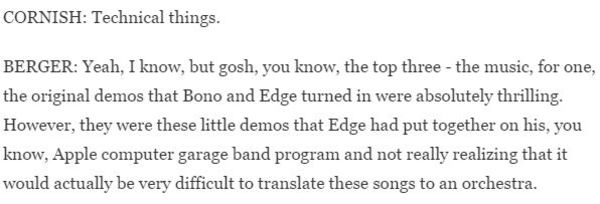
In this NPR interview with Glen Berger (author of "Song of Spiderman: The Inside Story of the Most Controversial Musical in Broadway History" and co-writer of the show), it's explained that Edge used GarageBand to demo songs for the production.
Edge can also be seen using the software briefly in the film It Might Get Loud.


Trent Reznor says, "For quite some time I've been interested in the idea of allowing you the ability to tinker around with my tracks […] What I'm giving you in this file is the actual multi-track audio session […] in GarageBand format," in this interview.

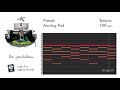
1:47 the preset "Ominous Dancefloor" is used in Fall Away.

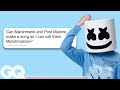
In the video "Marshmello Goes Undercover on Twitter, YouTube, and Reddit | GQ" Marshmello reads a question on Quora asking about what software he uses. He mentions that he started on GarageBand.
I use Ableton, Ableton 10. I started on GarageBand. A lot of people moved to Logic in their early days, but I went right to Ableton and it just worked out. That's all I've used.
His full answer on Quora can be seen here.


When talking about her album visions Grimes says "Embarrassingly, I recorded the entire album on Garageband."


"A lot of people think it's bullshit when we say we use GarageBand, but it's actually an amazing tool."

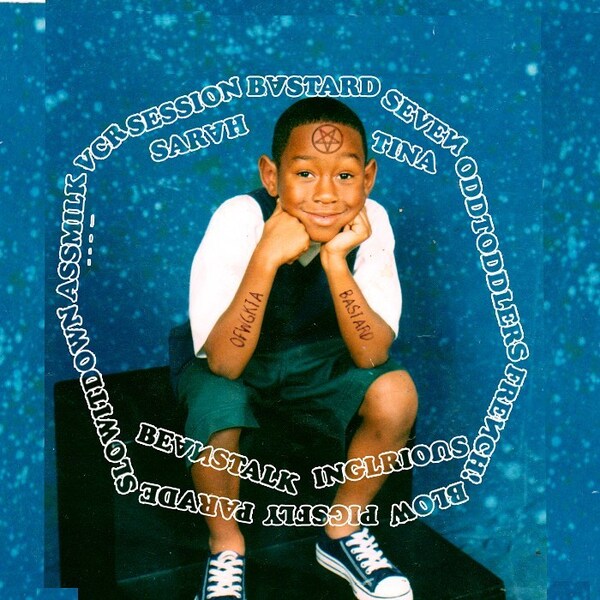
In this Instagram post made by feliciathegoat (tyler's IG), he's saying that he used Garage Band (probably '08) for produce BASTARD (in 2009).

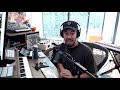
He uses GarageBand exclusively in this video


In this Instagram video clip, posted by Matthew Followill, he can be seen running Apple's GarageBand software on his MacBook Pro. He has recorded a riff using his newest Telecaster (newest guitar as of Sept 2014), and says, "Here is what the new Telecaster sounds like! #letsrock"


"I use Logic Pro a lot. Everything is integrated, there’s no external interface, it’s fantastic. I use it as a large sequencer, it’s like the nerve centre of the recording process. I also have it installed on my MacBook Pro. I’ll be going on tour soon and I’ll be able to continue working on my next album. I use GarageBand too, particularly as a notepad to write down all my musical ideas."
Album Usage
The Apple GarageBand has been featured on the following albums:
Relationships
HAIM (2025)
Don't Delete The Kisses
Wolf Alice & Wolf Alice (2017)
Best I Can (feat. Sharon Van Etten)
Michael Cera (2017)
Down To Earth Vol. 2 (The Standard Bap Edition)
Ras G (2014)
True That
Michael Cera (2014)
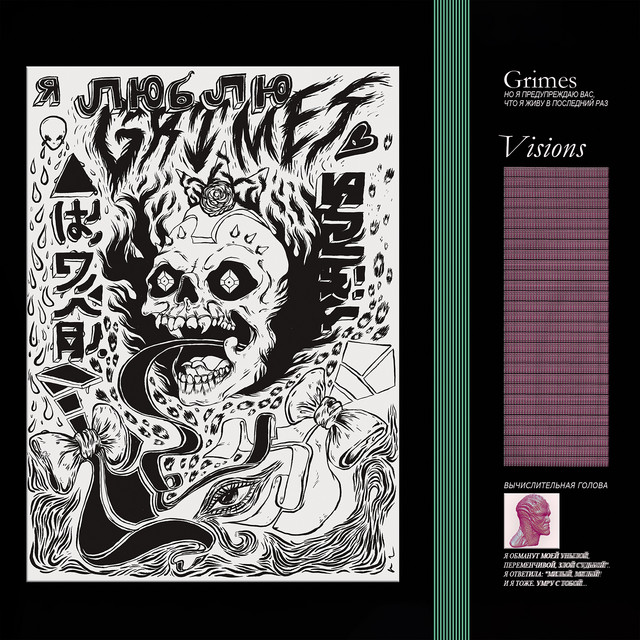
Visions
Grimes (2012)
Witchazel
Matt Berry (2011)
Goblin
Tyler, The Creator (2011)
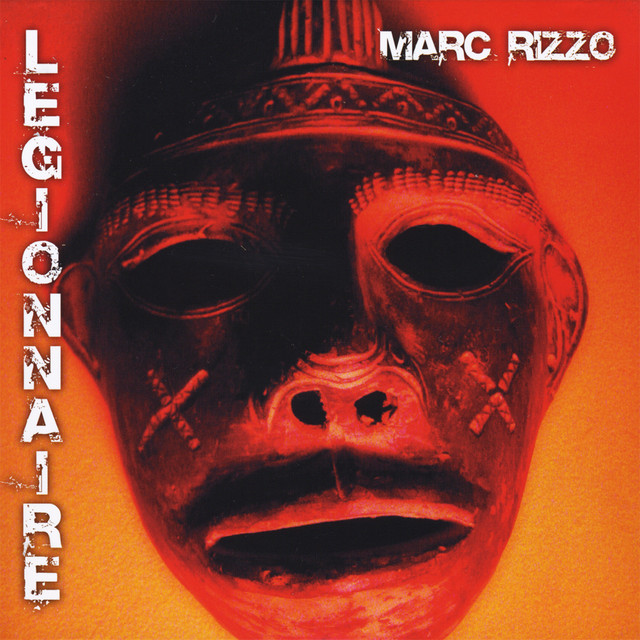
Legionnaire
Marc Rizzo (2010)
Genre Usage
Based on how artists on Equipboard use this gear, it is most commonly found in the following genres.
Used With
Based on how musicians on Equipboard use Apple GarageBand, it is most commonly used with the following gear.
-s.webp?v=1784818735)
-s.webp?v=1784878233)
-s.webp?v=1784876468)
Community setups
Show yours
.jpg?v=1782784259)
Similar
Add recommendation5 alternative and related items for Apple GarageBand, curated by the Equipboard community.

$139.00 - $179.00
I recommend this after garageband, its just like it, expect better.
You can also try Ableton if you want.


$268.00 - $349.00

garageband is just a free version of logic, it even uses the same audio engine

More Apple DAW Software


$225.00 - $599.00
in DAW Software Rank


$268.00 - $349.00
in DAW Software Rank


-m.webp?v=1784455242)
$99.99 - $344.00
in DAW Software Rank


$99.00 - $399.99
in DAW Software Rank


$139.00 - $179.00
in DAW Software Rank


$398.00
in DAW Software Rank
-m.webp?v=1784455238)
$409.00 - $499.00
in DAW Software Rank


$119.00 - $295.00
in DAW Software Rank


$209.00 - $329.99
in DAW Software Rank


$199.00
in DAW Software Rank


$0.00
in DAW Software Rank


$515.00 - $579.99
in DAW Software Rank


.png?v=1784755332)


$75.00
in DAW Software Rank


$359.00 - $479.00
in DAW Software Rank


$199.99
in DAW Software Rank
.jpg?v=1784450238)


$129.00 - $189.00
in DAW Software Rank


$395.00 - $499.00
in DAW Software Rank


$136.00 - $179.00
in DAW Software Rank

$139.99 - $199.99
in DAW Software Rank


$366.00 - $579.99
in DAW Software Rank


$579.99
in DAW Software Rank


Gear Guides










Most Popular DAW Software
Most Popular Brands
-
Added to Equipboard on by
 theelectroclassic
GearIQ 233
-


