

Pricing and availability
We compare 600+ stores and found this item at 5 stores. Prices updated .
Store
Reviews
Price






Price History
Based on price data from 2 merchants for "Waves Nx". Prices shown reflect NEW condition. Tracking began Apr 2, 2026.
* Product prices and availability are updated by Equipboard every 24hrs and are subject to change. Equipboard may receive compensation for purchases made at participating retailers linked on this site. This compensation does not affect what products or prices are displayed, or the order of prices listed. For more information, please refer to our affiliate disclosure.
Description
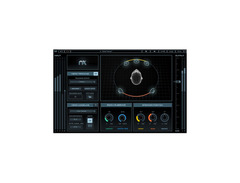
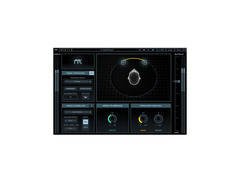
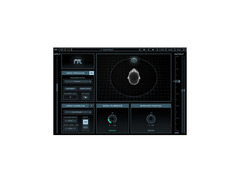
Transform your headphone mixing experience with the Waves Nx virtual mix room plug-in. Designed to replicate the acoustics of a high-end studio environment, this software offers musicians and producers the ability to perceive natural depth, reflections, and panoramic stereo imaging as if they were in a physical room. Whether you're mixing for stereo, 5.1, or 5.0 surround, Waves Nx ensures that your headphone mixes translate seamlessly to real-world speaker systems.
One standout feature of Waves Nx is its real-time head tracking capability. By utilizing a computer's camera, the software tracks your head movements, providing a dynamic listening experience that mimics being in an actual mix room. This feature, combined with the plug-in's ability to personalize settings according to your unique head measurements, enhances the realism and comfort during extended mixing sessions.
Perfect for both seasoned professionals and budding producers, Waves Nx doesn't just simulate an acoustic space — it transforms your headphones into a portal for precision and creativity. Dive into a world where your mixes are not only heard but felt, with every nuance preserved in its transparent sound.
Key Features:
- Virtual mix room plug-in for realistic headphone monitoring
- Simulates the acoustics of a professional studio environment
- Supports stereo, 5.0, and 5.1 surround mixing
- Real-time head tracking with webcam integration for enhanced realism
- Customizable settings for individual head measurements
- Compatible with MultiRack Native and StudioRack Native
Product specs
| Software Type | Mix Room Emulation |
| Platform | Mac, PC |
| Upgrade/Full | Full |
| Download/Boxed | Download |
| Bit Depth | 64-bit |
| Format | AAX Native, AudioSuite, VST, AU |
| Hardware Requirements - Mac | Intel Core i5 or higher, 8GB RAM minimum |
| Hardware Requirements - PC | Intel Core i5 / AMD Quad-core or higher, 8GB RAM minimum |
| OS Requirements - Mac | macOS 10.14.6 or later |
| OS Requirements - PC | Windows 10 or later |
FAQs
-
What is the purpose of the Waves Nx Virtual Mix Room plugin?
-
The Waves Nx Virtual Mix Room plugin is designed to emulate a 3D acoustic space, allowing users to mix audio on headphones as if they were in a professional studio environment, ensuring mixes translate well to speaker systems.
-
Is the Waves Nx plugin compatible with my DAW?
-
The Waves Nx plugin supports AAX Native, AudioSuite, VST, and AU formats, making it compatible with most major DAWs on both Mac and PC platforms.
-
What are the system requirements for Waves Nx on a Mac?
-
To run Waves Nx on a Mac, you need macOS 10.14.6 or later with an Intel Core i5 processor or higher and at least 8GB of RAM.
-
Can I use Waves Nx on a Windows computer?
-
Yes, Waves Nx is compatible with Windows 10 or later and requires an Intel Core i5 or AMD Quad-core processor and a minimum of 8GB RAM.
-
Does Waves Nx work with all headphones?
-
Waves Nx includes correction EQ curves for 270 headphone models, enhancing its virtual mix room experience, though it can be used with any headphones for improved spatial audio perception.
Videos

Waves Audio
Mixing on Headphones with Waves Nx Virtual Mix Room Plugin – Quick Start
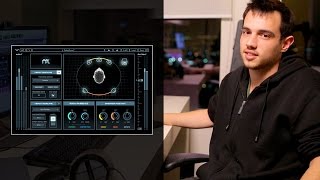
Mixing on Headphones with Waves Nx Virtual Mix Room Plugin – Quick Start
Waves Audio
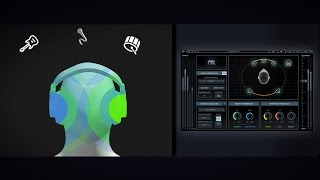
Mix Reliably on Headphones with the Waves Nx Plugin
Waves Audio

REVIEW: WAVES NX Virtual Mixroom

White Sea Studio
Testing Out Waves NX For The First Time

SPL Mixing
Reviews
PROS
-
Significantly enhances spatial audio experience with headphones
-
Reduces headphone listening fatigue effectively
-
Provides specific settings for popular headphone models
-
Allows mixing at night without disturbing others
-
Greatly improves mix translation from headphones to monitors
-
Offers a convincing "sweet spot" simulation
-
Useful for apartment living where speaker use is limited
-
Integrates well with Sonarworks for an optimal experience
-
Minimal CPU usage compared to other plugins
CONS
-
High CPU usage noted in stereo mode by some users
-
Alters frequency response, particularly around 300Hz, 1.5kHz, 3kHz, and 8kHz
-
Head tracking via webcam lacks fluidity and requires good lighting
-
Sound can "flange" or combfilter with head tracking
-
Limited user-defined parameters for accurate modeling
Owner Insights
We analyzed real musician discussions from forums and Reddit to find what players love, question, and tweak about Waves Nx.
Features and functionality
-
Nx's head tracking is highly praised but noted for quirky pairing issues; a webcam can effectively track front-to-back motion.
Source -
Nx's room simulation increases bass, thus less bass compensation is applied in its headphone EQ section.
Source -
Nx's headphone EQ includes timbre of speakers but lacks spatial effects or reflections, affecting room simulation realism.
Source -
CLA Nx's head tracking significantly reduces listening fatigue by varying the signal with head movements, enhancing immersion and realism.
Source
Comparisons
Use cases and applications
-
Nx is particularly useful for initial mono composition and for checking mix balance, especially in the low end, using various virtual rooms.
Source -
CLA Nx is praised for the illusion of speaker sound, making users instinctively reach for monitor volume knobs during headphone use.
Source -
Users recommend using Loopback or Blackhole on Mac to route audio into Nx, enhancing familiarity with the virtual room.
Source
User experience
Software and compatibility
-
Owners mention that Nx lacks a systemwide driver, limiting the ability to acclimate to the virtual rooms.
Source -
ATH-M70x headphones lack a native EQ profile in Waves Nx; users can integrate Pro-Q 3 with oratory's curve for compensation.
Source -
Using a webcam for head tracking is often more reliable than the dedicated tracker, which can have Bluetooth connection issues.
Source
Value and pricing
-
Some users find Nx worth the $35 sale price as a secondary reference tool, especially for low-end clarity, rather than as a main mixing solution.
Source
Critic Reviews
4.0 out of 5
Based on 2 Reviews and 13 Ratings

3579
Good concept, great potential but...
... not yet there. The good: It's good you can bleed some of the left signal into the right ear (and vice versa) and add some reflections (keep it very low to sound realistic, so listening through your headphones sounds more like listening in a real room. The less good: head tracking through the webcam is not fluent and only works in good lightening, the bluetooth head tracker is better but only does x/y/z angles of the head, not the position in the room. The sound often seems to "flange" or combfilter (when head tracking). The models/algos are not yet advanced enough and do have not enough user defined parameters to be accurate. Hopefully they will improve these over time but for the moment it's not reliable enough to make tracking or mastering decisions... PLEASE SEE UPDATE BELOW!!!
3579
With recent software/firmware updates, the overall sound quality had significantly improved especially when using the hardware head tracker, use exact head measurements and keep the room reflections low. It does take a while to get used to it but it's way better than mixing on normal headphones or bad monitors/room acoustics... I feel it's only fair to increase it from 3* to 4*...

126
Amazing—you forget you have headphones on.
I literally end up pulling off my headphones because I think my speakers are on. I use it with the device that attaches to the headphones to monitor head position, which works flawlessly. The camera tracking isn't quite as good, but still impressive.
Artist usage
Add artist
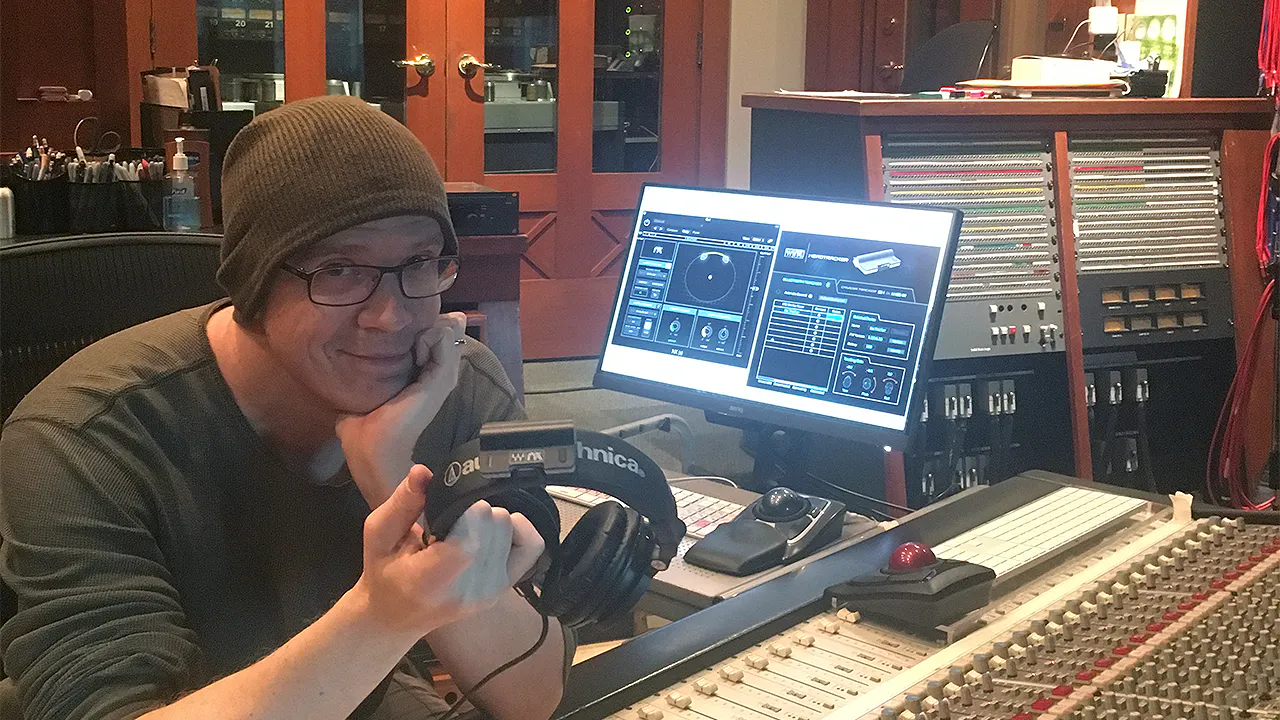
''Mixing remotely on headphones with the Nx Virtual Mix Room plugin—on the plane or whenever I was travelling—was an absolute lifesaver.''.


Genre Usage
Based on how artists on Equipboard use this gear, it is most commonly found in the following genres.
More Waves Utility Plugins

$37.00 - $39.99
in Utility Plugins Rank


$29.99 - $39.99
in Utility Plugins Rank


$81.00 - $99.00
in Utility Plugins Rank

$39.99 - $149.00
in Utility Plugins Rank


$48.00 - $50.00
in Utility Plugins Rank

$24.99
in Utility Plugins Rank


$525.00 - $599.00
in Utility Plugins Rank

$24.99 - $29.99
in Utility Plugins Rank


$37.00 - $39.99
in Utility Plugins Rank

$943.00 - $999.00
in Utility Plugins Rank

$33.00 - $199.00
in Utility Plugins Rank

$29.99 - $34.99
in Utility Plugins Rank

$1,248.00 - $1,399.00
in Utility Plugins Rank

$1,488.00 - $1,699.00
in Utility Plugins Rank

$34.99 - $79.00
in Utility Plugins Rank

$33.00 - $34.99
in Utility Plugins Rank


$33.00 - $34.99
in Utility Plugins Rank


$1,629.00 - $11,899.00


$0.00
in Utility Plugins Rank


$10.00
in Utility Plugins Rank


$49.00
in Utility Plugins Rank


$19.00
in Utility Plugins Rank

in Utility Plugins Rank


$0.00
in Utility Plugins Rank


$0.00
in Utility Plugins Rank

Accessories & Related Items


-s.webp?v=1784973610)


Community setups


Similar


Gear Guides










Most Popular Utility Plugins
Most Popular Brands
-
Added to Equipboard on by
ro5GearIQ 3579
-