

Pricing and availability
We compare 600+ stores and found this item at 4 stores. Prices updated .
Store
Reviews
Price


Average Price: $179
Standard/Professional
$149
$400+
Price Tier
Budget
Standard
High-end
Price History
Based on price data from 3 merchants for "Image-Line FL Studio". Prices shown reflect NEW condition. Tracking began Apr 2, 2026.
* Product prices and availability are updated by Equipboard every 24hrs and are subject to change. Equipboard may receive compensation for purchases made at participating retailers linked on this site. This compensation does not affect what products or prices are displayed, or the order of prices listed. For more information, please refer to our affiliate disclosure.
Description
Image Line's FL Studio 20 Producer Edition is not just a music production software, it's a creativity hub for musicians of all levels. With a legacy of over two decades, FL Studio has been the go-to solution for countless artists, from bedroom producers to chart-topping hitmakers, providing an intuitive environment to compose, arrange, record, edit, mix and master professional-grade music.
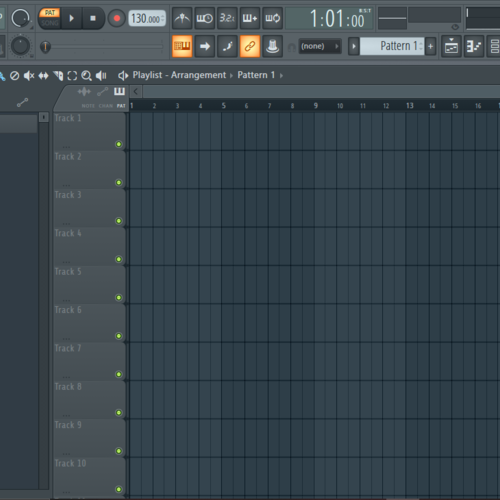
The FL Studio’s legendary Playlist serves as your infinite creative playground, allowing you to sequence and overlay multiple elements of your project in any manner you fancy. The only limit is your creativity! Its unique Patcher empowers you to chain instruments and effects in custom configurations for truly unique sounds.
The software comes packed with over 80 virtual instruments and effect plug-ins, ranging from synthesis, sampling, compression, to delay, and filtering. The package includes powerful tools like Sytrus, Harmless, Slicex, Vocodex, and Maximus, enabling you to achieve whatever style or sound you envisage.
The 20th edition takes music production to new heights, introducing features like Time Signatures, in-situ rendering, multiple Playlist Arrangements, and rebuilt plug-in delay compensation, all designed to make your creative process smooth and synchronized.
Best of all, FL Studio is committed to growing with you. Renowned for its lifetime of free updates, your FL Studio software will never fall out of date, keeping pace with your evolving creativity.
Key Features:
- Comprehensive music production software
- Over 80 virtual instruments and effect plug-ins
- Unique Patcher for custom instrument and effect chains
- Innovative Playlist for limitless creative sequencing
- New features including Time Signatures and in-situ rendering
- Lifetime of free software updates.
Product specs
| Software Type | Music Production |
| Platform | Mac, PC |
| Upgrade/Full | Full |
| Download/Boxed | Download |
| Bit Depth | 64-bit |
| Format | VST2, VST3, AU, Standalone |
| Hardware Requirements - Mac | Intel Core Duo or higher, 4GB RAM or more recommended |
| Hardware Requirements - PC | Intel Core Duo / AMD Athlon 64 or higher, 4GB RAM or more recommended |
| OS Requirements - Mac | macOS 10.13.6 or later |
| OS Requirements - PC | Windows 8.1 or later |
FAQs
-
Is FL Studio 21 Producer Edition compatible with both Mac and PC?
-
Yes, FL Studio 21 Producer Edition is compatible with both Mac and PC platforms. It requires macOS 10.13.6 or later for Mac and Windows 8.1 or later for PC.
-
What are the minimum system requirements for running FL Studio 21 on a PC?
-
To run FL Studio 21 on a PC, you need at least an Intel Core Duo or AMD Athlon 64 processor and 4GB of RAM.
-
Does FL Studio 21 Producer Edition support VST plugins?
-
Yes, FL Studio 21 Producer Edition supports VST2 and VST3 plugins, allowing you to expand its functionality with a wide range of third-party plugins.
-
Can FL Studio 21 be used as a standalone application?
-
Yes, FL Studio 21 can be used as a standalone application, providing a complete music production environment without the need for additional software.
-
Are lifetime free updates included with FL Studio 21 Producer Edition?
-
Yes, purchasing FL Studio 21 Producer Edition includes lifetime free updates, ensuring you always have access to the latest features and improvements.
Videos

FL Studio
FL STUDIO 20 | Launch Video

FL STUDIO 20 | Launch Video
FL Studio
FL STUDIO 21.2 | What's New?
FL Studio

FL STUDIO 2024 | What's New?
FL Studio
![Video thumbnail for FL Studio 21 - Tutorial for Beginners in 12 MINUTES! [ COMPLETE ] by Skills Factory](https://img.youtube.com/vi/6ZuBg6bmkhk/mqdefault.jpg)
FL Studio 21 - Tutorial for Beginners in 12 MINUTES! [ COMPLETE ]

Skills Factory
FL STUDIO 20.8 | What's New?
FL Studio
Anfänger Schnelleinstieg | FL Studio 20 Tutorial

Edward Sour
FL STUDIO 20.8.3 | What's New?
FL Studio

Which Version of FL Studio Should I Get? (2024)

Another Monster Productions
FL STUDIO | Psytrance Tutorial
FL Studio
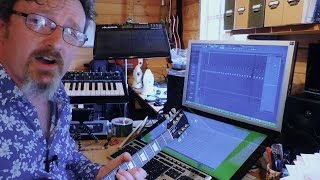
Image Line FL Studio 12 Full, In Depth Review

Molten Music Technology
Reviews
PROS
-
Intuitive interface caters to beginners and pros alike
-
Lifetime free updates eliminate upgrade costs
-
Rich stock plugins and sound packs included
-
Highly praised piano roll for seamless MIDI editing
-
Affordable entry price attracts new producers
-
Strong community support and extensive tutorials
-
Versatile for electronic music production
-
Flexible workflow allows for rapid idea development
-
Consistently evolving with user feedback
-
Excellent for creating complex arrangements quickly
CONS
-
Recording capabilities deemed primitive by some users
-
Struggles with integrating external sound modules
-
High CPU usage reported with large projects
-
Limited MIDI support, complicating collaboration
-
No track freezing, impacting CPU-heavy projects
-
Confusing GUI for some users
-
Automation clips can be cumbersome to manage
-
Lacks real-time audio warping compared to competitors
-
Stock plugins not always up to par with third-party options
-
Some users find workflow doesn’t translate well to other DAWs
Owner Insights
We analyzed real musician discussions from forums and Reddit to find what players love, question, and tweak about Image-Line FL Studio.
Software and compatibility
-
It's confirmed that FL Studio creates an "Image-Line" folder containing project data, and a separate "FL Studio" folder in Documents for user data.
Source
Setup and maintenance
-
Deleting the "Image-Line" and "FL Studio" folders post-uninstallation is safe if no projects or presets were saved, reducing unnecessary file clutter.
Source
User experience
-
Some users report historical changes in folder management, highlighting that older habits might differ from current FL Studio data storage practices.
Source -
Some users find FL Studio's workflow challenging initially, yet many adapt and appreciate the software over time, anticipating improvements in upcoming updates.
Source
Features and functionality
-
FL Studio offers free updates, which are frequently substantial, setting it apart from other DAWs that may charge for major releases.
Source
Value and pricing
-
The $49 Fruity Edition is an affordable entry point, but users find it limited compared to Producer Edition or higher, making it more of a stepping stone for upgrades.
Source
Critic Reviews
4.5 out of 5
Based on 589 Reviews and 2204 Ratings

Works great, but not for me.
I bought FL Studio (I believe producer edition) back in 2025 so I can fully pursue my music & production career. Having used it since around 2022, I gotta say, I'm not as big of a fan of it as I was back in 2025. I do a lot of Rock music with a ton of sampling. For recording, FL Studio is not my go to. But if I need to use software instruments or edit audio clips, it works perfect for me. It's much more user friendly than most DAWs which is something I do like about it.

My all time go DAW
FL studio is quite simple & user friendly DAW compared to any other DAWs out there. Top notch producers like martin garrix & afrojack are using FL studio! So don't just believe that FL studio is for newbies only.
Coming to its user interface part and workflow, it is easy to understand and you can work as fast as you want when creativity strikes your mind.
I have been using FL studio since FL studio 10. What changes I have observed is that it has evolved to make banger music as quickly as possible with reduced cpu usage! This is game changing for me because no one likes their cpu usage hitting 100 % while producing. Each new release has improved FL studio in a quite unique way but still it needs a lot of improvement.
So before you buy FL studio or any other DAW, keep in mind to go for DAW which is compatible with YOU! I like to draw my creative ideas quickly in piano roll, but I find it hard in Ableton piano roll compared to FL piano roll. So again telling DAW which is compatible with you!
So what after choosing the best DAW? Yes, your operating system and its capability. I am using FL studio on windows 10 with 8 GB RAM, dual core i5 7th gen Laptop. But what I have figured out is that when using some big VSTs (Kontakt, Massive, Serum etc) with multi layer stacking, my CPU usage skyrocketed to 80-90% resulting in lagging my production process. This is frustrating because nobody wants their creative process to get disturbed by such issues. So my suggestion will be to go for 16 GB of RAM with octa core processor to go for smooth production. Of course you can consolidate tracks to reduce cpu usage but still, it requires time for rendering which I personally don't like to keep on doing for every track.
FL studio got some impressive stock plugins like harmor, sytrus, maximus and Fast dist which are very handy while producing on FL studio. Even if you are producing music of a specific genre, both stock generator plugins and effect plugins can make your workflow faster. No need for any 3rd party plugins unless and until you need some specific effect or sound from 3rd party plugins.
On the other side of the coin, FL studio has its own drawbacks when you compare it to a bunch of top notch DAWs. Major one is you can't freeze track as you can do in ableton live. It's pretty easy in ableton to freeze track to reduce cpu usage when you are working with some cpu eating VSTs. When you are going to stack layers (not all the time!) to get rich and thicker sound in FL studio, you have to consolidate your tracks to reduce cpu damage.
Anyway, If one asks me to choose a DAW for music production, I will certainly go with FL studio! Because it is a DAW which is compatible with me and vice versa!

71
A Great DAW, and You Keep It Forever
FL Studio has been my go-to DAW for years, and I honestly can’t recommend it enough. As someone who started as a beginner, I’ve found its interface super intuitive, which made it easy to dive in and start creating right away. The piano roll, mixer, and plugins are all incredibly powerful and flexible, allowing me to bring any idea to life. What I love most is the lifetime free updates—once you buy it, it’s yours forever, no need to worry about paying for upgrades down the line. For me, that makes it a fantastic investment. Whether I’m making beats or full tracks, FL Studio has always been reliable and constantly evolves with me as a producer.
.png?v=1777665053)
196
A huge upgrade compared to my first DAW (LMMS) but I soon grew out of it
One of the first friends I ever made on the internet encouraged me to buy this and it was a great choice at the time I learned a lot through FL's user friendly piano roll, playlist/pattern based UI, and simple controller integration.
I would have never switched if I hadn't started investing in vintage sound modules. FL didn't integrate too well with external sound modules: - the recording process was primitive and I didn't like it. - I/O setup is also quite primitive. (Compared to Cubase or Studio One) - It didn't support midi spec very well either which gave me some issues with collaborators and clients when they'd share .mid files with me and they needed it to playback accurately or certain CCs they wanted me to work with (pitchbend for example) would be skewed and/or certain curves wouldn't playback accurately on my end but in other DAWs like Cubase, Reaper or Studio One it would sound how it should.
I say all this to say this is one of the easiest to use DAWs for a digital music producer (very easy to optimize for that setup) and it is servicable for hardware recordings but only if all of your collaborators use FL Studio so you can share fl project files instead of .mid files.
Preferred Settings + Usage:
Maximus on Master was my favorite lifehack.

97
Good DAW
I enjoy the workflow of the DAW. Didn't take long to learn how to use it and I really like the channel rack. The browser having the ability to link your drum sounds is also amazing. I can just type the drum kit I'm looking for, and quickly assemble my drum sounds in the channel rack.

131
Keeps Getting Better
FL was my first ever DAW I bought with my own money, as the entry price was actually affordable enough. I used to think the list of effect plugins wasn't extensive enough after trying other DAWs, but that has since changed with the recently added effects, most of which are included for completely free.
I also cannot emphasise enough how big of a deal lifetime free updates are. Having to buy Ableton Live AGAIN, just because a new version is torture, its insanity.
To summarize, as the kids say - It's the GOAT

Great sequencer but weird DAW
It is almost perfect for electronic music. Very user-friendly interface, huge stock plugin base and a large amount of tutorials make it very easy to use. But when you try to use it as a recording DAW, it starts to be uncomfortable and frustrating. But still usable, so yeah.

95
my favorite
it's been here since the beginning.
if i had everything i ever wanted, such as even a casio fz-1, i'd still use fl studio for all my work. i ain't ever getting rid of it.
kthxbai >w<
Preferred Settings + Usage:
i'm not telling you shit. you use fl studio the way you want to, not the way i use it.

166
Awesome
I'll try to be as helpful as I can to anyone reading this review, however I've only been using FL 10 & 11 scarcely in the span of the last three years; I don't know the complete ins and outs of this product. However, I must say that FL 12 is a serious step up from the previous version. With the unlockage of plugins like Sytrus and Maximus, literally anything is possible to produce now. I started out with the Fruity Edition of FL 10, which needless to say, is extremely difficult to produce with and terrifyingly limited. Seriously, my upgrade to Producer Edition made me cry after finally having the ability to make as many automation clips as I pleased, and to add wave files directly onto the playlist, so much easier than placing audio into FL's built-in sampler.
In my experience with FL 12, everything is much more visually appealing, it looks very sleek, very beautiful. Everything is "vectorial based," or so I've heard, meaning you can stretch the resolution of the program to just about any resolution you want. You can even have multi-monitor set ups and large screen portrayals. I think the limit is like 1200 screens. Seriously. You can have FL run on one master screen, and still show up vectorially on 1000 other monitors. That's crazy, and probably makes for some cool visuals at EDM festivals and whatnot.
I've also found that the audio is a bit more noticeable when you click on a track, not when you solo it, which adds for a nice groove to the parts you're singling out in your track, but leads to poor mixdown ability on the behalf of the producer. It forces you to click on the master track to get an accurate read of where all your instruments sit in the mix. Of course, maybe this has always been the case in FL, but I haven't noticed it until I downloaded my free upgrade to 12.
That's another thing, once you buy the software, any software from Image-Line, it's always yours. Your upgrades from one FL Version to another are always free, and the plugins that you have bought in the past always stay with you and your upgrade. That's a HUGE plus because some DAWs and plugins out there require you to pay a bit of money in order to upgrade which really hinders your ability to work on something that sounds fresh and sweet, in my opinion because you're too busy trying to work and save money to buy the next upgrade. I'm sure there are plenty of people willing to settle for not-up-to-date software, but with Image-Line you won't have to. And it's never going away is the best part. When FL 997 comes out, it'll be all mine for free, because I paid for the Producer Edition of FL 11. SCORE!
This is really a huge piece of software not for the simple-minded. This isn't a toy, it's a tool. It is incredibly powerful, and constantly challenges you. Even when you're going through bouts of creativity block or just pure laziness, you'll always find something to be uncovered or treasured within this software. It's performance mode is phenomenal. It's ability to work on your tablet and your monitor is flawless and ingenious. This will always be my go-to product for anyone trying to get started with Audio Production because this software will show you just how grueling, tedious, but also rewarding and enticing making music can be.
Version: Image Line FL Studio 12
40997
I've been with FL since like version 2 now? I don't use it all the time, but every time I am around the learning curve the add new twists to the interface. Sometimes its just new, streamlined ways to accomplish the same old jobs, but every version ahs tons of little tricks to figure out. Hell, I remember when there was no piano roll and no way to see how a waveform from a long chunk of audio would sync with the song. Thing is, you could still make it work with long samples and still program elaborate patterns. It just took longer. I'm getting misty-eyed for the 9s so I'll shut up now. Good luck on your FL journey. Try not to use any presets and try not to use any samples you didn't make yourself. Boring Sidney, boooooring.
40997
the 90s even.... time for bed dude

278
The best DAW. Period.
I know I wrote a great review about Bitwig the other day, but FL Studio is the DAW is started with. Yes, I use other DAWs sometimes (Bitwig, Live), and yes, I've downloaded and then uninstalled like 5-6 more DAWs (like Studio One & Reason). I think I've tried everything (except Logic because I don't have a Mac), but I always come back to FL Studio.
Where should I start? Automation, piano roll, stock plugins, 32-bit VST support, more demo projects than every other DAW, easy UI for beginners, great and huge community, lifetime free updates and so on. Sure, it also has some cons, but the pros outweigh them, plus many major artists like Martin Garrix, Brooks, Jonas Aden, Mesto, Jay Hardway and Madeon use it. I would include more, but I have to keep my review concise, so check this link for more artists using FL Studio: https://www.image-line.com/artists/.
Now, everyone has their prefferred DAW, for various reasons, but for me it's FL Studio. Nothing else feels like home.
(For those still wondering about Bitwig: yes I use it, but not as much as FL as I'm less used to it.)
Artist usage
Add artist

In a studio session video, Martin Garrix said he uses different versions of FL Studio he has installed, since he has not consolidated all the samples and synth sounds into one version (due to lack of time).
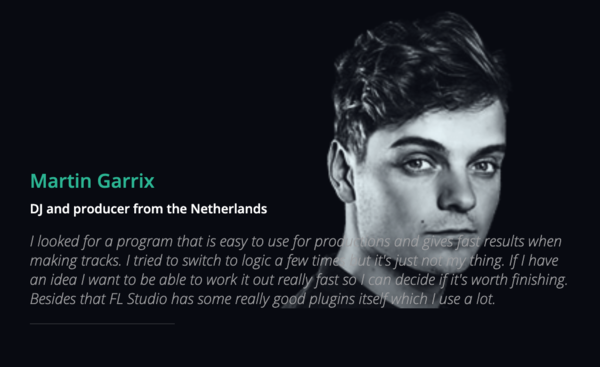
The official Image Line website features a Martin Garrix testimonial:
I looked for a program that is easy to use for productions and gives fast results when making tracks. I tried to switch to logic a few times but it's just not my thing. If I have an idea I want to be able to work it out really fast so I can decide if it's worth finishing. Besides that FL Studio has some really good plugins itself which I use a lot.
A few more sources:
- In this video Martin Garrix In The Studio With Future Music, at 1:40 and throughout, a very clear shot of him using FL Studio can be seen.
- He can also be seen using FL Studio throughout this Martin Garrix Masterclass at ADE Sound Lab XL 18.10.17 @ DeLaMar Theater.
- On Feb 17, 2017 Martin Garrix uploaded a "Behind The Scenes" video of his single Scared To Be Lonely which he made with Dua Lipa. He can be seen working in FL Studio, which you can get a clear shot of if you pause at 1:37.
- At 2:47 of the official video for Glitch, you can see on his laptop that Garrix is using FL Studio.

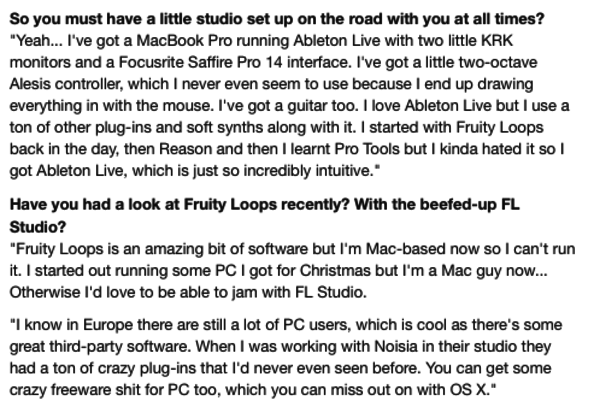
"I started with Fruity Loops back in the day, then Reason and then I learnt Pro Tools but I kinda hated it so I got Ableton Live, which is just so incredibly intuitive," says Skrillex in this interview.


Deadmau5 on FL Studio:
"First and foremost, I launch FL with the beginning of each little idea I have in my head, whether it’s a fast melody, or a drum groove to start out with. I Use FL Studio for that because I have found that the piano roll is by far the FASTEST way to “plot” my melodies and rhythms down because although I have an ear for it, I couldn’t “play” a melody to save my life. So the base of the track is composed almost entirely in FL Studio, all my piano roll / midi data is stored in FL Studio."

Avicii is clearly using FL Studio throughout this video, Avicii in the studio - The Making of Dancing In My Head.
Also in this April 2013 Tweet, when asked what age he started producing and with what software, Avicii says:
"15-16 years old, FL studio. I learned everything myself just by watching youtube tutorials and hanging on forums and stuff!"
He can also be seen working in FL Studio in this video, Avicii: Complete Compilation Of The March 2018 Sessions.


If Daft Punk used Gross Beat as per the video, then that means that they must have used some version of FL Studio.

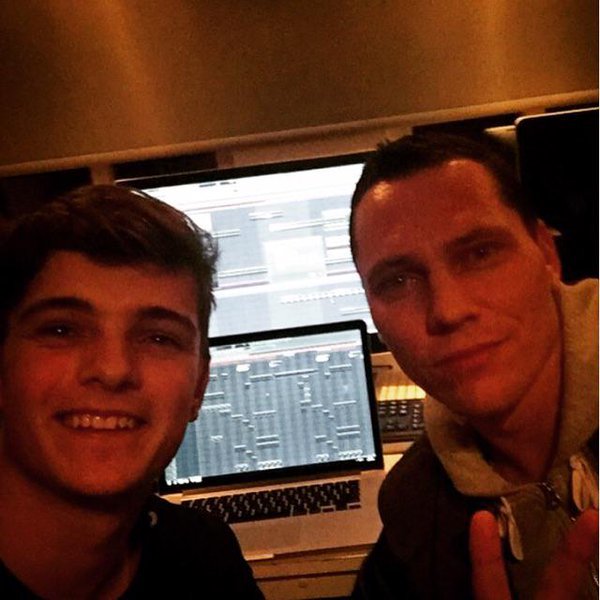
In this photo of a collaboration between Martin Garrix and Tiesto, FL Studio is seen in the back ground on two screens. Based on the photo's recency and layout of FL Studio's playlist layout, it is most likely to be version 11.


"Some people think, "Are you crazy working with FL Studio?" But yes, I work with everything that inspires me. MY main DAW is Logic Pro and Ableton, but recently I got into FL Studio as well." at 10:45.

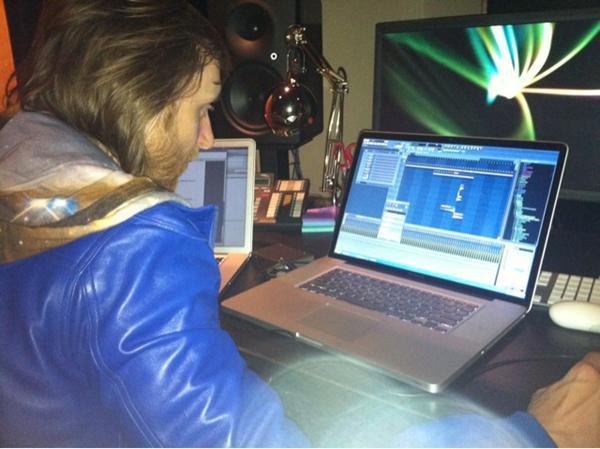
David Guetta can be seen working in FL Studio in this picture


According to the Image Line artists page, Afrojack has been using Fruity Loops ever since he started out producing. He says:
"I started using it when i was about 11 years old, just for fun, making remixes and mixing records through each other just for fun, FL studio felt really easy and obvious, and I never stopped using it."


Nicky Romero started producing using FL: "Before I moved in to this studio I was literally just using Fruity Loops and some speakers that weren’t even monitors, just multimedia speakers."

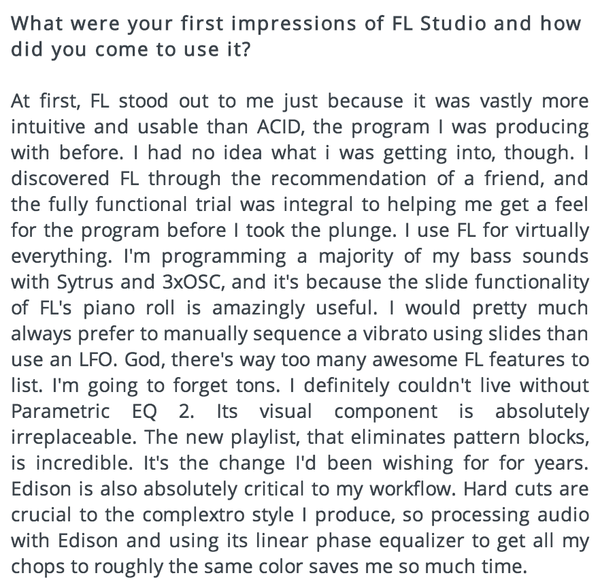
Porter Robinson produces using FL Studio DAW software. In an interview with Image-Line, he says he gravitated towards it after a friend recommended it, and he stuck with it because it was "more intuitive and usable than ACID," which is the software he was using prior.
He also mentions that he programs the majority of his bass sounds using Sytrus and 3xOSC. Other features he cites are useful are the new playlist, which "eliminates pattern blocks," and Edison, which he claims is critical to his workflow: "Hard cuts are crucial to the complextro style I produce, so processing audio with Edison and using its linear phase equalizer to get all my chops to roughly the same color saves me so much time."
Original source here.
Also, around 1:17:00 in this video Porter Robinson Full Twitch Livestream, he talks about being in his bedroom studio, and says:
This is where I produce. I'm in my "studio" right now, though it's not a studio because I don't use any hardware or anything. I don't know if it could strictly be called a studio because it's just me using FL in my bedroom.
Album Usage
The Image-Line FL Studio has been featured on the following albums:

One More Christmas
Aden Foyer (2025)

It's About Us
Chris Stussy (2025)
So Close To What
Tate McRae (2025)
Sakura
Chris Stussy (2025)
TOO BAD – Alan Walker Remix
Alan Walker & G-Dragon & Anderson .Paak (2025)
HYPERYOUTH
Joey Valence & Brae (2025)
Desire
Chris Stussy (2024)
Synergy
Chris Stussy (2024)
Won't Stop (Don't)
Chris Stussy (2024)
Won't Stop (Don't) - EP
Chris Stussy (2024)
Almighty So 2
Chief Keef (2024)
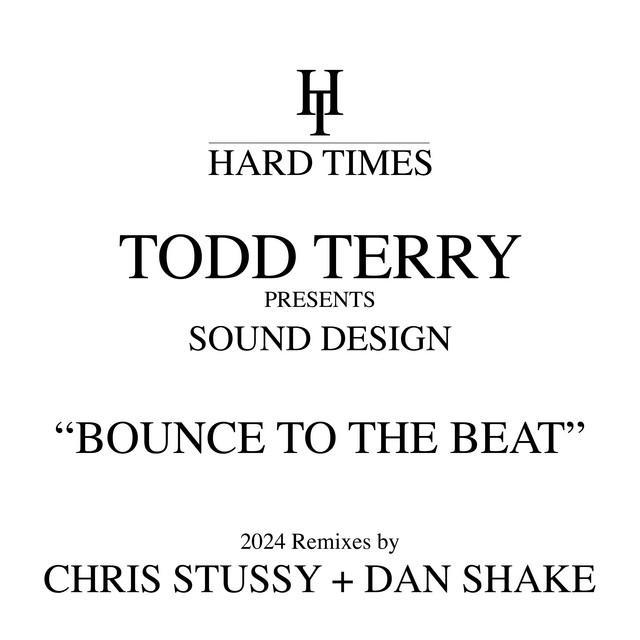
Bounce To The Beat (2024 Remixes)
Todd Terry & Chris Stussy (2024)

NO HANDS
Joey Valence & Brae (2024)
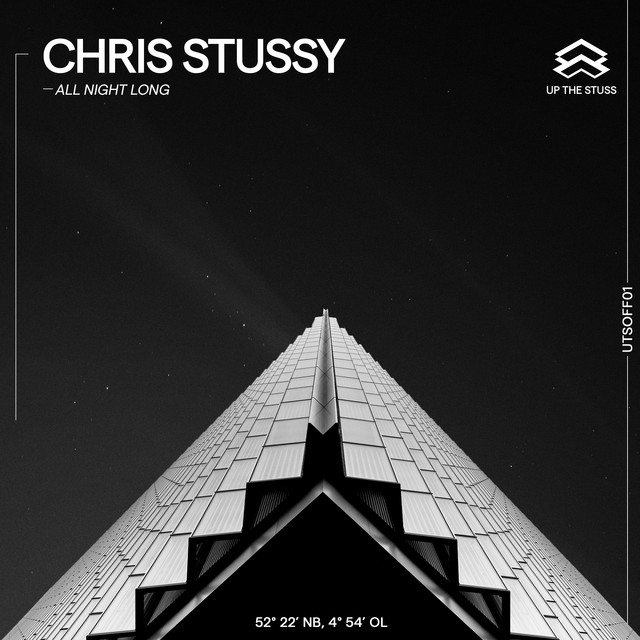
All Night Long
Chris Stussy (2023)

BAILA BONITO
Ovy on the Drums (2023)
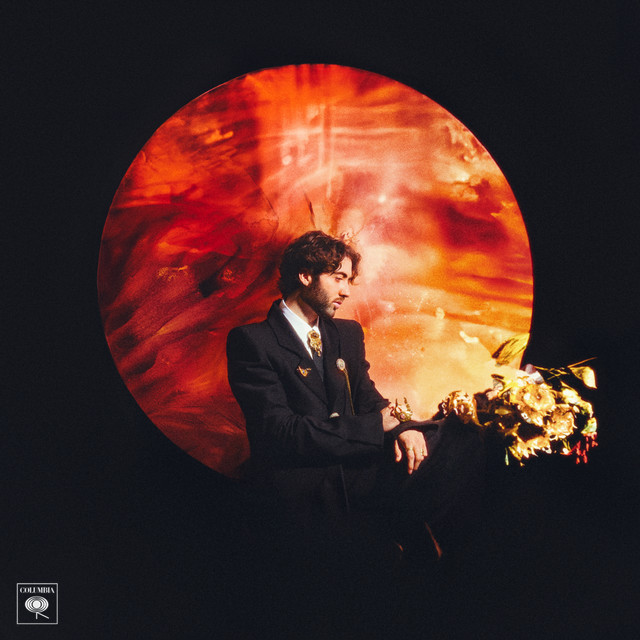
The Ballet Girl
Aden Foyer (2023)

Sense of Future
Chris Stussy (2023)
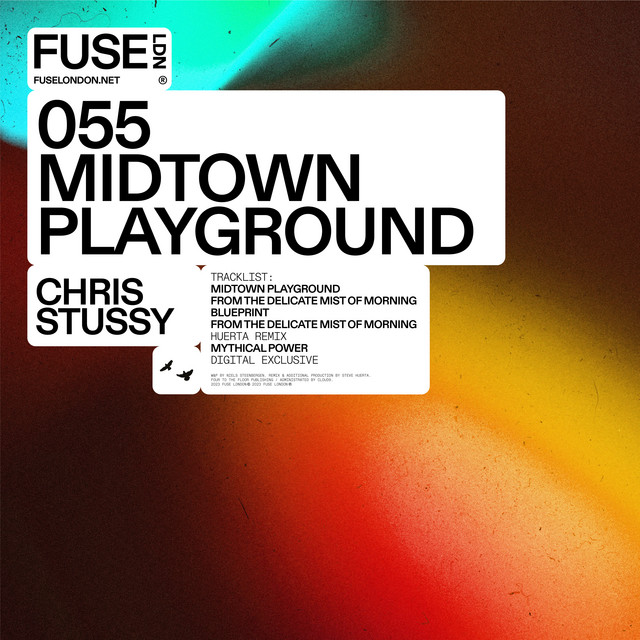
Midtown Playground EP
Chris Stussy (2023)
Midtown Playground
Chris Stussy (2023)
snowfall
Øneheart (2022)

Frailty
Jane Remover (2021)

Do It To It
ACRAZE (2021)
Looking Back
Mesto (2020)
One Thing (Extended Mix)
Mr. Belt & Wezol (2019)
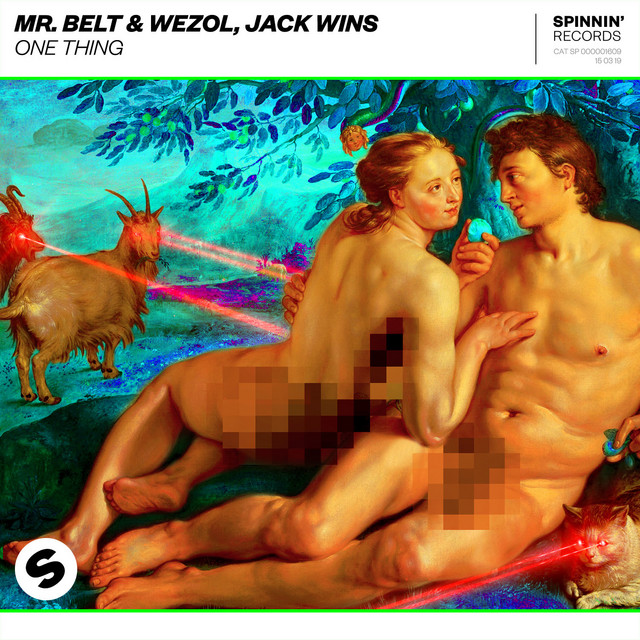
One Thing
Mr. Belt & Wezol (2019)
Roses (Imanbek Remix)
SAINt JHN & Imanbek (2019)
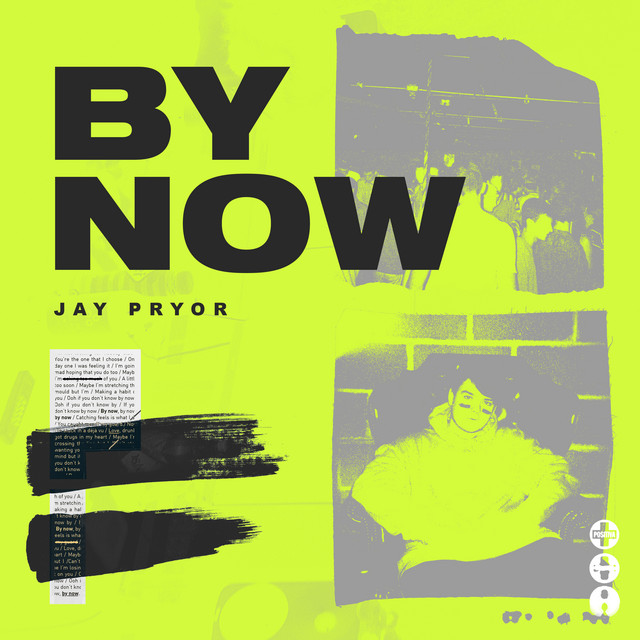
By Now
Jay Pryor (2019)
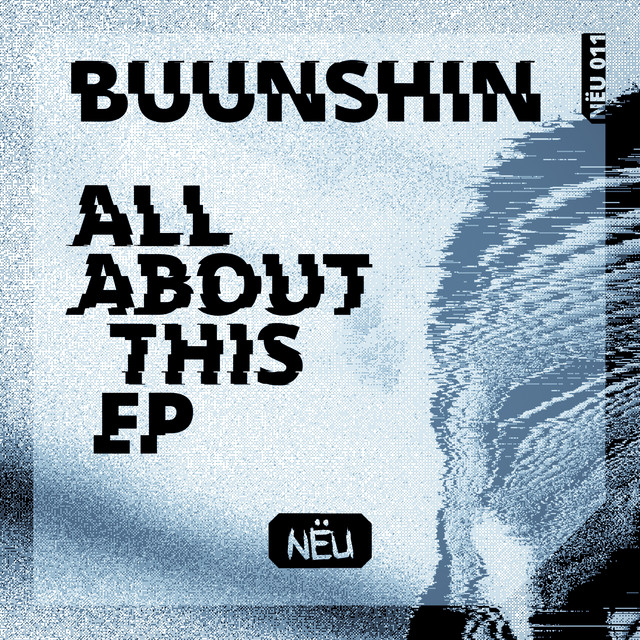
All About This Ep
Buunshin (2019)
Break Down the House
Laidback Luke (2019)
Reload EP
Eliminate (2018)
Miss You (Remixes)
Major Lazer & Cashmere Cat & Tory Lanez (2018)
Psycho Boys Club
Juyen Sebulba & Stoltenhoff (2018)
Disco
Eliminate (2018)
Different World
Alan Walker (2018)

The Final Mission (Q-BASE 2018 Anthem)
Atmozfears (2018)
Glitch
Martin Garrix & Julian Jordan (2018)
Parallel (Ephixa Remix - Instrumental)
Ephixa & Laura Brehm (2017)

Scared to Be Lonely
Martin Garrix & Dua Lipa (2017)
Congratulations (Remix)
Quavo & Post Malone (2017)
Lots to Say
Mark Villa & Keanu Silva (2017)
Thief
Ookay (2016)
Come EP
Jain (2016)
Run Wild (Dr Phunk Remix)
Hardwell & Dr Phunk (2016)
Future Is Now
Madison Mars (2016)
The Life Of Pablo
Kanye West (2016)
Release
Atmozfears (2015)
METI (Radio Edit)
Univz (2015)
Reawakening
Atmozfears (2015)
Party Face
Victor Porfidio (2014)
Animals
Martin Garrix (2013)
Daybreak
Rogue (2012)
Dancing In My Head
Avicii & Eric Turner (2012)
Goblin
Tyler, The Creator (2011)
Can You Feel It
Alvaro & Quintino (2010)
Crooks & Lovers
Mount Kimbie (2010)
Diary of an Afro Warrior (Expanded Edition)
Benga (2008)
Genre Usage
Based on how artists on Equipboard use this gear, it is most commonly found in the following genres.
Used With
Based on how musicians on Equipboard use Image-Line FL Studio, it is most commonly used with the following gear.


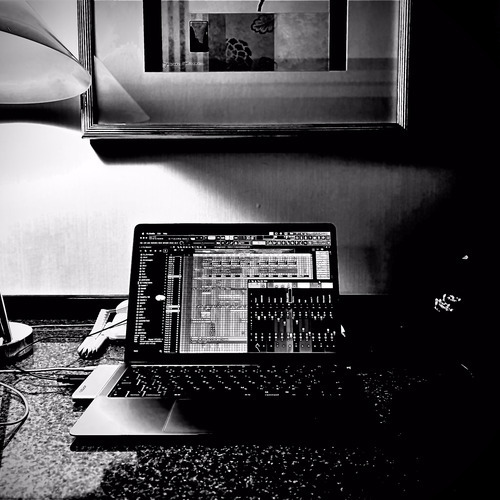
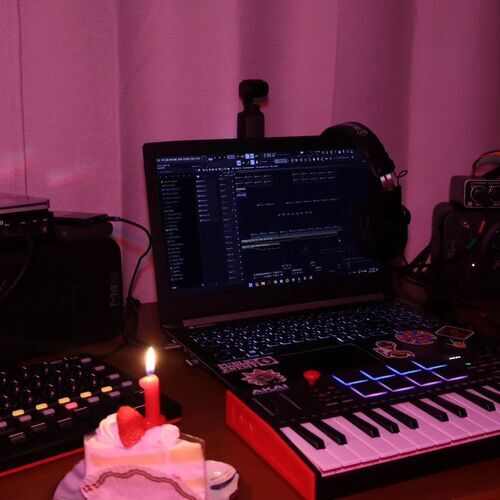
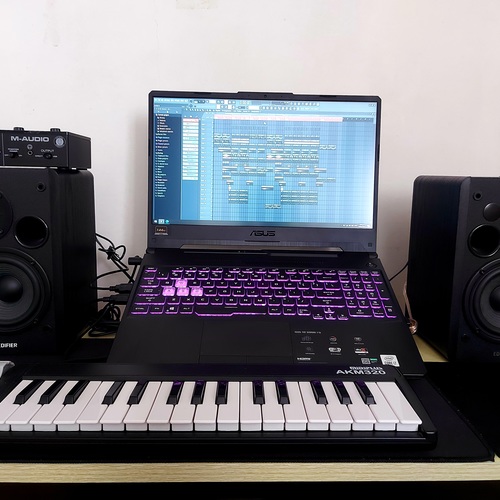
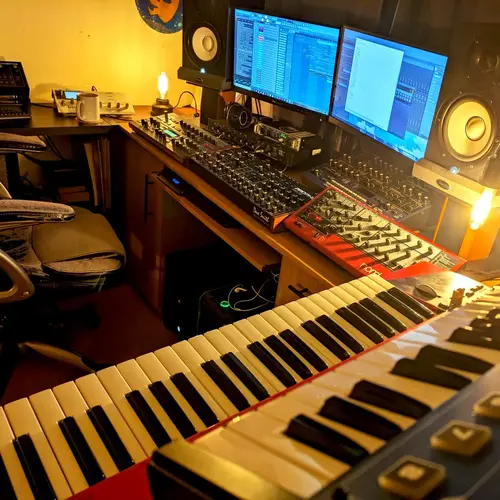
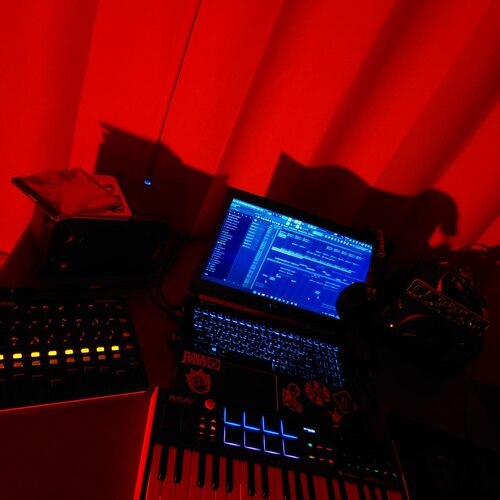
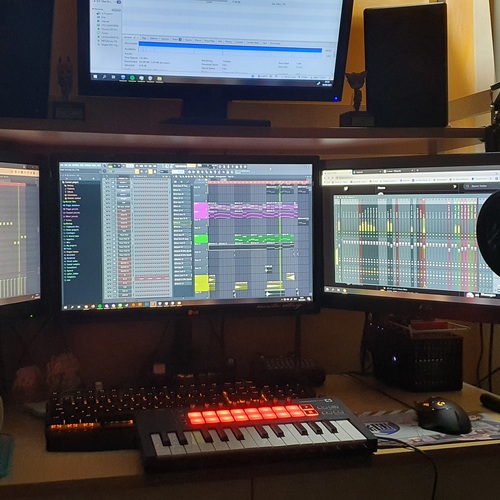
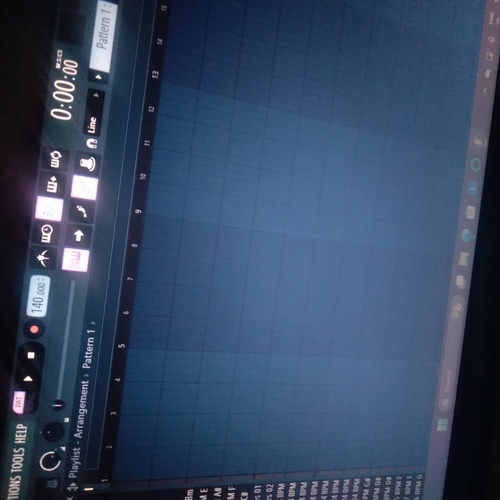
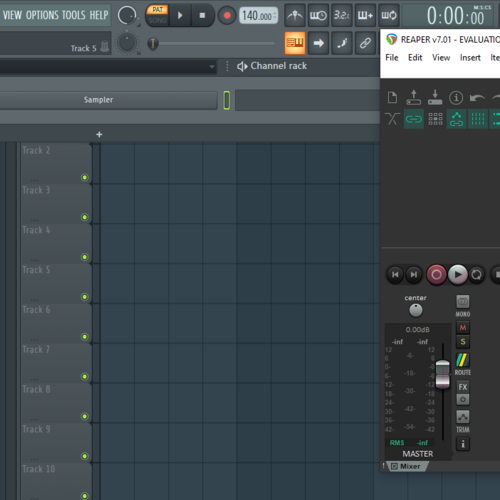
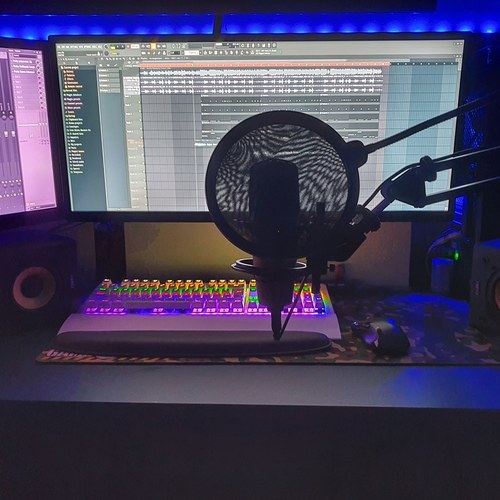
Community setups
Show yours

.png?v=1717448702)
.jpg?v=1776982596)




.png?v=1775150177)







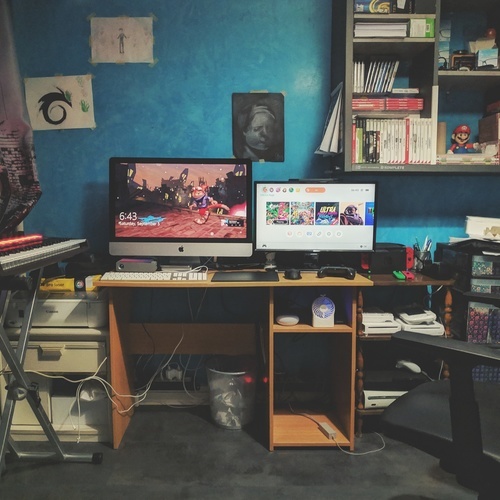

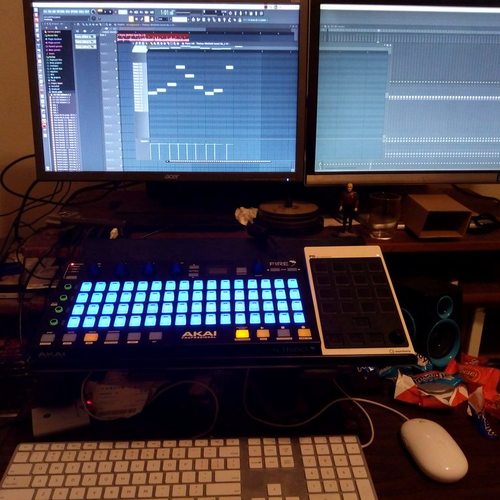
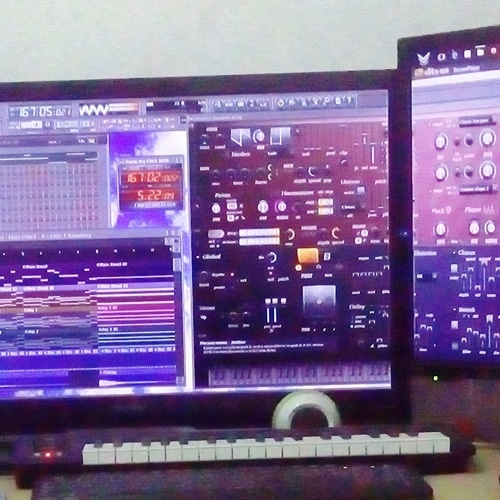

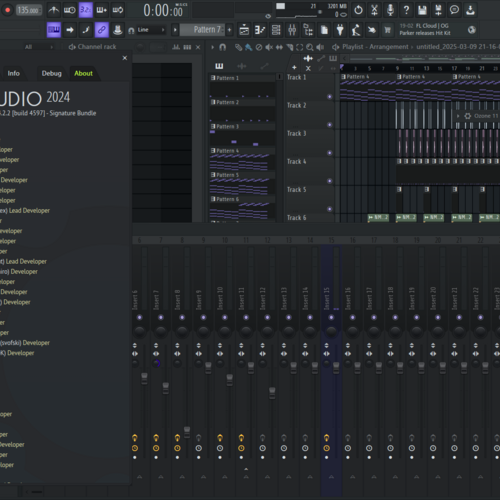

Similar
Add recommendation5 alternative and related items for Image-Line FL Studio, curated by the Equipboard community.

$272.00 - $439.00
Ableton is very similar to FL in terms of its capabilities and performance, but it has a very different interface and workflow that many prefer. Its live performance features are also more extensive, with even some FL artists preferring it for live contexts. That comes at a higher price, as well as Ableton charging users for updates.

$225.00 - $599.00
It is more versatile and works better for most music and SOME electronic music (if you are using hardware synthesizers).


While not available on Windows, Logic is another very popular DAW among producers, and especially for soundtrack composers. Just like FL, it doesn't charge for updates.

⠀⠀⠀⠀⠀⠀⠀⠀⠀⠀⠀⠀⠀⠀⠀⠀⠀⠀⠀⠀⠀⠀⠀⠀⠀⠀⠀⠀⠀⠀⠀⠀⠀⠀⠀⠀⠀⠀⠀⠀⠀⠀⠀⠀⠀⠀⠀⠀⠀⠀⠀⠀⠀⠀⠀⠀⠀⠀⠀⠀⠀⠀⠀⠀
More Image-Line DAW Software

$129.00 - $195.00
in DAW Software Rank

$449.00 - $485.00
in DAW Software Rank


$245.00 - $289.00
in DAW Software Rank


$92.00 - $99.00
in DAW Software Rank


$225.00 - $599.00
in DAW Software Rank


$272.00 - $439.00
in DAW Software Rank


-m.webp?v=1780826437)
$99.99 - $344.00
in DAW Software Rank


$99.00 - $399.99
in DAW Software Rank


$199.99
in DAW Software Rank
.jpg?v=1780511986)

-m.webp?v=1780826434)
$409.00 - $499.00
in DAW Software Rank


$119.00 - $299.00
in DAW Software Rank


$485.00 - $528.00
in DAW Software Rank

$209.00 - $329.99
in DAW Software Rank


$199.00
in DAW Software Rank


$0.00
in DAW Software Rank


$463.99 - $579.99
in DAW Software Rank


$75.00
in DAW Software Rank


$499.00 - $795.00
in DAW Software Rank


$170.00 - $249.00
in DAW Software Rank


$136.00 - $179.00
in DAW Software Rank


$139.99 - $199.99
in DAW Software Rank


$366.00 - $579.99
in DAW Software Rank


$579.99
in DAW Software Rank


$149.00 - $201.00
in DAW Software Rank


Accessories & Related Items


Gear Guides











Most Popular DAW Software
Most Popular Brands
-
Added to Equipboard on by
 littleflyingmonsters
Gear IQ 53
-