
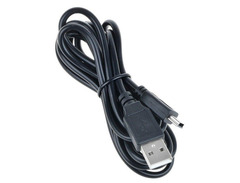
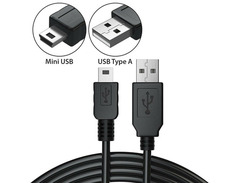

Pricing and availability
We compare 600+ stores and found this item at 1 store. Prices updated .
Store
Reviews
Price




* Product prices and availability are updated by Equipboard every 24hrs and are subject to change. Equipboard may receive compensation for purchases made at participating retailers linked on this site. This compensation does not affect what products or prices are displayed, or the order of prices listed. For more information, please refer to our affiliate disclosure.
Description
Discover the ultimate fusion of classic beat-making and modern technology with the Akai Professional MPC Element. This sleek, ultra-portable MIDI controller is engineered to bring the authentic MPC experience to your fingertips, wherever creativity strikes. Whether you're laying down tracks in the studio or crafting beats on the go, the velocity-sensitive backlit MPC pads provide an intuitive and dynamic interface for all your musical projects. Connect seamlessly via USB to your favorite DAW, and unlock a world of sampling and sequencing possibilities with Akai's MPC software.
Designed with both novice producers and seasoned beat makers in mind, the MPC Element boasts a straightforward layout that strips away the complexity, allowing you to focus purely on creativity. The slimline design ensures it fits effortlessly alongside your laptop or desktop setup, making it ideal for mobile production without sacrificing any of the functionality you expect from Akai. With dedicated transport controls and a suite of functional buttons, this controller offers an efficient workflow for crafting beats, triggering samples, and recording performances.
Whether you're experimenting with new sounds or perfecting your signature style, the Akai Professional MPC Element is your key to transforming musical ideas into polished tracks, all within an ultra-portable package.
Key Features:
- 16 velocity-sensitive backlit MPC pads
- USB connectivity for seamless integration with DAWs
- Slimline design for easy portability
- Dedicated transport controls for efficient workflow
- Compatible with Akai's MPC software for versatile sampling and sequencing
Product specs
| Brand | Akai |
| Model | MPC Element Music Production Controller |
| Finish | White |
| Year | 2013 - 2017 |
| Categories | Pad MIDI Controllers |
| MIDI I/O | MIDI Input, MIDI Output, USB MIDI |
| Number of Pads | 16 Pads |
FAQs
-
Is the Akai Professional MPC Element suitable for beginners in music production?
-
Yes, the Akai Professional MPC Element is designed to be user-friendly, making it suitable for beginners. Its intuitive interface and portable design allow new users to easily navigate and create beats without a steep learning curve.
-
How does the Akai Professional MPC Element connect to a computer?
-
The MPC Element connects to a computer via USB, allowing for seamless integration with music production software. It also features USB MIDI for additional connectivity with other MIDI-enabled devices.
-
What software is compatible with the Akai Professional MPC Element?
-
The MPC Element is compatible with Akai's MPC Essentials software, which offers powerful beat-making tools. It can also integrate with other popular DAWs like Ableton Live and FL Studio, enhancing its versatility in music production.
-
Are the pads on the Akai Professional MPC Element velocity-sensitive?
-
Yes, the 16 pads on the MPC Element are velocity-sensitive, enabling dynamic and expressive beat creation. This feature allows for nuanced control over the intensity and feel of your beats.
-
Can the Akai Professional MPC Element be used without a computer?
-
The MPC Element is primarily designed to work in conjunction with a computer. It requires a computer connection to access its full range of features and software capabilities.
Videos

GAK
Akai - MPC Element WORLD EXCLUSIVE Demo at GAK
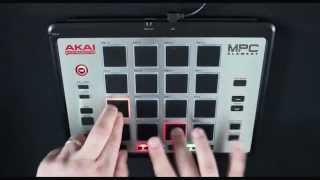
Akai - MPC Element WORLD EXCLUSIVE Demo at GAK
GAK
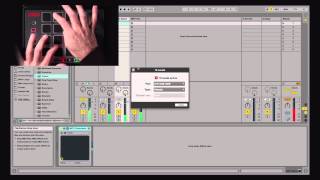
Akai Pro MPC Element & Essentials | MPC One-Shot

AkaiProVideo

MPC Element with 88-Keys | Akai Professional #AkaiProMPC
AkaiProVideo

MPC Element with David Heartbreak | Akai Professional #AkaiProMPC
AkaiProVideo
Akai MPC Element review

Czar
MPC Element — iMPC Pro Log

Retronyms
UNBOXING THE AKAI MPC ELEMENT

hitcreatormusic
Review y Unboxing en español AKAI MPC Element | TecnologiaDJ.com

TecnologiaDJ
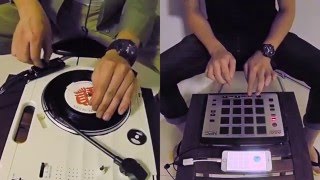
Vestax Handy Trax v.s. AKAI MPC Element

ShowNing DJ Lab
Reviews
Owner Insights
We analyzed real musician discussions from forums and Reddit to find what players love, question, and tweak about Akai Professional MPC Element.
Software and compatibility
-
The MPC Element lacks mapping software, making integration with the iMPC Pro 2 app challenging compared to the MPD218, which has available software support.
Source -
The MPC Element lacks support for Apple Silicon, limiting compatibility to Intel-based macOS versions like Monterey and Big Sur.
Source -
Despite appearing in the USB System Report on macOS, the MPC Element does not input MIDI data on M1 MacBooks, indicating driver compatibility issues.
Source -
Users mention that the Akai MPD16 had driver issues causing blue screens, suggesting caution for those considering it for modern systems.
Source
Build quality
-
Users describe the MPC Element as unresponsive, suggesting potential issues with pad sensitivity and overall tactile feedback.
Source
Features and functionality
Comparisons
-
The MPD218 is favored over the MPC Element for its better feel and software availability, enhancing user experience with apps like BeatMaker 3.
Source -
The Korg padKONTROL offers LED feedback for clip launching, which may be more intuitive for live performance compared to the Akai MPC Element.
Source
User experience
4.5 out of 5
Based on 1 Review and 4 Ratings
Artist usage
Add artist
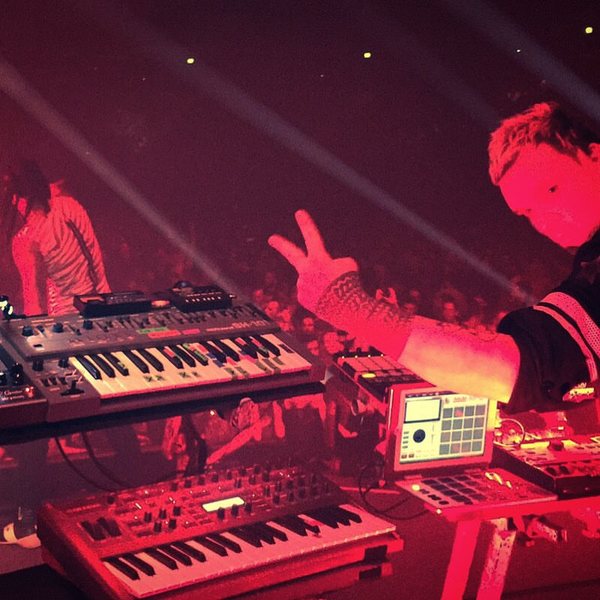

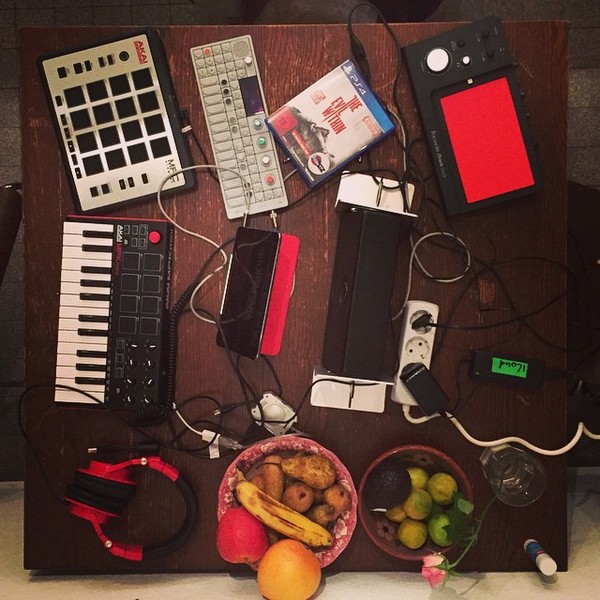
Genre Usage
Based on how artists on Equipboard use this gear, it is most commonly found in the following genres.
Used With
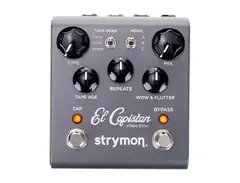
Based on how musicians on Equipboard use Akai Professional MPC Element, it is most commonly used with the following gear.

More Akai Production & Groove

$939.00 - $999.99
in Production & Groove Rank

$449.00 - $1,299.00
in Production & Groove Rank


-m.webp?v=1784333212)
$460.00
in Production & Groove Rank


$1,499.00 - $1,899.99
in Production & Groove Rank
.jpg?v=1784574735)


$350.00 - $728.00
in Production & Groove Rank


$439.00
in Production & Groove Rank


$149.00 - $286.35
in Production & Groove Rank
.jpg?v=1784574736)


$1,491.39 - $2,299.00
in Production & Groove Rank


$321.26 - $899.00
in Production & Groove Rank


.jpeg?v=1784225997)

$699.00 - $1,299.00
in Production & Groove Rank


$153.19
in Production & Groove Rank


$85.30 - $119.00
in Production & Groove Rank

.jpg?v=1783774944)


$954.49
in Production & Groove Rank


$225.00
in Production & Groove Rank


$3,000.00
in Production & Groove Rank


$3,991.00
in Production & Groove Rank


$642.99 - $899.00
in Production & Groove Rank


$536.90
in Production & Groove Rank


$974.77 - $1,499.00
in Production & Groove Rank


$575.00
in Production & Groove Rank


$1,199.99 - $1,499.00
in Production & Groove Rank


$3,200.00
in Production & Groove Rank


$200.06 - $428.00
in Production & Groove Rank


in Production & Groove Rank


$139.99 - $278.00
in Production & Groove Rank


-m.webp?v=1784586826)
$568.00 - $699.00
in Production & Groove Rank
.jpg?v=1784510867)

$695.00
in Production & Groove Rank


$149.00 - $199.00
in Production & Groove Rank

$835.00
in Production & Groove Rank


-m.webp?v=1784560076)
$550.00
in Production & Groove Rank


$111.03
in Production & Groove Rank


$199.00 - $399.00
in Production & Groove Rank
![Akai MPC 4000 [Blue]](https://images.equipboard.com/uploads/item/image/42853/akai-mpc-4000-blue-m.webp?v=1784559693)
$536.90
in Production & Groove Rank


$1,000.00 - $2,599.00
in Production & Groove Rank


$460.00
in Production & Groove Rank


Community setups


Similar


Gear Guides




Most Popular Production & Groove
Most Popular Brands
-
Added to Equipboard on by
 tosovac
GearIQ 62
-


