


Pricing and availability
We compare 600+ stores and found this item at 10 stores. Prices updated .
Store
Reviews
Price









Average Price: $449
Standard/Professional
$399
$900+
Price Tier
Budget
Standard
High-end
Price History
Based on price data from 7 merchants for "Native Instruments Maschine MK3". Prices shown reflect NEW condition. Tracking began Apr 2, 2026.
* Product prices and availability are updated by Equipboard every 24hrs and are subject to change. Equipboard may receive compensation for purchases made at participating retailers linked on this site. This compensation does not affect what products or prices are displayed, or the order of prices listed. For more information, please refer to our affiliate disclosure.
Description
Dive into the future of beat-making with the Native Instruments Maschine MK3, a dynamic fusion of software and hardware that brings your musical ideas to life with unparalleled ease. This MIDI Pad Controller is not just an instrument; it's a comprehensive groove production studio that sits comfortably at the heart of your digital music creation setup. Whether you're an experienced producer or just embarking on your musical journey, the Maschine MK3 offers an intuitive workflow that simplifies complex productions and enhances creativity without cluttering your space or process.
The Maschine MK3 shines with its 16 ultra-sensitive RGB pads that respond to the slightest touch, enabling detailed dynamic control and a rich, expressive output. These pads are not only your gateway to rhythm and melody but also a canvas for your musical imagination. Alongside, the Maschine MK3 boasts an integrated 24-bit/96kHz audio interface, ensuring your beats and productions are captured with crystal-clear fidelity, whether in the studio or on the stage.
Navigating through your projects or tweaking sounds is a breeze, thanks to the dual high-resolution color displays and touch-sensitive knobs. These features ensure a seamless integration between the Maschine hardware and software, making your creative process fluid and visually engaging. From slicing samples to adjusting parameters, every action feels natural and immediate, keeping you in the creative flow without distractions.
Whether you're layering drum patterns, sequencing melodies, or crafting the next big hit, the Maschine MK3 is equipped with a vast library of sounds and an extensive suite of professional effects. Coupled with the included Komplete Select bundle, this powerhouse provides everything you need to produce, mix, and perform music that stands out.
Key Features:
- 16 ultra-sensitive RGB pads for expressive performance and composition
- Integrated 24-bit/96kHz audio interface for professional sound quality
- Dual high-resolution color displays for seamless software integration
- Touch-sensitive knobs for intuitive sound shaping and parameter adjustment
- Comprehensive software package, including Maschine software and Komplete Select
- Versatile connectivity options, including USB, MIDI in/out, and line inputs/outputs
- Durable build quality, designed for both studio and live performance settings
Product specs
| Type | Pad Controller with Sequencer and Sampler |
| Screen | 2 x High resolution RGB color displays |
| Pads | 16 x ultra-sensitive pads |
| Other Controllers | 1 x Touch Strip, 8 x touch sensitive rotary encoders |
| Sounds | 8GB library of samples, one-shots, loops, instruments, patterns, drum kits |
| Sequencer | Step Sequencer, Realtime Recording Sequencing |
| Looper | Yes |
| Sampling | Yes |
| Effects | Filter, Delay, Reverb, Compression, Tape Saturator, Frequency Shifter and more |
| Analog Inputs | 2 x 1/4" (line in), 1 x 1/4" (mic in) |
| Analog Outputs | 2 x 1/4" (line out) |
| Headphones | 1 x 1/4" |
| MIDI I/O | In/Out/USB |
| USB | 1 x Type B |
| Pedal Inputs | 1 x 1/4" (pedal) |
| Format | VST, AU, AAX, Major DAW's |
| Software | Komplete 15 Select, Maschine 3 SW, Massive, Monark, Reaktor Prism, Ozone Elements 11 |
| OS Requirements - Mac | macOS 12 or later, Intel Core i5 or higher, 4GB RAM minimum |
| OS Requirements - PC | Windows 10 or later, Intel Core i5 or higher, 4GB RAM minimum |
| Power Source | 15V DC power supply (sold separately) / USB bus power |
| Height | 1.61" |
| Width | 12.6" |
| Depth | 11.85" |
| Weight | 4.85 lbs. |
FAQs
-
What are the standout features of the Native Instruments Maschine MK3?
-
The Maschine MK3 features 16 ultra-sensitive pads, dual high-resolution RGB displays, a touch strip, and 8 touch-sensitive rotary encoders. It also includes an 8GB library of samples and integrates seamlessly with Komplete 15 Select software.
-
Is the Native Instruments Maschine MK3 compatible with my DAW?
-
Yes, the Maschine MK3 is compatible with major DAWs and supports VST, AU, and AAX formats, making it versatile for various production environments.
-
Can I use the Maschine MK3 as a standalone device?
-
While the Maschine MK3 is a powerful controller, it requires connection to a computer running the Maschine software to access its full capabilities, including sequencing and sampling.
-
Does the Maschine MK3 require an external power supply?
-
The Maschine MK3 can be powered via USB bus power, but for optimal performance, using a 15V DC power supply (sold separately) is recommended.
-
How does the Maschine MK3 integrate with Komplete 15 Select?
-
The Maschine MK3 comes bundled with Komplete 15 Select, providing a comprehensive suite of instruments and effects that integrate seamlessly with the controller for enhanced music production.
Videos

loopop
MASCHINE MK3 Review and top 9 new features. Is it the ultimate groovebox?
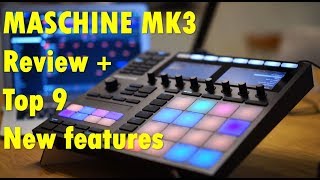
MASCHINE MK3 Review and top 9 new features. Is it the ultimate groovebox?
loopop

Native Instruments Maschine MK3 - Review & Demo

PMTVUK
Native Instruments Maschine MK3 | Gear4music demo

Gear4music Guitars
Native Instruments Maschine mk3 - hands-on

MusicRadar Tech
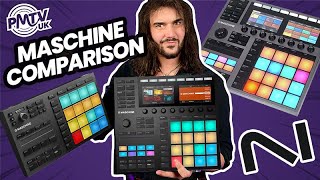
Native Instruments MASCHINE Comparison - Which One Is Right For You?
PMTVUK
Reviews
PROS
-
Intuitive and user-friendly software enhances productivity
-
High-quality build and durable design for long sessions
-
Versatile: great for melodies, beats, and integrating with other instruments
-
Encourages creativity with an extensive sound library and VST integration
-
Seamless workflow reduces reliance on computer screen and mouse
-
Built-in audio interface simplifies setup and usage
-
Encoders and pads are responsive and satisfying to use
-
Continuously updated, improving features and capabilities
-
Features like chord mode and performance strip improve musical expression
-
Compatible with a wide range of musical styles from hip-hop to cinematic scores
CONS
-
Requires a powerful PC for complex projects to avoid lag
-
Not all features fully available in every DAW, impacting versatility
-
Limited DAW integration can hinder workflow in certain software
-
Steep learning curve and not 100% intuitive for new users
-
Pads may produce inconsistent dynamics, affecting expressive play
Owner Insights
We analyzed real musician discussions from forums and Reddit to find what players love, question, and tweak about Native Instruments Maschine MK3.
User experience
-
Some owners find the MK3 initially frustrating but recommend embracing the Maschine software and expansions for a significant creative output.
Source -
Owners appreciate the tactile feel and workflow integration when paired with Komplete Kontrol S61, creating a cohesive production experience.
Source -
Many users find Maschine's workflow and tactile pad interaction more engaging than purely digital DAW interfaces, enhancing their creative process.
Source
Features and functionality
-
Maschine's scale mode ensures users play in the correct key, optimizing the use of its limited pad range for melody creation.
Source -
Maschine MK3's MIDI mode allows users to customize layouts using the Controller Editor, enhancing its versatility as a MIDI controller.
Source -
The MK3 is highly praised for its tactile experience and numerous dedicated buttons, offering a hardware-like feel when integrated with its custom software.
Source -
Maschine MK3 allows for seamless sample import and manipulation, offering ADSR, pitch controls, and keyboard playability for custom samples.
Source
Use cases and applications
-
Maschine MK3 is popular for orchestrating ideas, with expansions covering diverse genres beyond hip-hop, including pop, reggae, and 8-bit sounds.
Source -
Maschine MK3 can switch from pad mode to instrument mode, allowing 16 pads to play melodies, making it versatile for more than just beats.
Source -
Maschine MK3 excels at rapid song idea prototyping, aiding users in quickly creating drum or melody patterns before refining in a DAW.
Source
Software and compatibility
-
The MK3 struggles with direct VST manipulation on its screens, requiring users to engage with Maschine's software environment, which may limit workflow expectations.
Source -
Maschine supports the NKS standard, enabling seamless integration with NKS-compliant instruments and effects, expanding its functionality beyond percussion.
Source -
FL Studio users face integration challenges with Maschine MK3, needing to drag samples twice, which complicates the workflow for synchronized song arrangements.
Source -
Maschine MK3 is ineffective with Kontakt as NI has not integrated direct control, making it less useful for Kontakt users who desire seamless library browsing and sound loading.
Source -
Maschine MK3 can be used as a VST in FL Studio, but some users prefer exporting patterns as MIDI data over audio stems to maintain editing flexibility.
Source
Comparisons
-
Many users find the Maschine workflow superior to alternatives, citing its extensive sample library and intuitive feel as standout features.
Source
Value and pricing
Critic Reviews
4.5 out of 5
Based on 13 Reviews and 77 Ratings

1057
An ideas and beats factory!
So... I have been holding off on writing this for a while because I wanted to actually use this and put it through its paces before sharing thoughts. When I first got it, I was split on whether I'd keep it or send it back based on the workflow and digital nature of the VSTs, etc. The grid also took a while to get used to, because I had previously only used keyboards for laying down melodies, pads, etc. But I decided to dive in to some tutorials and learn how to use the workflow, and I'm glad I did.
My Experience In short, this device is great as a sketchpad for melodies and ideas to lay down quickly, and I've been incredibly creative with it in the time it's been on my desk. At first, it was all about just recorded several looped patterns to capture melodies in my head. Then, I started using it for joke pop songs for friends' birthdays, and added vocals in Logic Pro afterwards.
After these "light" uses, I had the opportunity to make some instrumental tracks for a remote conference, to play paired with bumper videos before the speakers began their presentations. I only had a few weeks to create 4 finished tracks for the videos, and decided to use the Maschine exclusively. It was so much fun, and the tricks you can use within this workflow are so powerful!
Workflow I'm a musician who loves writing with a basic chord structure but just using my ears to find melodies on top of them, so setting chord structure on the grid and playing around feels great. Laying out drums is super fast and feels amazing. I've messed around with the touch strip and it works surprisingly well. Adding sounds and then effects on top is super fast, works great, and mixing sounds using the screens is fantastic.
Hardware The build quality is excellent. Pads are responsive and feel great to play. The encoders are awesome to manipulate and interact with, they feel nice and sturdy. I love the screens, they make sound editing and browsing way simple. The buttons are nice and clicky and not mushy, with just the right amount of give. I love this hardware! It's an inspiring thing to keep on my desk. I haven't integrated my hardware synths into the Maschine workflow yet, but it's something I'm interested in exploring.
Software and "Lock in" I've seen people criticize the fact that Maschine doesn't play super well with DAWs. And that's probably true, but not something I know about as I've just been using the Maschine software to get my ideas and tracks made. I can't speak to that frustration, but I do know that for instrumental electronic music, the Maschine software works well in regards to loops and building up scenes. This is tailored to loop-based track building and performance, so if you don't want to work in that style of flow or type of software this probably isn't for you. If you want something that plays perfectly with Ableton... get a Push! They're awesome and also beautiful, well-made, and suited for that use case.
Conclusion This device makes my life easier when it comes to melody creation, electronic sketches, beats and grooves. The integration with Native Instrument software is magical. I love playing with chord mode and locking the keyboard to specific keys as I experiment. I'm getting better at knowing shortcuts and using the hardware. It's the kind of device where you could, theoretically, do absolutely everything in one place. That's pretty amazing. It's a drum machine. It's a sampler. It's a beautiful software controller. It's a sketchpad. For the price, what you get is pretty phenomenal.

174
Awesome great to get started, used by countless musicians live on the biggest of festivals
Overall though it is amazing, and allow you to extend a lower cost channel limited version of a daw with a 2nd host which can handle rhythmic synths freeing vst slot limitations on the main DAW.
The pads are the best I've ever used the responsiveness to rapid double finger taps on each pad is not matched by Arturia or the Novation Impulse 49
It integrates really well it just requires deeper knowledge of the daw its connected to and the manual for midi channel routing and what it controls, patterns, pads, goups, in the automation
The audio interface is not really intended for more advanced setups, but its there for portability and an all in one portable way to explore ideas with a mini keyboard.
Some software works with it but doesn't always integrate perfectly, such as presets not playing a preview sound from the controller, or missing in the graphics library, meaning the menu is needed.

170
This thing is wondeful.
The hardware-software integration is very deep and straight forward which allows for getting ideas from your head to the computer to be quick and thorough. The build quality is also amazing. The buttons and knobs are very reactive which allows for fine adjustments of any parameter that is selected. The chord banks are also unique compared to other software I have used which can be used to help spark creativity.

410
Beat monster
Probably THE drum composer at the moment. Programming beats is so easy on this.
If there are any complaints, it's that the pads are somewhat difficult to program with and get consistent dynamics and really explore the dynamic range it's capable of...mostly you'll end up hitting beats at 127 velocity. They could have been better.
And it's not that intuitive to use...definitely needs a good study of the manual.
Otherwise, bang on. A huge selection of kits and patterns that is constantly being expanded. Sounds great. Easy to program. It's my go to beat maker.

92
Best piece of hardware I own
The MK3 is a joy to have. I previously owned the MK2 and I was extremely happy with it but ever since I've started working with the MK3 it just makes my workflow faster, sampling a tad bit easier, composing is amazing, and it makes finger drumming a lot easier as well. The performance strip is a Godsend purposed for performers and finger drummers. I highly advise anyone that is looking for a piece of hardware to get the Maschine MK3. You won't be disappointed.

41
Sounds Amazing!
I needed some drum pads to compliment my Komplete Kontrol S49 keyboard and this looked like the best option. I am still learning (steep learning curve and not exactly 100% intuitive like the keyboards) but slowly every day I fall more in love with this machine. My only complaint is that it doesn't integrate well with Reason, at least yet. (works ok as a VST but no transport control or deeper integration. I hope this will change

This is a lot more than a drum machine.
At first I was leery of the price tag, the overwhelmingly positive reviews got me to dig further and watch tutorials and dig into what exactly this thing is. It's a recording interface that is extremely user friendly, it is a midi controller, it is an extensive tool for creating music.
Created some minimalistic electronic music with this as well as extremely complex and aggressive drum beats, its flexibility and the sound library provided for use has tons of depth. Beef up your PC if you want to create powerful layered beats, I'm running 16 gigs of ram and no outside software but when I have 4 drum kits loaded and pounding away with samples and tweaked settings it will lag.
77
A good alternative to the Ableton Push, at 1/2 the cost
I was torn between this and the Push, until I looked at the total cost to get it up and running. Maschine Mk3 comes with a generous selection of sounds with Komplete 12 Select. The upgrade to the full version went on sale shortly after I bought the unit. Another $259 and now so much to pick from. Sounds, drum loops, orchestration, piano...you name it, it’s there. Not totally intuitive software and workflow but worth the effort.

Great sandbox with many limitations
Started cutting my teeth again with this groovebox. While editing a final track was daunting the workflow was really great. Eventually I bought a DAW and incorpeated this into my new workflow. Has been great for live jamming but still frustrating at times, with the limited software, for composition with a DAW.

Great
The design is great It's easy to use It comes with amazing software And it's overall a great and recommended product
Artist usage
Add artist
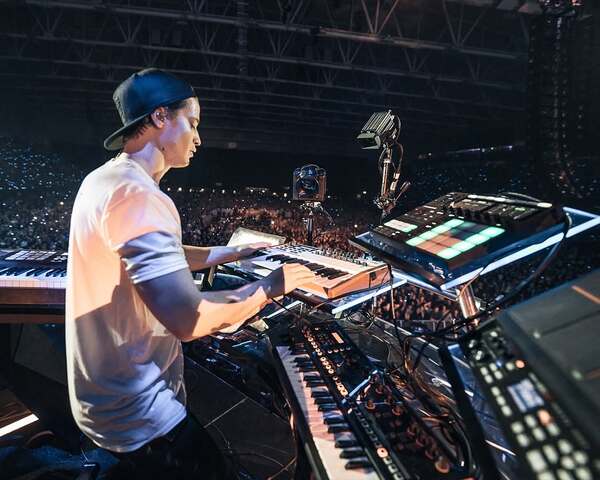
In the image, it is evident that Kygo uses the Native Instruments Maschine MK3 during his performances, as it can be seen on the right side. He utilizes this equipment to trigger vocal chops from the song "It Ain't Me" and to trigger drum sounds.


In 4:40, you could see the maschine mk3 on his desk next to the push.


as seen in this post from June 8, 2022

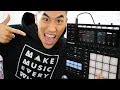
This video shows Andrew unboxing both the Maschine MK3 and the Komplete Kontrol mk2 and he lays on the floor with them.


This video clip from Underworld's Instagram account shows Rick Smith (or possibly Darren Price, hard to say who the hand belongs to) jamming with a Maschine, which the caption identifies as a MK3 model.


In this Instagram posted Sept 12 2017, Odesza post a video of them using the Native Instruments Maschine MK3. They say:
New Maschine is beautiful @nativeinstruments
Judging by the date of the post and the fact that they say it's "new," it can be assumed it's the MK3 version of Maschine.


In a YouTube video titled "9th Wonder - Live beatmaking on Instagram [14-Oct-2018]," 9th Wonder is seen using the Native Instruments Maschine MK3 during a live beat-making session.


“The Maschine Mk3 came with a huge sample library that really informed our work in volleys when we recorded ‘Essentially’,” Michelle says.


In a YouTube video titled "Then my whole life could sound like this…" by AJR, from 0:00 to 0:18, Jack from AJRBrothers is clearly seen using the Native Instruments Maschine MK3. The identification is confirmed by the distinctive logos and knobs of the Native Instruments Maschine MK3. AJR used this equipment while performing "The Big Goodbye" in October 2025.


Petit Biscuit uses the Native Instruments Maschine MK3 in his studio, as indicated by his Instagram post captioned "Vocal chops: the final touch on Waterfall," where he thanks Native Instruments for the gear.

.jpg)
Album Usage
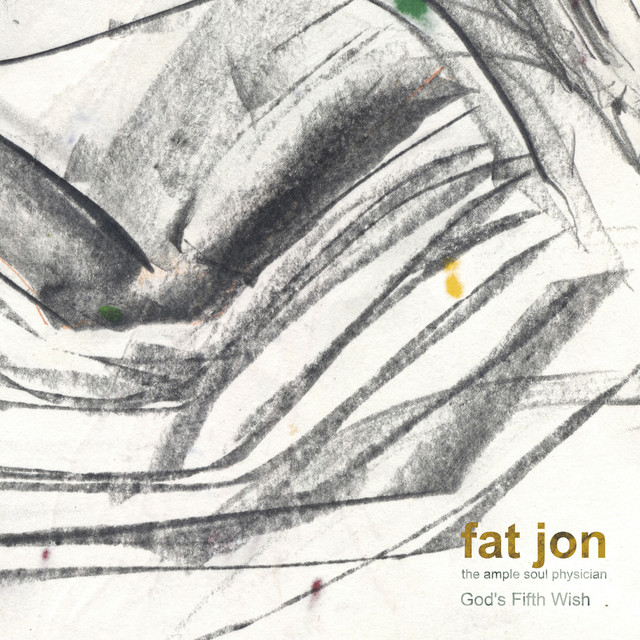
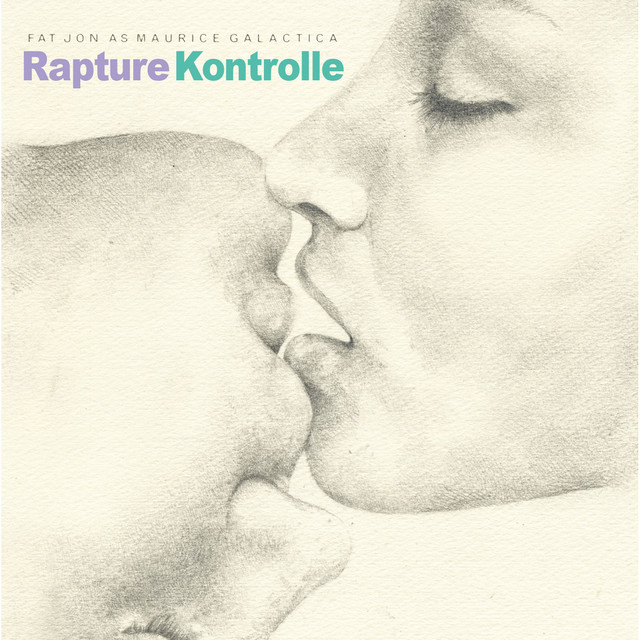
The Native Instruments Maschine MK3 has been featured on the following albums:



Genre Usage
Based on how artists on Equipboard use this gear, it is most commonly found in the following genres.
Used With
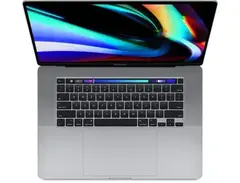
Based on how musicians on Equipboard use Native Instruments Maschine MK3, it is most commonly used with the following gear.

-s.webp?v=1784473034)


-s.webp?v=1784559759)
-s.webp?v=1784335371)
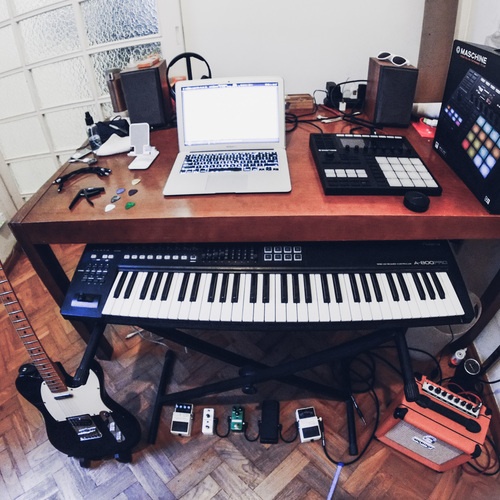
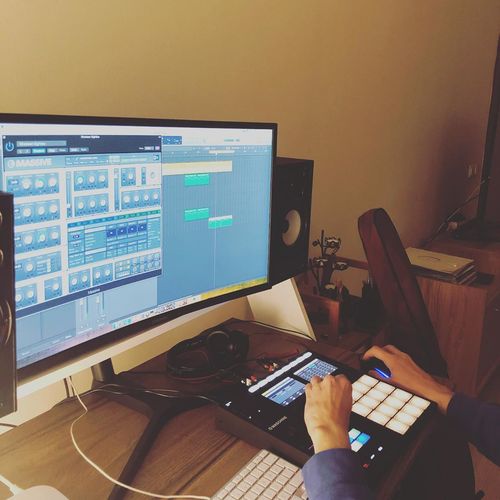
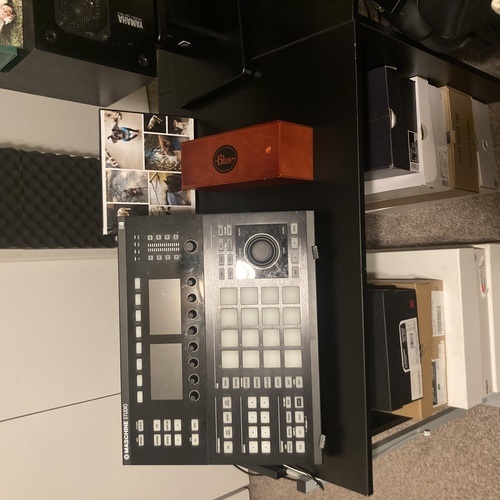
Community setups
Show yours



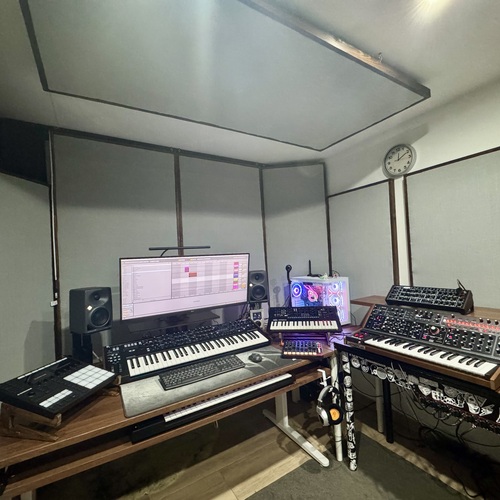
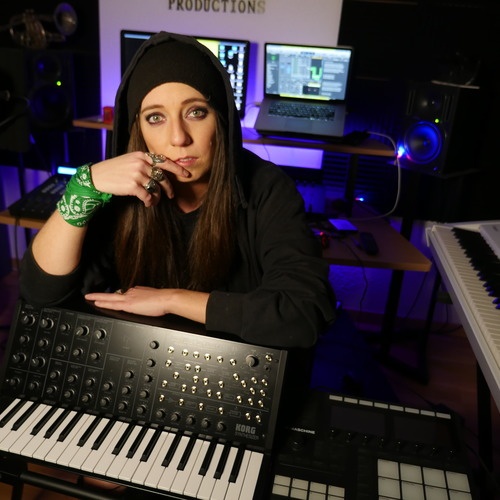
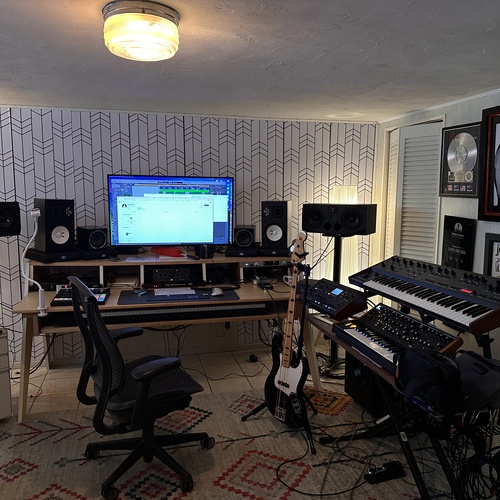

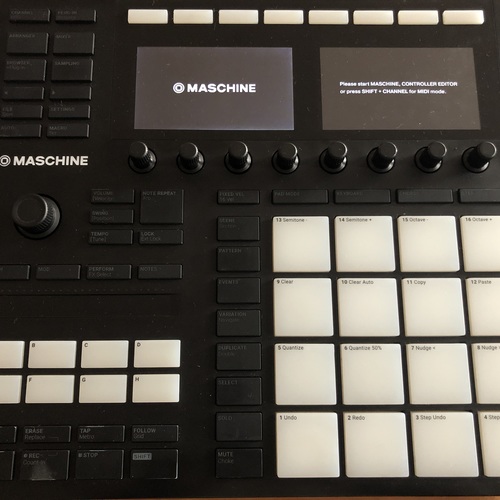
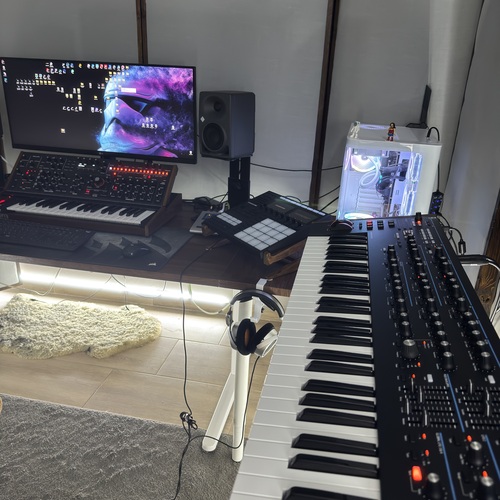

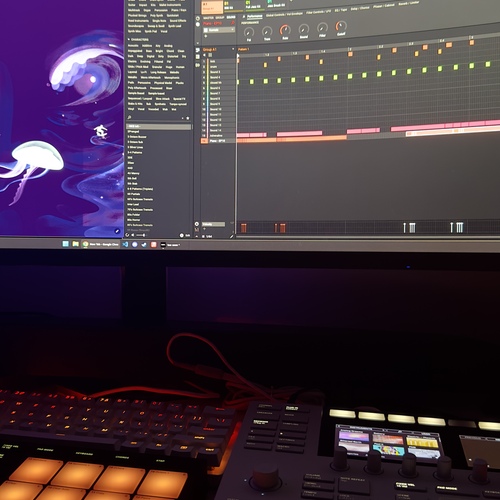


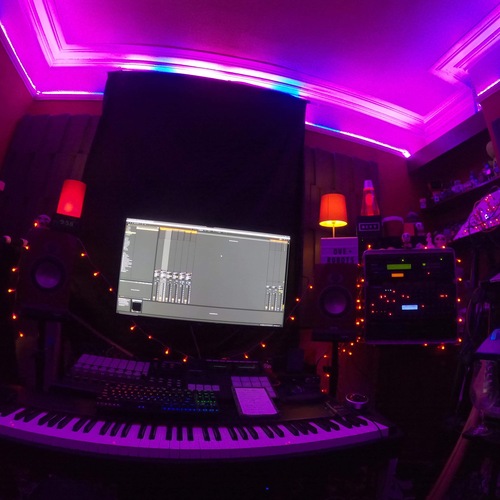
.jpg?v=1783474010)
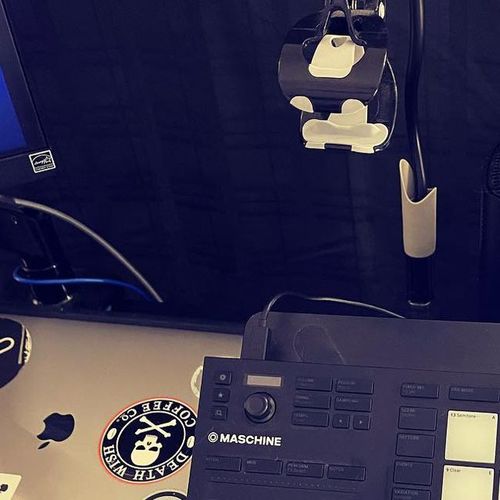

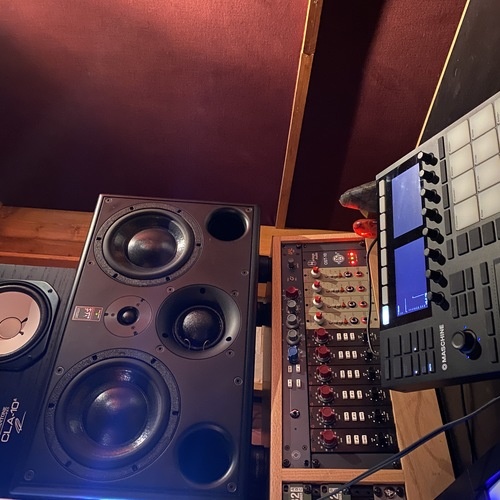

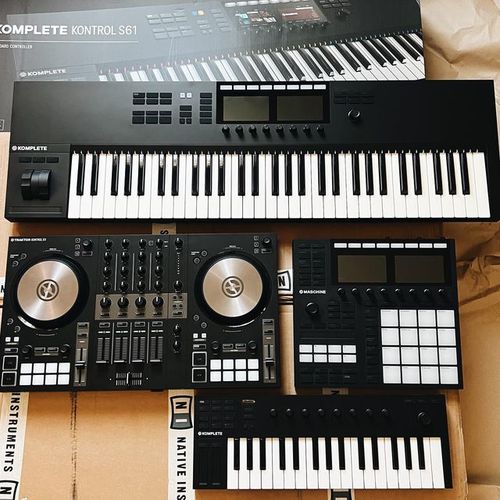

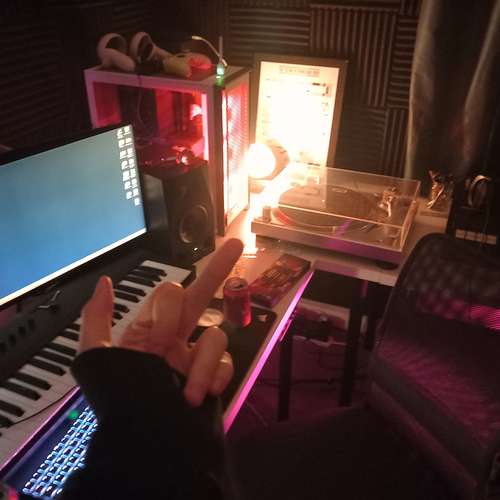

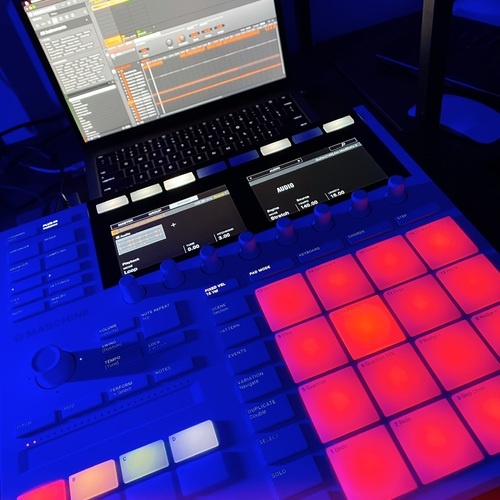



Similar
Add recommendation1 alternative for Native Instruments Maschine MK3, curated by the Equipboard community.

$477.23
More Native Instruments Production & Groove

$40.00 - $573.99
in Production & Groove Rank


$755.00 - $1,199.00
in Production & Groove Rank


$444.00 - $599.00
in Production & Groove Rank


$444.00 - $477.23
in Production & Groove Rank


$939.00 - $999.99
in Production & Groove Rank
-m.webp?v=1784559759)
$699.00 - $879.18
in Production & Groove Rank

.jpeg?v=1784539049)


$449.00 - $1,299.00
in Production & Groove Rank


-m.webp?v=1784333212)
$460.00
in Production & Groove Rank


$1,499.00 - $1,899.99
in Production & Groove Rank
.jpg?v=1784574735)


$350.00 - $728.00
in Production & Groove Rank


$439.00
in Production & Groove Rank


$77.55
in Production & Groove Rank


$725.00
in Production & Groove Rank


$83.62 - $329.99
in Production & Groove Rank


$149.00 - $286.35
in Production & Groove Rank
.jpg?v=1784574736)


$1,491.39 - $2,299.00
in Production & Groove Rank


$700.00
in Production & Groove Rank


$321.26 - $899.00
in Production & Groove Rank


.jpeg?v=1784225997)

$699.00 - $1,299.00
in Production & Groove Rank


$199.00 - $459.99
in Production & Groove Rank


$153.19
in Production & Groove Rank


$318.00 - $329.00
in Production & Groove Rank

$186.00
in Production & Groove Rank


$235.00 - $459.99
in Production & Groove Rank


$1,193.11
in Production & Groove Rank


$877.00 - $1,199.00
in Production & Groove Rank


$943.75
in Production & Groove Rank


$85.30 - $119.00
in Production & Groove Rank

.jpg?v=1783774944)


$179.00 - $440.21
in Production & Groove Rank


$277.00 - $349.00
in Production & Groove Rank


$954.49
in Production & Groove Rank


-m.webp?v=1784386708)
$300.00
in Production & Groove Rank


$225.00
in Production & Groove Rank


$499.00 - $499.99
in Production & Groove Rank


$3,000.00
in Production & Groove Rank


$3,991.00
in Production & Groove Rank


$642.99 - $899.00
in Production & Groove Rank


Accessories & Related Items
-s.webp?v=1784554151)


-s.webp?v=1784559392)




Gear Guides




Most Popular Production & Groove
Most Popular Brands
-
Added to Equipboard on by
 gldbtz
GearIQ 241
-


