
Pricing and availability
We compare 600+ stores and found this item at 4 stores. Prices updated .
Store
Reviews
Price


Average Price: $179
Standard/Professional
$149
$400+
Price Tier
Budget
Standard
High-end
Price History
Based on price data from 3 merchants for "Image-Line FL Studio". Prices shown reflect NEW condition. Tracking began Apr 2, 2026.
* Product prices and availability are updated by Equipboard every 24hrs and are subject to change. Equipboard may receive compensation for purchases made at participating retailers linked on this site. This compensation does not affect what products or prices are displayed, or the order of prices listed. For more information, please refer to our affiliate disclosure.
Description
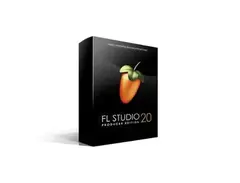
Image Line's FL Studio 20 Producer Edition is not just a music production software, it's a creativity hub for musicians of all levels. With a legacy of over two decades, FL Studio has been the go-to solution for countless artists, from bedroom producers to chart-topping hitmakers, providing an intuitive environment to compose, arrange, record, edit, mix and master professional-grade music.
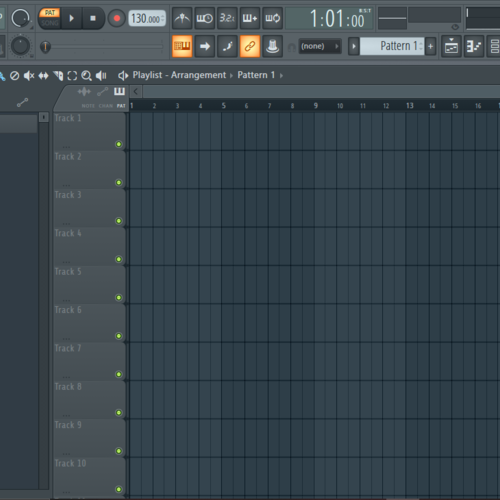
The FL Studio’s legendary Playlist serves as your infinite creative playground, allowing you to sequence and overlay multiple elements of your project in any manner you fancy. The only limit is your creativity! Its unique Patcher empowers you to chain instruments and effects in custom configurations for truly unique sounds.
The software comes packed with over 80 virtual instruments and effect plug-ins, ranging from synthesis, sampling, compression, to delay, and filtering. The package includes powerful tools like Sytrus, Harmless, Slicex, Vocodex, and Maximus, enabling you to achieve whatever style or sound you envisage.
The 20th edition takes music production to new heights, introducing features like Time Signatures, in-situ rendering, multiple Playlist Arrangements, and rebuilt plug-in delay compensation, all designed to make your creative process smooth and synchronized.
Best of all, FL Studio is committed to growing with you. Renowned for its lifetime of free updates, your FL Studio software will never fall out of date, keeping pace with your evolving creativity.
Key Features:
- Comprehensive music production software
- Over 80 virtual instruments and effect plug-ins
- Unique Patcher for custom instrument and effect chains
- Innovative Playlist for limitless creative sequencing
- New features including Time Signatures and in-situ rendering
- Lifetime of free software updates.
Product specs
| Software Type | Music Production |
| Platform | Mac, PC |
| Upgrade/Full | Full |
| Download/Boxed | Download |
| Bit Depth | 64-bit |
| Format | VST2, VST3, AU, Standalone |
| Hardware Requirements - Mac | Intel Core Duo or higher, 4GB RAM or more recommended |
| Hardware Requirements - PC | Intel Core Duo / AMD Athlon 64 or higher, 4GB RAM or more recommended |
| OS Requirements - Mac | macOS 10.13.6 or later |
| OS Requirements - PC | Windows 8.1 or later |
FAQs
-
Is FL Studio 21 Producer Edition compatible with both Mac and PC?
-
Yes, FL Studio 21 Producer Edition is compatible with both Mac and PC platforms. It requires macOS 10.13.6 or later for Mac and Windows 8.1 or later for PC.
-
What are the minimum system requirements for running FL Studio 21 on a PC?
-
To run FL Studio 21 on a PC, you need at least an Intel Core Duo or AMD Athlon 64 processor and 4GB of RAM.
-
Does FL Studio 21 Producer Edition support VST plugins?
-
Yes, FL Studio 21 Producer Edition supports VST2 and VST3 plugins, allowing you to expand its functionality with a wide range of third-party plugins.
-
Can FL Studio 21 be used as a standalone application?
-
Yes, FL Studio 21 can be used as a standalone application, providing a complete music production environment without the need for additional software.
-
Are lifetime free updates included with FL Studio 21 Producer Edition?
-
Yes, purchasing FL Studio 21 Producer Edition includes lifetime free updates, ensuring you always have access to the latest features and improvements.
Videos

FL Studio
FL STUDIO 20 | Launch Video

FL STUDIO 20 | Launch Video
FL Studio
FL STUDIO 21.2 | What's New?
FL Studio

FL STUDIO 2024 | What's New?
FL Studio
![Video thumbnail for FL Studio 21 - Tutorial for Beginners in 12 MINUTES! [ COMPLETE ] by Skills Factory](https://img.youtube.com/vi/6ZuBg6bmkhk/mqdefault.jpg)
FL Studio 21 - Tutorial for Beginners in 12 MINUTES! [ COMPLETE ]

Skills Factory
FL STUDIO 20.8 | What's New?
FL Studio
Anfänger Schnelleinstieg | FL Studio 20 Tutorial

Edward Sour
FL STUDIO 20.8.3 | What's New?
FL Studio

Which Version of FL Studio Should I Get? (2024)

Another Monster Productions
FL STUDIO | Psytrance Tutorial
FL Studio
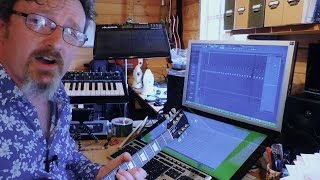
Image Line FL Studio 12 Full, In Depth Review

Molten Music Technology
Reviews
PROS
-
Intuitive interface caters to beginners and pros alike
-
Lifetime free updates eliminate upgrade costs
-
Rich stock plugins and sound packs included
-
Highly praised piano roll for seamless MIDI editing
-
Affordable entry price attracts new producers
-
Strong community support and extensive tutorials
-
Versatile for electronic music production
-
Flexible workflow allows for rapid idea development
-
Consistently evolving with user feedback
-
Excellent for creating complex arrangements quickly
CONS
-
Recording capabilities deemed primitive by some users
-
Struggles with integrating external sound modules
-
High CPU usage reported with large projects
-
Limited MIDI support, complicating collaboration
-
No track freezing, impacting CPU-heavy projects
-
Confusing GUI for some users
-
Automation clips can be cumbersome to manage
-
Lacks real-time audio warping compared to competitors
-
Stock plugins not always up to par with third-party options
-
Some users find workflow doesn’t translate well to other DAWs
Owner Insights
We analyzed real musician discussions from forums and Reddit to find what players love, question, and tweak about Image-Line FL Studio.
Software and compatibility
-
It's confirmed that FL Studio creates an "Image-Line" folder containing project data, and a separate "FL Studio" folder in Documents for user data.
Source
Setup and maintenance
-
Deleting the "Image-Line" and "FL Studio" folders post-uninstallation is safe if no projects or presets were saved, reducing unnecessary file clutter.
Source
User experience
-
Some users report historical changes in folder management, highlighting that older habits might differ from current FL Studio data storage practices.
Source -
Some users find FL Studio's workflow challenging initially, yet many adapt and appreciate the software over time, anticipating improvements in upcoming updates.
Source
Features and functionality
-
FL Studio offers free updates, which are frequently substantial, setting it apart from other DAWs that may charge for major releases.
Source
Value and pricing
-
The $49 Fruity Edition is an affordable entry point, but users find it limited compared to Producer Edition or higher, making it more of a stepping stone for upgrades.
Source
Critic Reviews
4.5 out of 5
Based on 590 Reviews and 2206 Ratings

773
Requires a different learning approach to music production
Signature has more vst's and effects included in its bundle but has the same architecture as producer. This Daw requires a lot of learning to produce something and doesn't follow the conventional Daw workflow but once learnt it comes into its own it has one of the best piano rolls in any daw ive ever used.. It comes with some great vst's synths effects etc, and this Daw can also be used as a vst third party daw in your primary daw so it has its pluses. Its midi instrument definitions are none existent unfortunately. I'd say this Daw is really cut out for the musician who uses mainly vst's not midi . If your new to DAW,s this one takes a bit off learning but when mastered it delivers.
Version: Image Line FL Studio 12
The only DAW for me, takes a little while to get around the idiosyncrasies of it but I wouldn't ever dream of switching
BEST: Wide range of great sounds from the get go, intuitive channel rack, playlist, and mixing, great layout customization, FREE UPDATES FOR LIFE!
WORST: Automation can be a pain compared to other DAWs, routing isn't as intuitive as it is on other DAWs, recording can be a pain when you're starting out.

Wonderful tool for quick song sketches
I don't think there is another DAW out there where you can get song sketches up and running as fast as with FL studio. I use the FL studio 12 Beta on Mac OSX and it's awesome! The fact that you can view all instruments in the same pattern at the same time so you can instantly see which notes go with the chord you created on another channel is awesome. It's a quick and powerful DAW. It also comes with Sytrus which is one of the best sounding FM synths I've heard. And if you also get Harmor it's a killer! Top notch additive synthesis in a heartbeat.
Version: Image Line FL Studio 12
80
4/5 "I look forward to trying this!"
"I just got this last night [11-15-2022] and I can see why everybody uses it! It's very fun, sleek, and powerful. It's a bit confusing, but I hope I'll be able to learn the ins and outs of it!"
Preferred Settings + Usage:
"Currently, I like messing around with all the VST and presets, but my favourite so far is the soundgoodizer on full blast."


57
110 /100 Would Recommend
I love this DAW so much I wouldn't use anything else! It's so open and easy to use! I have been using it for about 3 years now! Best DAW I have ever touched!
Preferred Settings + Usage:
Harmour

Full song creation & extra plugins
FL Studio Signature Bundle Includes FL Studio Producer Edition + these additional FL plugins (buy VST versions separate): Sytrus Maximus maximizer Harmless DirectWave Full Sampler Newtone GrossBeat Hardcore Guitar effects suite Pitcher VideoPlayer Edison Slicex Vocodex FL Flowstone (separate installation) Soundfont player
... and gives you a big reduction on the total cost.
Includes Life Time Free Updates to FL Studio & the included plugins!
Downloadable Version only. No VST plugin versions included, only FL plugin versions. FL plugin versions only, means the above listed plugins will fully work inside FL Studio. If you want to use the plugins outside of FL Studio (as VST, AU, Stand Alone) you need to buy an extra registration. (Check detailed feature list here).
"Aimed at people who are looking for a feature-rich bundle of FL Studio. Signature Bundle is a 'bundle' including FL Studio Producer Edition + a collection of our 'signature' (most advanced) FL version plugins.It's the cost effective way to get your hands on our best gear."
Version: Image Line FL Studio 12
200
My favorite DAW
This DAW can really do anything. I've used Pro Tools, Ableton, Logic, and FL Studio, and I just love the way FL Studio lets you lay things out however you want. The possibilities are endless. Plus, free upgrades to new versions for life!

205
Completely satisfied.
Sometimes I wonder if this DAW is underrated, a lot of people tend to overlook it for the other alternatives out there.....but I am very pleased that this is the DAW I chose, and stand by that decision today. When it wins awards for being the best DAW for creating electronic genres and gets reviews with the same sentiment, I find it quite reassuring with all the naysayers that can show up online.

105
Great DAW, minor issues specific to my work flow.
FL Studio goes back into the roots of my production, It's helped me form my unique Step 'n' Bass (SnB) Genre / Signature Style. The DAW is great to use with multiple screens although i do find an issue with it if you try and use it on a smaller screens, examples of this can be using it on a Windows Surface Pro can be quite an issue. However it isn't unusable.
If i could change anything about the DAW i'd make the overall look more customizable with more options for minimalist views or trying to make the whole DAW itself look like the style of the new mobile app but without removing any of the current existing features.
Version: Image Line FL Studio 12Artist usage
Add artist

In a studio session video, Martin Garrix said he uses different versions of FL Studio he has installed, since he has not consolidated all the samples and synth sounds into one version (due to lack of time).
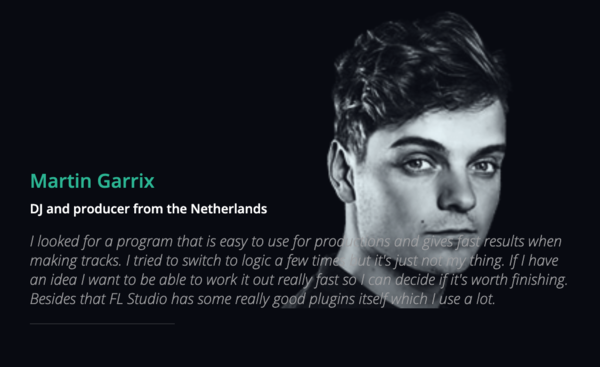
The official Image Line website features a Martin Garrix testimonial:
I looked for a program that is easy to use for productions and gives fast results when making tracks. I tried to switch to logic a few times but it's just not my thing. If I have an idea I want to be able to work it out really fast so I can decide if it's worth finishing. Besides that FL Studio has some really good plugins itself which I use a lot.
A few more sources:
- In this video Martin Garrix In The Studio With Future Music, at 1:40 and throughout, a very clear shot of him using FL Studio can be seen.
- He can also be seen using FL Studio throughout this Martin Garrix Masterclass at ADE Sound Lab XL 18.10.17 @ DeLaMar Theater.
- On Feb 17, 2017 Martin Garrix uploaded a "Behind The Scenes" video of his single Scared To Be Lonely which he made with Dua Lipa. He can be seen working in FL Studio, which you can get a clear shot of if you pause at 1:37.
- At 2:47 of the official video for Glitch, you can see on his laptop that Garrix is using FL Studio.

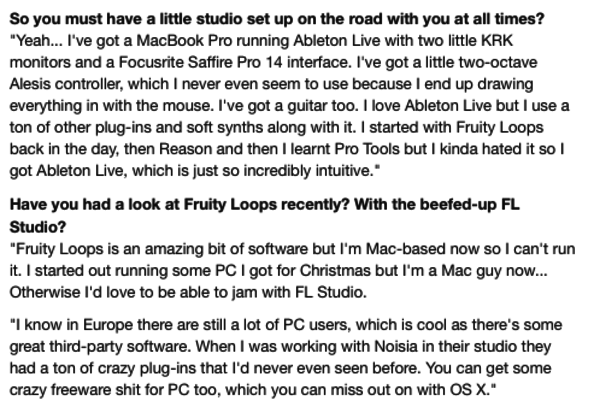
"I started with Fruity Loops back in the day, then Reason and then I learnt Pro Tools but I kinda hated it so I got Ableton Live, which is just so incredibly intuitive," says Skrillex in this interview.


Deadmau5 on FL Studio:
"First and foremost, I launch FL with the beginning of each little idea I have in my head, whether it’s a fast melody, or a drum groove to start out with. I Use FL Studio for that because I have found that the piano roll is by far the FASTEST way to “plot” my melodies and rhythms down because although I have an ear for it, I couldn’t “play” a melody to save my life. So the base of the track is composed almost entirely in FL Studio, all my piano roll / midi data is stored in FL Studio."

Avicii is clearly using FL Studio throughout this video, Avicii in the studio - The Making of Dancing In My Head.
Also in this April 2013 Tweet, when asked what age he started producing and with what software, Avicii says:
"15-16 years old, FL studio. I learned everything myself just by watching youtube tutorials and hanging on forums and stuff!"
He can also be seen working in FL Studio in this video, Avicii: Complete Compilation Of The March 2018 Sessions.


If Daft Punk used Gross Beat as per the video, then that means that they must have used some version of FL Studio.

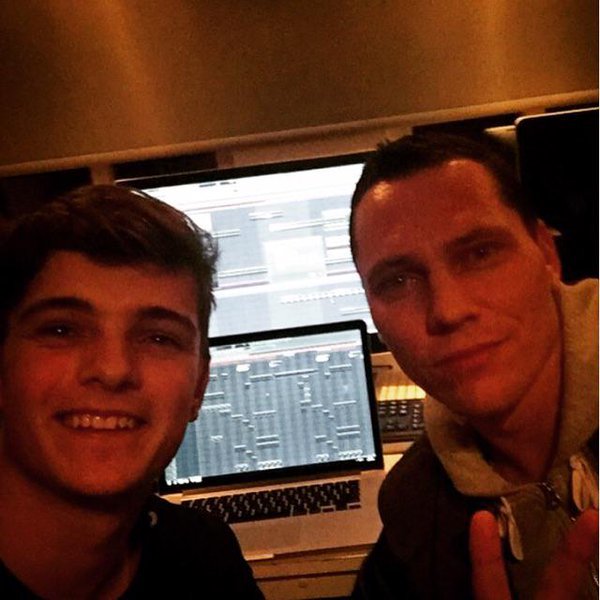
In this photo of a collaboration between Martin Garrix and Tiesto, FL Studio is seen in the back ground on two screens. Based on the photo's recency and layout of FL Studio's playlist layout, it is most likely to be version 11.


"Some people think, "Are you crazy working with FL Studio?" But yes, I work with everything that inspires me. MY main DAW is Logic Pro and Ableton, but recently I got into FL Studio as well." at 10:45.

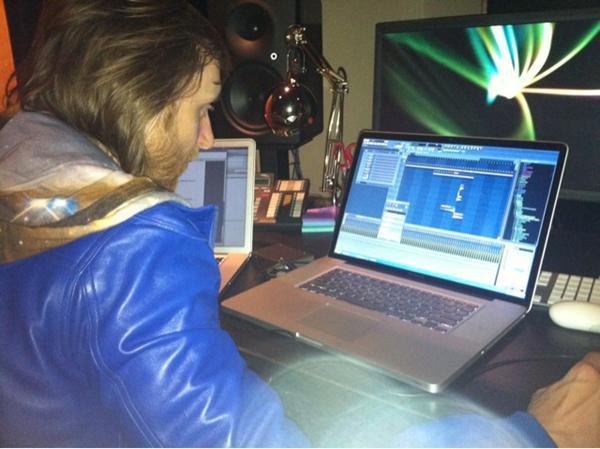
David Guetta can be seen working in FL Studio in this picture


According to the Image Line artists page, Afrojack has been using Fruity Loops ever since he started out producing. He says:
"I started using it when i was about 11 years old, just for fun, making remixes and mixing records through each other just for fun, FL studio felt really easy and obvious, and I never stopped using it."


Nicky Romero started producing using FL: "Before I moved in to this studio I was literally just using Fruity Loops and some speakers that weren’t even monitors, just multimedia speakers."

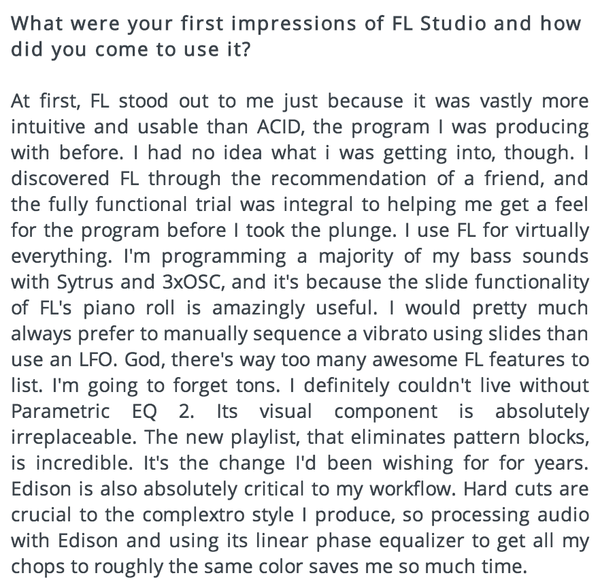
Porter Robinson produces using FL Studio DAW software. In an interview with Image-Line, he says he gravitated towards it after a friend recommended it, and he stuck with it because it was "more intuitive and usable than ACID," which is the software he was using prior.
He also mentions that he programs the majority of his bass sounds using Sytrus and 3xOSC. Other features he cites are useful are the new playlist, which "eliminates pattern blocks," and Edison, which he claims is critical to his workflow: "Hard cuts are crucial to the complextro style I produce, so processing audio with Edison and using its linear phase equalizer to get all my chops to roughly the same color saves me so much time."
Original source here.
Also, around 1:17:00 in this video Porter Robinson Full Twitch Livestream, he talks about being in his bedroom studio, and says:
This is where I produce. I'm in my "studio" right now, though it's not a studio because I don't use any hardware or anything. I don't know if it could strictly be called a studio because it's just me using FL in my bedroom.
Album Usage
The Image-Line FL Studio has been featured on the following albums:

One More Christmas
Aden Foyer (2025)

It's About Us
Chris Stussy (2025)
So Close To What
Tate McRae (2025)
Sakura
Chris Stussy (2025)
TOO BAD – Alan Walker Remix
Alan Walker & G-Dragon & Anderson .Paak (2025)
HYPERYOUTH
Joey Valence & Brae (2025)
Desire
Chris Stussy (2024)
Synergy
Chris Stussy (2024)
Won't Stop (Don't)
Chris Stussy (2024)
Won't Stop (Don't) - EP
Chris Stussy (2024)
Almighty So 2
Chief Keef (2024)
Bounce To The Beat (2024 Remixes)
Todd Terry & Chris Stussy (2024)

NO HANDS
Joey Valence & Brae (2024)
All Night Long
Chris Stussy (2023)

BAILA BONITO
Ovy on the Drums (2023)
The Ballet Girl
Aden Foyer (2023)
Sense of Future
Chris Stussy (2023)
Midtown Playground EP
Chris Stussy (2023)
Midtown Playground
Chris Stussy (2023)
snowfall
Øneheart (2022)

Frailty
Jane Remover (2021)

Do It To It
ACRAZE (2021)
Looking Back
Mesto (2020)
One Thing (Extended Mix)
Mr. Belt & Wezol (2019)
One Thing
Mr. Belt & Wezol (2019)
Roses (Imanbek Remix)
SAINt JHN & Imanbek (2019)
By Now
Jay Pryor (2019)
All About This Ep
Buunshin (2019)
Break Down the House
Laidback Luke (2019)
Reload EP
Eliminate (2018)
Miss You (Remixes)
Major Lazer & Cashmere Cat & Tory Lanez (2018)
Psycho Boys Club
Juyen Sebulba & Stoltenhoff (2018)
Disco
Eliminate (2018)
Different World
Alan Walker (2018)

The Final Mission (Q-BASE 2018 Anthem)
Atmozfears (2018)
Glitch
Martin Garrix & Julian Jordan (2018)
Parallel (Ephixa Remix - Instrumental)
Ephixa & Laura Brehm (2017)

Scared to Be Lonely
Martin Garrix & Dua Lipa (2017)
Congratulations (Remix)
Quavo & Post Malone (2017)
Lots to Say
Mark Villa & Keanu Silva (2017)
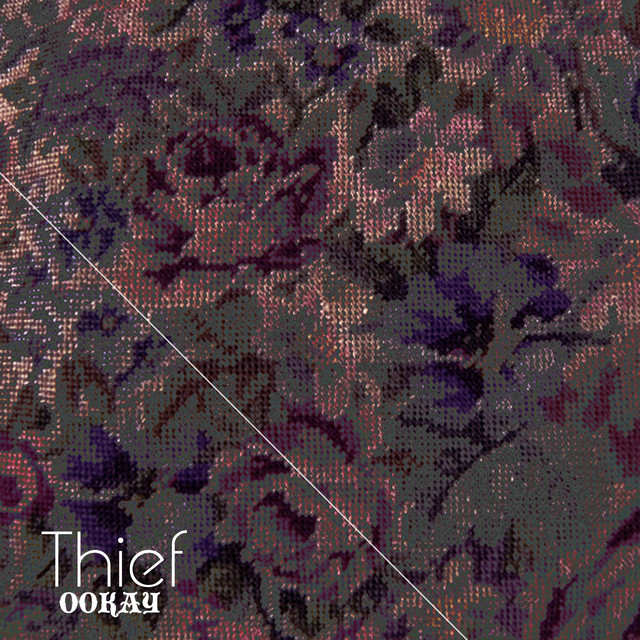
Thief
Ookay (2016)
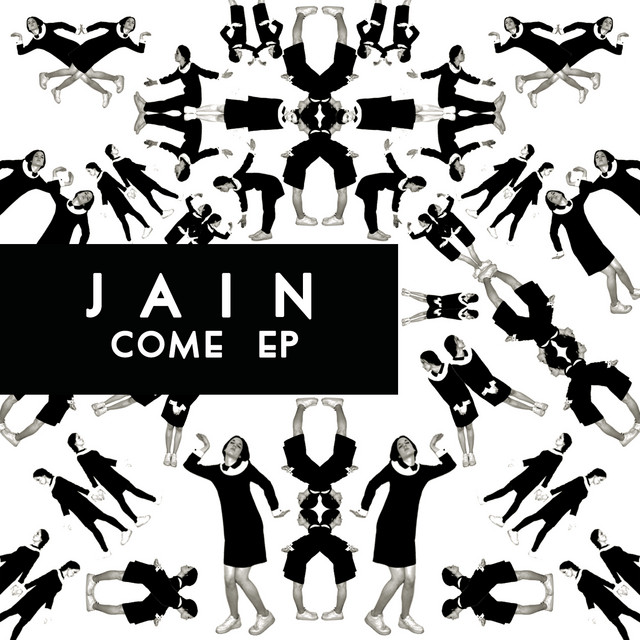
Come EP
Jain (2016)
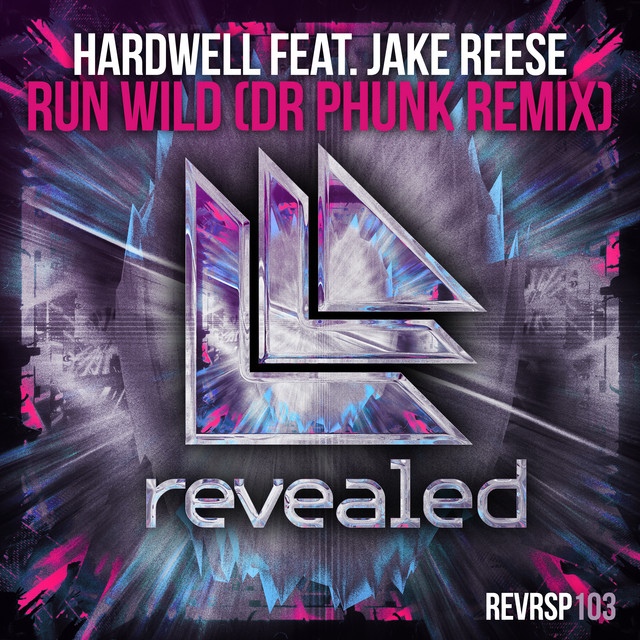
Run Wild (Dr Phunk Remix)
Hardwell & Dr Phunk (2016)
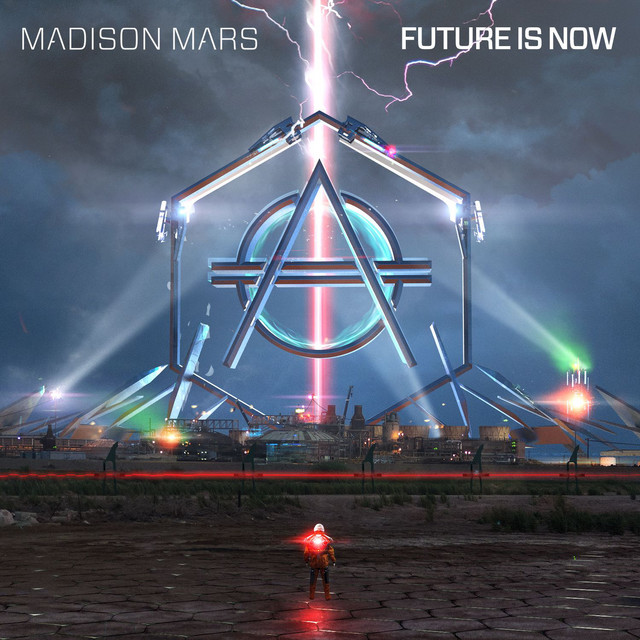
Future Is Now
Madison Mars (2016)
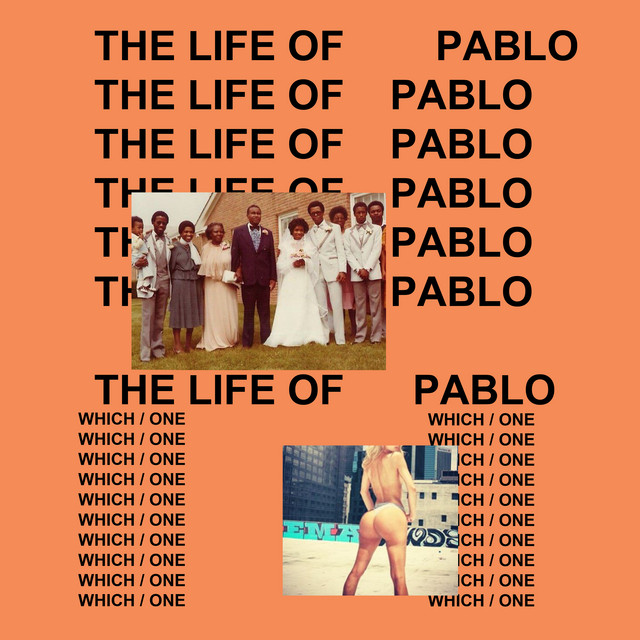
The Life Of Pablo
Kanye West (2016)
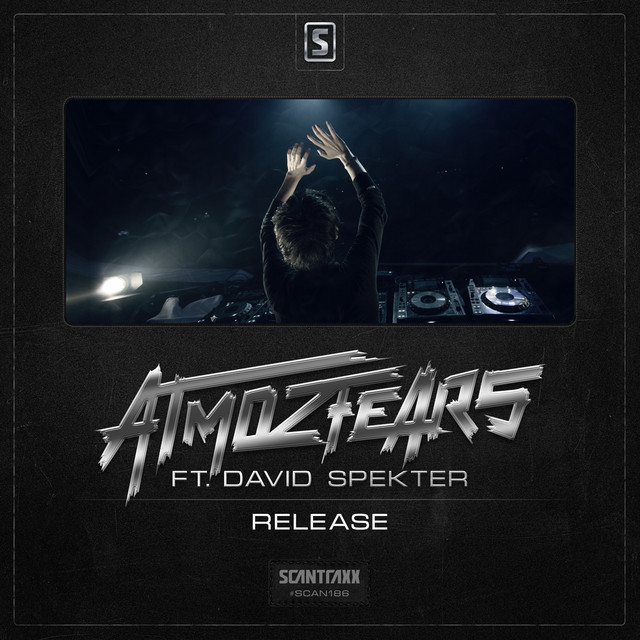
Release
Atmozfears (2015)
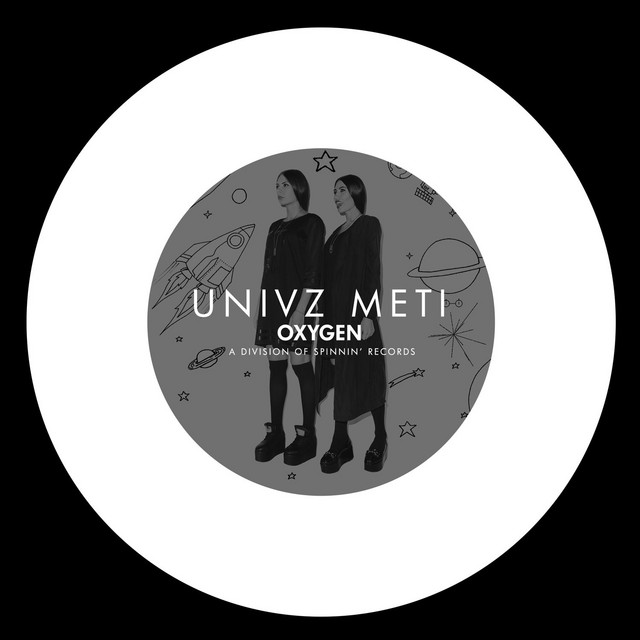
METI (Radio Edit)
Univz (2015)
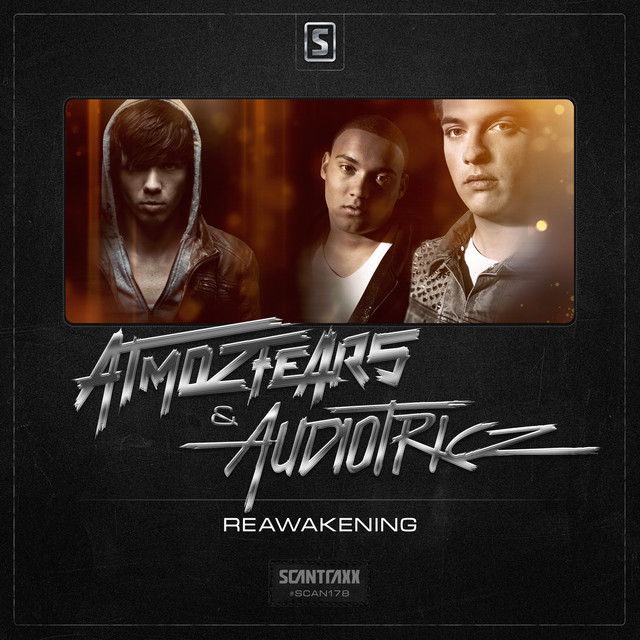
Reawakening
Atmozfears (2015)
Party Face
Victor Porfidio (2014)
Animals
Martin Garrix (2013)
Daybreak
Rogue (2012)
Dancing In My Head
Avicii & Eric Turner (2012)
Goblin
Tyler, The Creator (2011)
Can You Feel It
Alvaro & Quintino (2010)
Crooks & Lovers
Mount Kimbie (2010)
Diary of an Afro Warrior (Expanded Edition)
Benga (2008)
Genre Usage
Based on how artists on Equipboard use this gear, it is most commonly found in the following genres.
Used With
Based on how musicians on Equipboard use Image-Line FL Studio, it is most commonly used with the following gear.






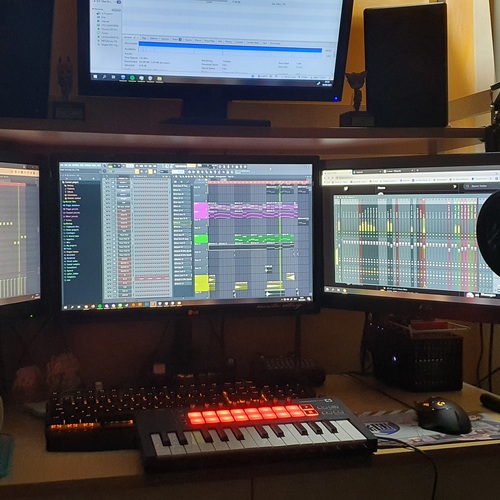
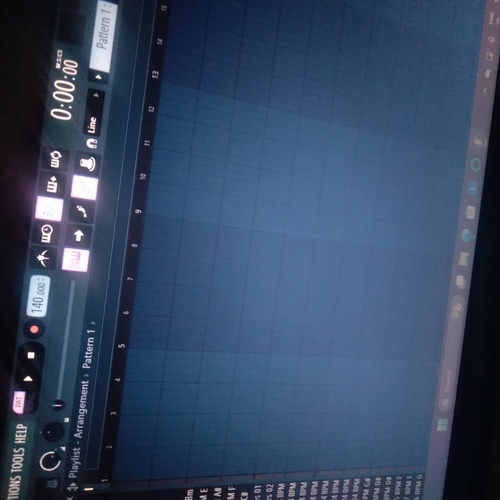
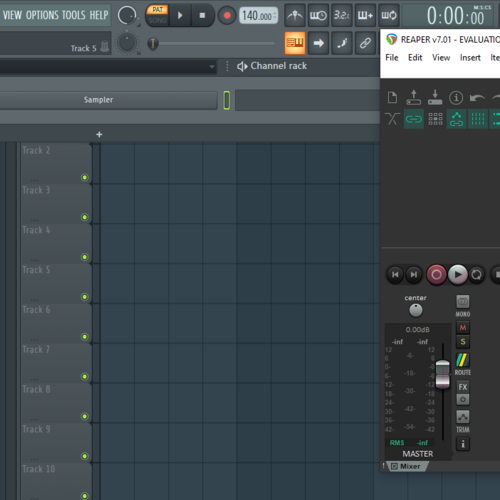
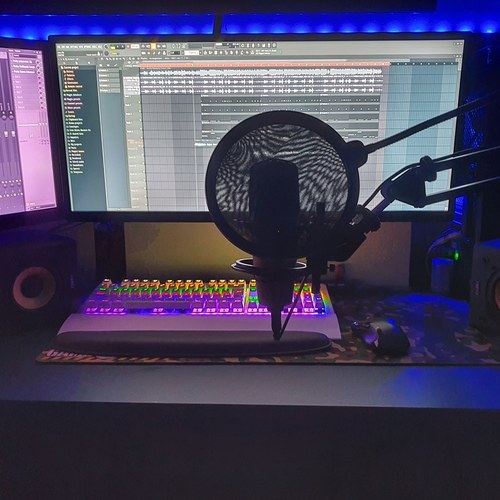
Community setups
Show yours


.png?v=1717448702)
.jpg?v=1776982596)




.png?v=1775150177)







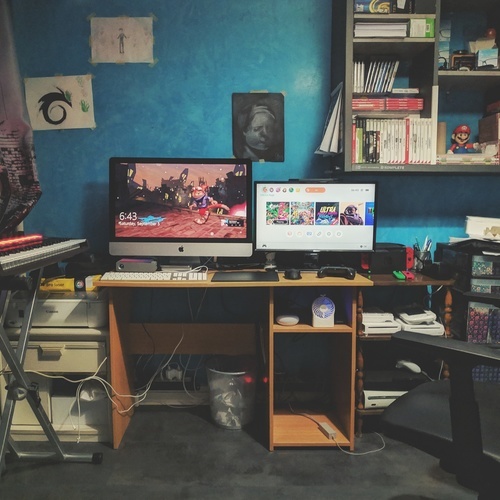

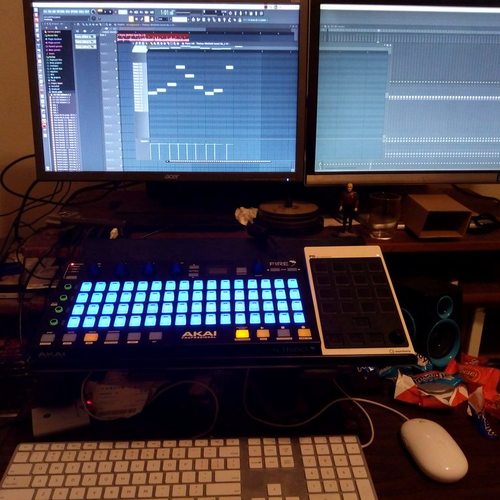
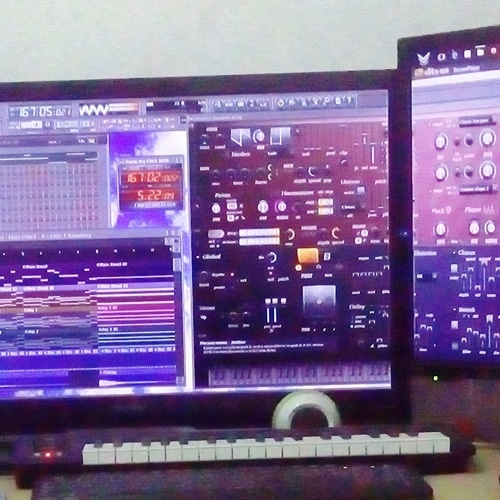

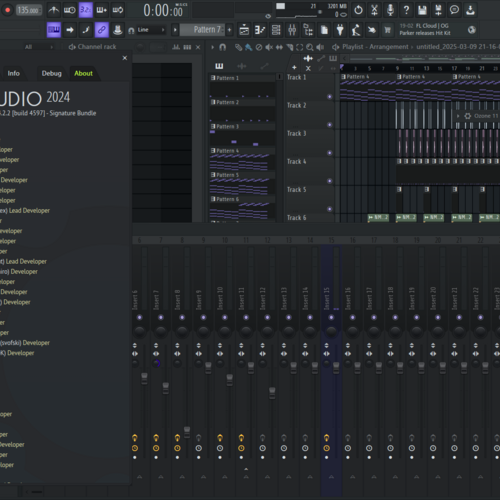

Similar
Add recommendation5 alternative and related items for Image-Line FL Studio, curated by the Equipboard community.

$266.00 - $439.00
Ableton is very similar to FL in terms of its capabilities and performance, but it has a very different interface and workflow that many prefer. Its live performance features are also more extensive, with even some FL artists preferring it for live contexts. That comes at a higher price, as well as Ableton charging users for updates.

$225.00 - $599.00
It is more versatile and works better for most music and SOME electronic music (if you are using hardware synthesizers).


While not available on Windows, Logic is another very popular DAW among producers, and especially for soundtrack composers. Just like FL, it doesn't charge for updates.

⠀⠀⠀⠀⠀⠀⠀⠀⠀⠀⠀⠀⠀⠀⠀⠀⠀⠀⠀⠀⠀⠀⠀⠀⠀⠀⠀⠀⠀⠀⠀⠀⠀⠀⠀⠀⠀⠀⠀⠀⠀⠀⠀⠀⠀⠀⠀⠀⠀⠀⠀⠀⠀⠀⠀⠀⠀⠀⠀⠀⠀⠀⠀⠀
More Image-Line DAW Software

$449.00 - $485.00
in DAW Software Rank


$129.00 - $195.00
in DAW Software Rank

$245.00 - $285.00
in DAW Software Rank


$91.00 - $99.00
in DAW Software Rank


$225.00 - $599.00
in DAW Software Rank


$398.00
in DAW Software Rank
$266.00 - $439.00
in DAW Software Rank


-m.webp?v=1782900043)
$99.99 - $344.00
in DAW Software Rank


$99.00 - $399.99
in DAW Software Rank


-m.webp?v=1782900039)
$409.00 - $499.00
in DAW Software Rank


$119.00 - $299.00
in DAW Software Rank


$209.00 - $329.99
in DAW Software Rank


$199.99
in DAW Software Rank
.jpg?v=1783318437)


$199.00
in DAW Software Rank


$524.00 - $579.99
in DAW Software Rank


$75.00
in DAW Software Rank


$395.00 - $499.00
in DAW Software Rank


$485.00 - $528.00
in DAW Software Rank

$136.00 - $179.00
in DAW Software Rank

$139.99 - $199.99
in DAW Software Rank


$366.00 - $579.99
in DAW Software Rank


$579.99
in DAW Software Rank


$149.00 - $201.00
in DAW Software Rank


$375.00 - $399.95
in DAW Software Rank

$579.99
in DAW Software Rank


$149.00 - $249.00
in DAW Software Rank


$208.00
in DAW Software Rank

Accessories & Related Items




Gear Guides







Most Popular DAW Software
Most Popular Brands
-
Added to Equipboard on by
 littleflyingmonsters
Gear IQ 53
-