



Pricing and availability
We compare 600+ stores and found this item at 2 stores. Prices updated .
Store
Reviews
Price




Average Price: $125
Budget/Beginner
$300
$801+
Price Tier
Budget
Standard
High-end
* Product prices and availability are updated by Equipboard every 24hrs and are subject to change. Equipboard may receive compensation for purchases made at participating retailers linked on this site. This compensation does not affect what products or prices are displayed, or the order of prices listed. For more information, please refer to our affiliate disclosure.
Description
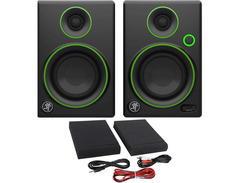
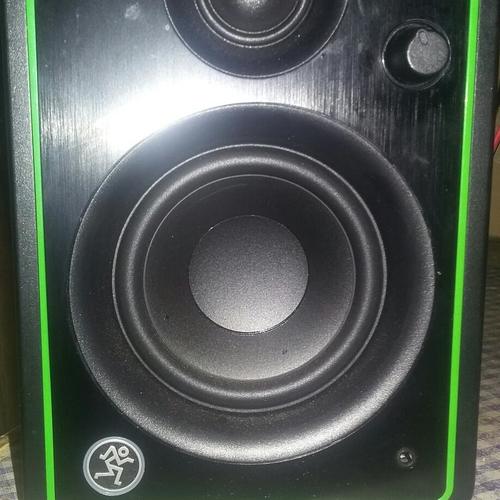
Elevate your audio experience with the Mackie CR3 Studio Monitors, a perfect blend of compact design and robust performance, tailored for both budding and seasoned audio enthusiasts. These monitors are engineered to deliver precise sound reproduction, making them an essential tool for any home studio setup. Whether you're mixing tracks or simply enjoying your favorite tunes, the CR3s offer a clear and powerful sound that punches well above their size.
The CR3s feature a 3" woofer paired with a 3/4" silk-dome tweeter, pushing 50 watts of power to ensure every note is heard with clarity. Housed in a solid all-wood cabinet, these monitors are designed with custom-tuned rear bass ports that enhance low-end response, bringing depth to your recordings. The waveguide design further optimizes sound dispersion, ensuring an immersive listening experience.
Convenience is key, and the CR3s deliver with front-facing controls, including a user-friendly volume/power knob, and easily accessible auxiliary and headphone jacks. Connectivity is a breeze with a variety of input options — 1/4", 1/8", and RCA — allowing seamless integration into your existing setup.
If you're seeking an affordable yet professional audio solution, the Mackie CR3 Studio Monitors provide the precision and versatility you need to take your sound to the next level.
Key Features:
- 50W power output with 3" woofer and 3/4" silk-dome tweeter
- All-wood cabinet with custom-tuned rear bass ports for enhanced bass response
- Front-facing volume/power knob, auxiliary, and headphone jacks
- Multiple input options: 1/4", 1/8", and RCA inputs
- 80Hz – 20kHz frequency range with waveguide design for optimized sound dispersion
Product specs
| Brand | Mackie |
| Model | CR3 3" Active Studio Monitors (Pair) |
| Finish | Black |
| Year | 2014 - 2019 |
| Made In | China |
| Categories | Studio Monitors |
| Amplification | Active |
| Electronics | Analog, Solid State |
FAQs
-
Are Mackie CR3 Studio Monitors suitable for a small home studio?
-
Yes, Mackie CR3 Studio Monitors are ideal for small home studios due to their compact size and accurate sound reproduction, making them perfect for recording, mixing, and multimedia applications.
-
Do Mackie CR3 Studio Monitors require an external amplifier?
-
No, Mackie CR3 Studio Monitors are active monitors, meaning they have built-in amplification and do not require an external amplifier for operation.
-
What type of connectivity options do Mackie CR3 Studio Monitors offer?
-
Mackie CR3 Studio Monitors provide flexible connectivity options, including 1/4" TRS, RCA, and 1/8" stereo inputs, allowing easy integration with various audio sources.
-
Can Mackie CR3 Studio Monitors be used for gaming and multimedia?
-
Yes, Mackie CR3 Studio Monitors are versatile and can be used for gaming, video editing, and other multimedia applications, providing clear and detailed audio performance.
-
Are Mackie CR3 Studio Monitors good for mixing and mastering?
-
While Mackie CR3 Studio Monitors are suitable for mixing in small spaces, they may not provide the full frequency response needed for professional mastering, which typically requires larger monitors.
Videos

Craig Pearce
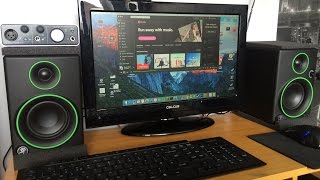
Mackie Cr3 Studio Monitors - Unboxing and Setup (First Look)
Mackie Cr3 Studio Monitors - Unboxing and Setup (First Look)
Craig Pearce
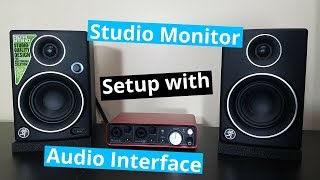
Studio Monitor Setup Guide (2019) | Mackie CR3 & Audio Interface Setup

TheTechWhiz
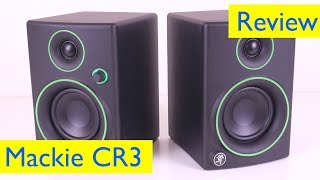
Mackie CR3 Studio Reference Monitors Setup, Review and Sound Test

ReviewLamp
Reviews
PROS
-
Excellent sound clarity with well-balanced audio across tracks.
-
Great price-to-performance ratio for home studios and casual use.
-
Robust construction with quality materials ensures durability.
-
Lightweight and compact, easy to move and store.
-
Integrated Bluetooth accessory enhances connectivity options.
-
Ideal for testing mixes and songwriting; durable for long-term use.
-
Clear audio output makes them suitable for diverse audio tasks.
CONS
-
Power button and left/right switch reliability issues reported.
-
Not ideal for professional mixing and mastering due to limited bottom end.
-
Some users report intermittent audio dropouts.
-
Lack of built-in bass control may require additional equipment.
Owner Insights
We analyzed real musician discussions from forums and Reddit to find what players love, question, and tweak about Mackie CR3 Studio Monitors.
Comparisons
-
Mackie CR3s are reportedly boomy, especially with guitars, and not clear, unlike the Kali LP6, which is praised for its flat response.
Source -
Edifier MR4's are recommended over the Mackie CR3-X, offering better sound quality for a slightly higher price.
Source -
The 3.5" Edifier-R33BT are suggested as a better alternative for small desktop setups compared to the Mackie CR3-X.
Source -
VULKKANO speakers with 4" and 5.25" drivers are recommended for better performance in small to medium-sized rooms compared to Mackie CR3-X.
Source
Other
-
Mackie CR3s are not true monitors; they are described by Mackie as just speakers, lacking the accuracy expected of studio monitors.
Source
Value and pricing
-
Users suggest saving for Kali LP6s or JBL 305Ps, which offer better value and performance than Mackie CR3s or M-Audio BX3s in the long run.
Source
User experience
-
One owner found Mackie CR3s unsuitable for monitoring and resorted to using EQ corrections that proved ineffective.
Source
Critic Reviews
5.0 out of 5
Based on 2 Reviews and 3 Ratings

1199
great!
These bad boys are definitely not the most ideal for mixing and mastering in any way but they are good for testing your mix and they are tuff as anything. I've had mine for over 2 years and they're still great as ever. only complaint is low end isn't the best but again they're not ideal for mixing. Just running tests and song writing. A great beginner pair of monitors!

Artist usage
Add artist

In 9 min Stevie recommends this monitors and admitts he also uses them for YouTube production.


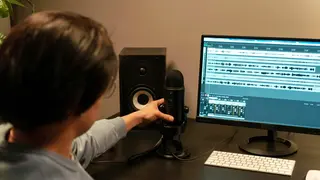
You can see that Kmac uses these studio monitors in this video and is probably in the background of some of his other videos. I'm confident that he has the CR3's and not the CR4's because his computer monitor looks to be around 21-24 inches, and based on that, the size of the CR3 makes more sense.


Genre Usage
Based on how artists on Equipboard use this gear, it is most commonly found in the following genres.
Used With
Based on how musicians on Equipboard use Mackie CR3 Studio Monitors, it is most commonly used with the following gear.




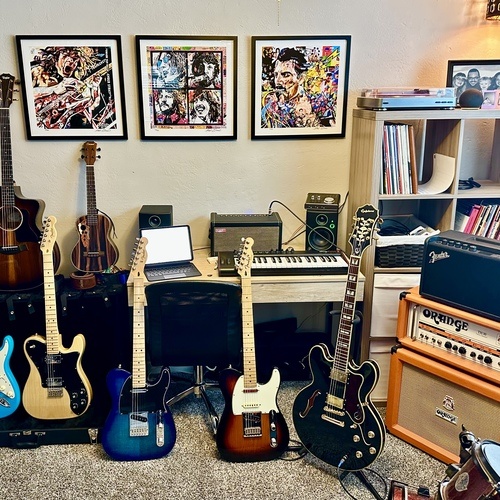
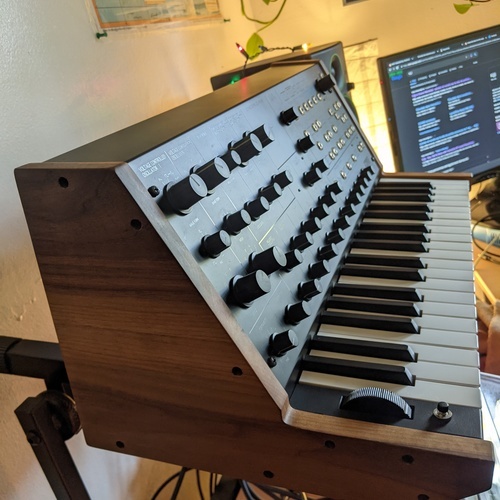
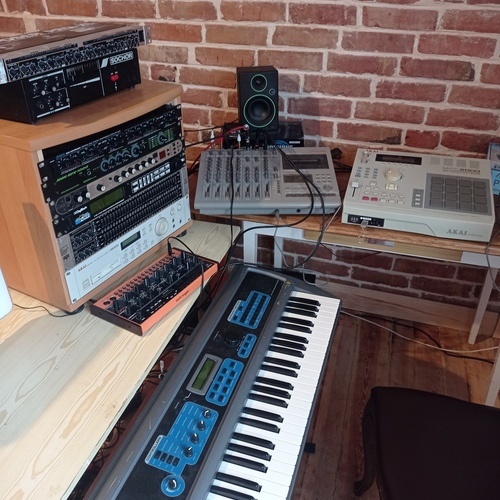
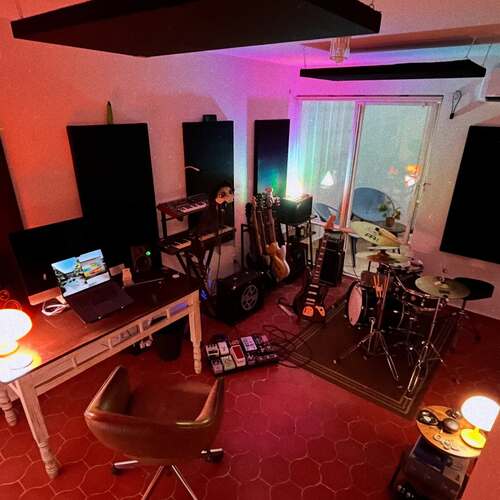
Community setups
Show yours




More Mackie Active & Passive Monitors

$849.99 - $1,699.98
in Active & Passive Monitors Rank


$299.00
in Active & Passive Monitors Rank


$116.00 - $414.99
in Active & Passive Monitors Rank


$124.84 - $189.99
in Active & Passive Monitors Rank


$234.00 - $299.99
in Active & Passive Monitors Rank

$179.99 - $209.99
in Active & Passive Monitors Rank

$449.99 - $649.99


$117.80 - $149.95


$139.99 - $229.99


Accessories & Related Items


Similar


Gear Guides





Most Popular Active & Passive Monitors
Most Popular Brands
-
Added to Equipboard on by
 nolanbridges
GearIQ 82
-


