
Pricing and availability




* Product prices and availability are updated by Equipboard every 24hrs and are subject to change. Equipboard may receive compensation for purchases made at participating retailers linked on this site. This compensation does not affect what products or prices are displayed, or the order of prices listed. For more information, please refer to our affiliate disclosure.
Description
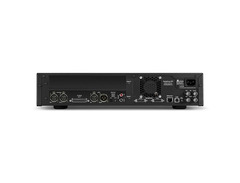
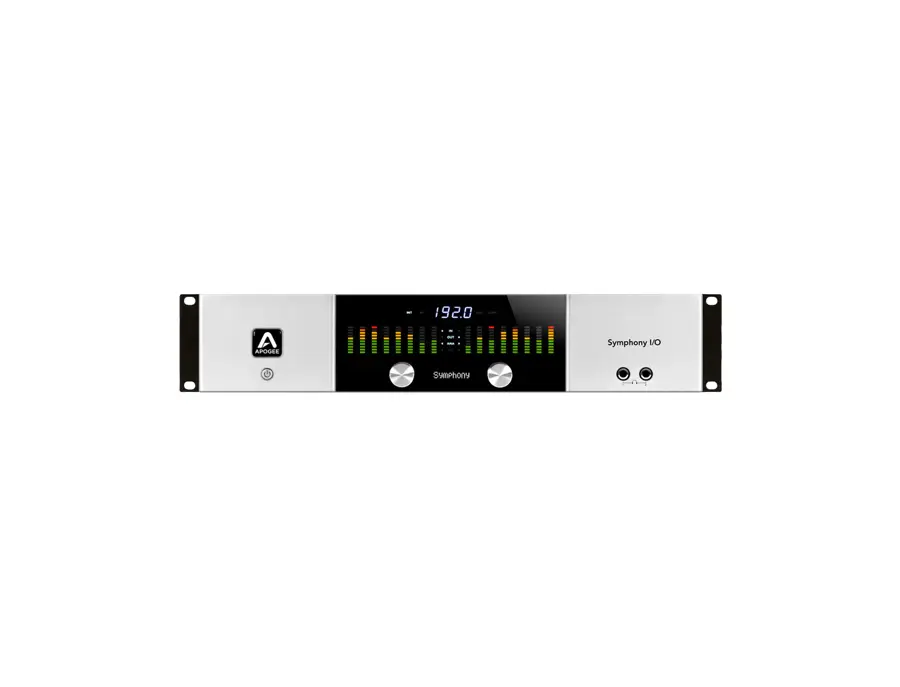
The Symphony I/O 2x6 empowers all that is Apogee, from legendary quality, to ultra-low latency and maximum performance. Apogee Symphony I/O is a modular multi-channel audio interface featuring premium AD/DA conversion and world-class microphone preamps. Designed to deliver professional sound quality for audio recording, mixing and mastering on a Mac, Symphony I/O is the ultimate music production centerpiece for any modern studio.
Legendary Sound Quality
Symphony I/O is the culmination of 25 years of Apogee's award-winning design experience. Using the most advanced components available, Apogee engineers created an extremely efficient circuit and power design resulting in a significant improvement in audio clarity and transparency over any previous Apogee product.
Input and Output FlexibilityThe Symphony I/O 2x6 features 2 balanced inputs, 6 balanced outputs, as well as stereo AES I/O and 8x8 optical I/O. Plenty of I/O to handle any environment from home to professional studios. The Symphony I/O 2x6 is also extremely versatile with multiple connectivity options to fit your needs.
Complete Compatibility
Connect Symphony I/O to any Apple workstation; MacBook, iMac or Mac Pro via USB, Pro Tools HD, Symphony PCI or Thunderbolt. Symphony I/O is simple to set up and easy to use.
Videos

Apogee Electronics
Apogee Symphony I/O with Dave Tozer

Apogee Symphony I/O with Dave Tozer
Apogee Electronics

Apogee Symphony I/O with Nathan Chapman and Joe West
Apogee Electronics

Apogee Symphony IO Overview - Sweetwater

Sweetwater

Apogee Symphony I/O - Ultimate Sound Quality
Apogee Electronics

Sweetwater Minute - Vol. 145, Apogee Symphony I/O Overview
Sweetwater
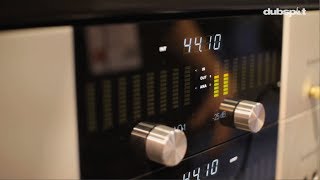
Apogee Electronics Symphony I/O Converter: 64 Channel Audio Interface - Dubspot @ Namm 2014

Dubspot
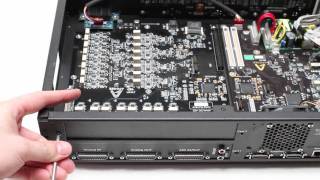
Apogee Symphony I/O second module installation tutorial
Apogee Electronics
Apogee Symphony I/O

*d.a.s. TV
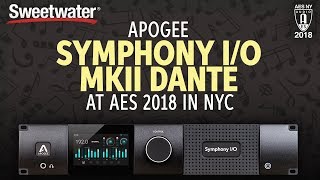
Sweetwater at AES 2018: Apogee Symphony I/O MkII Dante
Sweetwater

Apogee Symphony I/O Audio Interface Overview | Full Compass

Full Compass
Reviews
Owner Insights
We analyzed real musician discussions from forums and Reddit to find what players love, question, and tweak about Apogee Symphony I/O.
Features and functionality
-
The Dante interface offers future-proofing but may lack native low-latency monitoring; users must route audio through DAW, affecting latency.
Source -
Apogee Control 2 software's double-layer saving system for Monitor Workflows and Snapshots can lead to confusion, as settings aren't intuitively saved together.
Source
Software and compatibility
-
The Thunderbolt option is limited to Mac, while the Dante option works with Windows, but Macs might need an expansion chassis for compatibility.
Source -
Users experience smoother operation on silicon Macs by adding Symphony to Pro Tools aggregate I/O, avoiding playback engine errors seen on Intel Macs.
Source -
A permissions setup is required for MK1 Symphony on silicon Macs, detailed in a document on Apogee’s website, ensuring stable operation.
Source -
A bug in the current Apogee Control 2 software causes delay calibration settings to reset, resolved by using an older software version provided by support.
Source
Use cases and applications
-
The Symphony I/O MkII with Dante is suitable for electronic ambient music, offering nuanced control for subtle changes in attack and parameter envelopes.
Source -
Symphony Studio is seen as suitable for home mix-only rigs needing 12x analog outs and a talkback mic but may not meet professional installation expectations.
Source
User experience
-
The Symphony I/O MkII's Thunderbolt cards are reportedly compatible with M1 and M2 Macs, but users should verify with Apogee for assurance.
Source -
Users who frequently replay tracks with subtle expressive changes might need to explore project management strategies like track freezing to optimize CPU performance.
Source -
Users report that the Symphony Studio converters don't match the high quality of Apogee's previous products, like the Symphony MkII or Apollo interfaces.
Source
Setup and maintenance
-
Reinstalling the Symphony Release 5.5 DMG resolved work-halting errors for some users, highlighting the importance of keeping software up to date.
Source
Critic Reviews
5.0 out of 5
Based on 4 Reviews and 17 Ratings

266
The best and fastest converter with exceptional sound quality
The best & fastest converter. Calibrated 16 in + 16 out for all the gear i am using. Can't believe how good it sounds!

One of the Super Interfaces. But an Apogee Quatret is pretty Portable to this beast!
One of the Super Interfaces. But an Apogee Quatret is pretty Portable to this beast!

198
A OK
Never had an issue with this thing. Fan noise is sometimes a bit loud, even though my A/C is fully on and cold.
Artist usage
Add artist

In a video by Point Blank Music School titled "Style Guide: House - Part 2 (Making a House Track in Ableton Live)," the Freemasons are seen using the Apogee Symphony I/O audio interface.

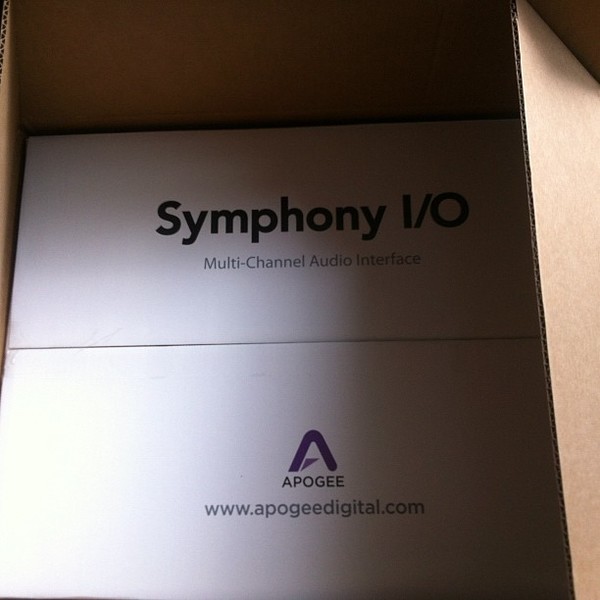
in this photo we can see his new apogee symphony i/o..

.jpg)
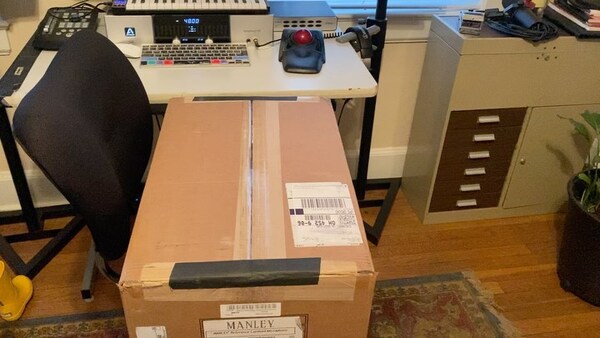
the item can be seen in the left corner of the table standing just below the studio monitor.


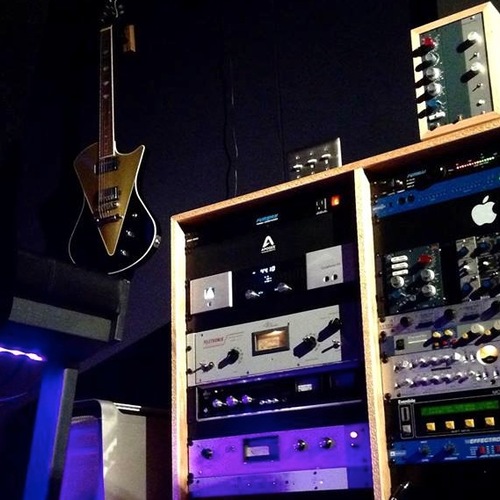
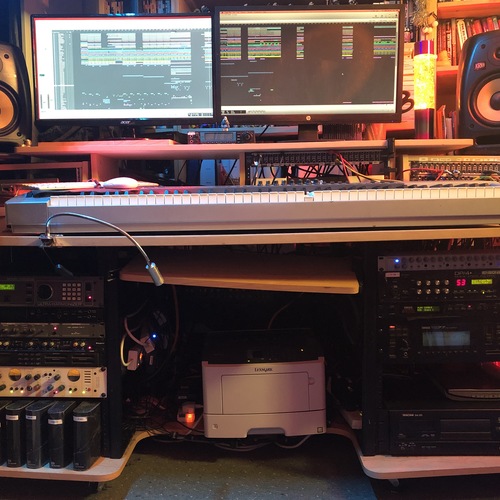
In this photo, which shows studio gear Woolstenhulme used to record acoustic guitar in 2019, one of pieces of gear that can be seen in the rack is the Apogee Symphony I/O.


“Symphony I/O is a revelation. I rely on samples to give the director an idea of how the cues for the movie will sound. They need to sound as realistic as possible. That means, beauty of sound, punch, and very importantly – sound staging. Symphony I/O is fantastic in all these aspect of the sound. It a big step forward. I use Symphony I/O with Logic in my writing room. Many things inspire me, but what “irks” me is when the gear doesn’t work and sounds bad. That’s why a piece of gear like the Symphony I/O is really important to me. It’s more “fun” and inspiring to work when everything sounds better.”


“Symphony I/O sounds really incredible. More transparent, more detail, and dimensional than the AD-16X, which still sounds great. Another aspect is that the installation/registration process was absolutely the best I’ve ever experienced from any manufacturer. It may sound a bit trivial, but to me the intelligence of the setup process indicates that there is probably a similar degree of care inside the box. Really congratulate whomever designed the software for that, very smart. We were up and running about 30 minutes after opening the box. No glitches, no head scratching. When you constantly have deadlines something like this can strongly influence one’s perception of a company and their products.”

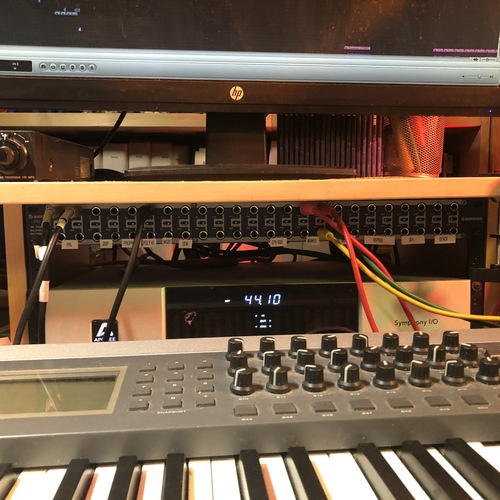
when David is talking about Ableton live his Symphony I/O interface can be seen

Album Usage
The Apogee Symphony I/O has been featured on the following albums:


Genre Usage
Based on how artists on Equipboard use this gear, it is most commonly found in the following genres.
Used With
Based on how musicians on Equipboard use Apogee Symphony I/O, it is most commonly used with the following gear.
-s.webp?v=1783263559)



-s.webp?v=1783090753)


-s.webp?v=1783290620)
Community setups
Show yours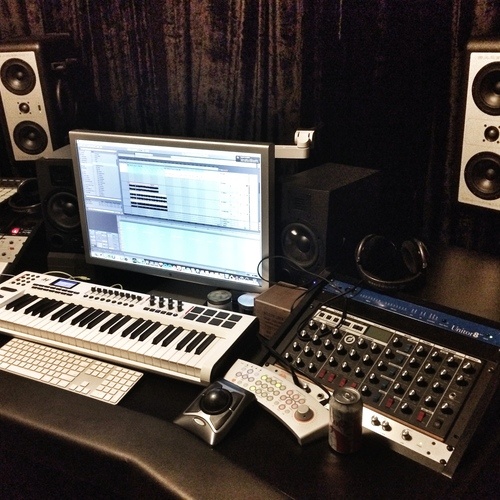


Similar
Add recommendation1 alternative for Apogee Symphony I/O, curated by the Equipboard community.

$3,099.00 - $7,495.00
Apogee engineers have made it their passion to improve every new flagship product by using the latest in electrical components and designing optimized circuitry that often exceeds the expectations of the component manufacturer. This is the Apogee Advantage. Symphony I/O Mk II is the culmination of this 30 year commitment and raises the bar on all Apogee products before it with even better audio clarity and sonic transparency. In fact, when equipped with either the new 8×8 or 16×16 Mk II I/O modules, Symphony I/O Mk II outperforms all other multi-channel audio interfaces available for Pro Tools HD or Thunderbolt based systems, making it the flagship audio interface for the entire professional audio industry and the obvious choice for countless GRAMMY winning artists, producers, songwriters and engineers.
More Apogee Audio Interfaces

$84.00
in Audio Interfaces Rank


$1,000.00
in Audio Interfaces Rank


$12.00
in Audio Interfaces Rank


$399.99 - $588.63
in Audio Interfaces Rank


$199.00 - $1,995.00
in Audio Interfaces Rank


$250.00 - $262.71
in Audio Interfaces Rank


$3,099.00 - $7,495.00


$2,150.00 - $3,527.00


$4,475.00 - $5,199.00


$1,399.00 - $2,999.00


$4,799.00 - $5,199.00


$5,920.43 - $6,899.00


-m.webp?v=1783289240)

Gear Guides






Most Popular Audio Interfaces
Most Popular Brands
-
Added to Equipboard on by
 equipboard
Gear IQ 4934
-


