

Pricing and availability
We compare 600+ stores and found this item at 9 stores. Prices updated .
Store
Reviews
Price








Average Price: $906
High-end/Boutique
$150
$501+
Price Tier
Budget
Standard
High-end
Price History
Based on price data from 7 merchants for "Arturia AudioFuse Studio". Prices shown reflect NEW condition. Tracking began Apr 2, 2026.
* Product prices and availability are updated by Equipboard every 24hrs and are subject to change. Equipboard may receive compensation for purchases made at participating retailers linked on this site. This compensation does not affect what products or prices are displayed, or the order of prices listed. For more information, please refer to our affiliate disclosure.
Description
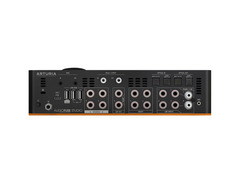
Meet the Arturia AudioFuse Studio, your new command center for creative audio production and pristine recording. This robust 18-in/20-out USB-C desktop audio interface is designed to be the heart of your studio setup, offering a seamless blend of high-performance features and intuitive workflow. With four Discrete Pro mic preamps, providing an impressive +71dB of gain, even the quietest sources will shine without a hint of noise. Whether you're capturing the subtlety of a string quartet or the power of a rock band, the AudioFuse Studio has you covered.
Engineered for versatility, the AudioFuse Studio boasts a full suite of connectivity options, including ADAT, S/PDIF, MIDI, and Word Clock, making it adaptable to any studio environment. The audio-grade Bluetooth receiver allows you to stream directly into your session, adding a modern touch to traditional setups. Its robust metal chassis and USB-C connectivity ensure longevity and compatibility with both PC and Mac systems.
Adding to its value, the AudioFuse Studio includes the Arturia Creative Suite, a collection of software instruments and effects that provide rich, vintage coloration to your recordings. Whether you're mixing at home or tracking on the road, the AudioFuse Studio offers unmatched clarity and control, with dedicated reamping outputs and a comprehensive monitoring section for effortless A/B speaker switching. Elevate your production game with the Arturia AudioFuse Studio.
Key Features:
- 18-in/20-out USB-C desktop audio interface
- 4 Discrete Pro mic preamps with +71dB of gain
- Audio-grade Bluetooth receiver supporting aptX and AAC
- 4 analog inserts and comprehensive connectivity options, including ADAT and S/PDIF
- 2 independent stereo headphone outputs
- Class-leading conversion and clocking at 24-bit/192kHz
- Includes Arturia's AudioFuse Creative Suite software pack
- Compatible with PC & Mac, fully USB 2.0 compatible
- Solid metal desktop chassis for durability
Product specs
| Computer Connectivity | USB 2.0 |
| Form Factor | Desktop |
| Simultaneous I/O | 18 x 20 |
| Number of Preamps | 4 |
| Phantom Power | 4 channels |
| A/D Resolution | Up to 24-bit/192kHz |
| Effects | AudioFuse Creative Suite Effects |
| Analog Inputs | 4 x XLR-1/4" combo (mic/line/Hi-Z), 4 x 1/4" (line), 1 x Dual RCA Stereo (phono/line) |
| Analog Outputs | 2 x 1/4" (L/R A), 2 x 1/4" (L/R B), 2 x 1/4" (reamp, DC coupled) |
| Digital Inputs | 2 x Optical Toslink (ADAT, S/PDIF), 1 x Coax (S/PDIF) |
| Digital Outputs | 2 x Optical Toslink (ADAT, S/PDIF), 1 x Coax (S/PDIF) |
| Inserts | 4 x 1/4" (channel) |
| Headphones | 2 x 1/4", 2 x 1/8" (DC coupled) |
| MIDI I/O | 1 x 1/8" TRS Type B (In), 1 x 1/8" TRS Type B (Out), USB |
| USB | 1 x USB-C, 1 x USB-A (120mA), 2 x USB-A (1000mA) |
| Bluetooth | Yes (receive only) |
| Clock I/O | 1 x RCA (In), 1 x RCA (Out/Thru) |
| Software | AudioFuse Creative Suite, AudioFuse Control Center |
| OS Requirements - Mac | OS X 10.8.5 or later, Intel Core i5 or higher |
| OS Requirements - PC | Windows 7 SP1 or later, Intel Core i5 or higher |
| Height | 2.8" |
| Width | 10.4" |
| Depth | 6.3" |
FAQs
-
What are the main connectivity options for the Arturia AudioFuse Studio?
-
The Arturia AudioFuse Studio offers USB 2.0 connectivity, with multiple analog and digital inputs and outputs, including 4 XLR-1/4" combo inputs, 4 line inputs, ADAT, S/PDIF, and MIDI I/O.
-
Is the Arturia AudioFuse Studio compatible with DAWs like Ableton Live and Pro Tools?
-
Yes, the Arturia AudioFuse Studio is compatible with major DAWs, including Ableton Live and Pro Tools, thanks to its comprehensive driver support and versatile connectivity.
-
Does the Arturia AudioFuse Studio support Bluetooth audio streaming?
-
Yes, the Arturia AudioFuse Studio supports Bluetooth audio streaming, allowing you to receive audio wirelessly for added flexibility in your studio setup.
-
How many preamps are included in the Arturia AudioFuse Studio and do they provide phantom power?
-
The Arturia AudioFuse Studio includes 4 high-quality preamps, each capable of providing phantom power, making it suitable for a wide range of microphones.
-
What is the resolution and sample rate capability of the Arturia AudioFuse Studio?
-
The Arturia AudioFuse Studio supports up to 24-bit/192kHz resolution, ensuring high-quality audio recording and playback for professional studio applications.
-
Can the Arturia AudioFuse Studio be used for reamping purposes?
-
Yes, the Arturia AudioFuse Studio features two DC-coupled reamp outputs, allowing you to easily integrate reamping into your recording and mixing workflow.
Videos

BoBeats
9 Reasons to Check Out Arturia AudioFuse Studio
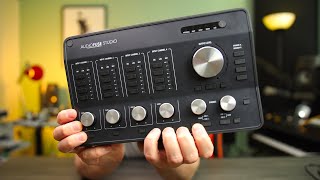
9 Reasons to Check Out Arturia AudioFuse Studio
BoBeats
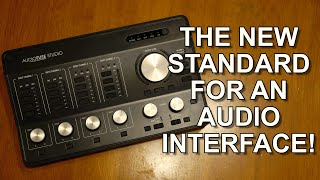
Arturia AudioFuse Studio Interface Will Change Your Life!

Ave Mcree
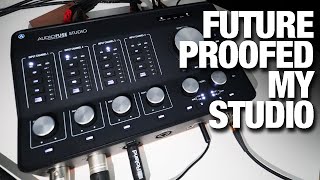
Audiofuse Studio - Just great! (at least for me :P)

Accurate Beats
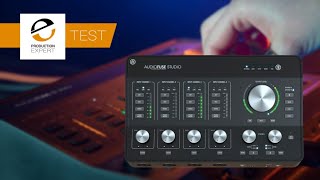
Arturia Audiofuse Studio - A Real-Life Studio Session Test

Production Expert
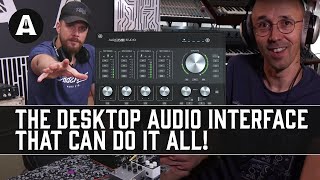
Upgrade Your Studio With The Arturia AudioFuse Studio Interface! - Re-Amping Has Never Been So Easy!

Andertons Synths, Keys and Tech
Arturia Audiofuse Studio Vs Apollo Twin Duo USB

Dark Corner Studios
Unbox and Comparison: Audient iD44 VS. Arturia Audiofuse Studio

Eddie Sundra
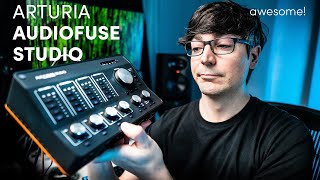
Arturia AudioFuse Studio (Great audio interface for OBS and streaming on Windows)

WasabiNoise
Reviews
PROS
-
Excellent for home studios, especially tracking synthesizers and drum machines
-
8 balanced line inputs enhance connectivity options
-
Direct inputs on the front bypass mic pre's, facilitating quick swaps
-
High-quality build and mic preamps, providing clear sound
-
Includes a versatile software and plugin bundle
-
Ample I/O options in a desktop interface size, making it highly expandable
-
Features like Bluetooth, USB hub function, and powerful headphone outputs add value
-
Provides seamless integration with both Mac and PC
-
Unique features like phono input and dual headphone amps cater to various studio needs
-
Offers great monitoring capabilities with standalone presets
CONS
-
Uses USB 2.0 protocol, limiting bandwidth compared to USB-C
-
ASIO driver limitations may restrict performance on Windows
-
Can become warm with extended use
-
Latency not as competitive as Thunderbolt interfaces
-
Lacks mute switches, complicating workflow for some users
-
Requires software for setup changes, potentially inconvenient for iPad recording
-
Some users found the main volume knob to require several turns for significant volume changes
Owner Insights
We analyzed real musician discussions from forums and Reddit to find what players love, question, and tweak about Arturia AudioFuse Studio.
Features and functionality
-
Long sessions may cause volume control issues, requiring a restart to resolve the problem.
Source -
Some users find the front inputs inconvenient due to space constraints, suggesting the interface's physical size may not suit all studio setups.
Source -
Disabling "Software Monitoring" in Logic Pro allows reliance on direct monitoring from AudioFuse Studio, potentially eliminating phasing issues during tracking.
Source
Software and compatibility
Comparisons
-
Compared to Apollo X4 and Apogee Symphony Desktop, the AudioFuse Studio is noted for its reliability and class compliance.
Source
Setup and maintenance
-
Synchronizing sample rates between the AudioFuse Studio and ADAT-connected preamps like the MOTU 8Pre can prevent distortion issues.
Source -
Re-creating the aggregate device setup in Audio MIDI Setup can resolve hidden configuration issues after updates, improving AudioFuse Studio's performance.
Source
Use cases and applications
Value and pricing
-
Despite being priced competitively at $450, the AudioFuse Studio struggles to attract buyers, indicating potential market undervaluation or awareness issues.
Source
Critic Reviews
5.0 out of 5
Based on 0 Reviews and 2 Ratings
Artist usage
Add artist

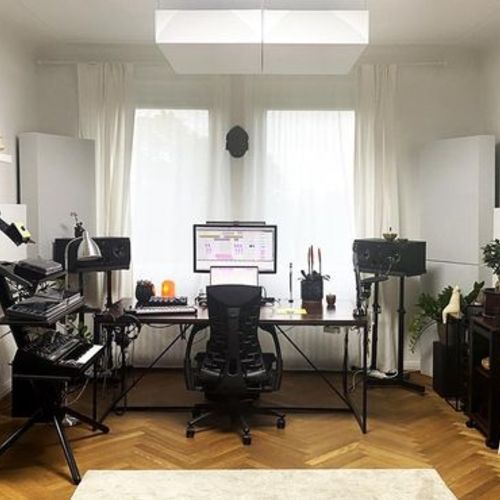
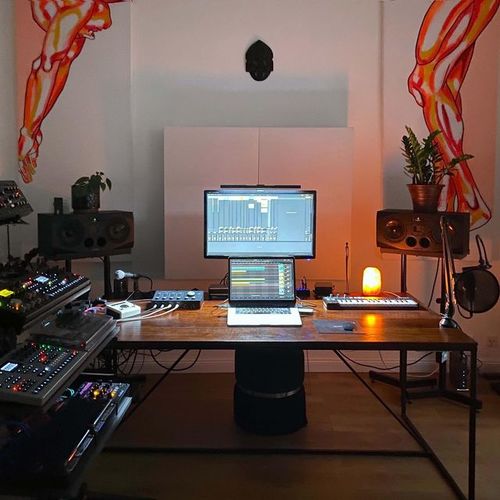
In this video [https://www.youtube.com/watch?v=A0aydXCdKqI&t=535s 8:55] Vaganych shows his Arturia AudioFuse Studio audio interface

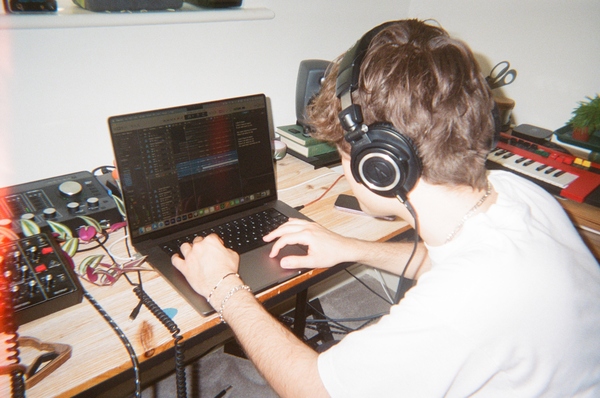
In this photo, Beaux can be seen using an Arturia AudioFuse Studio audio interface.

.jpg)
#newbaby in @theresistance_soundlab_studio the powerfull #@arturia_official #audiofusestudio 🤩! ▪️ #theresistancesoundlabandstudio #audiointerface #interface #usbinterface #newgear #musician #sounddesign #sounddesigner #soundmodeling #synthesis #homestudio #studio #foley #beats #Beatproducing #synthwave #DarkSynth #shredwave #Outrun #retrowave #electronicmusic #metal #rock #progrock #progmetal #musician
Genre Usage
Based on how artists on Equipboard use this gear, it is most commonly found in the following genres.
Used With
Based on how musicians on Equipboard use Arturia AudioFuse Studio, it is most commonly used with the following gear.


-s.webp?v=1784332770)


-s.webp?v=1785078259)
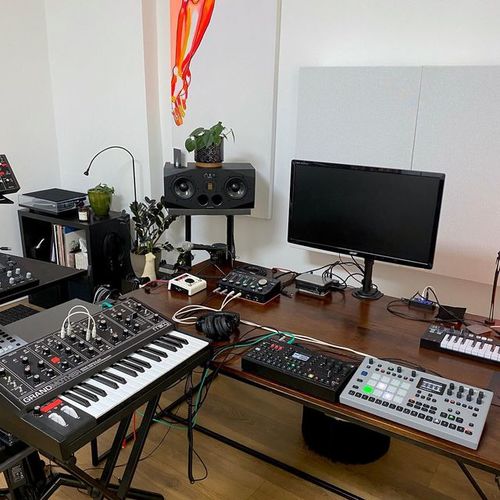
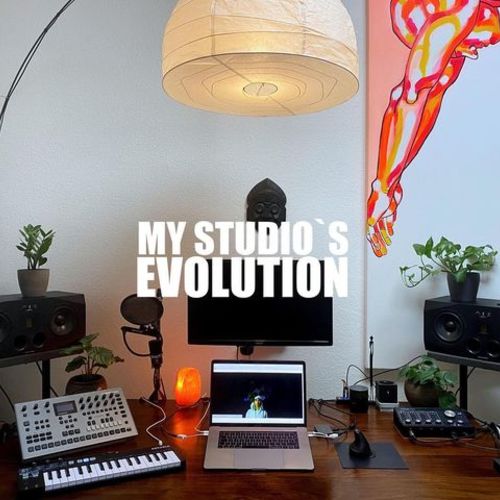
Community setups
Show yours
More Arturia Audio Interfaces

$250.35 - $1,026.87
in Audio Interfaces Rank


$116.39 - $199.00


$84.10 - $119.00

$116.39 - $199.00

$83.00 - $119.00


$103.68 - $249.00

$1,099.00 - $1,849.00


$279.00 - $349.00


$159.99 - $224.99
in Audio Interfaces Rank


-m.webp?v=1784804580)
$749.99
in Audio Interfaces Rank


$59.38 - $239.00
in Audio Interfaces Rank


$79.00 - $299.99
in Audio Interfaces Rank


$360.00 - $799.00
in Audio Interfaces Rank


$239.00 - $495.00
in Audio Interfaces Rank


$84.00
in Audio Interfaces Rank


$79.99 - $149.99
in Audio Interfaces Rank
.jpg?v=1784763257)


$749.00 - $999.00
in Audio Interfaces Rank

.png?v=1785048585)


$799.00 - $1,299.00
in Audio Interfaces Rank


$1,000.00
in Audio Interfaces Rank


$239.00 - $799.00
in Audio Interfaces Rank


$85.00 - $391.13
in Audio Interfaces Rank


$118.00 - $189.99
in Audio Interfaces Rank


$190.00 - $872.49
in Audio Interfaces Rank


$689.00 - $899.00
in Audio Interfaces Rank


$224.99
in Audio Interfaces Rank


$1,468.00 - $1,999.00
in Audio Interfaces Rank

.jpeg?v=1785102997)

$99.99 - $299.99
in Audio Interfaces Rank


$859.00 - $1,199.00
in Audio Interfaces Rank

.jpg?v=1784480765)
-m.webp?v=1784331838)
$70.00
in Audio Interfaces Rank


$69.54 - $159.99
in Audio Interfaces Rank


in Audio Interfaces Rank


$699.00 - $1,899.00
in Audio Interfaces Rank


$400.00
in Audio Interfaces Rank


Accessories & Related Items


-s.webp?v=1785131577)


Similar


Gear Guides







.webp)
Most Popular Audio Interfaces
Most Popular Brands
-
Added to Equipboard on by
 nextworld
GearIQ 326
-


