


Pricing and availability
We compare 600+ stores and found this item at 1 store. Prices updated .
Store
Reviews
Price




Average Price: $185
Budget/Beginner
$200
$501+
Price Tier
Budget
Standard
High-end
* Product prices and availability are updated by Equipboard every 24hrs and are subject to change. Equipboard may receive compensation for purchases made at participating retailers linked on this site. This compensation does not affect what products or prices are displayed, or the order of prices listed. For more information, please refer to our affiliate disclosure.
Description
Unleash your musical potential with the Akai Professional MPK88 Keyboard and USB MIDI Controller, a powerhouse designed for both the studio and the stage. Featuring a fully weighted, hammer-action 88-key keyboard, the MPK88 delivers an authentic piano feel, allowing you to express every nuance of your performance. Whether you're laying down complex compositions or jamming live, this controller is engineered to meet the demands of professional musicians.
The MPK88 isn't just about keys—its 16 MPC-style pads are both velocity and pressure-sensitive, offering you the tactile response needed to create intricate beats and dynamic rhythms. These pads are equipped with Akai's signature MPC Note Repeat and Swing functions, giving your music that iconic groove and feel. With an intuitive layout of assignable knobs, faders, and buttons, you have the freedom to manipulate your sounds in real-time, making it easier than ever to bring your creative vision to life.
In addition to its robust hardware, the MPK88 offers seamless integration with your favorite DAWs and MIDI software, thanks to its USB connectivity and plug-and-play compatibility. This ensures you spend more time creating and less time configuring. Whether you're an aspiring artist or a seasoned performer, the Akai Professional MPK88 is your perfect partner in music production.
Key Features:
- 88-key fully weighted, hammer-action keyboard with aftertouch
- 16 MPC-style pads with velocity and pressure sensitivity
- MPC Note Repeat and Swing for dynamic rhythms
- Eight Q-Link knobs, faders, and buttons, each with three banks
- Key Split feature for controlling two sounds simultaneously
- Dedicated transport controls for easy tracking and editing
- USB MIDI for seamless integration with most music software
- Comes with Ableton Live Lite Akai Professional Edition software
- Class compliant and bus powered for easy setup and portability
Product specs
| Brand | Akai |
| Model | MPK88 |
| Finish | Black |
| Year | 2010s |
| Categories | Keyboard MIDI Controllers, Pad MIDI Controllers |
| Key Size | Full Size |
| Keyboard Action | Weighted |
| MIDI I/O | MIDI Input, MIDI Output, USB MIDI |
| Number of Keys | 88 Keys |
| Number of Pads | 16 Pads |
FAQs
-
What type of key action does the Akai MPK88 have?
-
The Akai MPK88 features a fully weighted keyboard action, providing a realistic piano feel that is ideal for pianists transitioning to a MIDI controller.
-
How many keys are on the Akai MPK88, and are they full-size?
-
The Akai MPK88 comes with 88 full-size keys, offering the same range as a traditional piano, which is perfect for comprehensive music compositions.
-
Can the Akai MPK88 be used with any DAW software?
-
Yes, the Akai MPK88 is compatible with most major DAW software, allowing seamless integration into various digital audio workstations for music production.
-
Does the Akai MPK88 have built-in sounds or require a computer to generate sound?
-
The Akai MPK88 does not have built-in sounds and requires connection to a computer or external sound module to generate audio, functioning as a MIDI controller.
-
What connectivity options does the Akai MPK88 offer?
-
The Akai MPK88 provides MIDI Input, MIDI Output, and USB MIDI connectivity, ensuring versatile options for integrating with other musical equipment or computers.
-
How many pads are included on the Akai MPK88, and what are they used for?
-
The Akai MPK88 includes 16 pads, which are useful for triggering samples, loops, or drum sounds, making it a versatile tool for live performances and studio work.
Videos

Sean Divine
Akai MPK249 Midi Keyboard Controller Review and Demo
Akai MPK249 Midi Keyboard Controller Review and Demo
Sean Divine
Akai MAX49 Midi/Mackie CV/GATE Controller Review

sonicstate
Namm 2019: Akai MPK Road 88!

John Mike
Akai Professional MAX49 USB MIDI CV Keyboard Controller Overview | Full Compass

Full Compass
Reviews
PROS
-
Weighted keys provide realistic touch for classically trained pianists
-
Easy to use for controlling live software, suitable for group settings
-
Additional capabilities and features beyond expectations
-
Faders, knobs, and drum pads enhance music production
-
Assignable controls for personalized live set management
-
Attractive design and durable build
-
Compact size for an 88-key controller
CONS
-
Some concerns over key noise and internal buzzing
-
Could benefit from better VST integration
Owner Insights
We analyzed real musician discussions from forums and Reddit to find what players love, question, and tweak about Akai Professional MPK88 Keyboard and USB MIDI Controller.
Software and compatibility
-
Some users mention that the MPK88 may not immediately appear as a MIDI device in DAWs like FL Studio or Logic Pro, suggesting a need to manually check input settings.
Source -
It's recommended to install Akai's free DAW, MPC Beats, as its drivers might resolve recognition issues with the MPK88 on both Mac and Windows systems.
Source -
The MPK88 may require a powered USB hub to function correctly with an iPad, even if powered by an AC adapter directly.
Source
Setup and maintenance
-
Users advise ensuring that MIDI tracks are selected within the DAW, and a VST instrument is assigned to confirm the MPK88’s functionality.
Source -
Owners report that older MIDI keyboards can be successfully integrated with iOS devices using iRig MIDI 2 or Yamaha Bluetooth MIDI interfaces.
Source -
Actual XLR plugs cannot physically connect with a 5-pin DIN MIDI port, confirming the need for proper MIDI cables for setup.
Source -
The MPK88 does not receive power through MIDI connections, requiring a separate power supply or USB for operation.
Source
User experience
Features and functionality
-
Using a Bluetooth MIDI converter like the Yamaha MD-BT01 allows the iPad to remain connected to a charger during use.
Source -
The Akai MPK88's default setting disables the 5-pin DIN port when the USB is connected; this needs to be enabled in the menu for MIDI use.
Source -
Users should consider a new USB cable if power issues arise, as even lightly used cables can sometimes fail unexpectedly.
Source
Critic Reviews
4.5 out of 5
Based on 5 Reviews and 20 Ratings

176
My Flagship!
I was very skeptical at first to buy this keyboard after reading all of the reviews online. So many people were concerned with the "noise" of the keys and the internal buzzing sound, but when it came to my doorstep I knew I had made the right choice.
Here's Why: The keys are so incredibly weighted! For all classically trained pianist out there - this keyboard offers the most realistic touch/velocity sensitivity you can get for the price. Once I had my piano's all connected, the "sound" of the keys were not even recognizable.. The fleaux that this piano creates for the user is quite enjoyable.
Not to mention the faders, knobs and drum pads make creating a beat from scratch like clockwork. My favorite part of this Hybrid piano is that I can assign anything I want to it! So during my live sets, I have %100 control over the vibe of what is being played.
Akai did a great job creating a piano that has workflow - Not to mention the beautiful design and durability.
I am excited to see what sound I create with this beast - and to all who are worried about the flaws of it - I'll say it once again, the keys really do not make much noise at all. And the Perc's easily outweigh the "Flaws" of anything that may be there. So try it for yourself and tell me you don't fall in love with this beautifully crafted 88 key controller.
Much Love,
- Chase Caffey

60
love it, at the center of all my productions
this beautiful weighted keyboard and all of the knobs and dials and faders have gotten me through too many studio sessions to count. and then the lovely mpc pads let me be a finger drummer on top of controlling all my software without a mouse as much as possible.

528
Solid and functional
Could use more VST integration, but all in all the entire MPK series are really very good.

144
Artist usage
Add artist

As you can tell at 0:39 you can see kygo use a Akai professional mpk88


At 0:45 you can see Millers the Akai MPK 88 next to him.


At 2:23 we can see Mark in front of his 88 key Akai Pro Midi Controller in his home studio in LA.


In time 3:25 you can see Scott play on Akai Midi Controller.


EDEN uses the Akai Professional MPK88 Keyboard and USB MIDI Controller during live performances, as shown in a photo from Billboard.

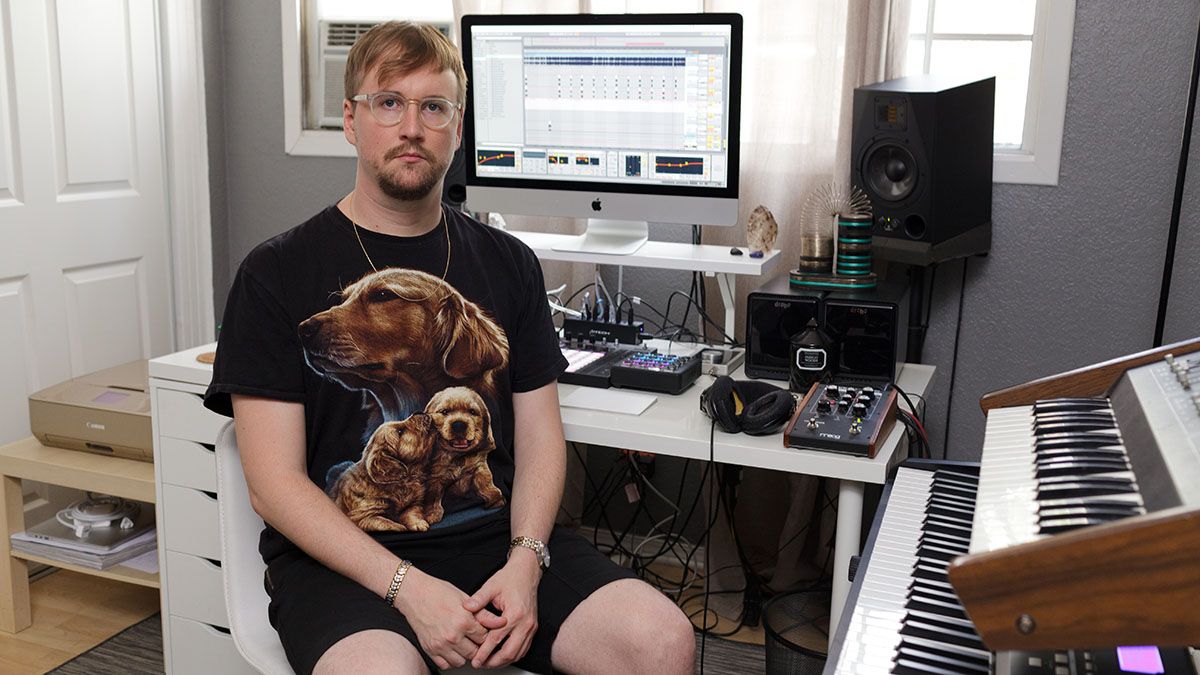
In a MusicRadar interview, Machinedrum is shown using the Akai Professional MPK88 Keyboard and USB MIDI Controller in his studio.


From the gear list on the website of Trevor Horn's SARM Studio:
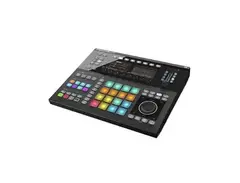
BACKLINE & INSTRUMENTS Yamaha Upright Piano Akai MPK 88 Controller Keyboard [Floating] Nord 88 Key Stage Keyboard [Floating] Fender Precision Bass [Floating] Gibson Les Paul [Floating] Takamine Acoustic Guitar [Floating] Gibson J-45 Acoustic Guitar [Floating] Native Instruments Maschine Studio [Floating] Native Instruments Komplete Kontrol 61 Keyboard [Floating] 2 x Avid S3 Pro Tools 16 Fader Control Surface [Floating]

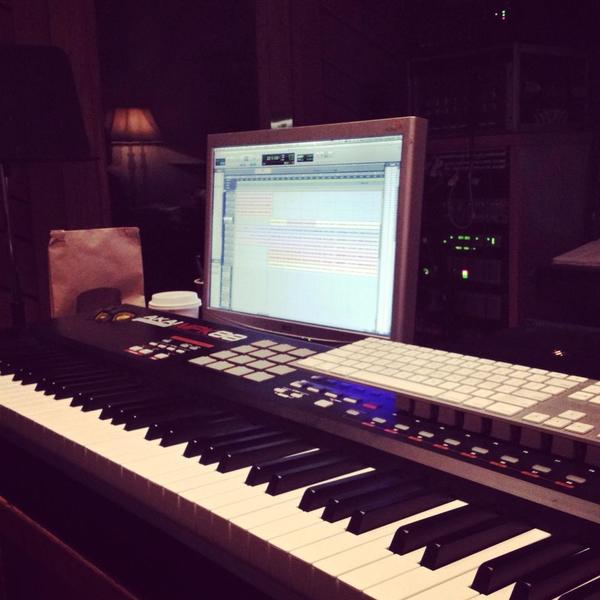
K.Flay is seen using the Akai Professional MPK88 Keyboard and USB MIDI Controller in a photo on her official Facebook page.


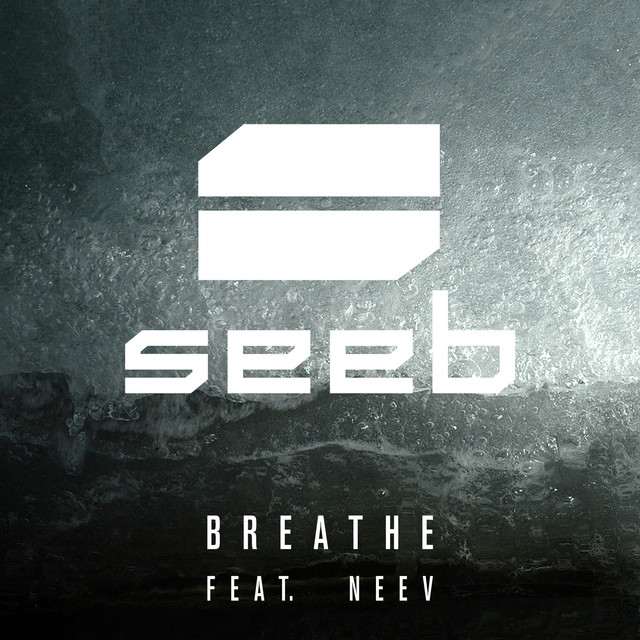
In an Instagram post, Simen from seeB is shown using the Akai Professional MPK88 Keyboard and USB MIDI Controller while working on the song "Breathe" in the studio.

.jpg)
Judging by the number of keys and button layout, Henshall is using an Akai Professional MPK88 keyboard on tour.


Album Usage
The Akai Professional MPK88 Keyboard and USB MIDI Controller has been featured on the following albums:
Genre Usage
Based on how artists on Equipboard use this gear, it is most commonly found in the following genres.
Used With
Based on how musicians on Equipboard use Akai Professional MPK88 Keyboard and USB MIDI Controller, it is most commonly used with the following gear.



-s.webp?v=1784991529)

Community setups
Show yours

More Akai MIDI Keyboard Controllers

$32.66 - $59.00
in MIDI Keyboard Controllers Rank


-m.webp?v=1784991654)
$398.88 - $469.00
in MIDI Keyboard Controllers Rank


$76.07 - $159.00
in MIDI Keyboard Controllers Rank


$134.99 - $269.00
in MIDI Keyboard Controllers Rank


$99.00 - $99.99
in MIDI Keyboard Controllers Rank


$289.00 - $499.00
in MIDI Keyboard Controllers Rank


$106.89
in MIDI Keyboard Controllers Rank


$213.79 - $399.99
in MIDI Keyboard Controllers Rank


-m.webp?v=1784992234)
$75.40 - $145.00
in MIDI Keyboard Controllers Rank


$218.84 - $399.00
in MIDI Keyboard Controllers Rank


$70.00 - $399.70
in MIDI Keyboard Controllers Rank


$110.29
in MIDI Keyboard Controllers Rank


$199.00
in MIDI Keyboard Controllers Rank


$79.99 - $99.00
in MIDI Keyboard Controllers Rank


$159.00
in MIDI Keyboard Controllers Rank


$129.00 - $169.00
in MIDI Keyboard Controllers Rank


$19.45 - $139.00
in MIDI Keyboard Controllers Rank


$27.93 - $189.00
in MIDI Keyboard Controllers Rank
.JPG?v=1784922055)


$85.67 - $89.00


$149.99 - $682.00


$79.00 - $99.00


$129.00 - $169.00


$76.07 - $106.89

$406.62 - $469.00


$98.94 - $269.00


Accessories & Related Items


Similar


Gear Guides







Most Popular MIDI Keyboard Controllers
Most Popular Brands
-
Added to Equipboard on by
chasecaffeyGearIQ 176
-


