

Pricing and availability
We compare 600+ stores and found this item at 2 stores. Prices updated .
Store
Reviews
Price


Average Price: $308
Standard/Professional
$149
$400+
Price Tier
Budget
Standard
High-end
Price History
Based on price data from 2 merchants for "Ableton Live". Prices shown reflect NEW condition. Tracking began Apr 2, 2026.
* Product prices and availability are updated by Equipboard every 24hrs and are subject to change. Equipboard may receive compensation for purchases made at participating retailers linked on this site. This compensation does not affect what products or prices are displayed, or the order of prices listed. For more information, please refer to our affiliate disclosure.
Description
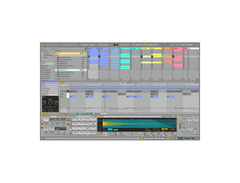
Unleash your creative potential with Ableton Live, the dynamic DAW software that seamlessly integrates into both studio and stage environments. Whether you're crafting intricate compositions or improvising live, Ableton Live offers a flexible platform that adapts to your musical vision. Its unique dual-view setup—Session View for nonlinear groove creation and Arrangement View for linear sequencing—empowers musicians to experiment with loops and clips in real-time, fostering a spontaneous and interactive music-making experience.
Ableton Live doesn't just stop at being user-friendly; it packs a powerful punch with its extensive toolkit. Dive into an expansive library containing more than 38GB of content, including 13 software instruments and 55 effects. This DAW stands out with advanced features like multitrack recording up to 32-bit/192kHz, nondestructive editing with unlimited undo, and comprehensive MIDI sequencing. Plus, with the ability to convert audio into MIDI, your creative possibilities are nearly limitless.
Perfect for both seasoned producers and live performers, Ableton Live supports VST and AU plug-ins, allowing you to customize your workflow with your favorite tools. Its intuitive interface and robust capabilities make it an invaluable asset for any musician looking to elevate their craft.
Key Features:
- Dual-view setup: Session View for groove-based creation and Arrangement View for linear sequencing
- Over 38GB of content, including 13 software instruments and 55 effects
- Multitrack recording up to 32-bit/192kHz
- Nondestructive editing with unlimited undo
- Comprehensive MIDI sequencing and audio-to-MIDI conversion
- Supports VST and AU plug-ins
- Real-time time stretching and advanced warping for audio flexibility
- Unlimited tracks and scenes per project
- Built-in step-by-step tutorials
- Multicore and multiprocessor support
Product specs
| Brand | Ableton |
| Model | Live 9 Standard (Download) |
| Categories | DAW Software |
FAQs
-
What are the minimum system requirements for Ableton Live 9 Standard?
-
Ableton Live 9 Standard requires Windows 7 or later, or macOS 10.7 or later, with at least 4 GB of RAM and a multi-core processor. Ensure your system meets these requirements for optimal performance.
-
Is Ableton Live 9 Standard suitable for beginners?
-
Yes, Ableton Live 9 Standard is beginner-friendly with its intuitive interface and extensive tutorials. It provides a flexible, loop-based workflow that is ideal for experimenting with music production.
-
What makes Ableton Live 9 Standard different from other DAWs?
-
Ableton Live 9 Standard is known for its unique Session View, which allows for real-time performance and improvisation. It also offers powerful MIDI and audio editing capabilities, making it a versatile choice for both studio production and live performances.
-
Does Ableton Live 9 Standard include built-in instruments and effects?
-
Yes, Ableton Live 9 Standard comes with a wide range of built-in instruments and effects, including synths, samplers, and audio processors, allowing users to create and manipulate sounds without additional plugins.
-
Can Ableton Live 9 Standard be used for live performances?
-
Absolutely, Ableton Live 9 Standard is designed for live performances with its real-time audio manipulation and flexible clip launching features, making it a favorite among DJs and electronic musicians.
Videos

Ethan Davis
The Best Ableton 11 Beginner Guide (in 17 Minutes)
The Best Ableton 11 Beginner Guide (in 17 Minutes)
Ethan Davis
Ableton Live 11: What’s new?

Ableton
Ableton Live 11 Masterclass - FULL GUIDE (Become a Pro)

Oversampled

ABLETON VS FL STUDIO - Let's Settle This!

NXISEWOLF
What is Ableton Live?
Ableton
Ableton Live 11: Intro vs. Standard vs. Suite - Which Should You Buy?

Push Patterns
Reviews
PROS
-
Unmatched flexibility for live performances and improvisation with clip-based Session View
-
Intuitive workflow with drag-and-drop simplicity
-
Packed with creative tools like Wavetable and Operator synths
-
Seamless integration with controllers like Push for live shows
-
Advanced warping and real-time time-stretching for audio files
-
Rock-solid audio engine with precise automation
-
Extensive library of sounds and built-in effects
-
Max for Live enables endless customization
-
Great for electronic music production and sound design
-
Ideal for both beginners and seasoned producers
CONS
-
High price point, especially for the Suite version
-
Some users report performance issues and sluggishness on high-end systems
-
Learning curve can be steep for new users
-
Stock instruments and sounds may not appeal to everyone
-
Lacks some features on the mixing side compared to other DAWs
-
GUI may be perceived as less modern or visually appealing
-
Limited to 8 tracks in the Lite version, which can be restrictive
Owner Insights
We analyzed real musician discussions from forums and Reddit to find what players love, question, and tweak about Ableton Live.
Value and pricing
User experience
-
Users with extensive MIDI gear like the KeyLab Essential can achieve effective live control without investing in dedicated controllers like Push, given proper setup and Remote Scripts.
Source -
Some users report Ableton's fader handles are difficult to see due to their small size and color contrast.
Source
Comparisons
-
Despite criticisms, Ableton is cited as unmatched in flexibility for live performance setups compared to other DAWs, often requiring users to craft personalized workflows.
Source -
Ableton's summing is sometimes perceived as flat compared to Pro Tools, though opinions differ on whether there's a real difference.
Source
Use cases and applications
-
Ableton outputs a master MIDI clock, facilitating synchronization with external hardware like the RC505, simplifying complex live setups.
Source -
Ableton Live's session view is designed for live performances, providing flexibility with scene launching and follow actions, crucial for seamless live set transitions.
Source -
Many MIDI controllers come bundled with Ableton Live Lite, which can be a cost-effective way to start using the software without purchasing a full version.
Source -
Ableton Live Intro, priced at $99, is recommended for beginners and has been effectively used by young learners, such as a 12-year-old.
Source -
Artists like Illangelo and King Gizzard have successfully mixed entire albums in Ableton, highlighting its capability in professional settings.
Source
Software and compatibility
-
Ableton Live Lite includes 8 tracks and is limited in instruments and effects, but it’s adequate for initial learning and experimentation.
Source -
Ableton's lack of track visibility options makes handling large projects more challenging compared to Pro Tools.
Source -
Some users find that Ableton's project indexing can slow down opening times; adjusting the "Places" settings might improve performance on systems with extensive file trees.
Source
Setup and maintenance
-
Some users experience latency/phase issues when routing to other tracks, impacting mix quality.
Source
Features and functionality
-
Ableton Live 11.3 includes a subtractive digital synth called Drift, offering basic synth needs like LFO, filters, and voice options across all versions.
Source -
Ableton lacks ARA 2 support, which some users find limiting compared to other DAWs.
Source -
Ableton's looper device can be controlled via MIDI footswitches, allowing for hands-free operation, essential for live looping musicians needing quantization and MIDI synchronization.
Source -
Running Ableton in fullscreen session view minimizes distractions, showing only playing clips and effects chains, which is optimal for live performances.
Source -
The DAW is limited to 10 aux/return tracks, though creative routing can overcome this.
Source -
Ableton's quirky UI can hinder workflow efficiency for those not accustomed to its design.
Source
Critic Reviews
4.5 out of 5
Based on 651 Reviews and 2673 Ratings

180
One of the best DAWs ever made.
Ableton Live is a one of the most intuitive DAWs to bless the music production field since its launch. The first release took place around 20 years ago, and as a musician for 2 decades, I have been a user of this software since Ableton 5. I’ve owned MacBooks ever since I was 10 years old and have used Ableton alongside other DAWs on Apple products.
When I first used this DAW it was very new for me, because I was used to working on Cubase back then, and the way other DAWs were designed, were far different than what Ableton gave in at first. With every major update, the guys at Ableton added more and more features. The design and colors of the software mostly changed after Ableton 9. I remember that each time we had to upgrade to the latest version, more Sample and Library packs were added to the roster, which in return helped me and others to dive deeper into sounds and sampling and come up with new ideas. Mostly at was at the 10th generation of this software where the Wavetable synth, and the echo effect became way better than its predecessors, along with the Press R to reverse the 0 to mute part shortcut which made life easier for producers. Shortcuts are everything for music creators.
Before Purchasing/Upgrading Ableton, I usually suggest that people try the lite version at first to see if it meets their expectations, because I won’t lie, not all upgrades were worth it, but the move from Live 9 to Live 10 was smooth, and the move from Live 10 to Live 11 was superb due to the many additions that were added to the DAW. What’s also beautiful about it is that it has the Push controller which makes the work and creative process much more fluid. You can still create amazing ideas with just a keyboard and a mouse, but the Push is something else, and mind you, it is not cheap! And Once you get to understand Ableton fully, the writing process turns into a walk in the park.
System Requirements for Ableton 11:
- OS X 10.13 or later
- Intel® Core™ i5 processor
- 8 GB RAM
- 1280x800 display resolution
- Core Audio compliant audio interface recommended
- Access to an internet connection for authorizing
- Approximately 3 GB disk space on the system drive for the basic installation
- Up to 76 GB disk space for additionally available sound content
I would suggest an i7 though with a minimum of 16 GBs RAM since the more loaded the session becomes, the more time it will take to load material.
3 versions sit on Ableton’s website. The Lite version, The Standard, and The Suite. And this mainly dictates much for users. If you’re new go for the lite version, if you’ve got the hang of it but are more of hobbyist, I would suggest the standard version, and if you know your way around the studio, and are working in the industry, then the Suite is a must.
The move to 11 was totally worth it especially with the new add-on features that were involved. Especially with Comping which made edits less of a hassle. The second one is the midi polyphonic expression which controlled pressure, pitchbend, and slide per note. The Macros, The Hybrid Reverb, Spectral Time, and other native plugins and effects expanded new horizons for producers and creators.
So far I don’t have any drawbacks towards the upgrade that I did. I enjoy writing on the latter, and as I stated earlier, the whole writing process is much more intuitive than other DAWs, and it helps a lot in terms of arrangement because all the loops or basslines are there and you can have a go at them in the vertical pane to see how they all blend in before taking to the horizontal pane and setting up your track with the basic structures that make a song.
In addition, the latest version works quite well, and I see it as a much more comfortable version than all its predecessors since a lot of features have changed, and more effects were added. I can assure that it’s also one of the best DAWs for live shows (since Logic Pro X after the 10.5 release has become somewhat similar), and in addition to Push, a synth, and an AKAI APC 40, you could totally give one hell of a show, and be able to control the way you feel your compositions will affect your audience.
In conclusion, I feel that if you aspire to go into music production, especially EDM music production, owning Ableton Live 11 is a must. You just need to understand how it works. Writing and Live playing will be a blast for you. I have never mixed on it though, and I can’t really give much on that part of the topic, but I have watched many producers on YouTube break down their ways of working with this DAW and it’s always a blast to see how others roam around it and create awesome content. I think an addition to having this software, an Behringer Xtouch comes in handy when it comes to working with faders and knobs, and it can also ease your automations and give them a more humane touch.
So as a final conclusion, I do recommend young talents to have the latest version and experiment and show the world what they want to say through the music that they create on Ableton

Ableton Live – The Ultimate Creative DAW
Ableton Live stands at the pinnacle of digital audio workstations, offering unmatched flexibility, speed, and creative freedom. Whether you're producing electronic music, recording a band, performing live, or sound designing for film, Live adapts to your workflow like no other.
🎛️ Session View Magic: Its unique clip-based Session View revolutionizes live performance and improvisation. Trigger loops, build arrangements, and experiment freely—without ever stopping the music.
🎚️ Intuitive Workflow: Clean interface, drag-and-drop simplicity, and lightning-fast editing make it a joy to use. You spend less time clicking and more time creating.
🎨 Creative Tools: From powerful synths like Wavetable and Operator to audio effects like Echo and Beat Repeat, Live is packed with inspiring tools. Max for Live opens the door to endless customization.
🎤 Recording & Mixing: Rock-solid audio engine, flexible routing, and precise automation make it a serious contender for studio production.
🚀 Performance-Ready: Built for the stage, Live integrates seamlessly with Push and other controllers, turning your laptop into a live instrument.
Ableton Live isn’t just software—it’s a creative partner. If you're serious about music, this is the DAW that empowers you to break boundaries and shape sound your way.
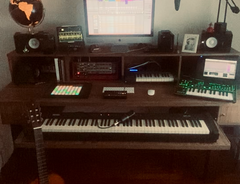

122
Awesome DAW! I recommend it
As both a musician and producer, I've had plenty of experience with both DAWs and computers; my first being a Comodore with 64Kbs of memory where I could record 3,500 events (notes) and then through MTC (media time code) I could synchronize with analog recorders using tape in machines with either 4, 8, 16 or 24 channels. I switched to the Atari computer with 1 megabyte using many more events and synchronizing with Tape Machines through SMPTE. At the start of the millenium when I moved on to my first Mac computer after working with a few different DAWs, I finally started using Ableton, which I continue to use and learn to work with to this day. This excellent DAW always renews and adds to its collection of awesome tools, facilitating and opening up endless options when it comes to creating, editing, and finalizing my projects.
What caught my attention the most from the first time I worked with Ableton was the ease of assembling a song. At first, I expected it to be a much better fit for DJs and those who work with electronic music, but over time came the newer versions, with added plugins, keyboards and editing tools. This made Ableton the best DAW for me to compose, edit, arrange and filter through the sounds of the songs I worked on.
I'd recommend always using a Mac computer when it comes to installing and using Ableton. It's important to remain alert, checking the Ableton website to make sure you already have a version that runs on the new IOS system before you update the IOS on your Mac. Additionally, when you buy your Mac, you should check that it has enough memory for the projects you intend on creating. I switch out my Mac every six years to whatever the current model is, having already worked on the Mac Pro, PowerBook and Mac Mini. Memory and speed are crucial–I've never purchased a computer with the standard RAM that comes straight from the factory, opting instead to invest in more RAM and a better processor in order to benefit from a better performance. As of 2019 I've been using a Mac Mini with 64 RAM.
There are a wide variety of Ableton functions that make for a great recording and editing experience: Quantize for audio, loops, and of course for MIDI too; when I record a bass line I'll usually have some note off the grid, but it's easy to quantize, and just as easy when it comes to the drums. I'll pay closer attention when I have to quantize a polyphonic instrument: a guitar, piano or any number of keyboards, because I'll have to use complex pro. A tip that's come in handy is to always lock them right after the point is moved. It's not just about editing the wave, but to edit each note, either automatically or manually. Quantize makes the music clean and accurate. Importing files with Ableton is also simple, you just drag the file from your HD to the section you're working on.
Having used it in both shows and for church services, Ableton has undoubtedly proven itself to be the best option. There is no other DAW that comes close to Ableton because through it we can put Stems on the tracks, we have ways to mix the sounds we want, input BPM and a Time Signature for each song which helps streamline the entire process apart from just putting the songs in the setlist in the correct order for the performance. The vast majority of churches I know and have worked with use Ableton in their worship services. Currently, with the Ableton Live 11 version, we have Time Following which allows us to be free from the click, making the song more “human”, letting musicians take a breath without being tied down by the click.
Processing the sounds with EQ, compressors, and filters is faster with Ableton than other DAWs, and made easier by letting the producer put the plugins used most frequently into a "My Favorites" section.
Drum loops and sounds allow you to make amazing combinations, putting together an outstanding drum machine, and letting you fine-tune each piece in addition to changing the tone.
Additionally, every now and then I'll be working on advertising or on a movie trailer, and I've found that Ableton is also extremely easy to use with video.
One of my greatest challenges was using Ableton with an oscilloscope (a laboratory instrument commonly used to display and analyze the waveform of electronic signals), where I could create drawings and write words through the program (you can check that out at https://Mapasound.com). It felt more like science than music, the definition of nerdy, but we got some good results out of it.
Through Live 11, Comping is what I enjoy the most, especially for voice and piano recording. I'm able to loop any part of the song I want to record, giving me the option of repeating it several times and granting me room to get more involved and make my performance more spontaneous, the true feeling of it shining through in a way that it wouldn't otherwise.
Of course, nothing is perfect, and an adjustment that would benefit Ableton in the long run would be, as we're entering the Dolby Atmos era, to improve on the ways we can make a Mix. Even so, when I have a few simpler projects that I have to finish quickly, I'll usually make the mixes on Ableton itself without any problems.
If you're thinking of making music, no matter the genre or style, in a quick way with tons of editing options, I'd tell you to go with Ableton Live 11. There are so many great and innovative tools and options to work with that I don't even have enough room to describe them all. Ableton will give you everything you 'll need, it'll just be up to you to undertake the task of learning how best to use them.
Wishing you good luck and hoping you'll be making good choices on your music journey.
Victor Chicri

161
Fantastic DAW / Plug & Play
My history is FL Studio, since i am 16. But i have to say, since i want to learn Bass & play more MIDI-Keyboards Ableton works for me just fine. I'm learning this DAW now, and it makes fun, although i need to rethink my approach of editing audio.
A lot of tutorials for it on Youtube and an immense library of sounds, included in the DAW's Standard Edition.

92
<3
Really rad software, Loved teaching people how to use it at Guitar Center while I worked there. RIP store 221.
Preferred Settings + Usage:
Love AutoPan!

240
Versatile, if a little daunting at first - a playback engineer's dream
Been using Ableton on and off for near a decade now, and I'm increasingly impressed at how many different applications this program has. Despite initially having a heart attack at the difference in layout to other DAWs I was familiar with such as Logic and Pro Tools, I learned quickly that a lot of skills transfer easily from those DAWs and with the arrangement view, these skills transfer even more seamlessly.
I will fully admit ahead of anything else that I'm likely not using Ableton to its full potential, as I don't use it for producing or music composition these days, though I have in the past and found the ability to create almost aleatoric music and arrangements totally addictive. These days however, it forms the core of my playback rig and in that context, it excels.
Through a combination of MIDI connections and precise configuration, it integrates amazingly with my Roland SPD-SX sample pad which, when paired with the Ableset plug-in, forms a streamlined and flexible playback system and connected stage network. Thanks to Ableton, with a single press of a foot switch I can trigger playback, change kits on the SPD-SX, remotely control expression on Whammy pedals and synthesisers, and change patches on keyboards, bass and guitars.
Ultimately, if you're a playback engineer/in a band using playback and are looking for something with more flexibility and redundancy than running tracks off a sample pad or a phone/laptop with a headphone splitter, you should be using Ableton in my opinion. Once you're past the daunting first impressions, its a total dream.

57
Excellent for arrangement, straightforward to use
Hobbiest musician, I do some sound engineering on the side. Ive been using Live for ten years, and generally its very rarely let me down.
It has had some slow-downs lately, though, and Live 11 had generally been a letdown in my eyes, especially in terms of its sluggishness as of late (my hardware is very high-end, so it's unlikely to be a hardware problem).
I'm as of yet undecided as to whether I will upgrade to the newly-announced 12 as while there has been community mention of performance improvements, I'm unsure as to whether the other advertised improvements are worth the upgrade price to the next suite edition.

533
Ableton Live vs Logic Pro X - a personal comparison
I've been using both Apple Logic Pro, starting with version 5, and Ableton Live, starting with version 4. So it's been quit a while. In the beginning I really focussed on Logic for composing and arranging and I was only using Live for live performances. However, that gradually changed.
In the beginning I preferred Logic, for its clean layout and window management. Very easy to switch between mixing, arranging and writing in the piano roll. I also love the instruments and effects that come with Logic. They really sound great. Logic is a really complete package. You don't need other plugins to make music with Logic.
However, as my music became more experimental en electronic in nature I started to appreciate Live more and more. Live has a very simple set of tools and commands compared to Logic, but oddly enough you can achieve the same things with Live and usually faster too.
With Logic Pro X Apple really pushed me over to edge and I became a Live only user. Logic Pro X has a fashionably dark interface which I just find hard to read. Apple also redesigned half the plugins and made some of the UI's much larger than others. Logic went from clean and practical to a complete mess.
So how does Live stack up to Logic overall?
I do not like the way Live sounds. I don't know why, but what I make in Logic sounds better to me.
I do not like the sounds or the instruments that come with Live. I use a lot of 3rd party samples, effects and instruments with Live.
Ableton Live is very expensive compared to Logic Pro X.
But...
Live is much simpeler to use, but you can achieve almost anything you can do in Logic.
Live has a much more flexible routing system, which is great for sound design.
With Max4Live Live becomes almost modular. I find this very inspiring.
I love the scalable UI and that you fine tune the colours of Live to your liking.
I am more productive in Live, I find it more inspiring and I have more fun making music with Live.

62
In love with ableton since 2005
I’m in love with this software since my first encounter in 2005. Still my favourite DAW in 2025

376
Ableton Live 10 Suite
Ableton Live 10 Suite Features: Comprehensive DAW designed from the ground up for the creative studio or performing musician Includes 5000+ sounds (70GB+), unlimited tracks and scenes, 13 software instruments, 42 effects, and 32 content Packs — Mac/PC VST, AU Session View provides a nonlinear approach to music creation via groove/loop/riff arrangement Arrangement View provides quick and intuitive composition plus flexible performance and improvisation options Multitrack recording up to 32-bit/192 kHz Nondestructive editing with unlimited undo lets you freely create Powerful MIDI sequencing lets you take control of software and hardware instruments Convert audio to MIDI to use with virtual instruments and more Advanced warping and real-time time-stretching provides extensive flexibility with audio files Get creative with unlimited Audio effects and MIDI effects per project Includes a comprehensive selection of built-in audio effects, including a host of creative delays, filters, distortions, studio compressors, and EQs Integrated Cycling 74's Max for Live lets you make your own instruments and effects Full set of included Max for Live devices makes creating your own tools fun and easy VST and Audio Unit support lets you use all of your favorite plug-ins and virtual instruments Mix, match, and add effects without ever stopping the music Powerful creative and performing environment for DJs and mash-up artists Group tracks for better organization and simpler automation Time signature changes allows you greater flexibility when scoring to video Multiple automation lanes makes setting up intensely dynamic mixes easy Track Freeze lets you free up your computer's resources without stripping down your mix Automatic plug-in delay compensation minimizes phase issues and tightens up your mix Instantly map MIDI control to nearly any parameter for a fully customized control environment MIDI output and MIDI Clock/sync let you create deeply complex rigs combining hardware and software seamlessly REX file support and native sliced audio file creation Video import and export for scoring to picture or warping picture to music Includes built-in step-by-step tutorials ReWire support provides easy integration with Propellerhead's Reason and other software Multicore/multiprocessor support WAV, AIFF, MP3, Ogg Vorbis, FLAC file support
Version: Ableton Live 10Artist usage
Add artist
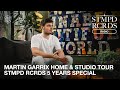
In this video, it can be seen on the studio computer at 11:56.

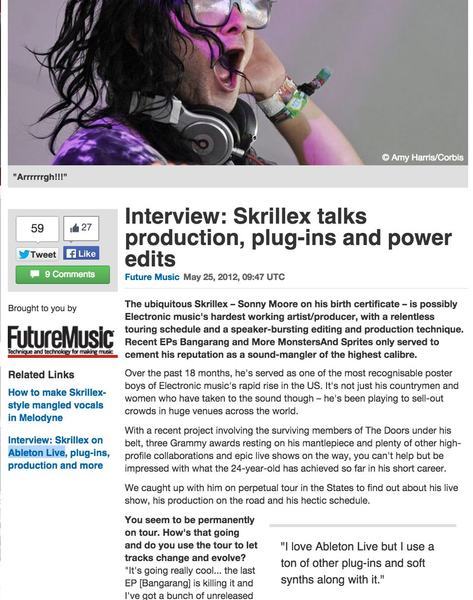
"I love Ableton Live but I use a ton of other plug-ins and soft synths along with it." - Skrillex interview with music radar


In this footage from one of Deadmau5's Livestreams, he uses Ableton Live extensively. The logo on the highlighted (currently-open) window is a gray square— the square logo is exclusive to version 9 of Ableton, and the gray is indicative of the Suite edition. As such, it's safe to assume that the version of Live 9 he's using here is the Suite edition.


In this AMA, Kevin Parker was asked if Ableton is his favorite recording program, to which he responds:
yep.


Quote from Hardwell on how he uses Ableton: "...I still use Logic for my productions, but I'm using Ableton for MashUps and my podcast."

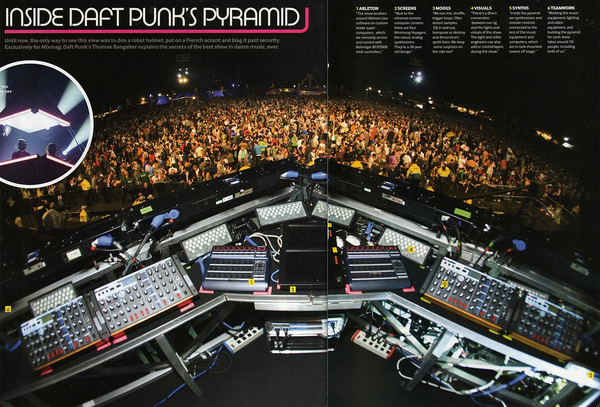
In a two-page spread image pulled from Mixmag, Thomas Bangalter says about Daft Punk live shows, "The show revolves around Ableton Live software on custom made super-computers which we remotely access and control with Behringer BCR2000 MIDI controllers."
In an exclusive interview with Ableton, Thomas Bangalter says, "The rule is: There are no rules. That is definitely the case for the freeform piece of software that is Live." Thomas Bangalter also turns to Ableton when he's looking for sonic warmth. "One of the things I prefer in Live is the proprietary Ableton effects plug-ins. They are amongst the warmest software effects. Sometimes I will import a Pro Tools track in Live, just to bounce it down with Ableton effects, to make it sound warmer and crisper, or dirty — I love dirt. I'm not a big ReWire fan, so I do it the old-school way, importing and exporting the sound files."

At 1:38 in this old calvin harris interview he admits that he uses ableton help him prep dj sets


In this video, in the background you can see a Macbook Pro with an opened Ableton Live project.


When asked "What program do you use to produce??" on Twitter, Tiësto responded "Logic and Ableton", referring to Logic Pro and Ableton Live.


Armin van Buuren uses Ableton Live for mixing and editing his weekly radio show "A State of Trance." He also uses it to make edits and cuts for his DJ sets. For his productions, he uses Ableton when working with loops to create grooves, citing the usefulness of the Warp Markers.

.jpg)
"@wynnlasvegas has a studio inside the hotel.I recorded 2U there.On a new one right now."


Album Usage
The Ableton Live has been featured on the following albums:
No Good For People (Sextile Remix)
Sextile (2026)

NOISE24 EP
Similar Outskirts (2025)
Grinnin'
Fedde le Grand & Roger Sanchez (2025)
BITTER! (for the lack of a better word)
Moore Kismet (2025)
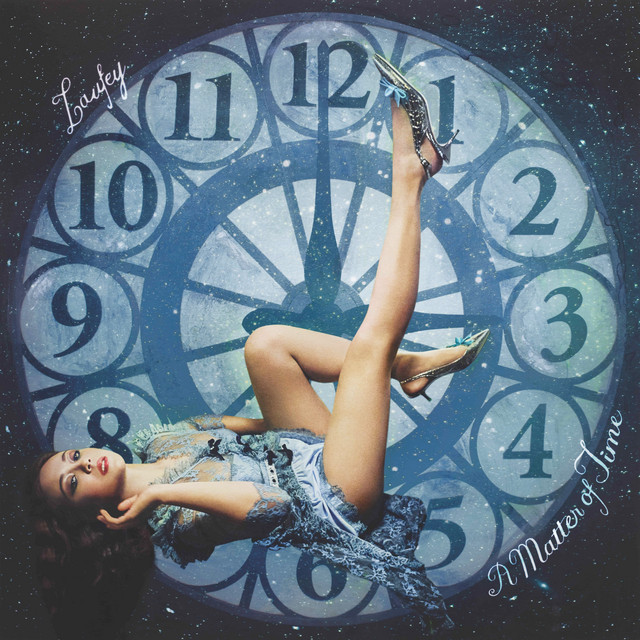
Lover Girl
Laufey (2025)
Silver Bleeds the Black Sun...
AFI (2025)
X1 Shift EP
Nadia Struiwigh (2025)
Feel Da Same
Silva Bumpa (2025)
Freak Eyes
Sextile (2025)
S is For
Sextile (2025)
Kids
Sextile (2025)
yes, please.
Sextile (2025)
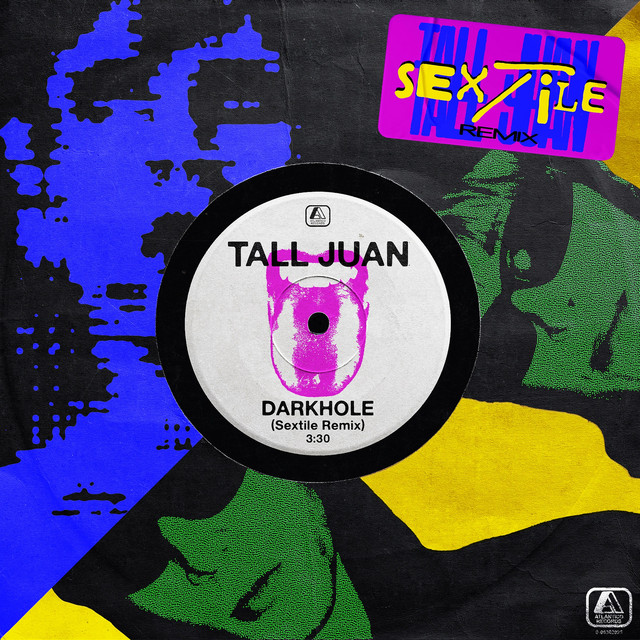
Dark Hole (Sextile Remix)
Sextile (2025)
CHOROPHOBIA
Weval (2025)
MOVEMENT
Weval (2025)

SMILE! :D
Porter Robinson (2024)
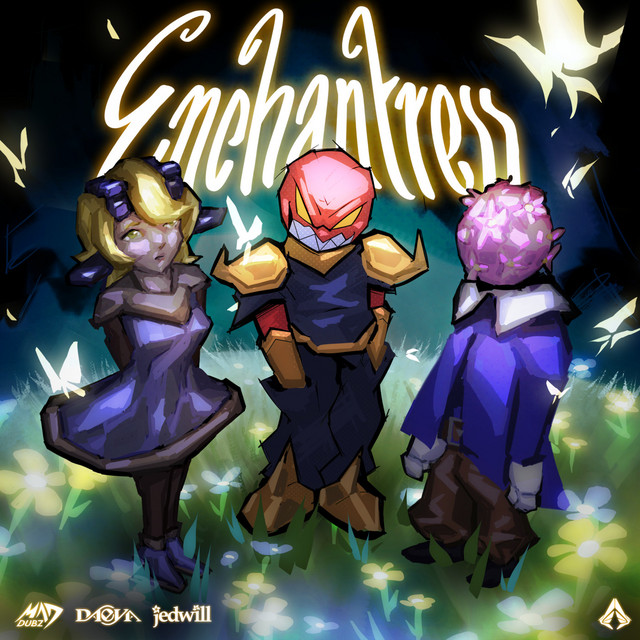
ENCHANTRESS
MAD DUBZ (2024)
Smalltown Boy (ABSOLUTE. Rework)
Bronski Beat & ABSOLUTE. (2024)
I Will
Hardt Antoine (2024)

FULLpink
Sariass (2024)
last chance to see
salvia palth (2024)
Violent (Panther Modern Remix)
Panther Modern (2024)
They'll Just Love You (feat. Danny Elfman & Sextile)
Sextile (2024)
NEVER ENOUGH
Daniel Caesar (2023)

The Art Of Change
DROELOE (2023)
you can't impress anyone with normal pictures of the sea
Flatsound (2023)
Spare Me the Decision (Sextile Remix)
Nation of Language & Sextile (2023)
Full Capacity
Panther Modern (2023)
Deluxe
Panther Modern (2023)
Crassy Mel
Sextile (2023)
Sextile | Audiotree Far Out
Sextile (2023)
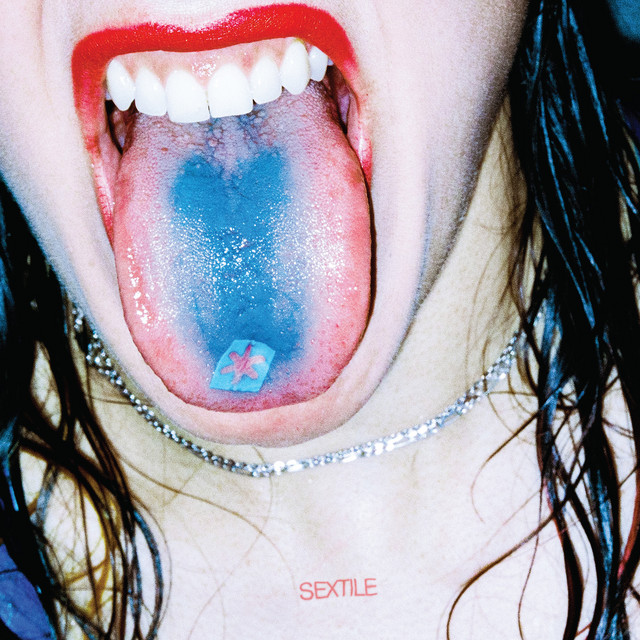
New York
Sextile (2023)
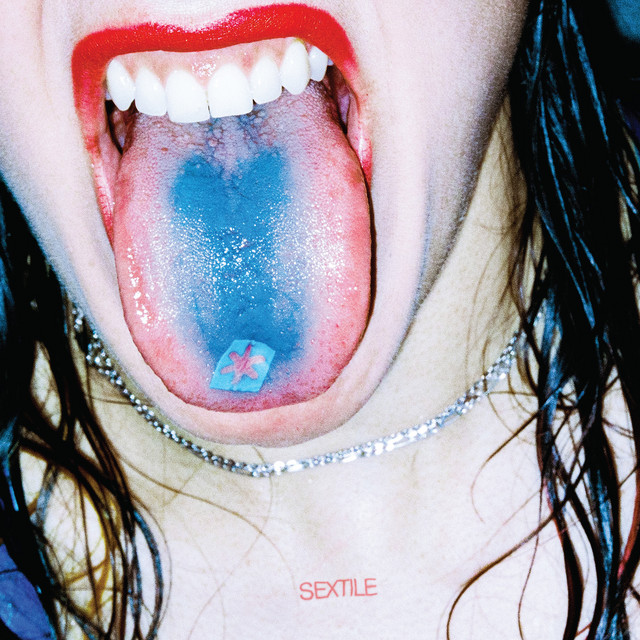
Crash
Sextile (2023)
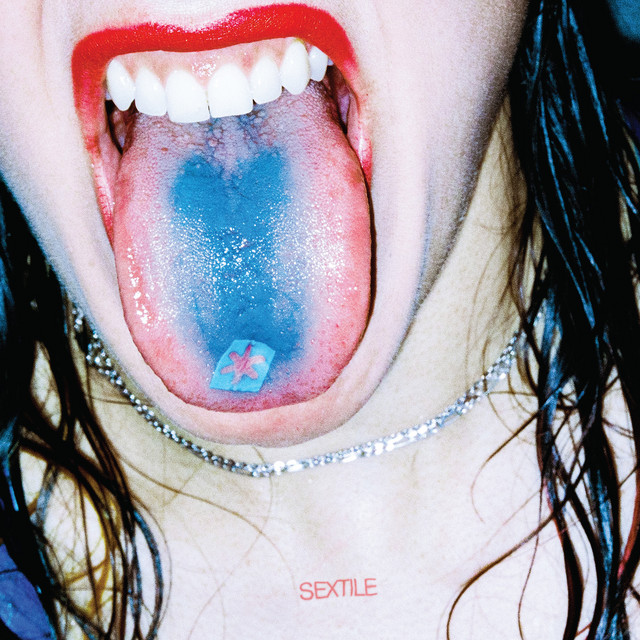
Push
Sextile (2023)
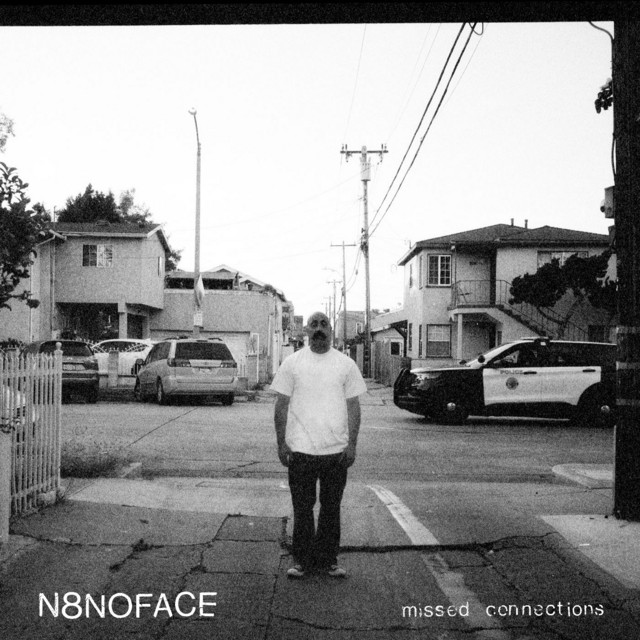
Not Like You (Sextile Remix)
Sextile (2023)
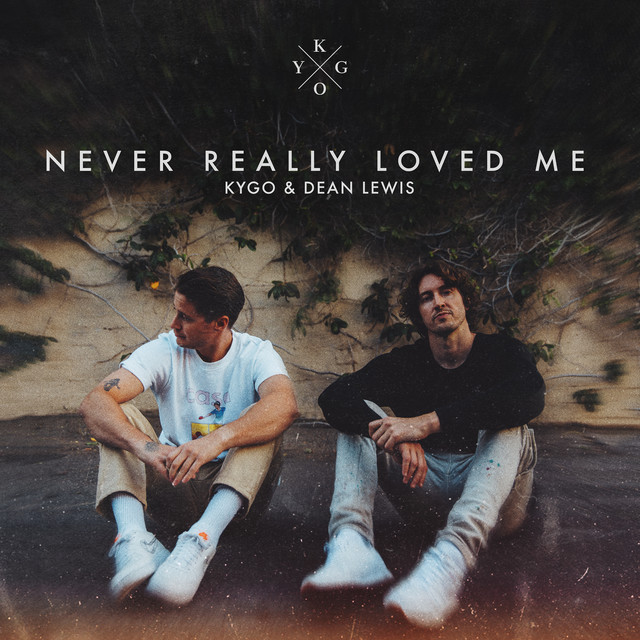
Never Really Loved Me (with Dean Lewis)
Kygo & Dean Lewis (2022)
No Leash EP
beastboi. (2022)
LA2022
Panther Modern (2022)
Nurture
Porter Robinson (2021)
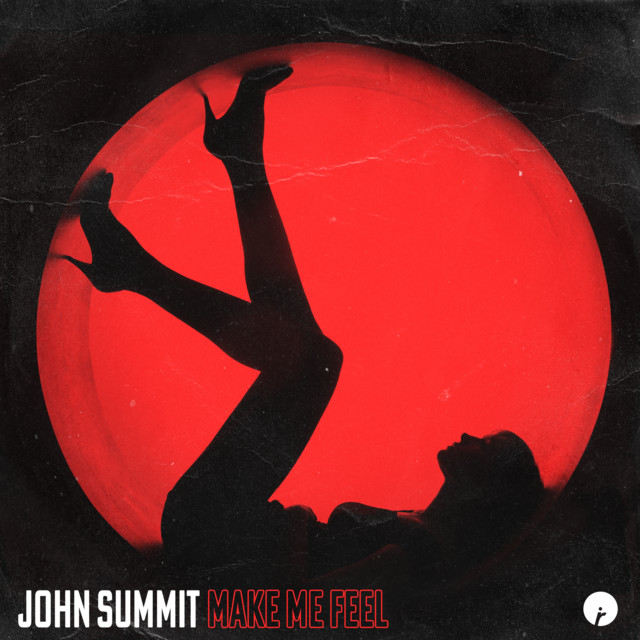
Make Me Feel
John Summit (2021)

Hollywood Heart
Alina Smith (2021)
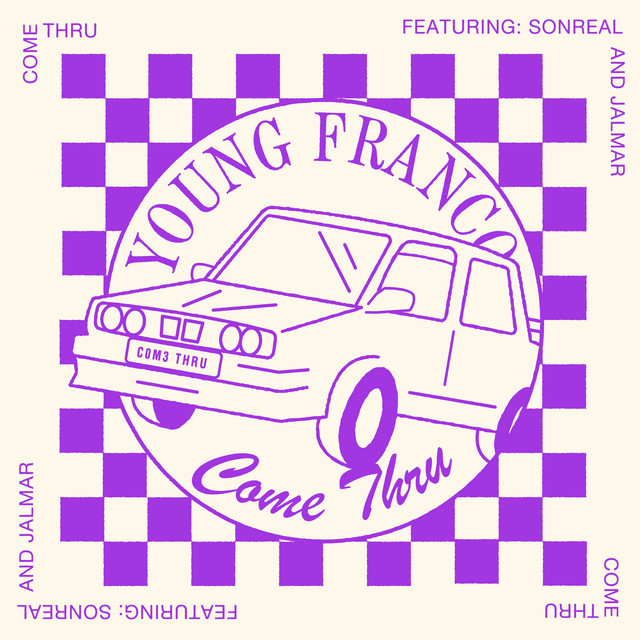
Come Thru
Young Franco (2021)
LA CANZONE NOSTRA ⟁ (con BLANCO & Salmo)
Mace & Salmo (2021)
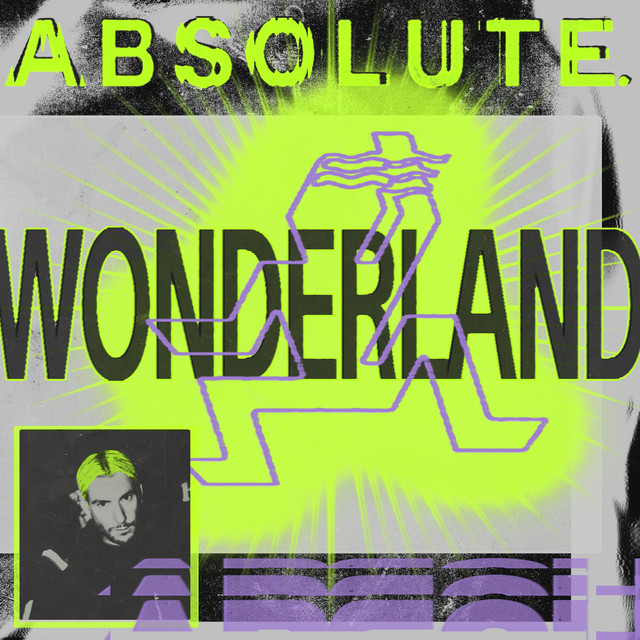
Wonderland
ABSOLUTE. (2021)
Rave Tool (FIGHT CLVB Remix)
Henry Fong (2020)
Tadow
FKJ & Masego (2020)
Likewise
Frances Quinlan (2020)
LATHI (with Sara Fajira)
Weird Genius (2020)

everything means nothing
Blackbear (2020)
Sacrifice EP
Sara Landry (2020)
Crescent
Similar Outskirts (2020)
My Frequency (feat. RebMoe)
Tiësto & 7 Skies (2020)
Pale Yellow
Woodkid (2020)
Oddyssey
Amtrac (2020)
POWA
Zeds Dead & PEEKABOO (2020)
Here With Me
PEEKABOO (2020)
Suicide in Texas (Panther Modern Remix)
Panther Modern (2020)
READY
Panther Modern (2020)
A.T.D.G.
Panther Modern (2020)
Kick It Out
Panther Modern (2020)
Rave Tool
Henry Fong (2019)
The End
Shlohmo (2019)
If You Hadn't
KOAN Sound & Culprate & Opiuo (2019)
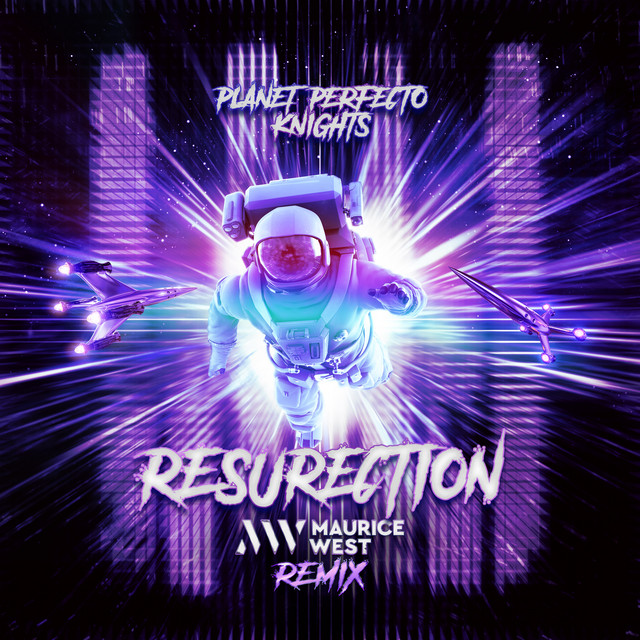
ResuRection (Maurice West Remix)
Maurice West (2019)
Willing Eyes
Kiev (2019)

Head Over Heels b/w Essentially
Japanese Breakfast (2019)
Pulp
Ambré (2019)

To minutter
Röyksopp & Röyksopp (2019)
Careful
Boy Harsher (2019)
Los Angeles 2020
Panther Modern (2019)
Ask Yourself
Panther Modern (2019)
Year Of The Snitch
Death Grips (2018)
Everytime We Touch (Hardwell & Maurice West Remix)
Maurice West & Cascada (2018)
Get What You Came For
Kav Verhouzer & BullySongs (2018)
Colorblind
Getter (2018)
Dead Inside
Taska Black (2018)
Wanderlust
Throttle (2018)
Shakuchi
Dimatik (2018)
Durga
Yves V & Mariana BO (2018)
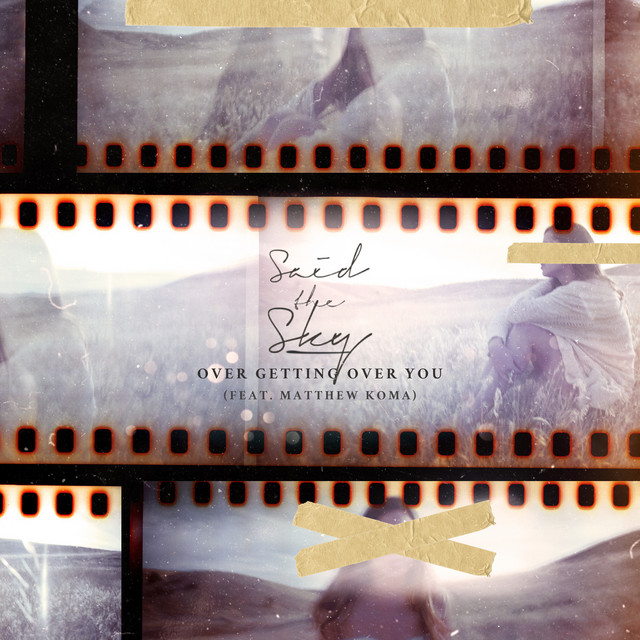
Over Getting Over You
Said The Sky (2018)
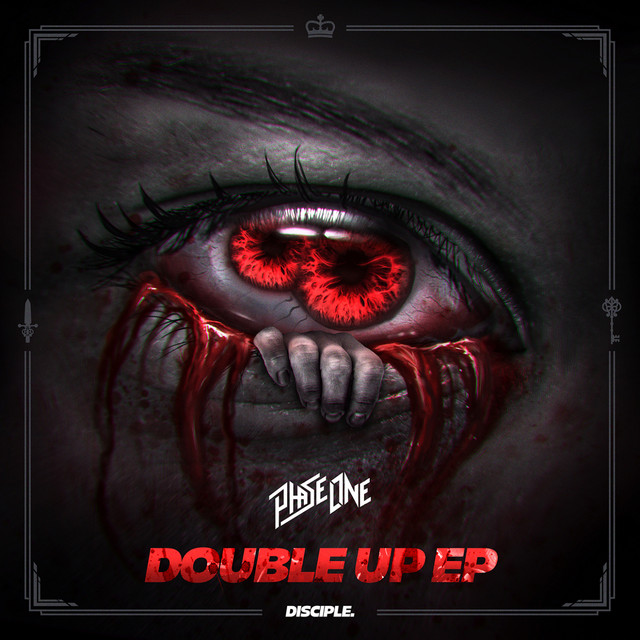
Double Up EP
PhaseOne (2018)
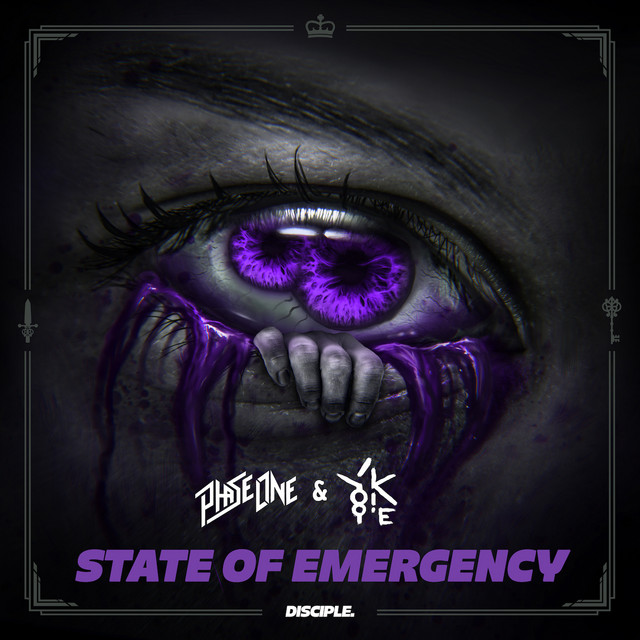
State Of Emergency
PhaseOne (2018)
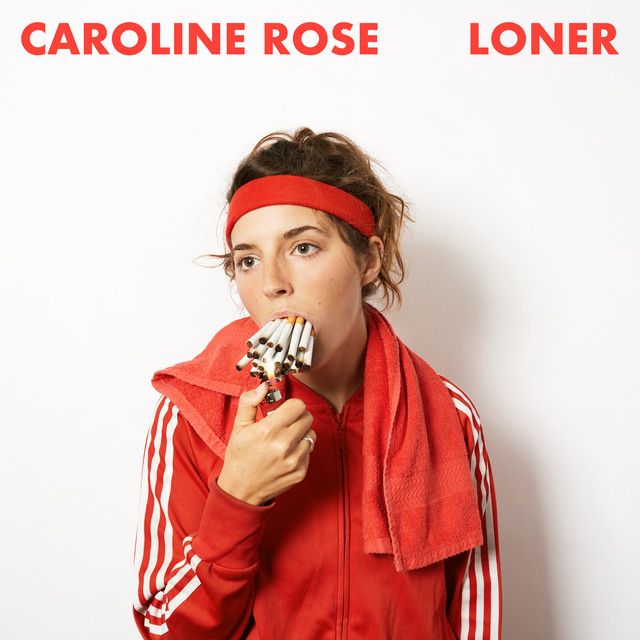
LONER
Caroline Rose (2018)
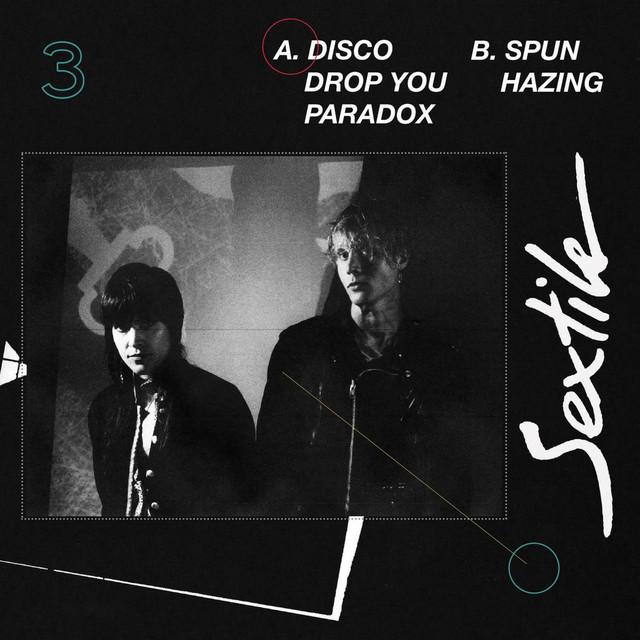
3
Sextile (2018)
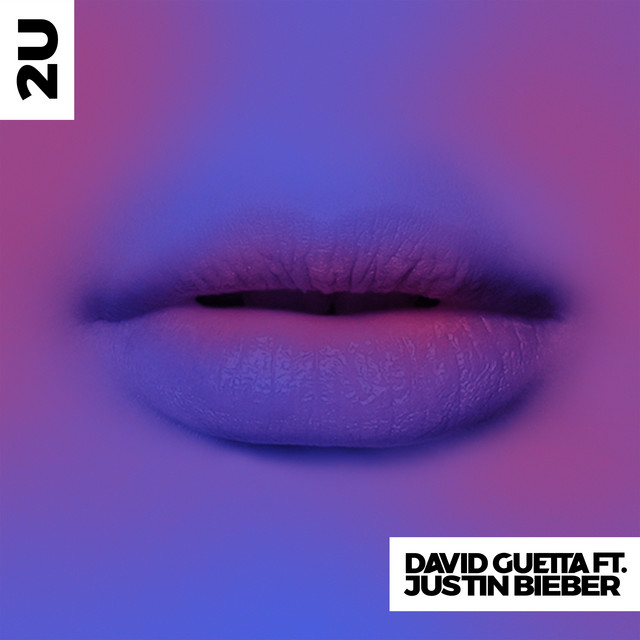
2U
David Guetta (2017)
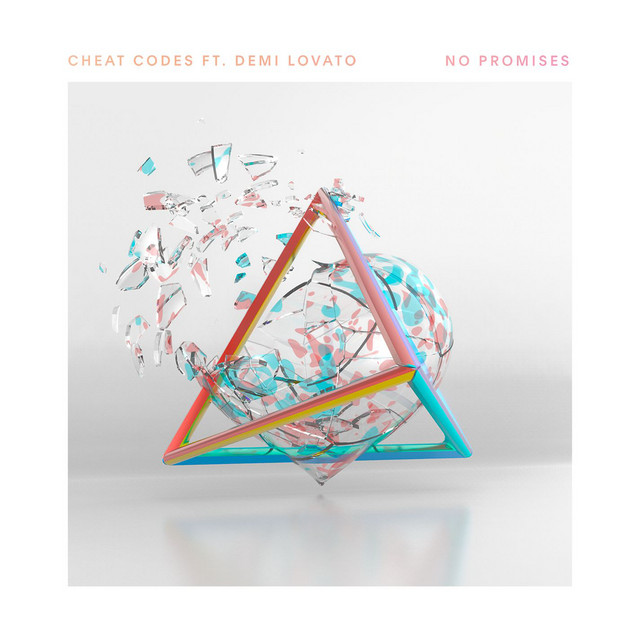
No Promises (feat. Demi Lovato)
Cheat Codes (2017)
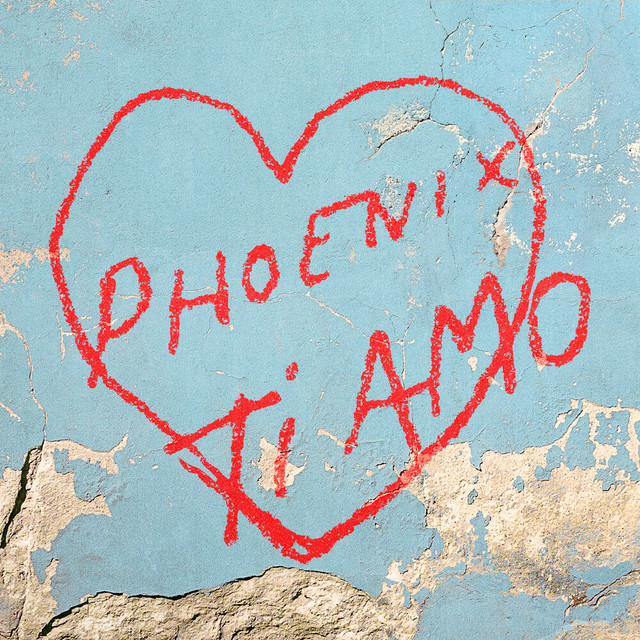
Ti Amo
Phoenix (2017)
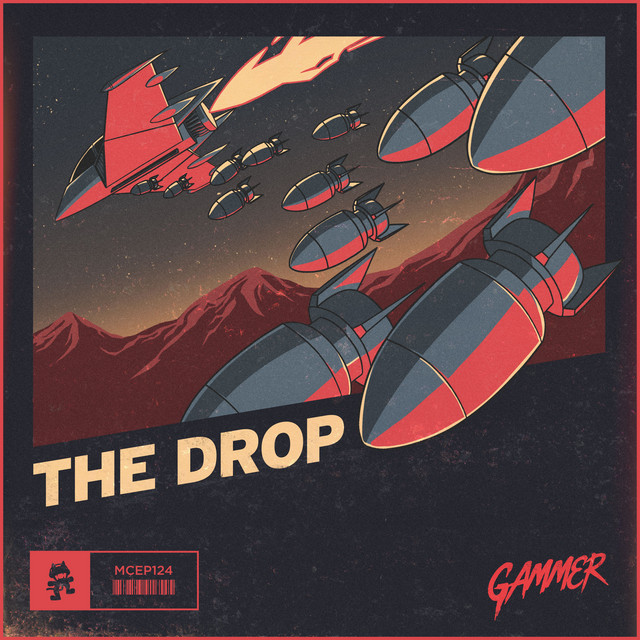
THE DROP
Dyro & Gammer (2017)

Providence
Nathan Fake (2017)
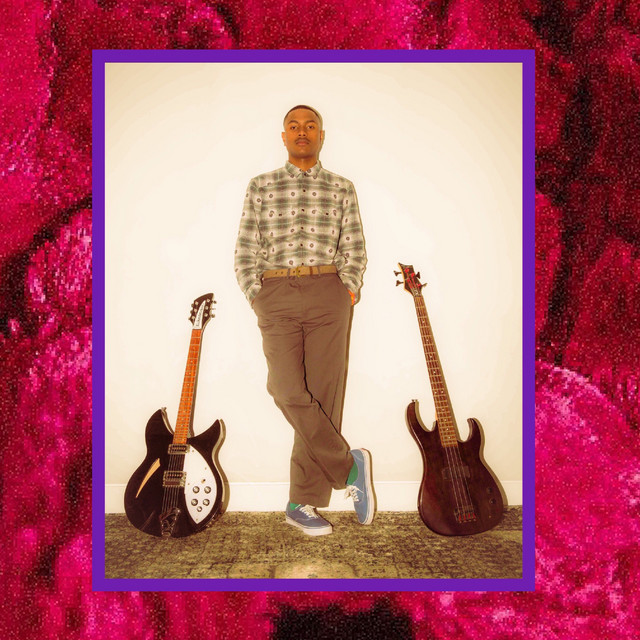
Steve Lacy's Demo
Steve Lacy (2017)
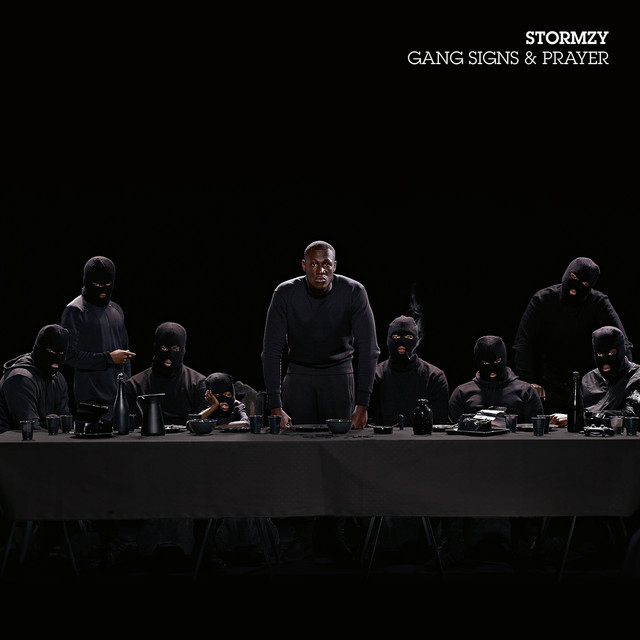
Gang Signs & Prayer
Stormzy (2017)
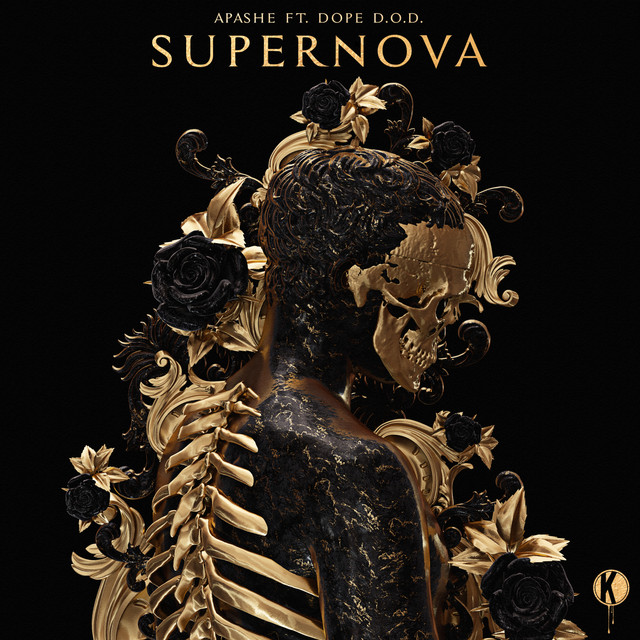
Supernova (feat. Dope D.O.D.)
Apashe (2017)

Get With U
Clairo (2017)
Albeit Living
Sextile (2017)
Make It Right
Lucas & Steve (2016)
22, A Million
Bon Iver (2016)
Souvenir
Billboard (2016)
Roller
Digitalism (2015)
Rise
Lane 8 (2015)
See You Soon
Michael Brun (2015)
Super Human
Andrew Bayer (2015)
Seven Seas
Emancipator (2015)
Rio (feat. Digital Farm Animals)
Netsky (2015)
VEGA INTL. Night School
Neon Indian & Neon Indian (2015)
The Nest
Kammarheit (2015)
Hello
Stephen (2015)
The Girl (The Remixes)
Hellberg (2015)
The Girl
Hellberg (2015)
A Thousand Hands
Sextile (2015)
while(1<2)
Deadmau5 (2014)
Worlds
Porter Robinson (2014)
Taylr Swft
Kill Frenzy (2014)
Into Mist - EP
Murlo (2014)
Toparama
Pat Mastelotto (2014)
Flight
Tristam & Braken (2013)

Higher
Baauer & Just Blaze (2013)
Try It Out
Skrillex & Alvin Risk & Sonny Moore (2013)
Monad XIV
Lakker (2013)
AMOK
Atoms for Peace (2013)

Sick Travellin'
Fritz Kalkbrenner (2012)
Le Fantome
Claude VonStroke (2012)
From Within / The Message Is Hardstyle
Headhunterz (2011)
Making Mirrors
Gotye (2011)
Penny Sparkle
Blonde Redhead (2010)
Man On The Moon: The End Of Day (Deluxe)
Kid Cudi (2009)
Drift
Nosaj Thing (2009)
The Music Scene
Blockhead (2009)
Alive 2007
Daft Punk & Daft Punk (2007)
Synchestra
Devin Townsend (2006)
Re:sonate
Namlook & Pete Namlook & Gaudi (2006)
Turn on the Music (feat. GTO)
Roger Sanchez (2005)
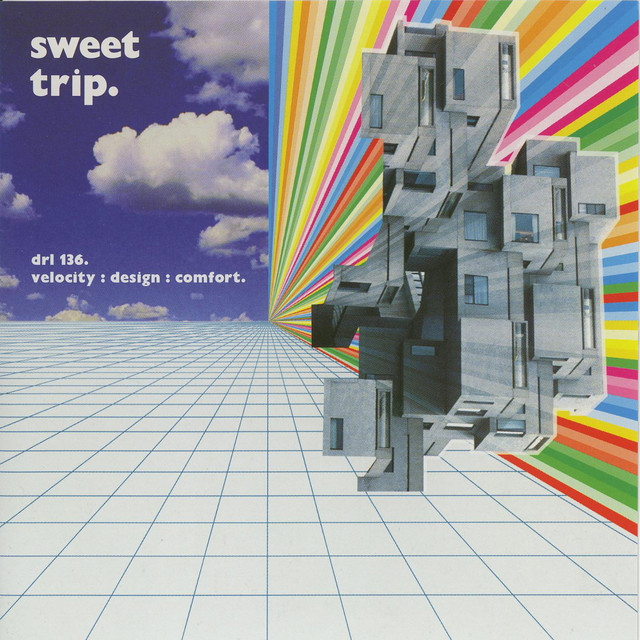
Velocity: Design: Comfort.
Sweet Trip (2003)
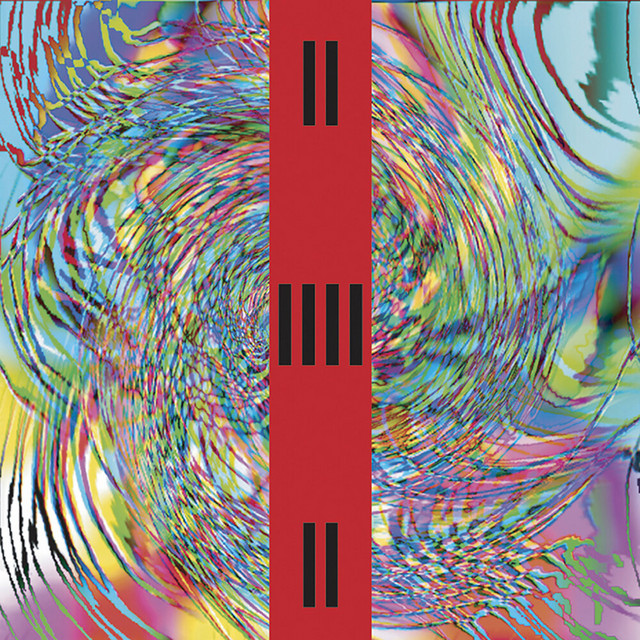
Pulse
Front 242 (2003)
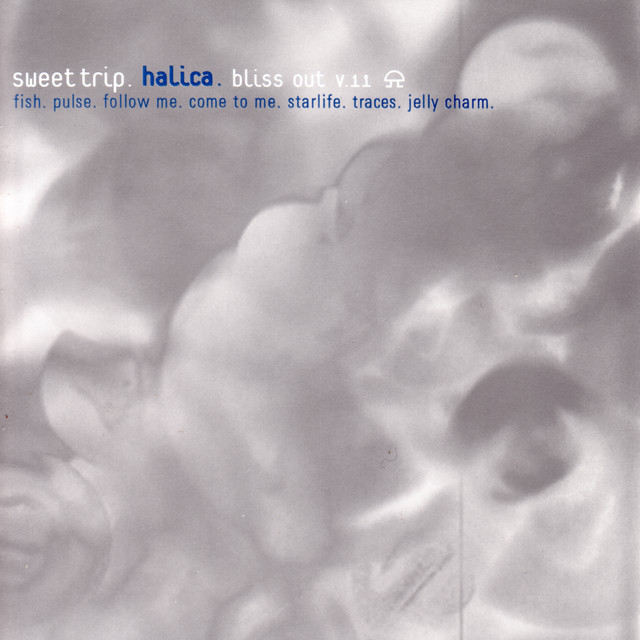
Halica: Bliss Out v.11
Sweet Trip (1998)
Genre Usage
Based on how artists on Equipboard use this gear, it is most commonly found in the following genres.
Used With
Based on how musicians on Equipboard use Ableton Live, it is most commonly used with the following gear.
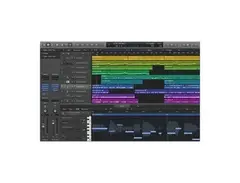
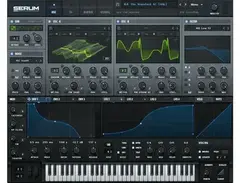
-s.webp?v=1785152215)
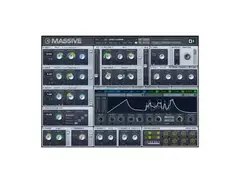
-s.webp?v=1784973637)
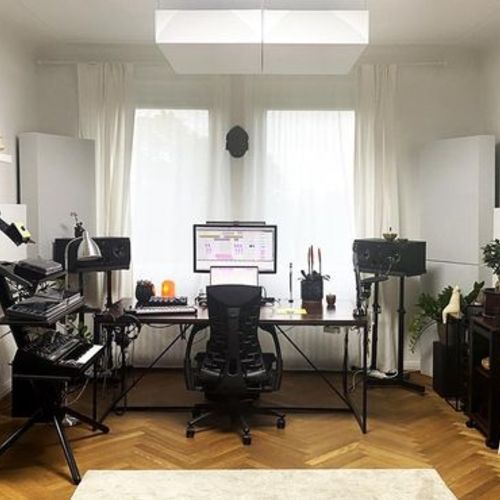
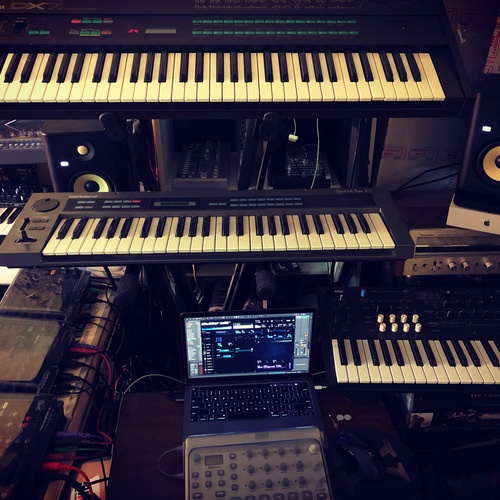
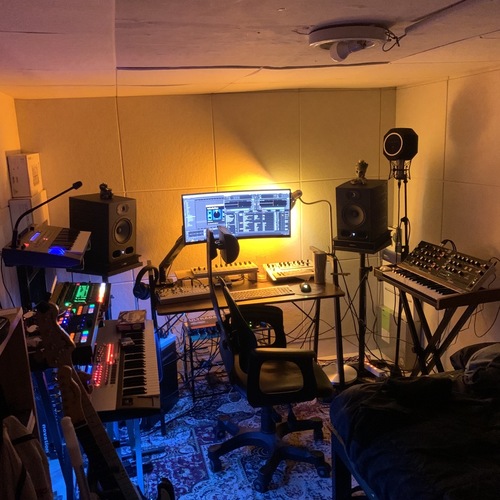
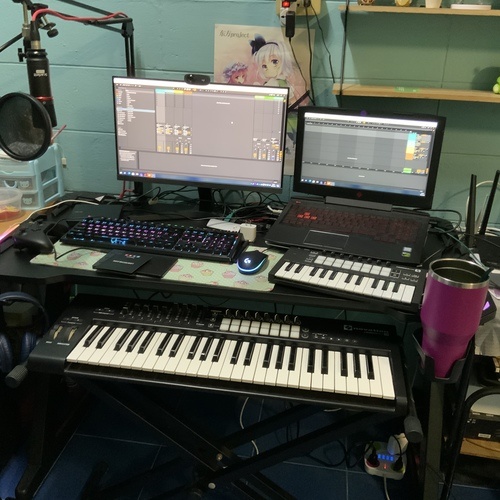
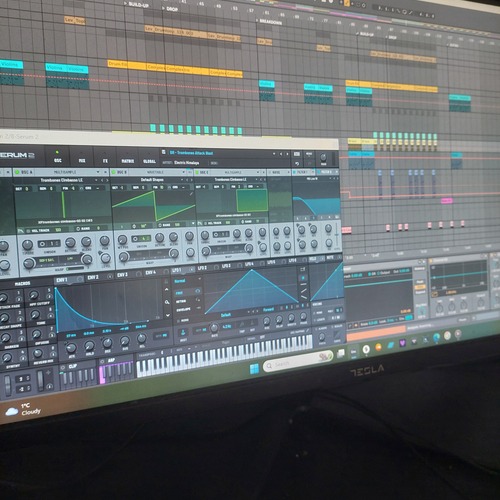
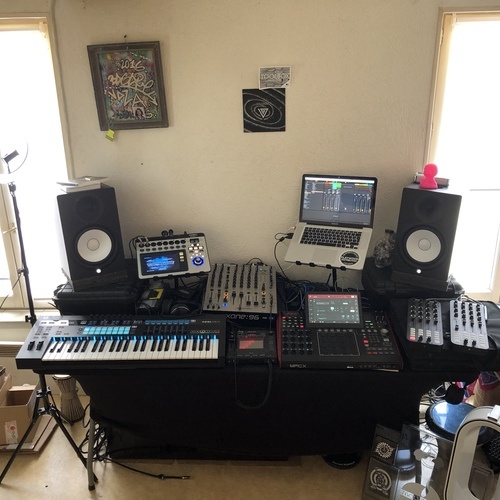
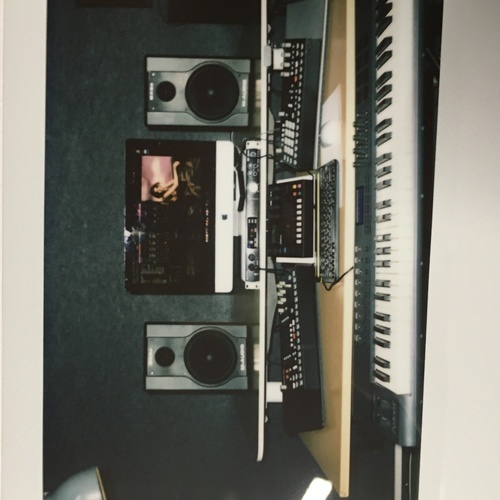
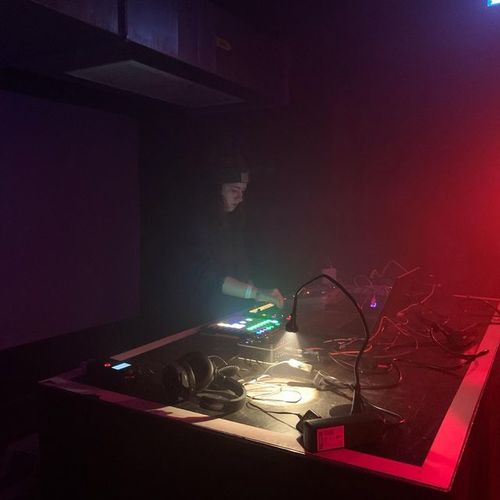
Community setups
Show yours



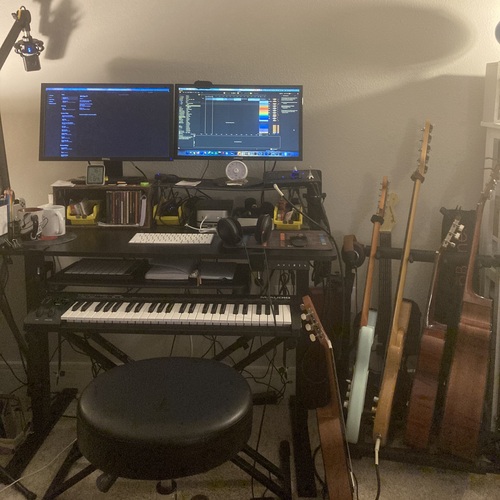

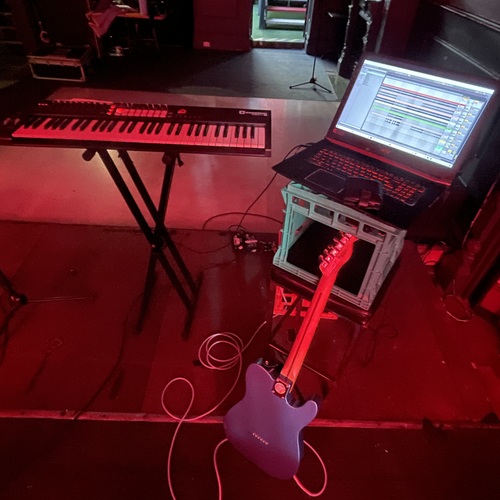


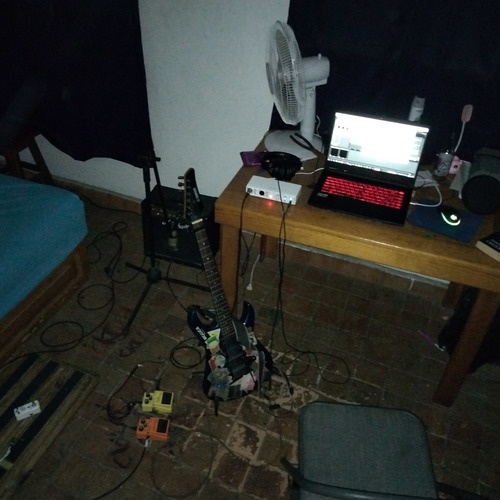

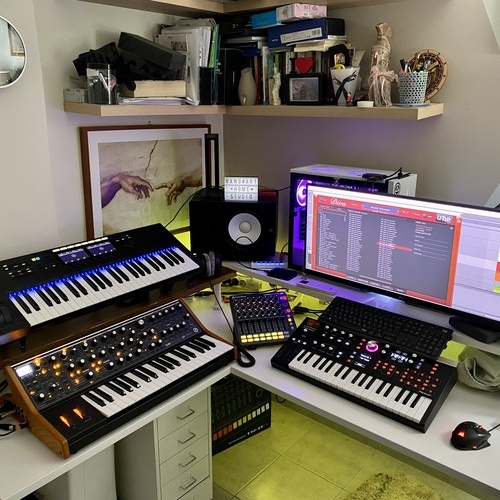

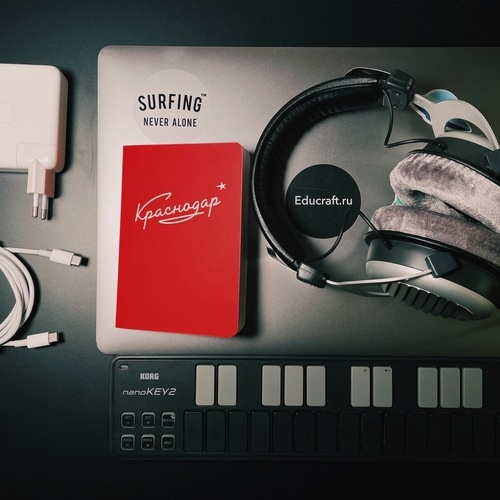

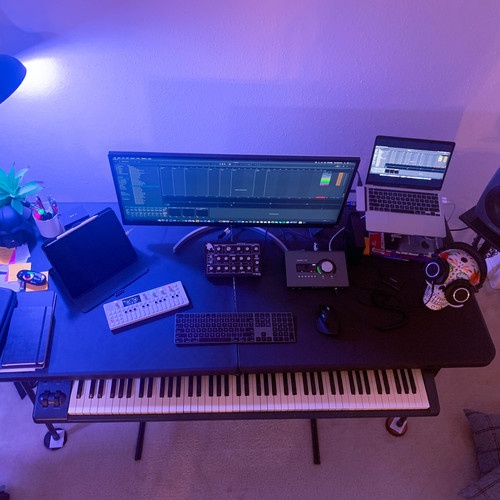


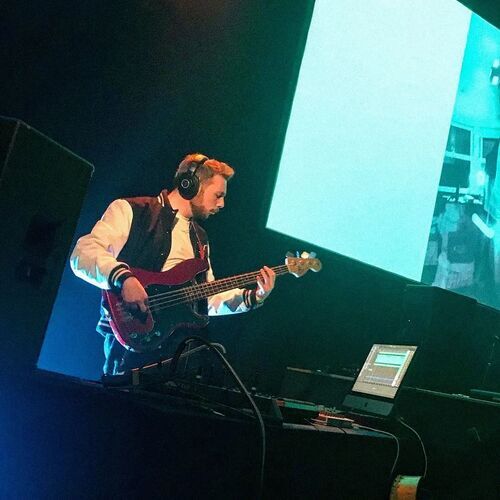

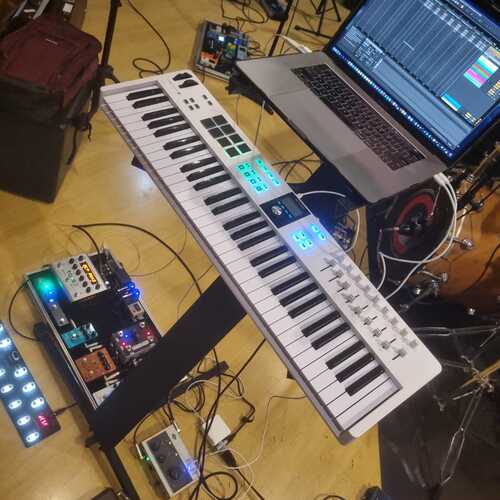

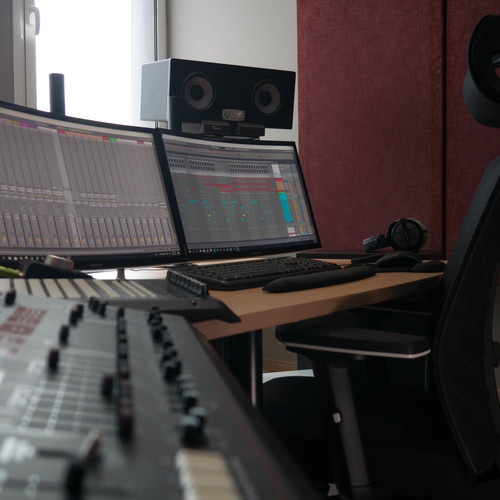

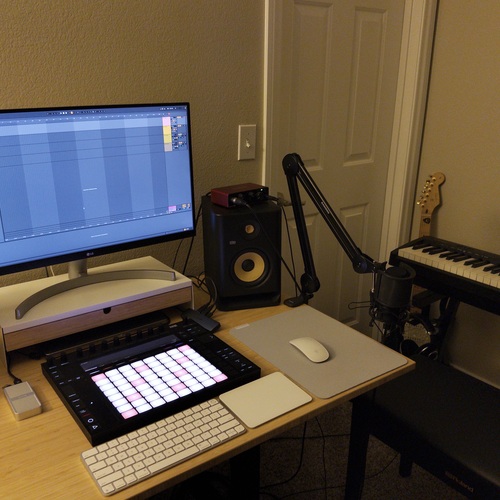

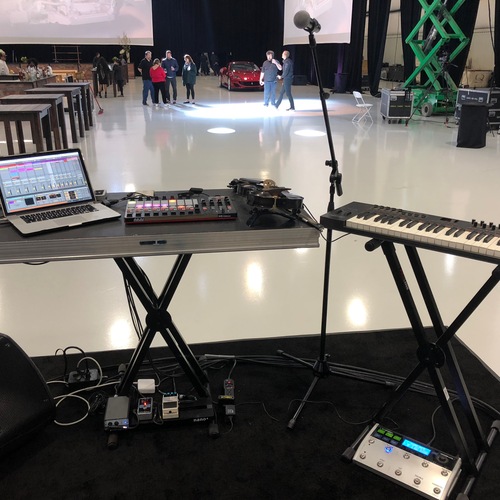

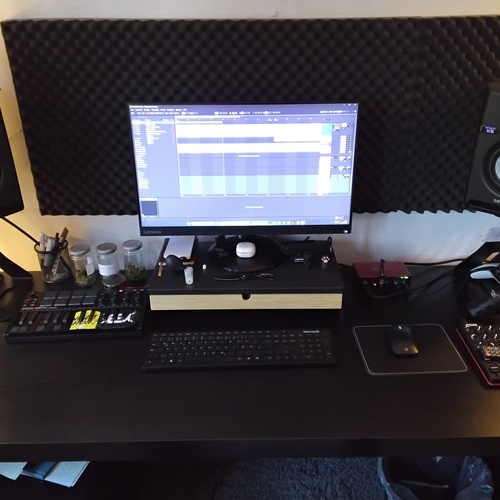

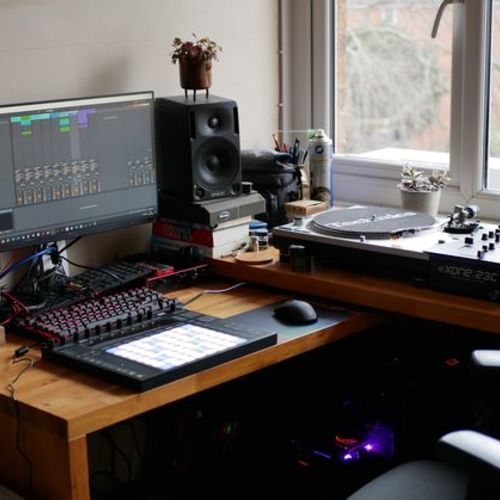

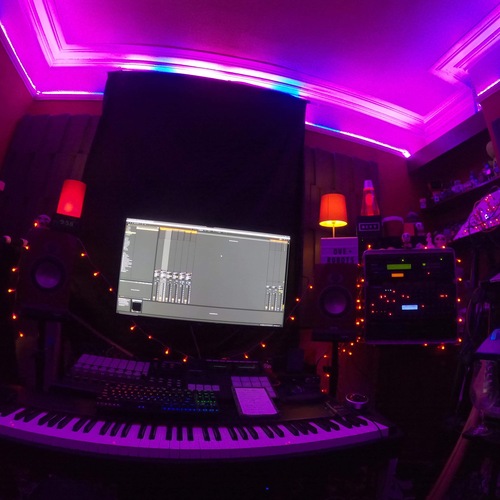

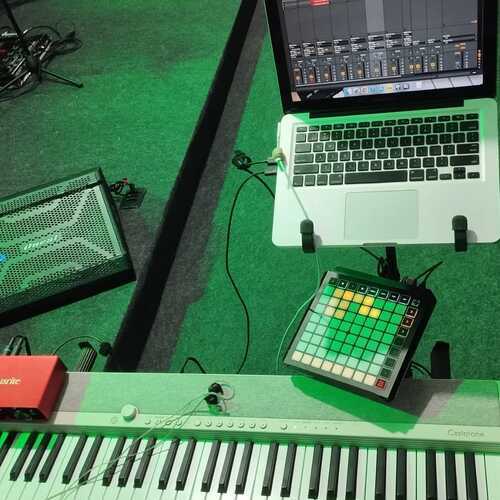
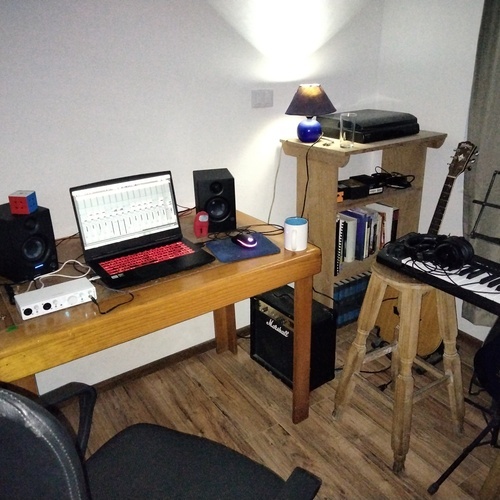


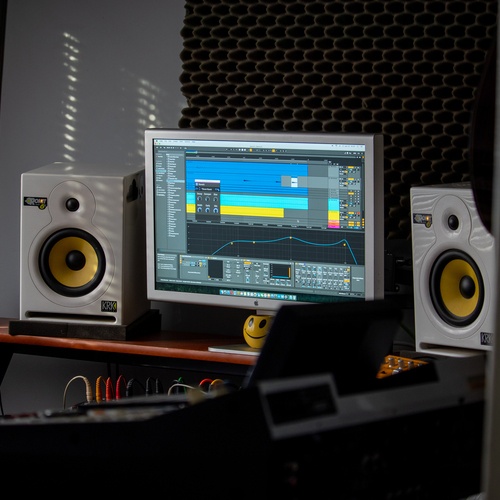

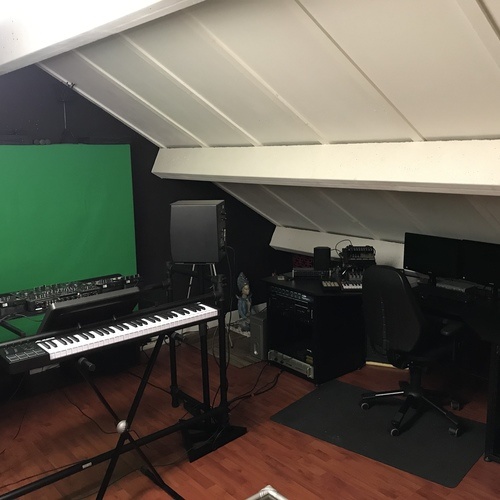

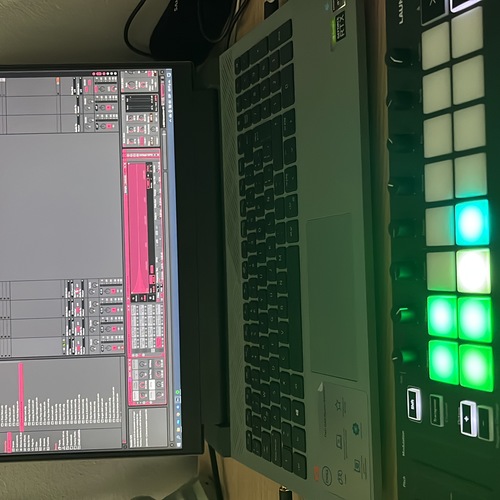

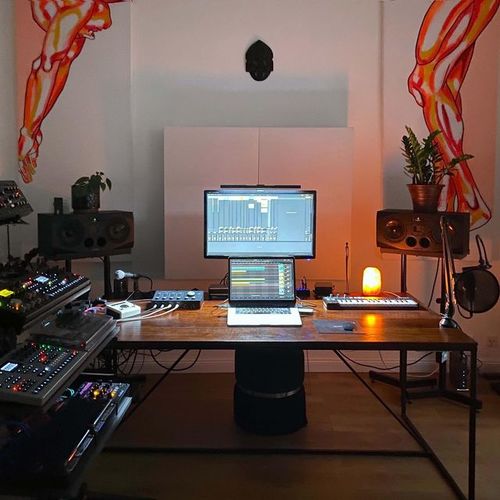




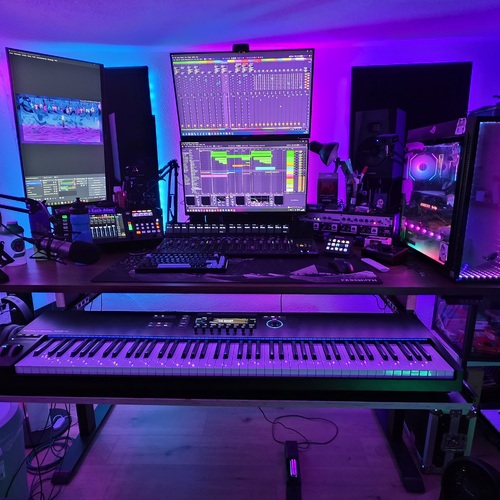

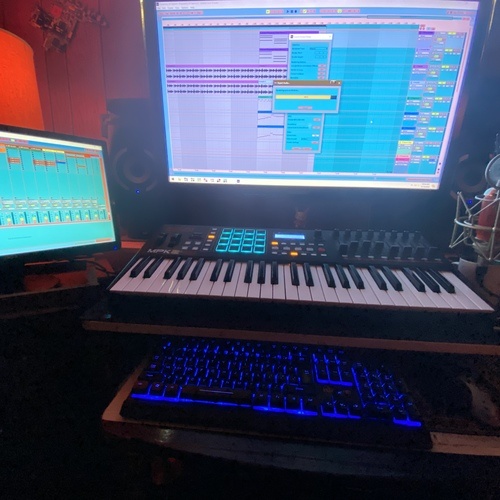
.png?v=1749237298)
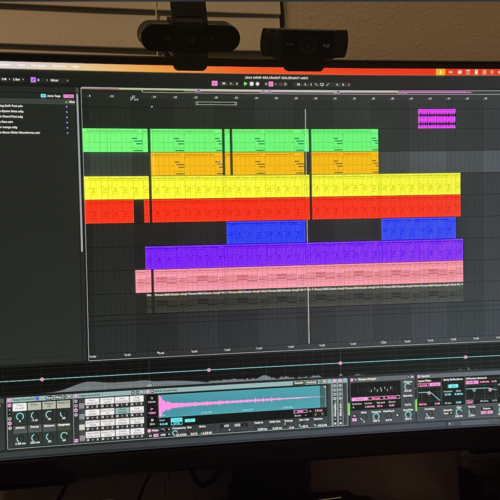

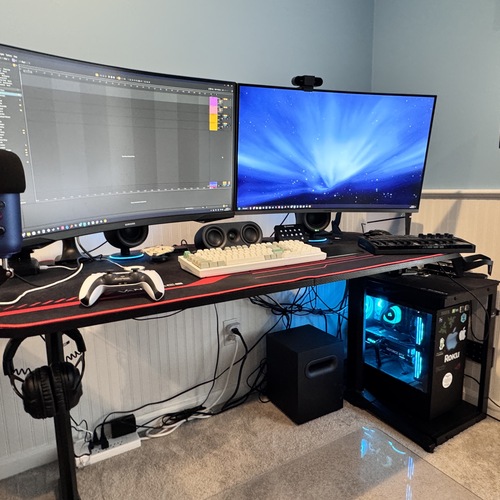








.png?v=1746312636)


Similar
Add recommendation7 alternative and related items for Ableton Live, curated by the Equipboard community.

$139.00 - $179.00
FL has similar capabilities and performance as Ableton, but with a very different interface and workflow that many find intuitive. But its live performance features are not nearly as fleshed out as Ableton's, with even some official FL artists preferring Live for performing. FL is more affordable though, and does not charge users for updates.

Given the latest versions by Apple, Logic Pro X has become almost very similar to Ableton.

$209.00 - $329.99
If you feel like the workflow in Ableton is too slow for you in terms of stemming, automation, big templates or midi editing, then Cubase would be a nice DAW to upgrade to.

$99.00 - $399.99
Bitwig Studio might be somehow cheaper, if you are just not sure if you would stick with it. It has a yearly subscription, that costs way less then full Ableton Live Suite license.

If searching an another daw that has kind of similar workflow then bitwig suited the most. but you have to buy bitwig studio because it is 30 days free trial. if you want Ableton live lite Version you have to purchase a music production that come along with the lite Version of Ableton

Ableton provides more complex workflow that opens up a lot of musical possibilities
More Ableton DAW Software


$225.00 - $599.00
in DAW Software Rank


-m.webp?v=1784973641)
$99.99 - $344.00
in DAW Software Rank


$99.00 - $399.99
in DAW Software Rank


$139.00 - $179.00
in DAW Software Rank


$398.00
in DAW Software Rank
-m.webp?v=1784973637)
$409.00 - $499.00
in DAW Software Rank


$119.00 - $295.00
in DAW Software Rank


$209.00 - $329.99
in DAW Software Rank


$199.00
in DAW Software Rank


$0.00
in DAW Software Rank


$515.00 - $579.99
in DAW Software Rank


.png?v=1784984897)


$75.00
in DAW Software Rank


$359.00 - $449.00
in DAW Software Rank


$199.99
in DAW Software Rank
.jpg?v=1785029339)


$129.00 - $179.00
in DAW Software Rank


$395.00 - $499.00
in DAW Software Rank


$136.00 - $179.00
in DAW Software Rank

$139.99 - $199.99
in DAW Software Rank


$366.00 - $579.99
in DAW Software Rank


$579.99
in DAW Software Rank


$209.00 - $269.00
in DAW Software Rank


$149.00 - $201.00
in DAW Software Rank


$579.99
in DAW Software Rank


$375.00 - $399.95
in DAW Software Rank
Accessories & Related Items




Gear Guides










Most Popular DAW Software
Most Popular Brands
-
Added to Equipboard on by
 resense
GearIQ 65
-


