

Pricing and availability
We compare 600+ stores and found this item at 10 stores. Prices updated .
Store
Reviews
Price









Average Price: $113
Budget/Beginner
$200
$501+
Price Tier
Budget
Standard
High-end
Price History
Based on price data from 7 merchants for "Nektar Impact LX25+ 25 Key USB MIDI Controller Keyboard". Prices shown reflect NEW condition. Tracking began Apr 2, 2026.
* Product prices and availability are updated by Equipboard every 24hrs and are subject to change. Equipboard may receive compensation for purchases made at participating retailers linked on this site. This compensation does not affect what products or prices are displayed, or the order of prices listed. For more information, please refer to our affiliate disclosure.
Description
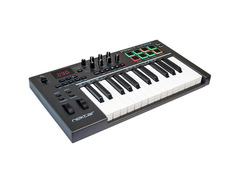
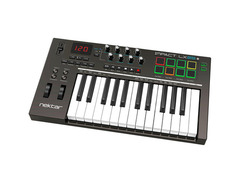
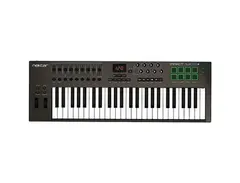
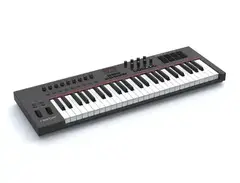
Compact yet mighty, the Nektar Impact LX25+ 25 Key USB MIDI Controller Keyboard is a versatile tool designed to enhance your music production workflow. Whether you're in a studio or on the go, this 25-note velocity-sensitive keyboard offers responsive synth-action keys that cater to both nuanced performances and high-energy beats. Navigating through your digital audio workstation (DAW) has never been more intuitive, thanks to Nektar's intelligent mapping technology, which seamlessly integrates with popular DAWs like Bitwig, Cubase, and Logic Pro.
The Impact LX25+ isn't just about keys; it puts a complete control surface at your fingertips. With 8 velocity-sensitive pads that boast a colorful LED illumination and the innovative "Pad Learn" feature, you can easily assign and recall your favorite sounds. The 30mm fader, 8 control pots, and full transport controls provide a tactile experience that empowers you to shape your music without ever touching your mouse. Plus, it includes the Bitwig 8-Track DAW software, offering a robust platform to kickstart your creative journey.
Ideal for musicians who crave precision and flexibility, the Impact LX25+ is a reliable companion for both live performances and studio sessions. Designed for plug-and-play ease, it connects via USB, making setup a breeze. Whether you're tweaking synth parameters or laying down a drum groove, the LX25+ delivers all the power and expressiveness you need to bring your musical ideas to life.
Key Features:
- 25-note velocity-sensitive synth-action keys
- Seamless DAW integration with popular software
- 8 velocity-sensitive pads with four-color LED illumination
- Intelligent mapping for hands-on control of your DAW
- Includes Bitwig 8-Track DAW software
- 30mm fader and 8 control pots for enhanced control
- Full transport controls for effortless navigation
- USB powered, ensuring easy setup and portability
Product specs
| Type | Keyboard Controller |
| Number of Keys | 25 |
| Type of Keys | Synth Action |
| Velocity Sensitive | Yes |
| Pads | 8 LED Backlit |
| Other Controllers | Pitchbend, Mod Wheel |
| Encoders/Pots | 8 |
| Faders | 1 |
| Dedicated Transport Control | Yes, full integration for major DAWs |
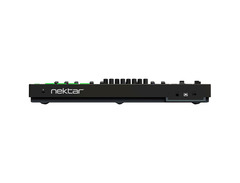
| Pedal Inputs | 1 x 1/4" (assignable) |
| MIDI I/O | USB |
| USB | 1 x Type B |
| Computer Connectivity | USB |
| Software | Bitwig 8-Track (VST plug-in compatible) |
| OS Requirements - Mac | OS X 10.7 or later, iOS (Apple Camera Connection kit required for iPad) |
| OS Requirements - PC | Windows 7 or later |
| Height | 2.75" |
| Width | 18.75" |
| Depth | 10.50" |
| Weight | 4.0 lbs. |
FAQs
-
Is the Nektar Impact LX25+ compatible with major DAWs like Ableton Live and Logic Pro?
-
Yes, the Nektar Impact LX25+ offers full integration with major DAWs including Ableton Live, Logic Pro, and others, allowing for seamless control of your software directly from the controller.
-
Does the Nektar Impact LX25+ MIDI controller require external power?
-
No, the Nektar Impact LX25+ is USB-powered, meaning it draws power directly from your computer, eliminating the need for an external power supply.
-
Are the keys on the Nektar Impact LX25+ velocity-sensitive?
-
Yes, the Nektar Impact LX25+ features velocity-sensitive keys, allowing for expressive playing dynamics based on how hard or softly you play.
-
How many pads does the Nektar Impact LX25+ have and are they backlit?
-
The Nektar Impact LX25+ is equipped with 8 LED backlit pads, which provide visual feedback and can be used for triggering samples or controlling other functions in your DAW.
-
Can I use the Nektar Impact LX25+ with an iPad?
-
Yes, the Nektar Impact LX25+ can be used with an iPad, but it requires an Apple Camera Connection kit for connectivity.
Videos

Quanta
Nektar LX25+ | Unboxing & Overview

Nektar LX25+ | Unboxing & Overview
Quanta

Nektar Impact LX25 Plus USB MIDI Controller Keyboard - Review & Demo

PMTVUK
Nektar Impact LX25+ Midi Controller Tutorial And Review

The Music Channel
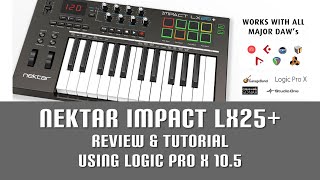
Nektar Impact LX25+ Review with Logic Pro X 10.5

David Thom Creations
Reviews
PROS
-
Plug-and-play with multiple DAWs, easy setup
-
Full-sized, velocity-sensitive keys and pads enhance playability
-
Pads have back-lighting for visual feedback
-
Includes Bitwig Studio, adding value
-
Responsive pots and controls for precise adjustments
-
Durable build quality, solid construction
-
Fully mapped controls for many DAWs, except Ableton Live
-
Undocumented functions offer unique integration possibilities
-
Affordable, offering great features for its price
-
Compact and portable, fitting well in small spaces
CONS
-
Some functions and controls may be overwhelming for novices
-
Lacks aftertouch, limiting expression capabilities
-
Limited octave range might restrict playability for some users
-
Documentation misses out on explaining all features
-
Ableton Live requires manual mapping
Owner Insights
We analyzed real musician discussions from forums and Reddit to find what players love, question, and tweak about Nektar Impact LX25+ 25 Key USB MIDI Controller Keyboard.
Features and functionality
-
Full-size keys are highlighted as a major advantage for pianists transitioning to synthesizers, offering a more familiar playing experience.
Source -
Pad Learn allows users to map keyboard sounds to pads, enhancing workflow for managing large or custom drum kits.
Source -
Includes a dedicated power switch, unlike the Alesis V25, which requires USB disconnection to power off.
Source -
Lack of a dedicated track arming button is noted, which may affect live recording workflows.
Source
Software and compatibility
-
Some users experience issues with the play and record buttons ceasing to control DAW functions, suggesting potential software integration problems.
Source -
Native Instruments users benefit from the LX25+'s eight knobs for improved software interaction.
Source -
The LX25+ is compatible with Linux systems if a USB MIDI driver package is installed, indicating potential for cross-platform use.
Source -
Nektar's support page offers comprehensive guides for integration, beneficial for beginners navigating setup and compatibility issues.
Source
User experience
-
It's noted that the keys on the Nektar can be somewhat noisy, which may affect the playing experience for some users.
Source
Comparisons
-
Compared to the Akai MPK mini, the Nektar offers more controls, appealing to users who need greater functionality in their MIDI controller.
Source -
Users find the Alesis V25 keybed superior in feel, but the Nektar LX25+ excels in control options and DAW integration.
Source -
A user switched from the LX25+ to the Arturia Minilab MKII, suggesting comparable functionality across different MIDI controllers.
Source
Critic Reviews
4.5 out of 5
Based on 2 Reviews and 6 Ratings
.jpg?v=1778815686)
282
IT'S PERFECT
For the price it has, it lacks nothing and has more than enough on all sides!
Super responsive pots and controls, sensitive pads and keys. And a full version of Bitwig Studio is included with your purchase.
This review has been translated automatically into English. See original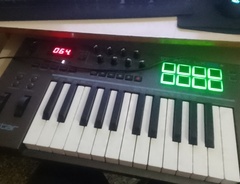

146
Really good
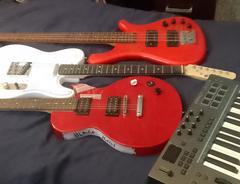
I guess I think this is my favorite midi-keyboard in the 100 euro price range.
The keys feel comfy, they are not minikeys but full sized (which is what I prefer) and it has tons of options and knobs. This board has an on/off switch.
Would buy again if ever needed.
Genre Usage
Based on how artists on Equipboard use this gear, it is most commonly found in the following genres.
Used With
Based on how musicians on Equipboard use Nektar Impact LX25+ 25 Key USB MIDI Controller Keyboard, it is most commonly used with the following gear.

-s.webp?v=1784964956)
Community setups
Show yours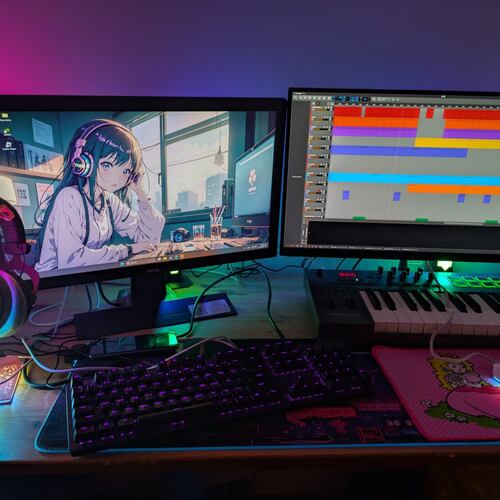
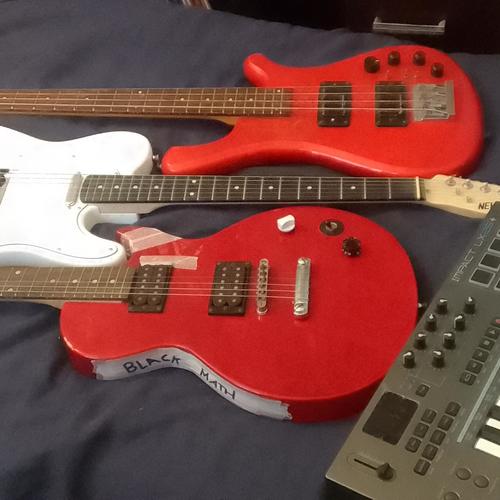
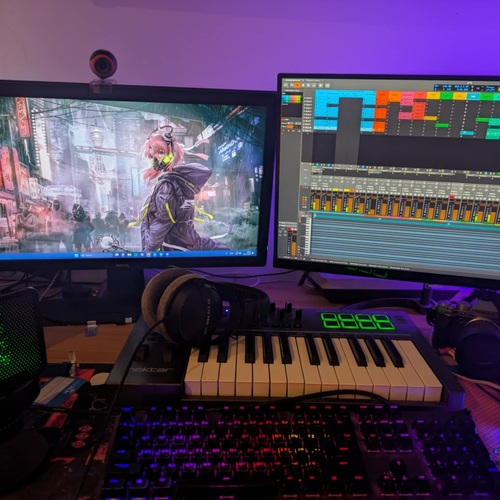
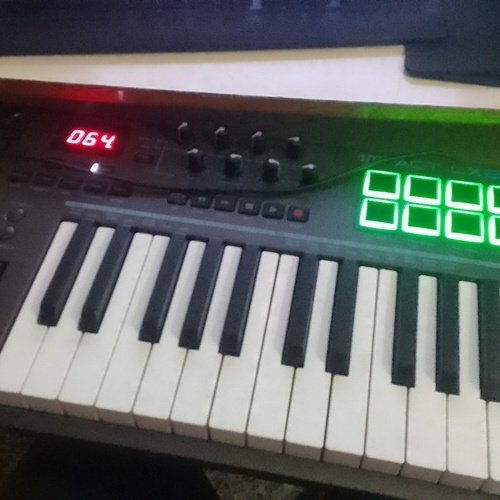
More Nektar MIDI Keyboard Controllers

$20.00 - $599.99
in MIDI Keyboard Controllers Rank


$80.00 - $109.99
in MIDI Keyboard Controllers Rank


$171.00 - $199.99
in MIDI Keyboard Controllers Rank

$5.00 - $499.99
in MIDI Keyboard Controllers Rank


$25.00 - $129.99
in MIDI Keyboard Controllers Rank


$5.00 - $299.99
in MIDI Keyboard Controllers Rank

$159.99 - $179.99


$30.00 - $189.99


$124.95 - $179.99


$89.60 - $99.99


$10.00 - $319.99


$136.00 - $189.99

$10.00 - $289.99


-m.webp?v=1784986159)


$248.00 - $279.99
in MIDI Keyboard Controllers Rank
-m.webp?v=1784991872)
$85.00 - $149.50
in MIDI Keyboard Controllers Rank


.jpeg?v=1784985816)

$165.00 - $712.00
in MIDI Keyboard Controllers Rank


$135.00 - $678.00
in MIDI Keyboard Controllers Rank


$32.66 - $59.00
in MIDI Keyboard Controllers Rank


$46.32
in MIDI Keyboard Controllers Rank


-m.webp?v=1784991654)
$398.88 - $469.00
in MIDI Keyboard Controllers Rank


$76.07 - $159.00
in MIDI Keyboard Controllers Rank


Accessories & Related Items
-s.webp?v=1784992234)




Artist usage


Similar


Gear Guides







Most Popular MIDI Keyboard Controllers
Most Popular Brands
-
Added to Equipboard on by
 hunhaarhufschmied
GearIQ 380
-


