

Pricing and availability
We compare 600+ stores and found this item at 8 stores. Prices updated .
Store
Reviews
Price









Price History
Based on price data from 5 merchants for "Korg nanoKONTROL2". Prices shown reflect NEW condition. Tracking began Apr 2, 2026.
* Product prices and availability are updated by Equipboard every 24hrs and are subject to change. Equipboard may receive compensation for purchases made at participating retailers linked on this site. This compensation does not affect what products or prices are displayed, or the order of prices listed. For more information, please refer to our affiliate disclosure.
Description
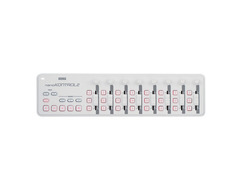
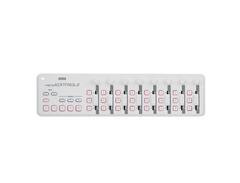
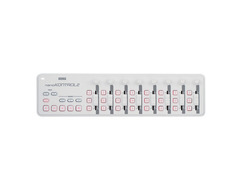
The Korg nanoKONTROL2 takes the power and convenience of the original and elevates it to new heights. Designed to fit ideally in front of your laptop, this compact controller provides eight channels of control, offering a seamless interaction with your music software.
The nanoKONTROL2's dedicated transport control section has been thoughtfully created to offer intuitive control. The buttons have been carefully selected for their relevance to your software, simplifying your workflow and reducing the need for complicated setup.
This DAW controller doesn't just stop at track navigation and adjustments. Each of the eight channels features a knob, fader, and three switches, respectively assigned to pan, volume, and solo/mute/record. This arrangement proves to be a real asset when recording automation for multiple channels.
For software synthesizer users, the nanoKONTROL2 shines with its easy control assignment. Whether you're tweaking the ADSR of an envelope generator or the filter's cutoff frequency and resonance, the faders and knobs offer immediate, hands-on control.
Despite its range of features, the nanoKONTROL2 maintains a clean, efficient workspace. A single USB cable provides both power and USB-MIDI data, keeping your setup uncluttered and focused.
Key Features:
- 8 channels of control for music software
- Dedicated transport control section
- Each channel has a knob, fader, and three switches for pan, volume, and solo/mute/record
- Marker button for efficient recording and song production
- Single USB cable for power and USB-MIDI data
- Supports major DAW programs, reducing the need for complicated setup
- Compact design ideal for use with a laptop computer
Owner's manual
Korg nanoKONTROL2 User ManualProduct specs
| Type | Software Controller |
| Faders | 8 x Touch-sensitive Faders |
| Transport Controls | Yes |
| Encoders/Pots | 8 x Rotary Encoders |
| Computer Connectivity | USB |
| USB | 1 x Type Mini-B |
| Software | Korg Kontrol Editor |
| OS Requirements - Mac | OS X 10.8.5 or later |
| OS Requirements - PC | Windows 7 SP1 or later |
| Power | Bus powered |
| Height | 1.18" |
| Width | 12.8" |
| Depth | 3.27" |
| Weight | 0.65 lbs. |
FAQs
-
Is the Korg nanoKONTROL2 compatible with major DAWs like Ableton Live and Logic Pro?
-
Yes, the Korg nanoKONTROL2 is compatible with major DAWs, including Ableton Live and Logic Pro, making it a versatile choice for music production.
-
What type of connectivity does the Korg nanoKONTROL2 use?
-
The Korg nanoKONTROL2 connects via USB, specifically using a USB Type Mini-B port, ensuring easy setup with your computer.
-
Does the Korg nanoKONTROL2 require an external power source?
-
No, the Korg nanoKONTROL2 is bus-powered, meaning it draws power directly from the USB connection to your computer.
-
How many faders and rotary encoders does the Korg nanoKONTROL2 have?
-
The Korg nanoKONTROL2 features 8 touch-sensitive faders and 8 rotary encoders, providing comprehensive control over your music software.
-
Can the Korg nanoKONTROL2 be used with both Mac and Windows systems?
-
Yes, the Korg nanoKONTROL2 is compatible with both Mac OS X 10.8.5 or later and Windows 7 SP1 or later, making it suitable for a wide range of setups.
-
What software can be used to customize the Korg nanoKONTROL2?
-
The Korg nanoKONTROL2 can be customized using the Korg Kontrol Editor software, allowing users to tailor the controller's functionality to their needs.
Videos

John Mike
This ONE Feature Makes This 🔥.. |Korg NanoKontrol Studio Review!|
This ONE Feature Makes This 🔥.. |Korg NanoKontrol Studio Review!|
John Mike
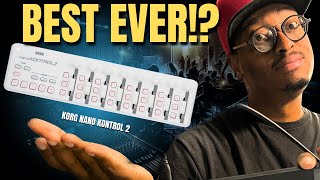
The Best Control Surface Ever? |Korg NanoKontrol 2 Review|
John Mike
BEST MIDI CONTROLLER UNDER $100 - Korg NanoKontrol 2 Review

Sunday Sounds
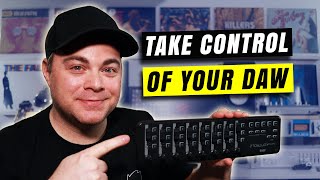
Korg NanoKontrol2 - Affordable Midi DAW Controller

Audio Tech TV
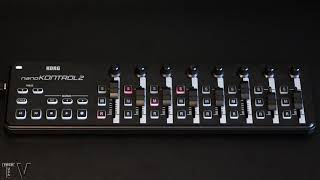
nanoKontrol 2 control surface review

TechTVusa
Korg nanoKONTROL 2 Jam: How to Write a Whole Song on this Affordable MIDI Controller

AudioHaze
Unboxing and how to setup the Korg NanoKontrol 2 in Logic Pro for full DAW and Midi CC Control

Martin Heidenreich Music
Budget Control Surface for DaVinci Resolve Audio // Korg Nanokontrol2

Patrick Stirling
NanoKontrol Studio VS NanoKontrol 2 VS the Platform M+ control surface review
TechTVusa
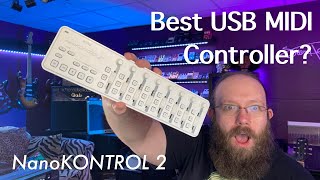
Korg NanoKONTROL 2 - the budget-friendly answer to simplifying your recording and mixing process

Joe Green
Reviews
PROS
-
Easy to assign knobs, faders, and buttons for versatile control
-
Compact size, ideal for mobile setups or limited spaces
-
Enhances DAW plugin parameter control, making adjustments more intuitive
-
Offers a more tactile and responsive experience compared to mouse adjustments
-
Comes with useful free software enhancing value
-
Compatible with multiple DAWs and plugins out of the box
-
Improves workflow efficiency by providing quick access to mix and transport controls
-
Affordable, offering good value for the price
-
Lightweight and portable, fits in a backpack easily
-
Includes a bundle of free VSTs, adding to its overall value
CONS
-
Faders and knobs can feel small and not very smooth
-
Some users report durability issues, including parts falling off
-
Initial setup and software integration can be confusing and time-consuming for some DAWs
-
Pan pots and fader lines calibration issues in certain DAWs
-
A few users experienced compatibility or interference issues with other USB devices
-
Construction is mostly plastic, which may not feel sturdy to all users
-
Fader caps prone to falling off, especially with frequent transportation
-
Requires specific driver installation and setup for optimal functionality
-
Calibration and physical layout issues can hinder precise control
-
Limited robustness for live performance settings
Owner Insights
We analyzed real musician discussions from forums and Reddit to find what players love, question, and tweak about Korg nanoKONTROL2.
Build quality
-
The faders on the nanoKONTROL2 can be knocked off if bumped, but are easily reattached, unlike the sturdier faders on the Launch Control XL.
Source
Features and functionality
Software and compatibility
Use cases and applications
Comparisons
-
The Launch Control XL's USB B port is preferred for its sturdiness over the nanoKONTROL2's USB Mini port.
Source
Setup and maintenance
-
To maintain consistent mixer control in Reason, lock the nanoKONTROL2 to the master bus channel and save this as a template for future projects.
Source -
Installing the nanoKONTROL2 as a new HUI surface control device resolves compatibility issues in Logic on macOS Ventura, though settings need reinstallation upon restarting Logic.
Source
4.0 out of 5
Based on 21 Reviews and 107 Ratings

210
Not the easiest thing to set up but it makes a tremendous improvement to your workflow.
It took a lot of searching online to find the proper drivers and more importantly, the initialization process in order to get this thing working as intended. That was a huge drawback but now that it's working with Ableton it makes things so much easier to deal with. Moving faders and knobs on screen is kind of a pain. The knobs, faders, and buttons makes the process much more natural and quick. Having transport controls, mute, arm, and solo buttons on the deck is a huge plus. It's small and light which makes it easy to transport. I dig it, a pain at first but it was worth the wait and work.
.png?v=1768759501)
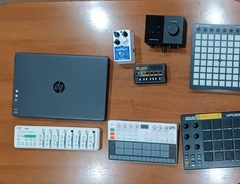
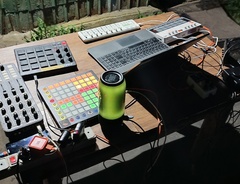
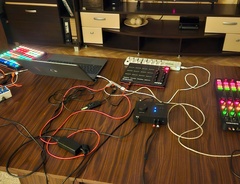

308
Hidden gem
Bought this a few years ago. Back then, I did not have as much MIDI equipment as I have now, but I believed that it was handy to have some external transport buttons and mixer options.
Boy, did I make a wrong decision. Turned out I never used it.
BUT.
I then got a Launchpad, because I was changing my workflow into live looping and performance/live mode. And then I realised the function and possibilities of this device.
I always take this with me, when I am mobile. Turning the launchpad in an instrument, and using the Korg to arm tracks and mixing volume, it's an excellent companion. ( I know, Launchpad arms tracks too, but having the Korg next to it, saves you from swapping pages on the launchpad. )
Downsides:
The knobs are not very sturdy. Some of them are very loose, and actually lost one fader knob already.

392
Amazing controller for modulation/expression etc
Only controller I could find with true faders that sink in in the middle at such portability and low cost. Ideal for sample library composers.
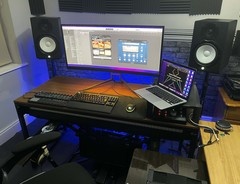

924
part of korgs disposable midi controller line
this thing works when u connect it to your daw etc as any blank midi surface would yada yada yada. the sliders are gonna fall off. That's the thing with this unit. all those pictures of pros using it you can see its missing sliders. That's because they're literally set into place. there's nothing holding them in place. i moved from texas to colorado and back and i have literally 2 sliders left and all my other gear is in fantastic like new condition. If only korg sold replacement sliders then maybe id be a bit more lenient but they dont at least last time i checked.

285
Another brick in my wall
I love to use it for automate on the go some fade ins/outs along my tracks, is so funny yot play with acid or cutoffed sounds and play with the sliders _^

184
Mine lost 5 from the 8 faders cap...
Korg created this for extreme mobility. But when you start to pack in and out frequently, it starts to drop its fader caps. So Korg pls!


Mapping
Does anyone know how to make the Korg Nanokontrol work with 3 Technics 1210 turntables via Traktor like Andy C? I have 3 decks but can't seem to get the controller to work properly. I can see Andy C has 3 banks lit up, I presume thats a bank to control each turntable??
Can anybody help?

Artist usage
Add artist

Kraftwerk uses the Korg nanoKONTROL2, as noted in a discussion on the Rammstein World forum, where it was mentioned as part of their third rig setup.

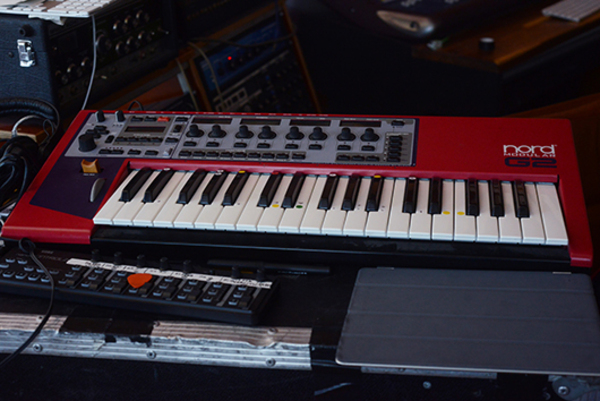
You can see the nanoKontrol in this picture from an interview with XLR8R.


confirmation at 0:33 https://www.youtube.com/watch?v=yK91vjg2Hsg


The item can be seen 1:58 into this video.


you can see him use two NanoKontrol several moments through the set, they're also in plain view for most of the time

seen in the top right corner at the start of this video
.jpg?v=1784574736)

In RA session he uses a Korg nanoKONTROL2. It is visible at 5:48.


Below the mixer a NanoKontrol2 is clearly visible, He uses this for track selection.

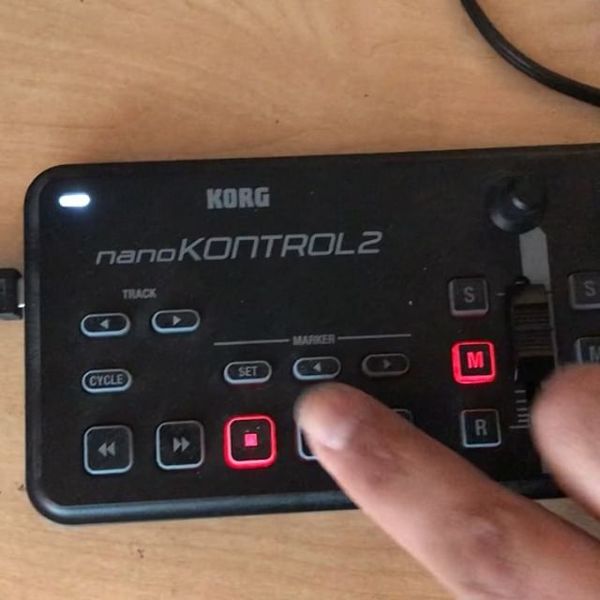


According to the official gear list on Darude's Website (Click on the studio tab), it says he owns a Korg Nano Kontrol.

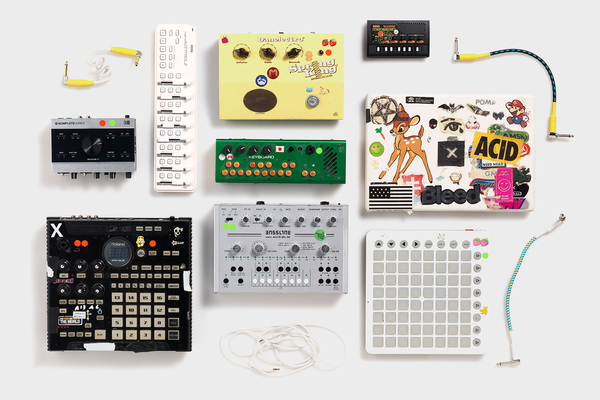
Mujuice is shown using the Korg nanoKONTROL2 in a user-uploaded photo from Rl0.


Album Usage
The Korg nanoKONTROL2 has been featured on the following albums:

Genre Usage
Based on how artists on Equipboard use this gear, it is most commonly found in the following genres.
Used With
Based on how musicians on Equipboard use Korg nanoKONTROL2, it is most commonly used with the following gear.


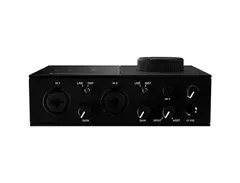
-s.webp?v=1784720181)


Community setups
Show yours




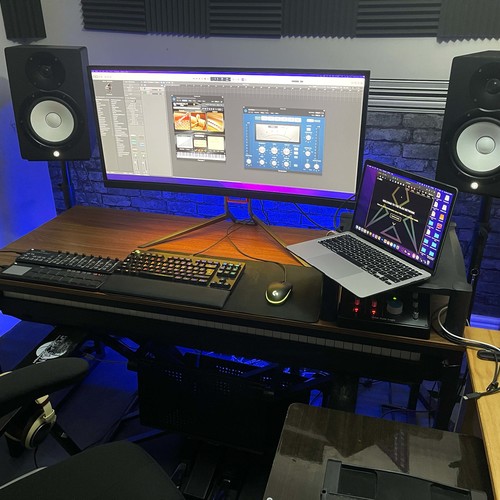

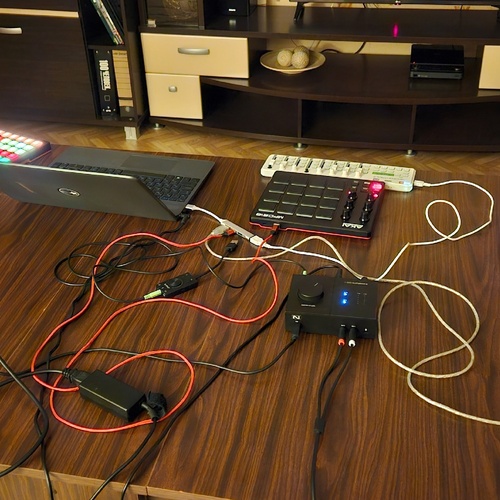
Similar
Add recommendation1 alternative for Korg nanoKONTROL2, curated by the Equipboard community.

More Korg DAW Controllers

$123.00 - $219.99
in DAW Controllers Rank


$133.00 - $240.00
in DAW Controllers Rank


$182.00 - $277.00
in DAW Controllers Rank


$249.00 - $499.00
in DAW Controllers Rank


$80.00
in DAW Controllers Rank


$33.99 - $209.99
in DAW Controllers Rank


$285.00 - $419.00
in DAW Controllers Rank


$182.73 - $599.99
in DAW Controllers Rank


$1,045.00 - $1,399.99
in DAW Controllers Rank


$76.40 - $109.00
in DAW Controllers Rank


$57.00 - $1,299.99
in DAW Controllers Rank


in DAW Controllers Rank


$74.00
in DAW Controllers Rank


$99.00 - $229.00
in DAW Controllers Rank


$699.99 - $839.99
in DAW Controllers Rank


$169.00 - $209.99
in DAW Controllers Rank


$229.89 - $524.99
in DAW Controllers Rank


$1,295.00 - $1,495.00
in DAW Controllers Rank


$995.00 - $1,195.00
in DAW Controllers Rank


$79.95 - $109.00
in DAW Controllers Rank


$122.00 - $189.00
in DAW Controllers Rank


$579.34 - $799.99
in DAW Controllers Rank

$161.03 - $349.99
in DAW Controllers Rank

$185.25
in DAW Controllers Rank

$120.00
in DAW Controllers Rank


$48.00 - $70.90
in DAW Controllers Rank


$1,191.76
in DAW Controllers Rank


$635.00 - $999.99
in DAW Controllers Rank


$333.00 - $399.99
in DAW Controllers Rank

$129.00 - $169.99
in DAW Controllers Rank

$995.00 - $1,195.00
in DAW Controllers Rank

$140.00
in DAW Controllers Rank


$544.00 - $699.99
in DAW Controllers Rank

$1,191.76
in DAW Controllers Rank


$199.00 - $409.00
in DAW Controllers Rank

$379.43 - $699.00
in DAW Controllers Rank

$249.00 - $469.90
in DAW Controllers Rank
Accessories & Related Items


Gear Guides







Most Popular DAW Controllers
Most Popular Brands
-
Added to Equipboard on by
 eoslinz
GearIQ 120
-


